I’m new to using Qsync. When I try to connect to my NAS, the login screen selection for NEXT is grayed out. I believe I have the correct NAS address and username but unable to select NEXT. Any ideas?
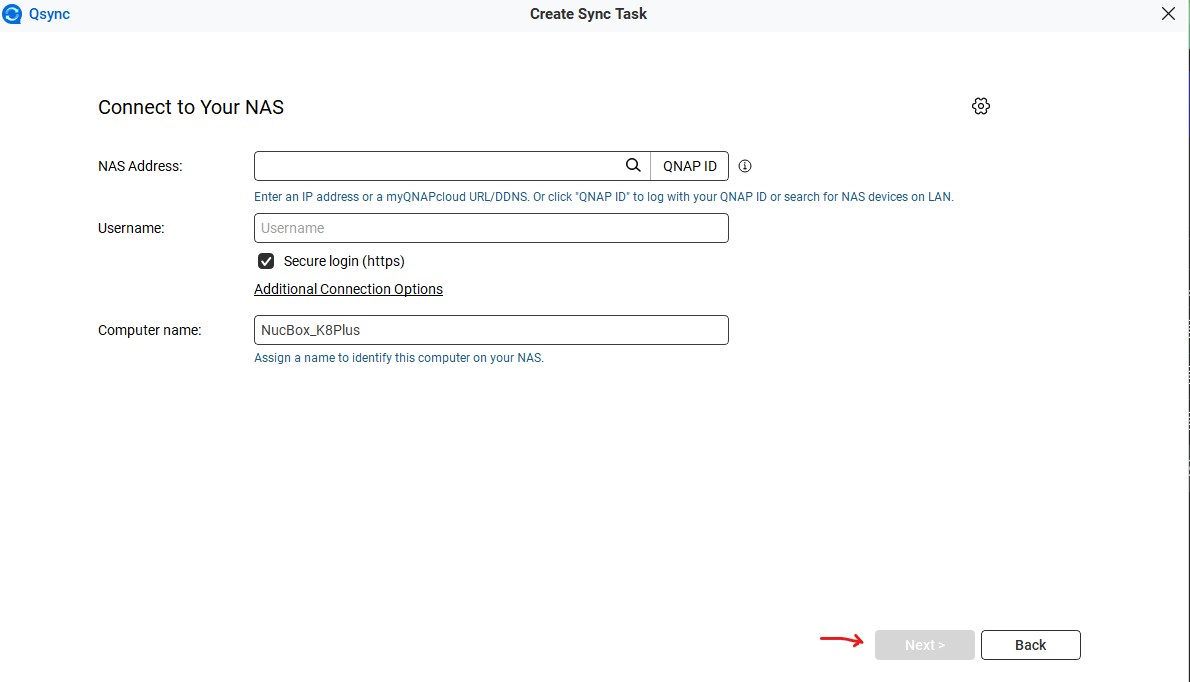
Well, your picture shows now NAS IP address and no username. So until those fields are filled out, it won’t work.
Also, you don’t need a secure connection over your LAN. Normal should be fine.
I purposely left those 2 entries blank to avoid revealing my login info for the forum ?
With those 2 entries filled in the NEXT is stilled grayed out. Same with secure login not selected.
OK. Then for some reason your NAS is not being seen at that address. Do you have Qsync Central installed on the NAS? This sets up user rights, etc. for connecting to the NAS and syncing.
Yes, QSync Central is installed
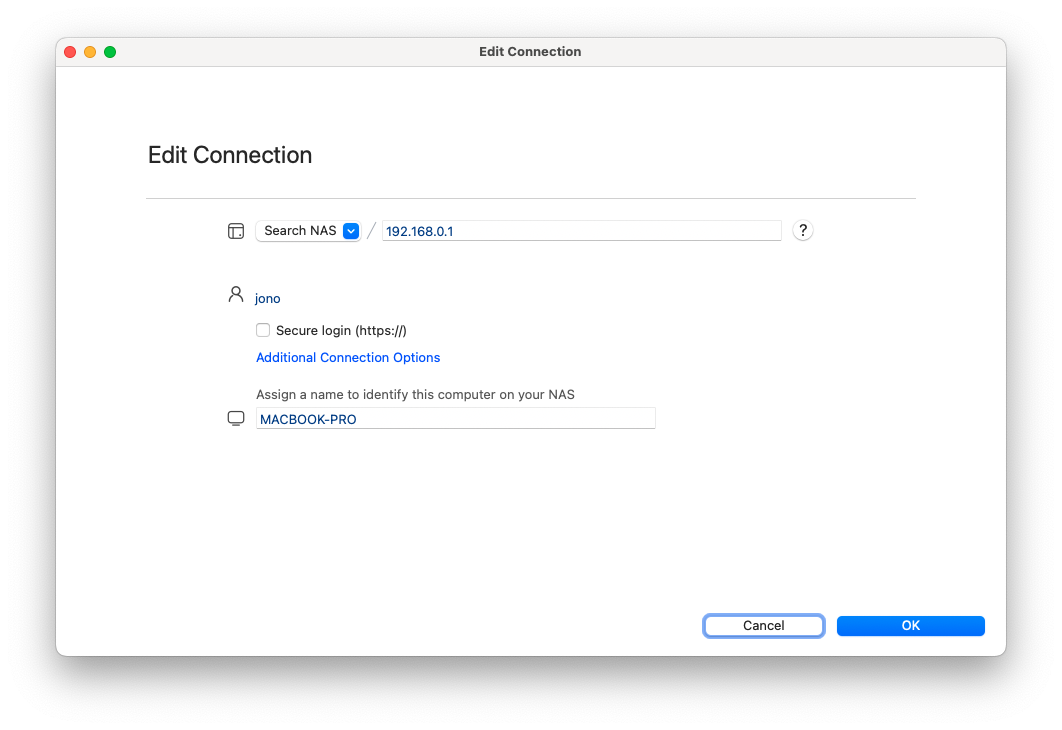
Regarding this issue, since it involves your personal information, we recommend opening a support ticket so we can assist you directly. Thanks!
After internal verification, we found that the issue is caused by the underscore “_” character in your computer name, which is currently not supported. We will work to either address this limitation or add a relevant notice in a future release. In the meantime, you can continue by renaming your computer to one without the “_” character. Thanks!