NAS Model: QNAP TVS-871 (8-bay)
Firmware: QTS 5.2.11
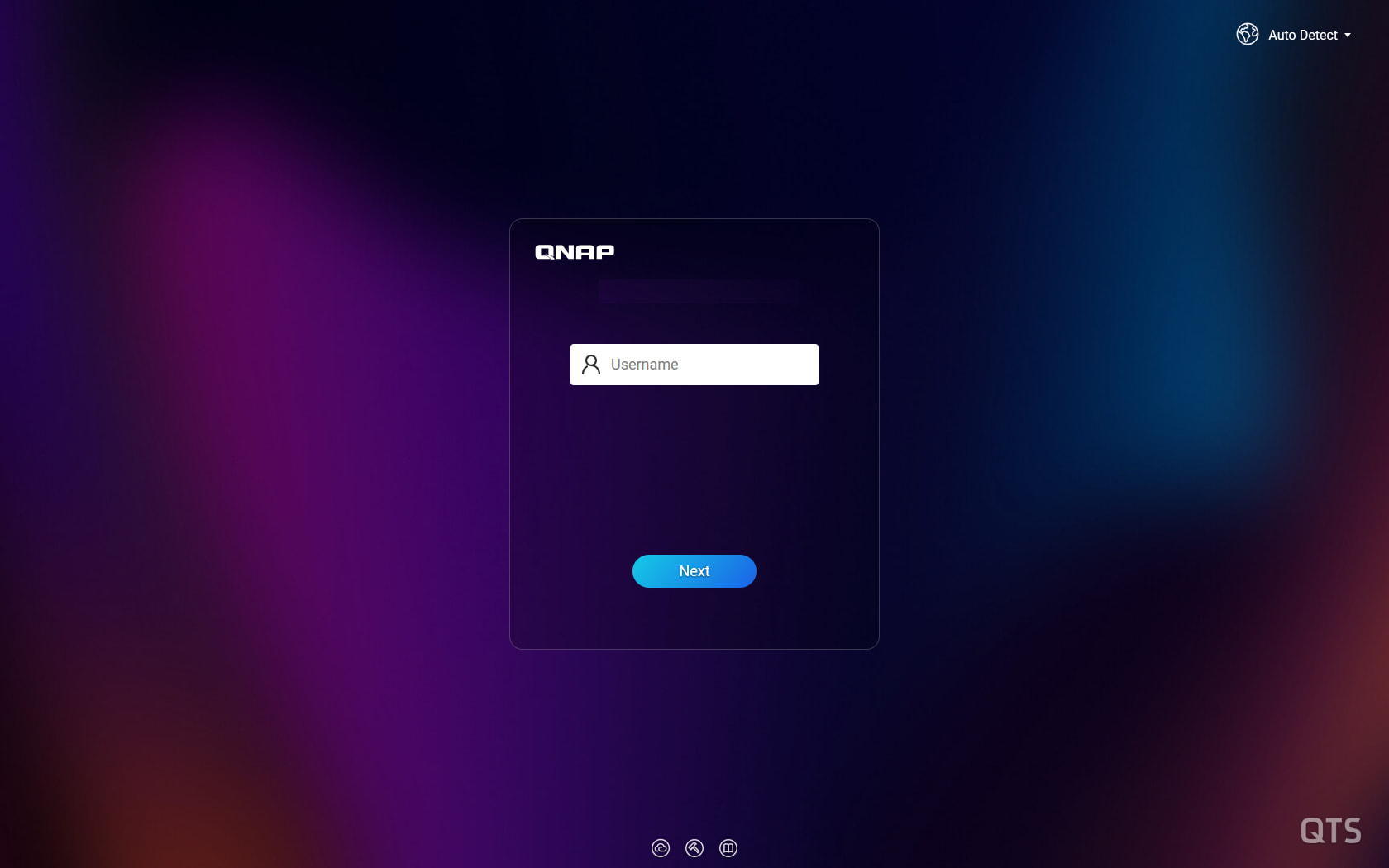
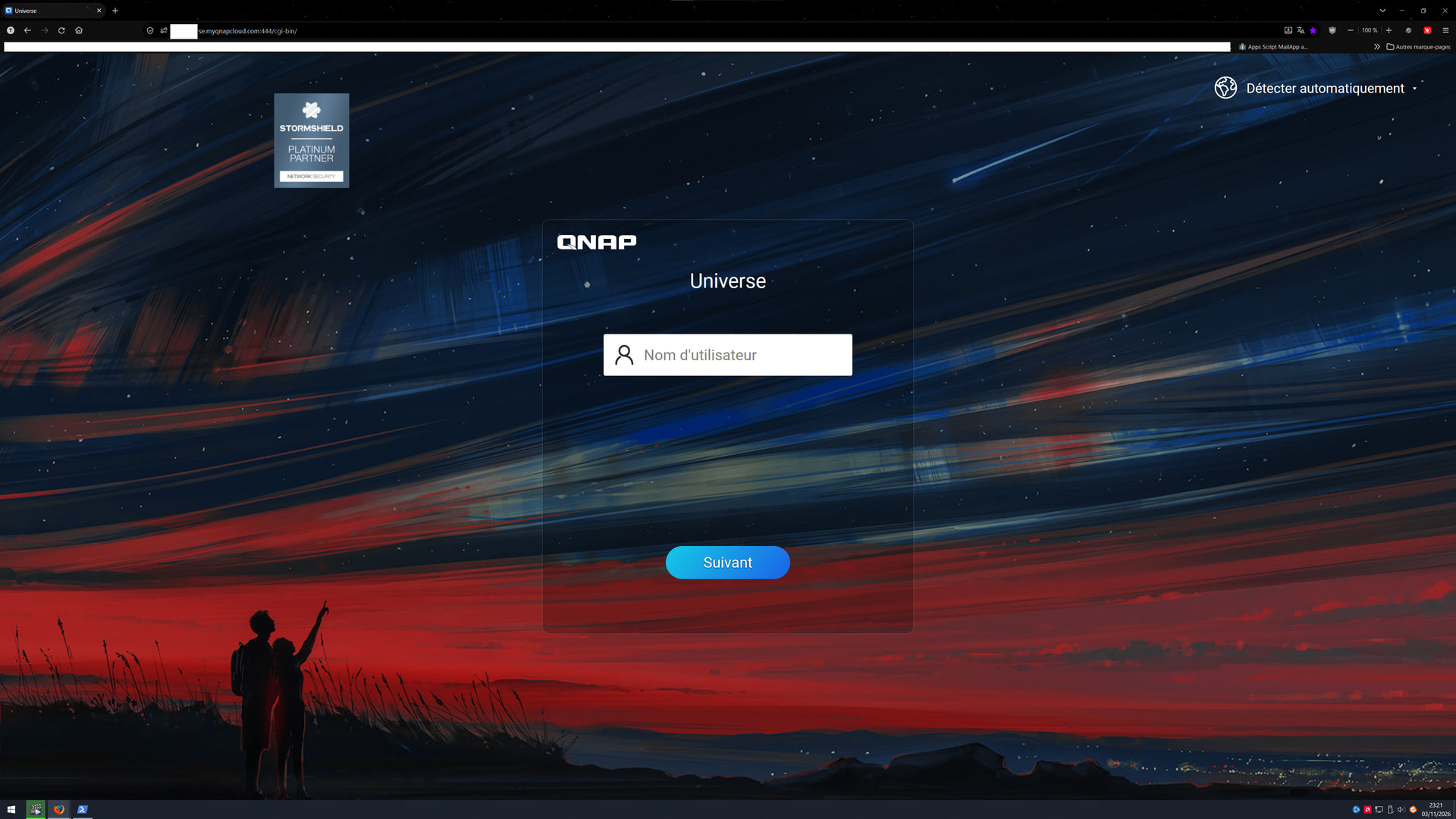
On my QNAP TVS-871 running QTS 5.2.11, the text “Version .” remained visible in the bottom-left corner of the login screen, even though the actual firmware version number was no longer displayed.
I wanted to completely remove this residual text.
After investigating the issue, I inspected the system configuration file /etc/config/uLinux.conf via SSH using the following command:
grep -inE 'login|version|firmware' /etc/config/uLinux.conf
I identified the following parameter on line 61:
showVersion = 1
This parameter was responsible for displaying the firmware version on the login screen.
After connecting via SSH and switching to the administrator account, I first created a backup of the original configuration file:
cp -a /etc/config/uLinux.conf /etc/config/uLinux.conf.bak
I then changed the parameter using this command:
sed -i 's/^showVersion = 1$/showVersion = 0/' /etc/config/uLinux.conf
I verified that the new value was correctly applied:
showVersion = 0
After performing a forced refresh of the login page using Ctrl + F5, the “Version .” text completely disappeared.
No NAS reboot was required. No impact on QTS functionality, services, RAID volumes or installed applications was observed.
A backup of the original configuration file was retained to allow restoration if necessary.
I’m sharing this solution in case it helps other QNAP users experiencing the same issue.