Dear Community Members,
We’re excited to announce that QTS 6.1 Public Beta (6.1.0.3640 build 20261007) is now available! This release makes everyday NAS management simpler, with a refreshed interface, a guided setup experience, and stronger login security.
What’s new in QTS 6.1
Refreshed interface
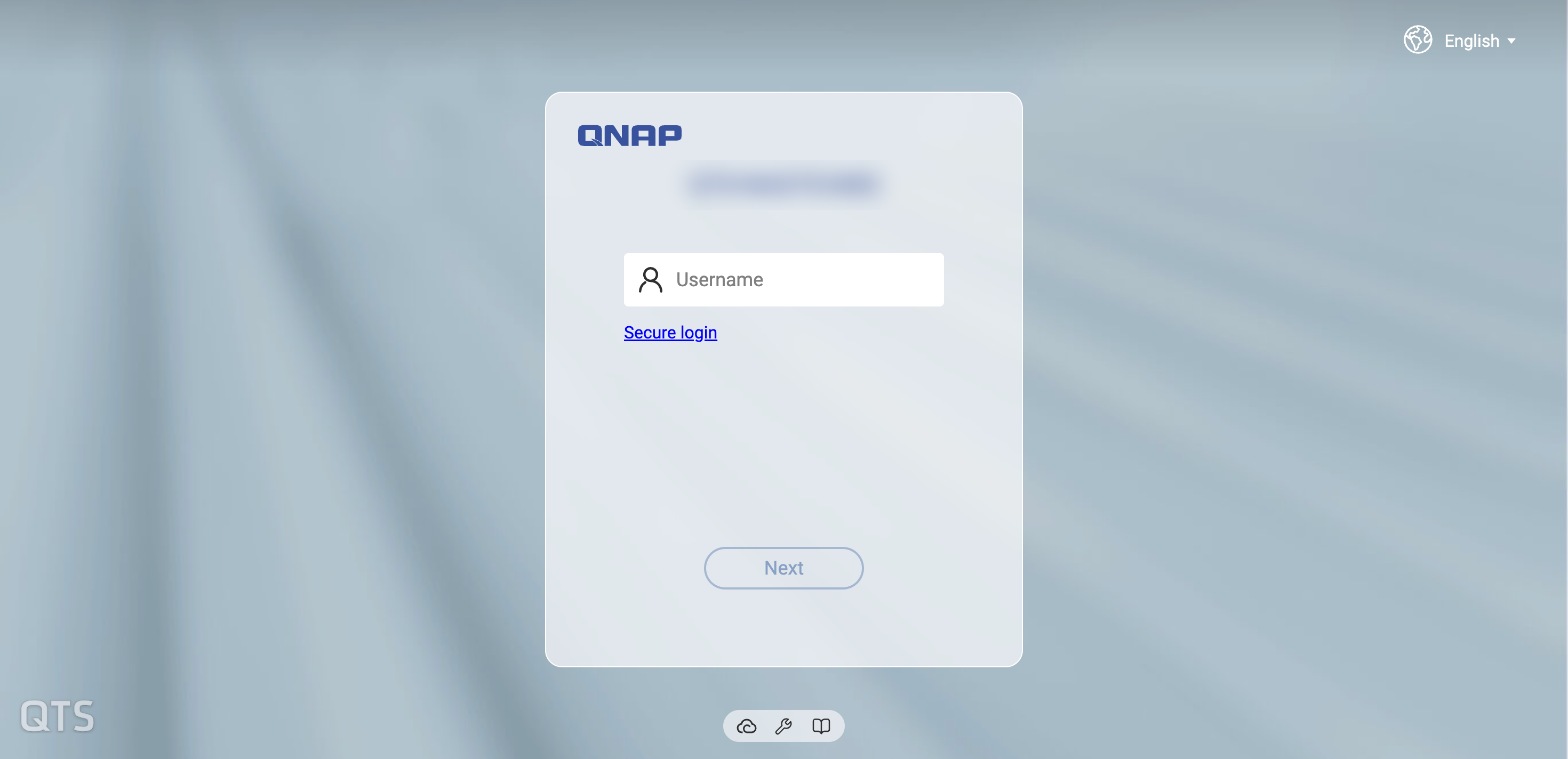
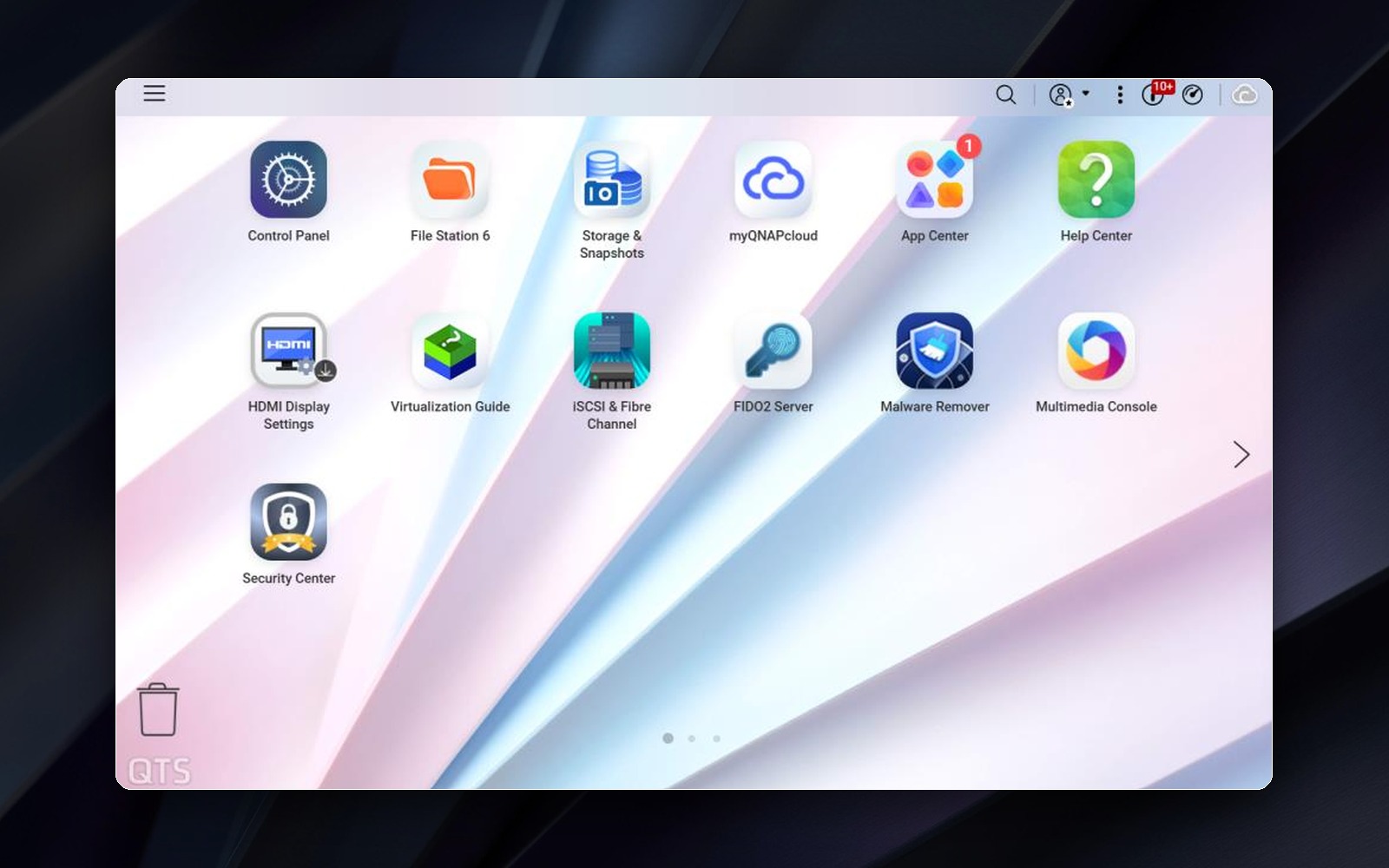
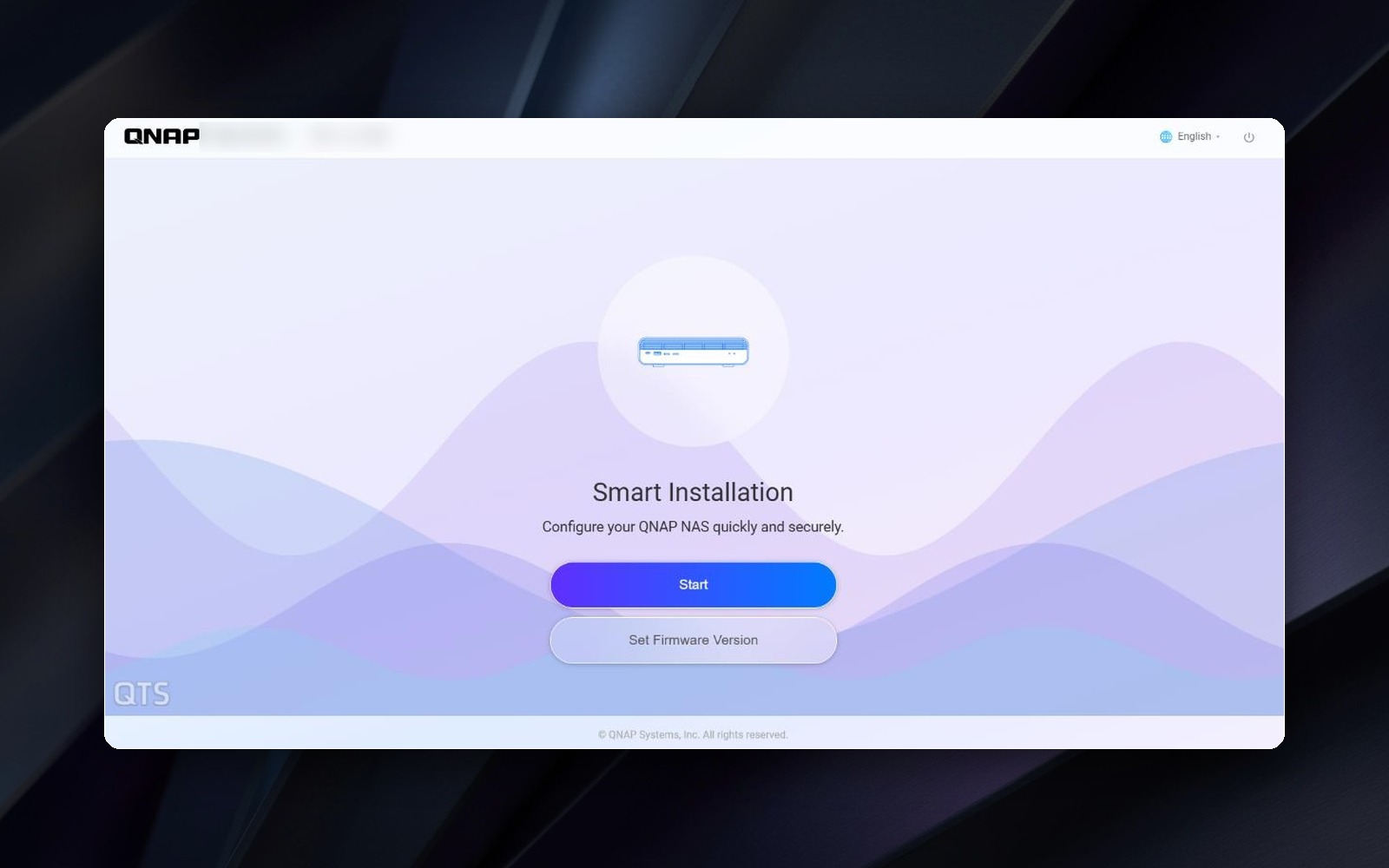
A cleaner, more modern look from the moment you sign in. The login screen, desktop menus, task bar, and dialogs have all been redesigned, and system initialization now guides you step by step.
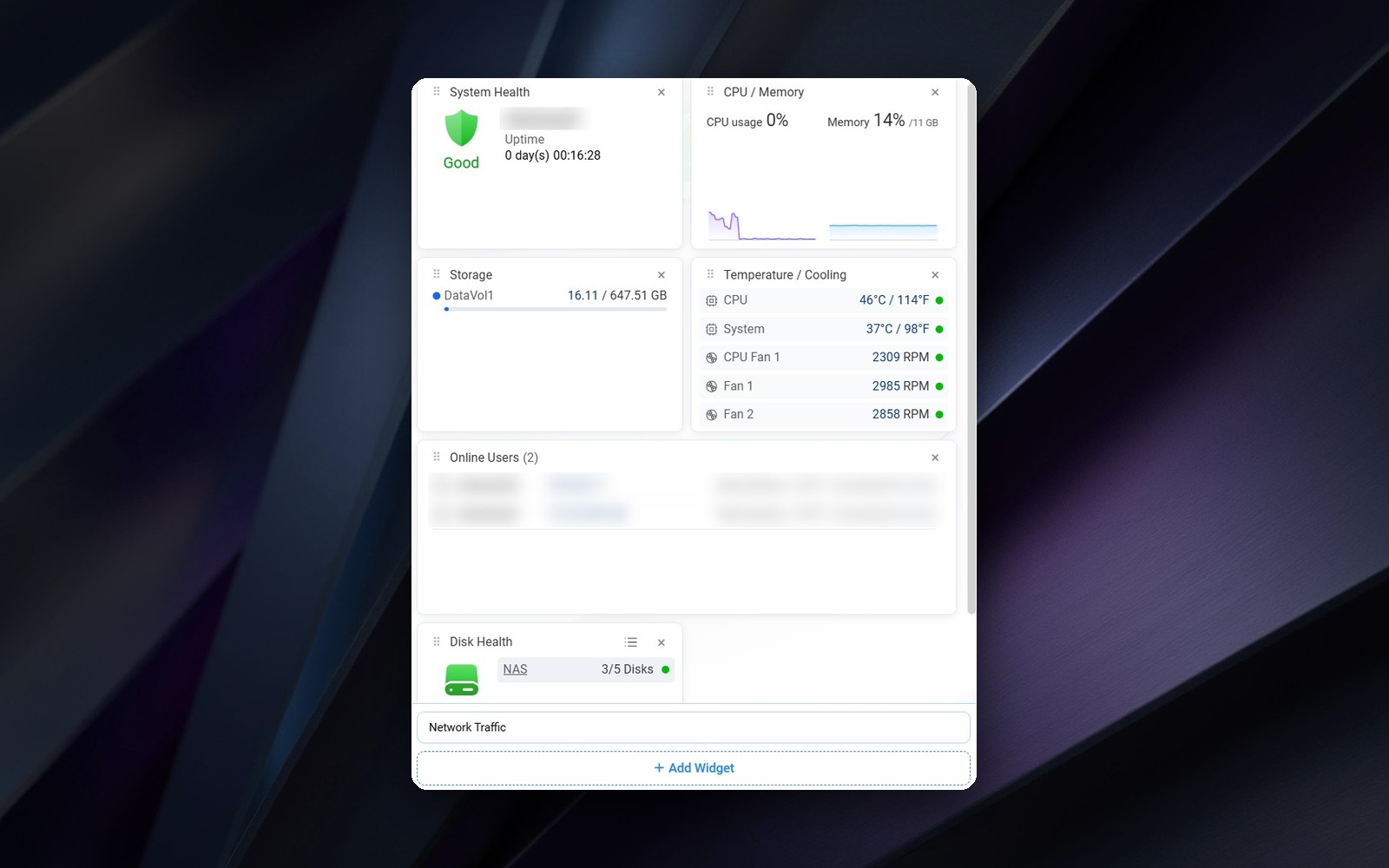
Customizable Dashboard
See system health, CPU and memory usage, storage capacity, and temperature at a glance. Add, remove, or resize cards to match your priorities, and your layout syncs across your computer and mobile devices with your QNAP account.
QNAP account login and Passkey
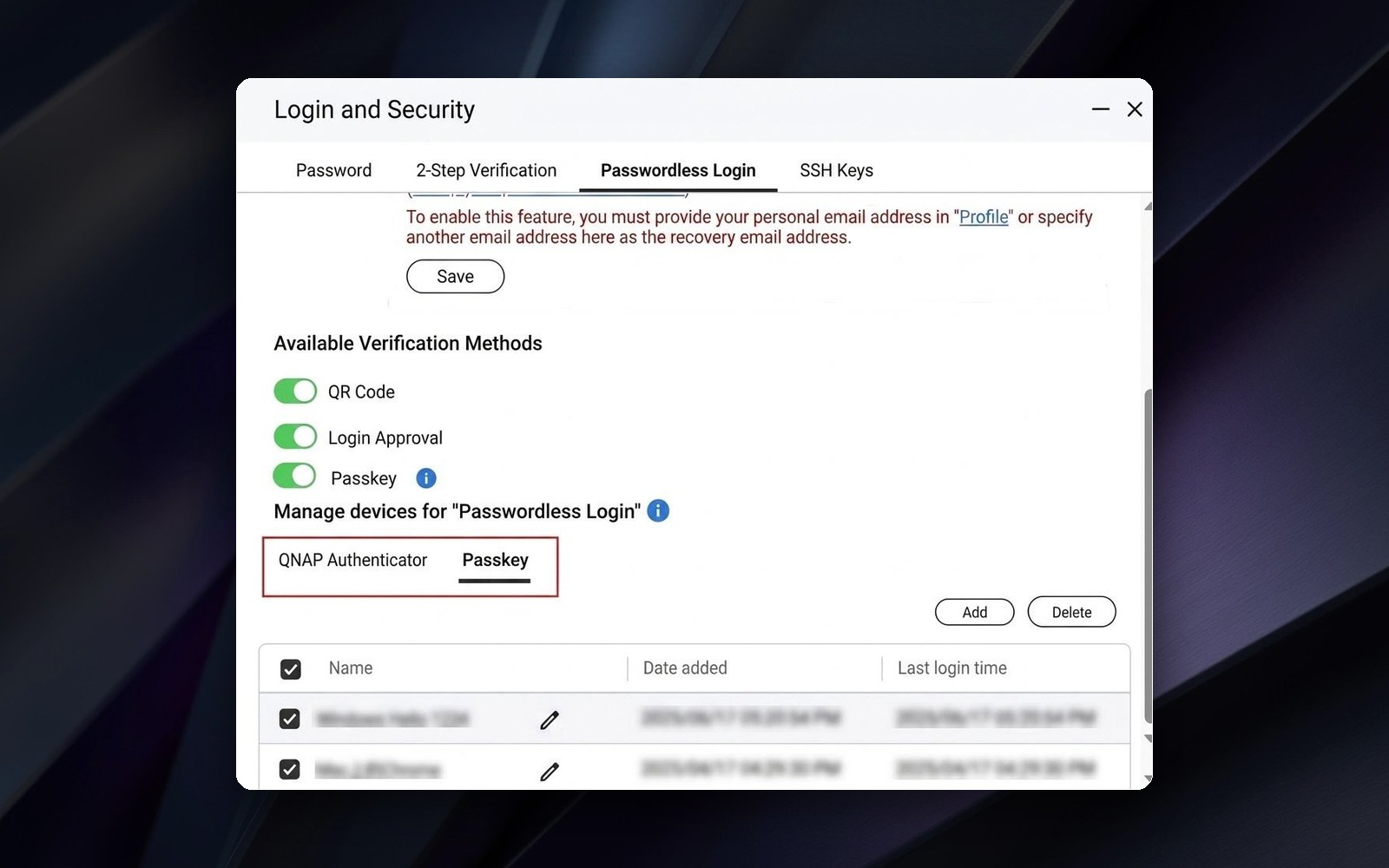
Link your NAS account to your QNAP account (formerly QNAP ID) and sign in directly. Passkey login with FIDO2 lets you use a security key such as YubiKey, or Windows Hello and Touch ID on your devices, instead of relying on a password alone.
Resumable Snapshot Replica
If a transfer is interrupted, it resumes from where it stopped instead of starting over, saving time and bandwidth.
Linux Kernel 6.6
Better stability under heavy workloads, stronger protection against modern threats, and broader hardware compatibility.
AI applications*
Choose to run AI models locally on your NAS or in the cloud with AI Service Center, find files by simply describing them in Qsirch, check system status by chatting with QuAgent, and get storage configuration suggestions from AI during initialization.
Intel® Arc™ Pro B70 support
On supported models, view the card’s model, temperature, utilization, and memory usage directly in Control Panel.
*Model and hardware requirements vary by application. Please refer to each application’s system requirements.
More improvements worth trying
- A fully redesigned App Center
- A new Feature Tour that replaces the Quick Start page
- An option to turn off password login and use passwordless sign in only
- A single notification icon on the task bar
- Customizable MAC addresses in Network & Virtual Switch
For the complete list, see the release notes:
QTS 6.1 overview
QTS 6.1.0.3640 Public Beta
Before you install
- Check that your NAS is listed under Applicable Models in the release notes.
- QTS 6.1 Public Beta currently supports a specific set of applications. See the supported app list.
- Read the Important Notes in the release notes, back up your data, and avoid installing the beta on systems used in production.
How to download
- Go to the QNAP Download Center and select your NAS model.
- Under Operating System, click All operating system versions.
- Find the entry with version 6.1.0.3640 (Public Beta) Build 20261007 and click Download.
Share your feedback
Please share your bug reports, technical questions, usage feedback, and feature suggestions by replying to this topic, or start a new topic in the Firmware category with the qts tag.
When reporting an issue, it helps a lot if you include your NAS model, firmware build number, the steps to reproduce, and screenshots.
Your feedback directly shapes the final release. Let’s make QTS 6.1 better together!