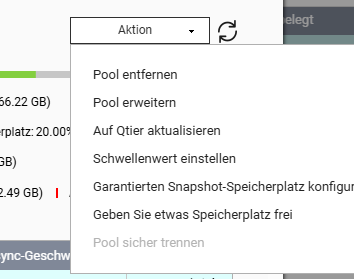
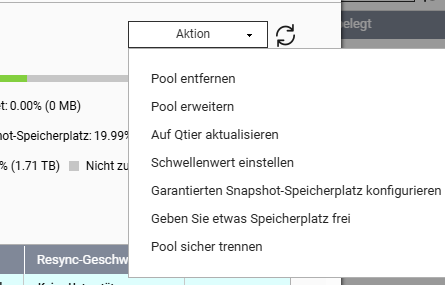
I am running a TS-832X. I have a large RAID 5, which also has the QTS system installed on it.
However, I want to move the QTS system to the expansion card with the SSDs.
Could I remove all the hard drives and leave only the SSDs, reinitialize the system, and then add the RAID 5 drives (7 pieces) back in the correct order to import the RAID 5 afterwards?
No, QTS is automatically installed on ALL internal drives. (also retroactively)
You have to manually remove the disks from the respective mdRAIDs to keep QTS only on certain drives. (This can go wrong and may need to be repeated manually after firmware updates)
thanks for your reply.
It’s clear that QTS is installed on ALL internal drives or storage pools. But in this context, there is a master storage pool from which, for example, I can’t migrate important apps away. So, almost all apps remain on the (slow) storage pool where the system was initially set up. I was able to reproduce this on the other Qnap NAS and work around it by reinitializing.
I would also like to have the small, fast SSDs on the 832 NAS, so I can take the “activity” away from the large, slow storage pool.
Unfortunately, you can only change this afterwards by destroying the old system pool (especially the system volume on QTS). (However, the system volume has nothing to do with the OS)
So, delete the HDD pool, create the system pool anew on SSD, then create a new HDD pool (+volume) and restore the data from the backup.