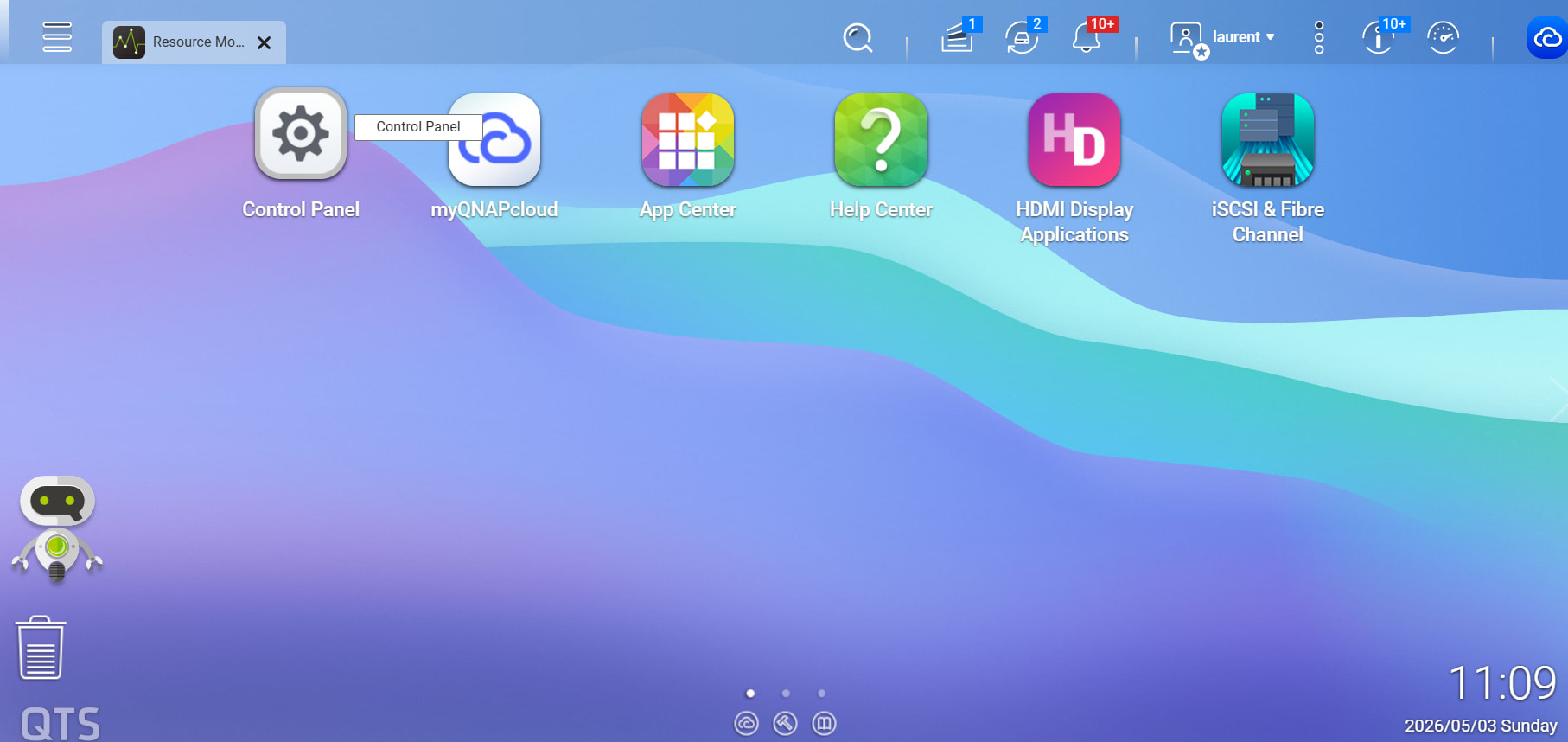
In QTS interface, with have the possibility to personalize the interface by user (grouping items, have more or less items on the desktop and so on). It’s a good thing but sometime after a power outage or a firmaware upgrade the desktop configuration of the user is loss and we need to recreate it. An idea will be to backup all users desktop configuration when backuping the NAS configuration and to be able to restore only the desktop for one or multiple users without restoring the entire NAS configuration.
Another thing i’d like to find as native in the interface is a ssh client that allow to access the NAS in ssh when we are connected to the NAS using my Qnap Cloud, this can allow to not expose directly SSH on QNAP cloud but accessing the NAS in SSH after login to QTS web interface with 2FA authentication.
@Dolbyman thank’s i know that but unfotunately for the moment no UPS at all. and the problem with the desktop is not only when power outage. But you’re right for UPS.
Regarding the idea of backing up and restoring user desktop settings, we understand your request and appreciate you sharing this observation from your usage experience.
For the SSH-related requirement you mentioned, we would like to better understand your actual use case. For example, what kind of administration or maintenance tasks would you usually like to perform via SSH? In what situations would you need to connect to the NAS in this way?
Since SSH provides high-level system access and may involve security risks, it is important to better understand the actual usage scenario and requirements carefully when discussing this type of functionality.
If you are able to provide more details, it would help us better understand your request.
Hello Lucas appreciate your response for the backup and restore of the user desktop. For SSH use, some time we need it to achieve some task with ssh. an example, after deploying a QPKG for remote control of PC I realize that i made a configuration mistake and that i need to connect with ssh to be able to kill the process manually. An other example is to change some rights or user on directory that are not directly accessible by Web interface or edit some specific configuration file that are only accessible by using vi. so when i’m not at home it could be interesting to have this functionallity in QTS interface passing through Qnap Cloud and not to have to expose ssh directly on internet. For sure with like other admin application with very few user to be able to use it (in my case only me as the other users are just using multimedia functionnality).
I know the risk of manipulating the Os or QPKG configuration directly but in some case we don’t have the choice.
Have you checked out if AMIZ cloud would work for you? You can do quite a few things there like stop or start apps/process, upgrade apps, etc. QNAP keeps adding more and more functions to it…
Hello NA9D, i will take a look on that. I use AMIZ Cloud but honestly i haven’t really check all the functionality like stoping a QPKG. I need to check that as soon as possible (when all my network will be Ok after adding the router as i change all internal addressing).
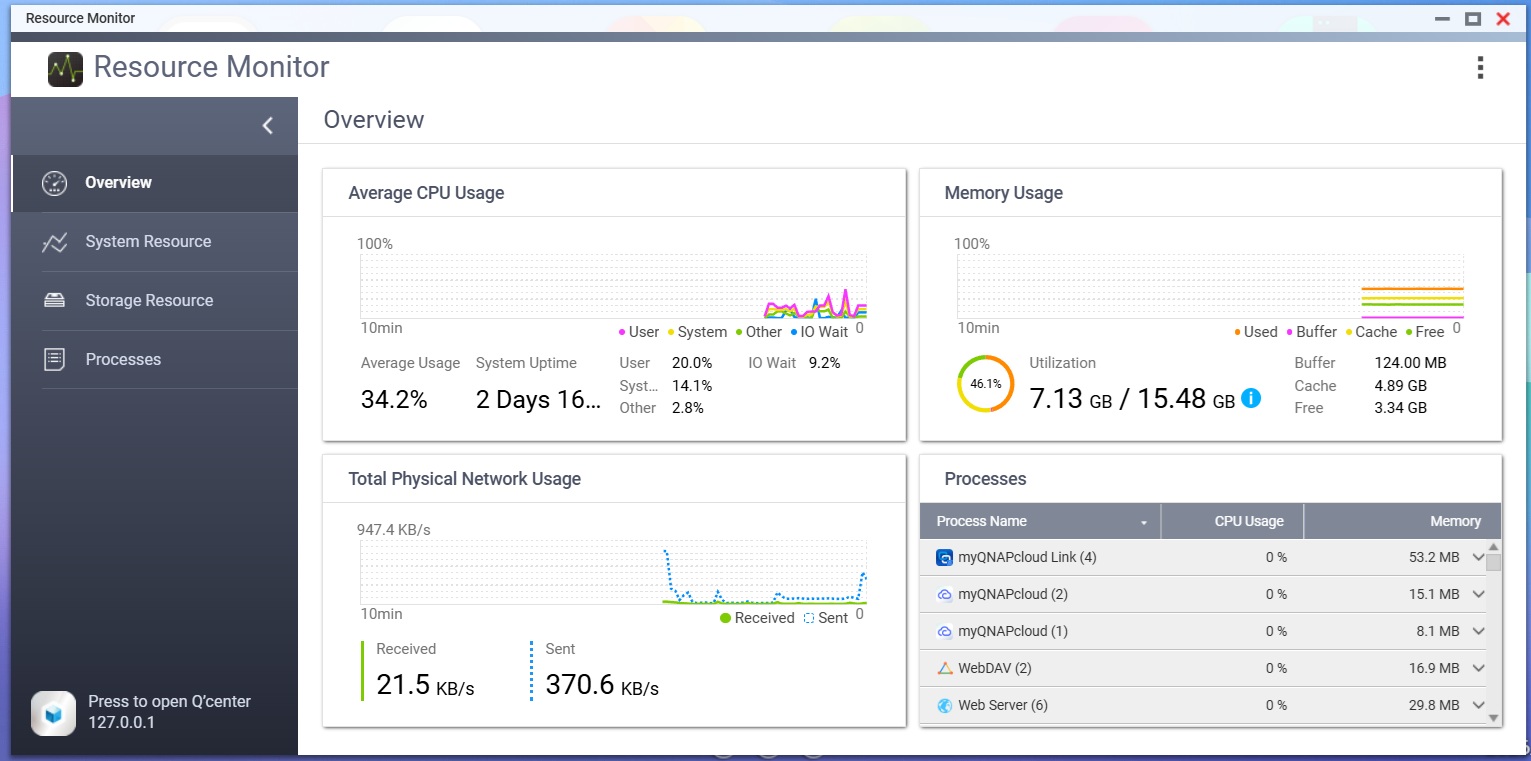
I add a screenshot for the problem of the Desktop. The NAS is up and running for more than 2 days (yes i do not reboot it ). The desktop was full organize like i want yesterday late in the evening and this morning loging back on the NAS and see the desktop today. My organozation is to group features in “Folder” Backup tools in the same group Multimedia in an other one and so on. I think that i’m facing something strange with this type of organization. I’am the only one ?
 ). The desktop was full organize like i want yesterday late in the evening and this morning loging back on the NAS and see the desktop today. My organozation is to group features in “Folder” Backup tools in the same group Multimedia in an other one and so on. I think that i’m facing something strange with this type of organization. I’am the only one ?