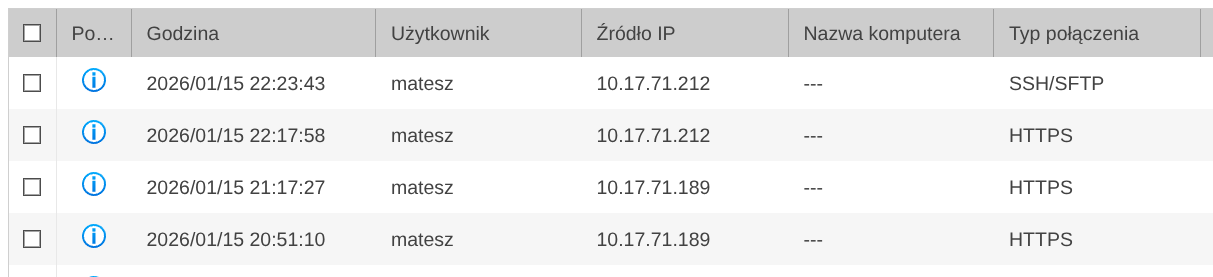
I have TS-233 nas with 2x4tb ssd.
I use mainly qsync for uploading photos from iPhone, Plex for media and ocasionally SMB into it to do some manual file actions.
I have noticed that NAS literally never goes into suspend mode. I mean NEVER.
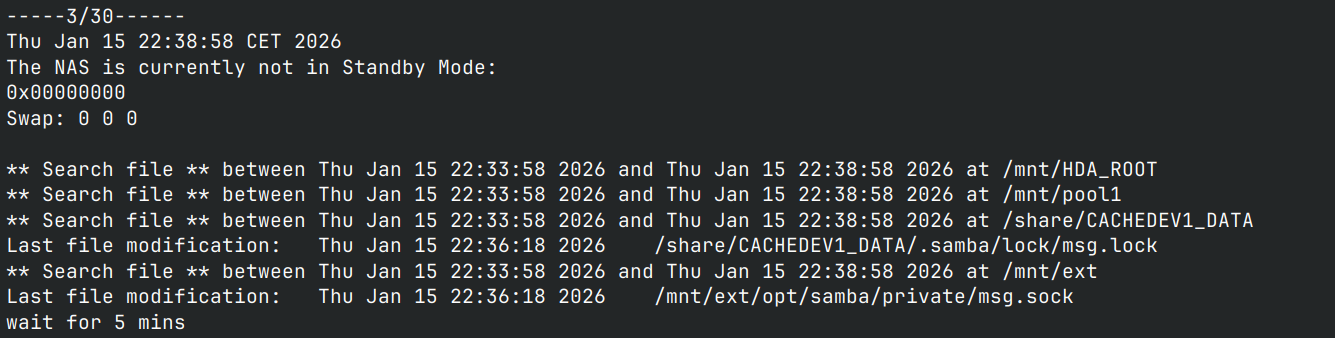
I’ve started sniffing around, used debug tool (via ssh) and found out that i have to turn off Plex, qsync central AND smb in order for it to go to suspend.
The issue is that if i do this, i might aswell turn the NAS off as it’s no longer useful in any form.
My question is:
Do i really have to turn everything off in order to use suspend?
Is suspend really that useless, or do i do something wrong?
Certain apps will absolutely interfere with Suspend. In another thread, a user found that turning off the AmizCloud service.
Certain things like Qsync would require the NAS to stay active since it never knows when a desktop client would need to transfer files. Same thing with the AMIZ Cloud agent.
You can refer to this FAQ to identify which application is preventing your device from entering sleep mode. Once identified, we may be able to help you set up a schedule to automatically stop and start that specific application. By disabling it during certain periods, your hard drives should be able to hibernate successfully. Thank you!
Hello, we would like to follow up and ask: Does the issue you reported earlier still persist? If you are still experiencing this problem, please feel free to open a support ticket via our official service portal.