Hi, friends! NAS model D2 with QTS 5.2.10.3577 Build 20260731. I accidentally discovered that my configured QuFirewall has somehow started allowing connections from unauthorized IP addresses. For a long time, everything worked fine; it allowed access to the web panel only from the addresses listed in the firewall. The settings haven’t been changed. Restarting the NAS and the firewall service doesn’t help. What do you think is the reason for this?
Not sure what you mean, you never ever ever forward ports to your QTS interface no matter what
Hi, dolbyman. Let me try to clarify; maybe I didn’t describe the problem clearly. The firewall was configured so that I could access the admin panel only via the internal network 192.168… and via an external IP (for example, 88.99.22.33). But something apparently updated, and now it allows access to the admin panel from any external IP addresses.
And by the way, I get warning in QuLog: “[QVPN Service] Failed to add “OpenVPN” to the QuFirewall allow rule.” Perhaps this is somehow related? Let me repeat, I didn’t change any settings, and until recently, everything was working properly.
Exactly my point, you never ever ever expose any QNAP port to WAN, no matter if you have QuFirewall on or not (then QuFirewall craps out like that and your QTS interface gets hacked and compromised).
If you need to access your NAS from WAN use a VPN (server on router or dedicated appliance) an app like tailscale is also an option
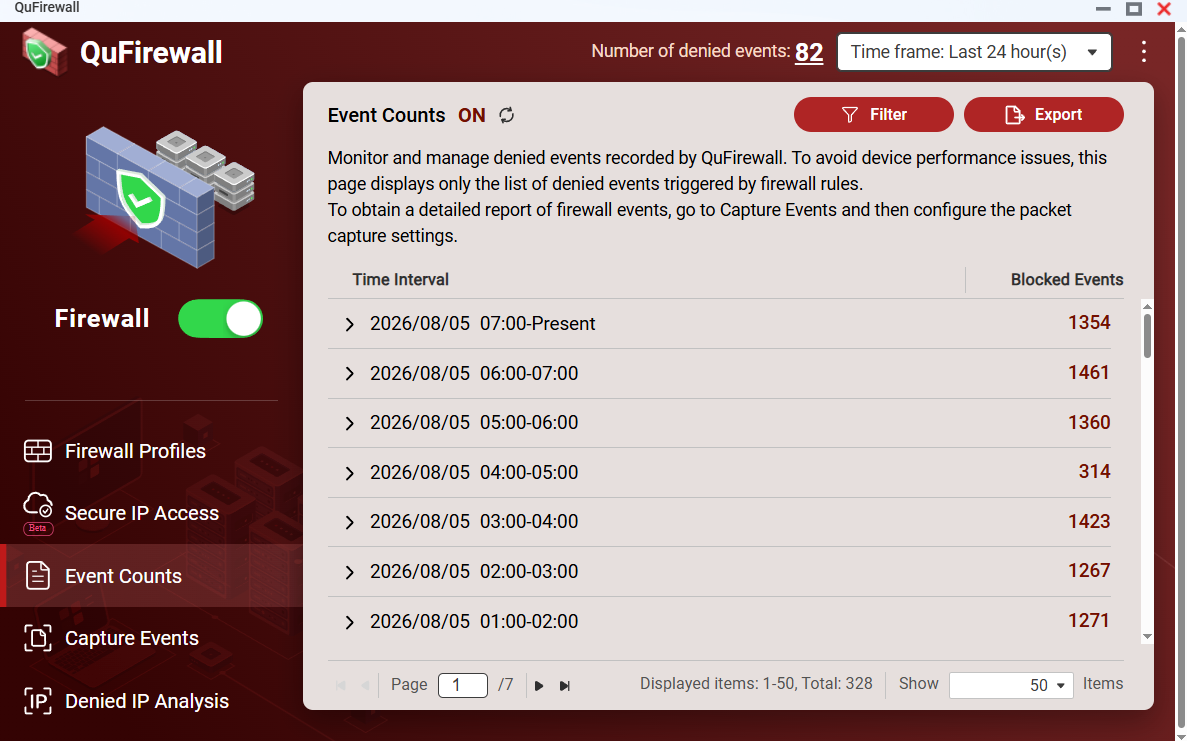
I don’t understand why it stopped processing events. Even though it’s turned on.
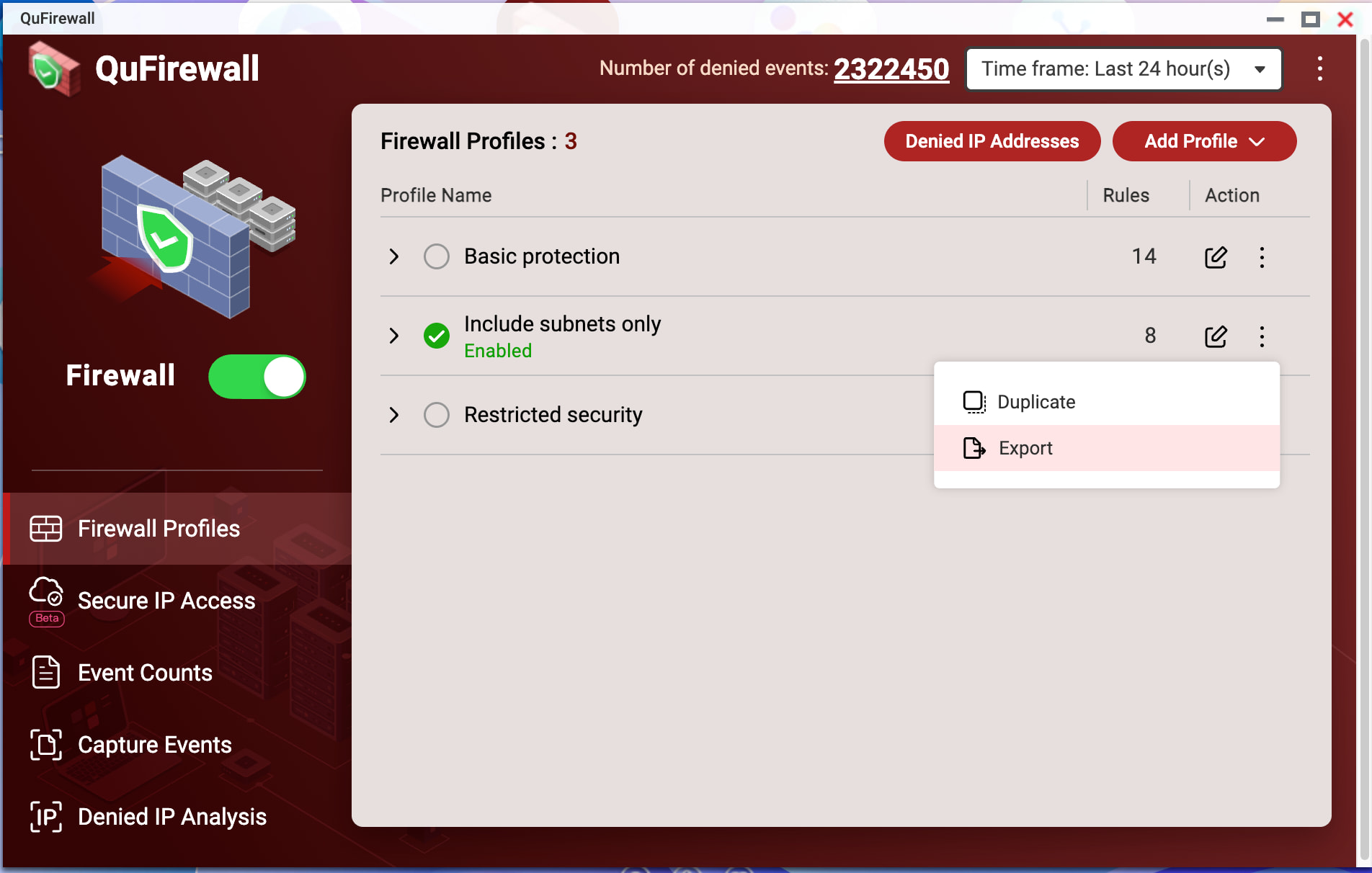
Hi Nikolaich,
Thanks for the config file. We noticed the final “Deny All” rule (id 41 / id 43) may have an unusual port field format, which could be why it’s not blocking external IPs as expected.
Could you try this:
- Delete the existing “Deny All” rule at the bottom of the list.
- Create a new “Deny All” rule via the UI, placed at the very bottom (after all Allow rules).
- Save and test if the issue is resolved.
Let us know how it goes!
Hi, CY1. I did it, but everything is still the same. I’m attaching the fresh configuration file after the changes.
Same thing happened to me after QuFirewall updated from 2.5 to 2.6 or whatever that really bad version update was. Thankfully Qnap reinstated 2.5 for us unfortunates to install again and the problem went away.
So check which version you’ve got installed. It may well have updated like it did with me, and I had assumed (trusted) all was good with 2.6, which it most certainly wasn’t.
Thanks. By the way, my version is 2.6.0.0875 
If you haven’t already, go to the apps and download the previous version (v2.5) and install that and your firewall problem should be resolved.
It’s quite bizarre that no one previously had inquired to what version Firewall you had running and instead getting you to do other things.
NotIfICan, thanks a lot!  Rolling back to v2.5 helped to solve the problem.
I noticed another feature in QuFirewall. On CY1’s advice, I recreated the blocking rule in the IPV4 Rules section. This didn’t help. I decided to do the same in the IPV6 Rules section. I deleted the rule and recreated it, and I noticed that in IPV4 Rules the number became 12 instead of 11. It turned out that when I created a blocking rule in IPV6 Rules, another blocking rule was automatically created in IPV4. And most importantly, it took precedence over all permissive rules. It’s a good thing I noticed this and didn’t save the changes, otherwise it would have been very, very unpleasant. This is relevant for both versions of QuFirewall.
Thanks for the report! We’ll look into the behavior you described.