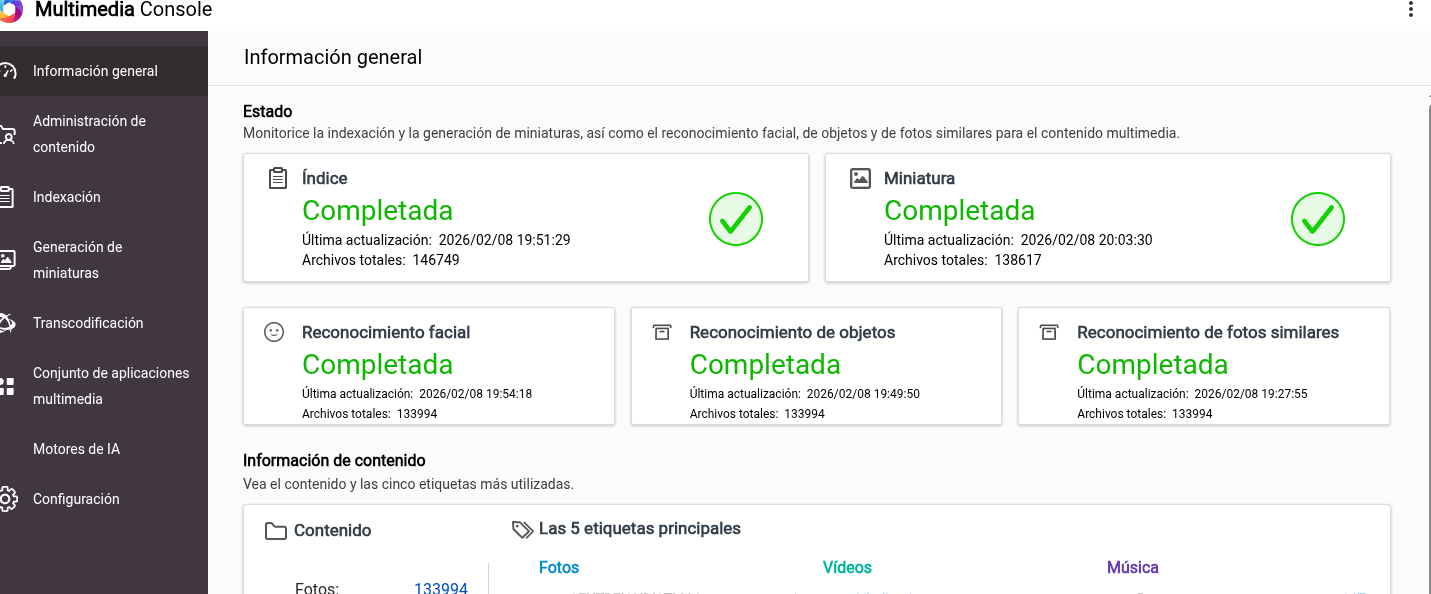
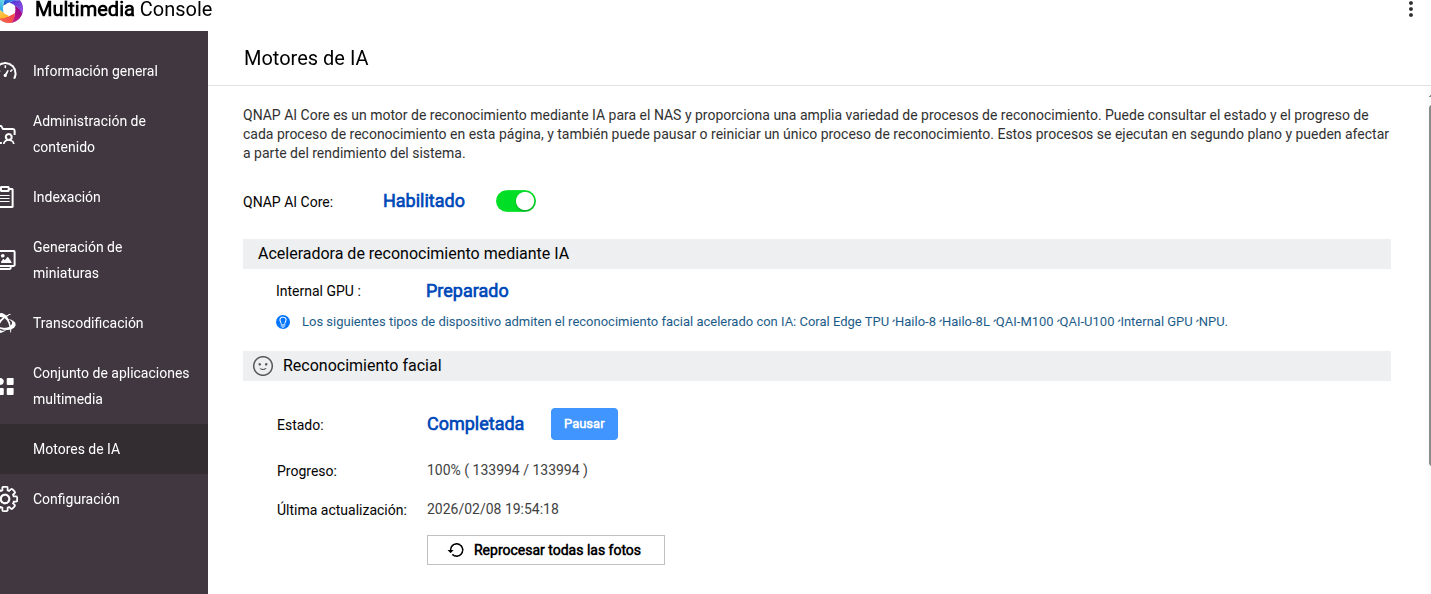
I am reaching out to request your assistance with the installation of Qmagie. I have been attempting to install version 2.8.1, but the installation process fails and returns the following error message:
“Qmagie 2.8.1 installation failed, qmagie.sh: no such file.”
I have reviewed the installation steps and also restarted the system to rule out any temporary issues, but the problem persists.
Could you please advise on:
Whether there is a known issue with this version
If any prerequisite files or dependencies may be missing
The recommended steps to complete the installation successfully
If you need any additional information (logs, system details, screenshots, etc.), I will be happy to provide it.
Hi @mati As Dolbman correctly pointed out, official Support Ticket must be submitted via the QNAP Customer Service portal.
I have not encountered this specific error message before.
“Qmagie 2.8.1 installation failed, qmagie.sh: no such file.”
Have you tried downloading the QPKG file and install QuMagie manually? Please also ensure that the Multimedia Console is installed and running first, as it is a required dependency of QuMagie.
Thank you to the three of you for taking the time to look into this.
After further troubleshooting, I believe the error started right after the latest update I installed. For your reference, here are the system details, see picture
Additional checks performed:
Multimedia Console is working correctly
QNAP AI Core is also running without issues
I downloaded the Qmagie QPKG directly from the QNAP App Center and attempted a manual installation, but I receive the same error:
“Qmagie 2.8.1 installation failed, qmagie.sh: no such file.”
I have also searched through multiple forums and community threads but have not found any similar cases or solutions.
At this point, I am running out of ideas on what else to try.
Any guidance you can provide would be greatly appreciated.
Hi @mati we have tried to reproduce this issue in our lab , but the installation completed successfully without errors.
We recommend to open a support ticket via the QNAP Customer Service Portal to allow our technical team to arrange a remote session and examine your system directly.