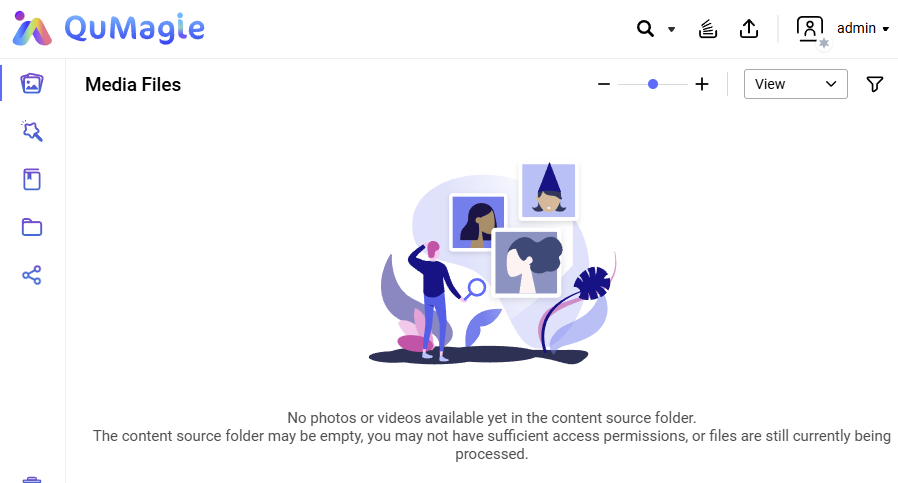
Since some time I can no longer see any content in QuMagie.
However I can still upload using QuMagie and I can see the content when accessing the NAS share directly.
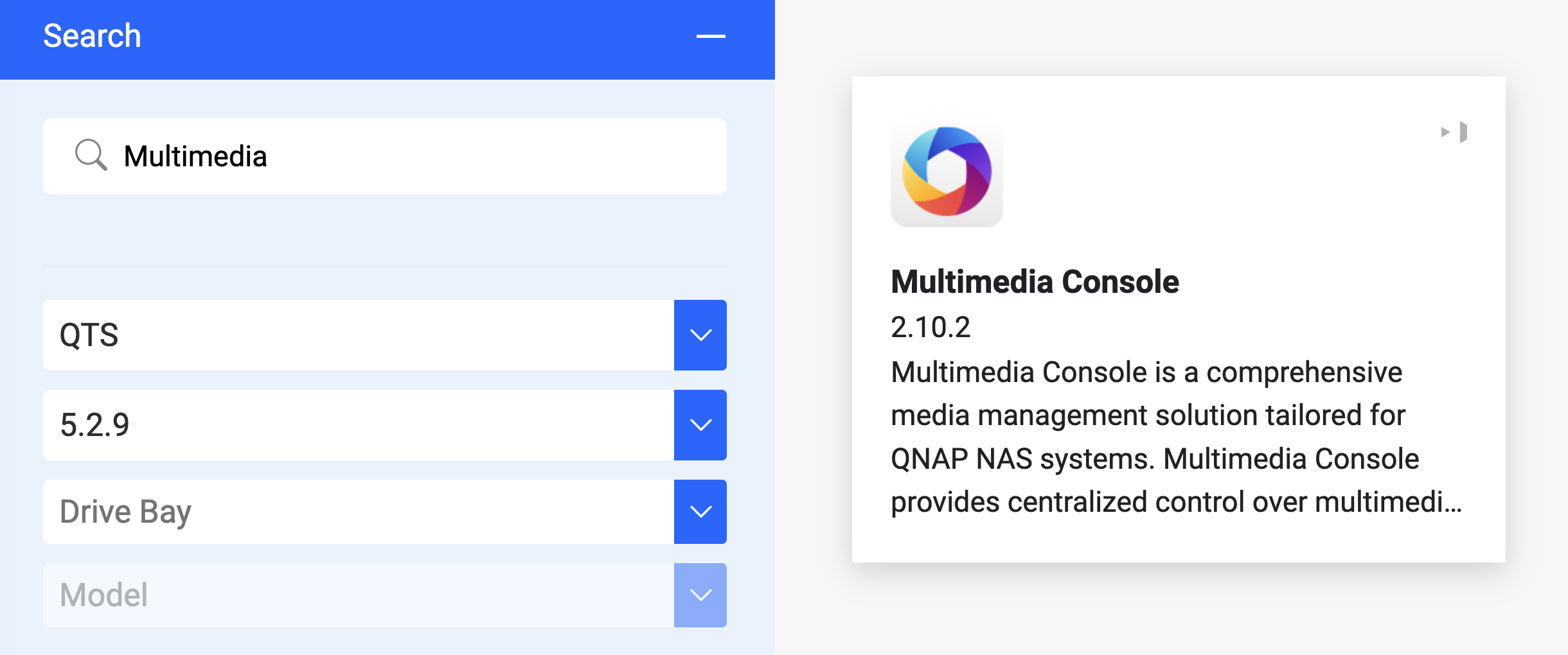
I already rebooted, reinstalled QuMagie and re-indexed all with Multimedia Console.
All firmware (TS473) and apps are up-to-date.
What else can I do?
Go to Multimedia Console > Content Management. Select the “QuMagie” tab to confirm your photo folders are in the source list.
Try open QuMagie in an incognito window.
Go to Control Panel > Privilege > Shared Folders. Check if your current user account has read access to the designated multimedia folders.
If it still shows no photos, please go to QNAP Costomer Services website and open a Support Ticket, our support will help you to check what happened remotely.
Additionally, you may want to try creating another account to see if you can view the content in QuMagie. Also, unless you are sure your NAS is not exposed to the internet, we recommend disabling the default admin account, as it is more vulnerable to brute-force attacks.
That is interesting. I’ve always had very good support from opening tickets. Sometimes you have to press multiple times for follow-up but generally I have had very good luck with them.
I started a ticket with QNAP-support. There is an issue with MultiMediaConsole. An update will be released soon. I received a beta-version of MMC-update and that resolves the issue.
It is good to hear the Multimedia Console hotfix resolved the issue. The new build is in the final validation phase and the official update should be available in the App Center by next Tuesday.
I can send a direct message with the download link to anyone else who needs it before the release.