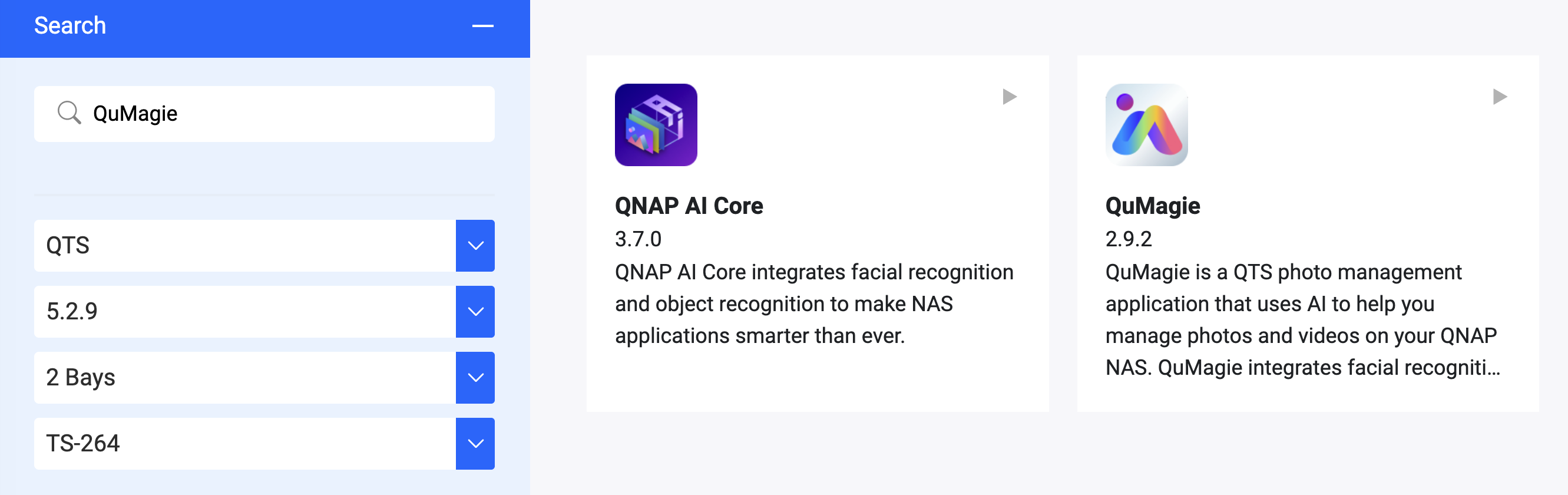
I get error “Uploading Failed! Waiting to retry.” in the QuMagie Android app v2.9.0.0617 (from 17 Jun 2026) when it tries to automatically create backups of my added photos. Backups worked fine 25 Jun 2026, but does not work 27 Jun 2026 (all photos from this day and forward fails to backup).
The only things I’m aware of that has changed is that QuMagie Server automatically updated to v2.10.4 v2.9.2, 25 June 2026 and Multimedia Console automatically updated to v2.10.4, 26 June 2026. I’m able to browse the photos that are located on my NAS through the QuMagie Android App. I can’t find any relevant logs.
What I’ve unsuccessfully tried so far:
Retried Backup
Stopped/started the QuMagie Server
Restarted NAS
Cleared cache on QuMagie Android App (from within the app’s interface)
Reinstalled QuMagie Android App
Setup:
HW: QNAP TS-264
OS: QTS version 5.2.9.3499
QuMagie Server: v2.10.4 v2.9.2 (Installed Jun 25 2026)
MultimediaConsole: v2.10.4 (Installed Jun 26 2026)
QuMagie Android App: v2.9.0.0617
Backup tried through remote WiFi and local WiFi.
Has anyone had similar problems? Does anyone know what could be the issue?
You are right, I have version 2.9.2 of the QuMagie app. I mixed it up with the MultimediaConsole version, sorry for the confusion. I have corrected my original post.
I don’t seem to have problems accessing the photos via SMB though, I can open and view them. I see it was fixed in QuMagie version 2.9.0.
Are you referring to the issue that user @nasheini reported in the comment section? It seems to be related to my problem:
“Hello, I’m using QTS NAS firmware version 5.2.9.3499 and QuMagie version 2.9.2. After updating to this version, I can no longer upload images from the latest Android app version of QuMagie to the NAS. This happens both on the local network and via VPN. I’m logged in as administrator, the multimedia folder is a separate folder with shared folders and permissions set to R/W for both the folder and subfolders, according to the QNAP system settings. I can see the previously uploaded files, but no new ones are being uploaded.”
Hi @Dj_spook sorry that this issue seems not only need update the QuMagie NAS App but also the QuMagie Mobile App to resolve.
The QuMagie NAS App 2.9.3 and the QuMagie Mobile App Android 2.9.1 / iOS 2.6.1 are currently being release and should be appear on the App Center and App Store today or tomorrow, please update them and try upload again.