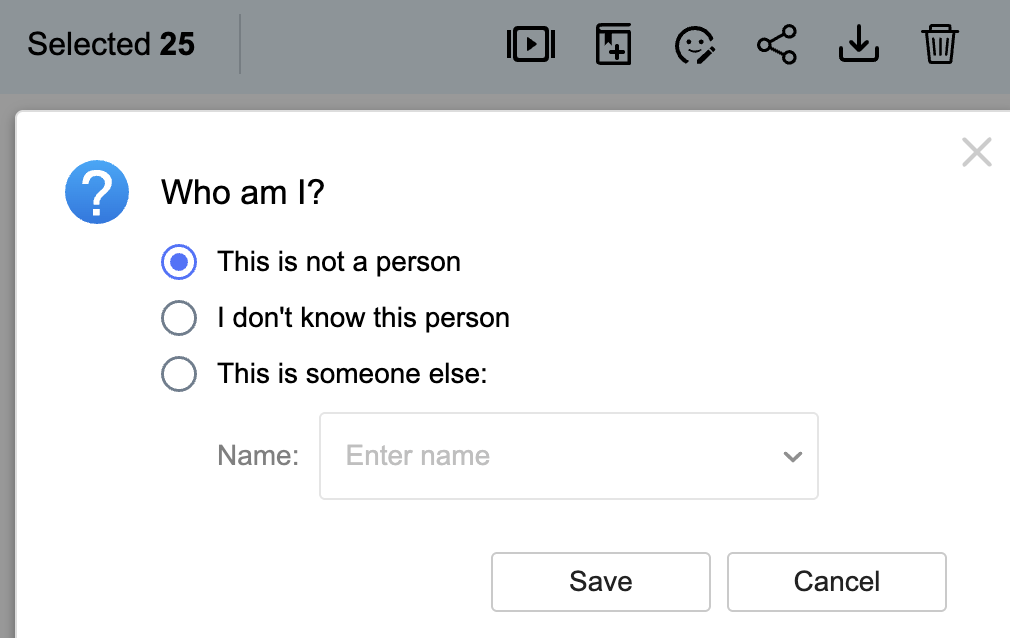
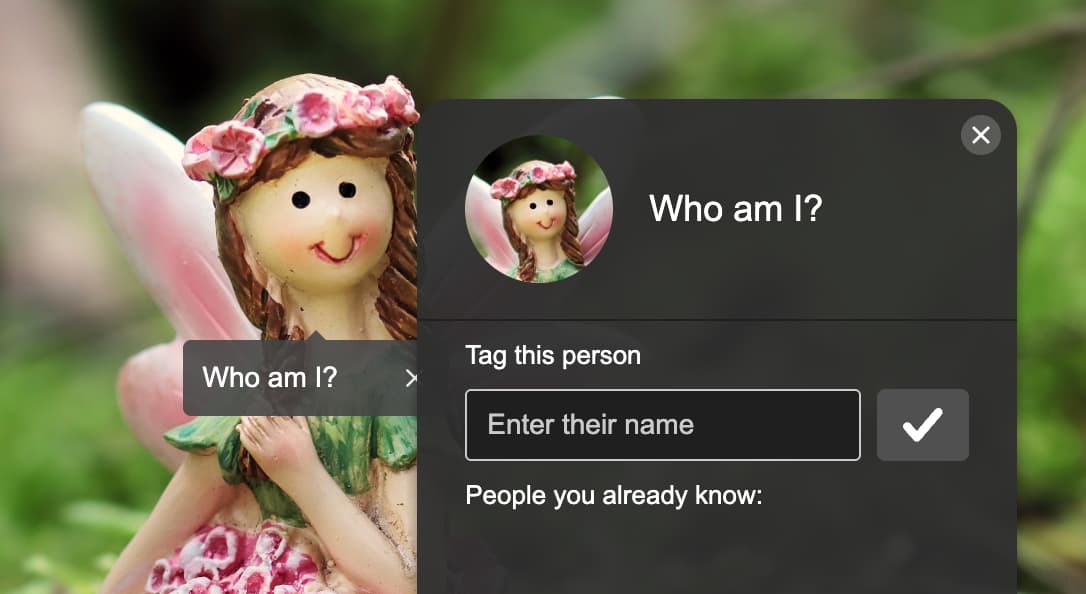
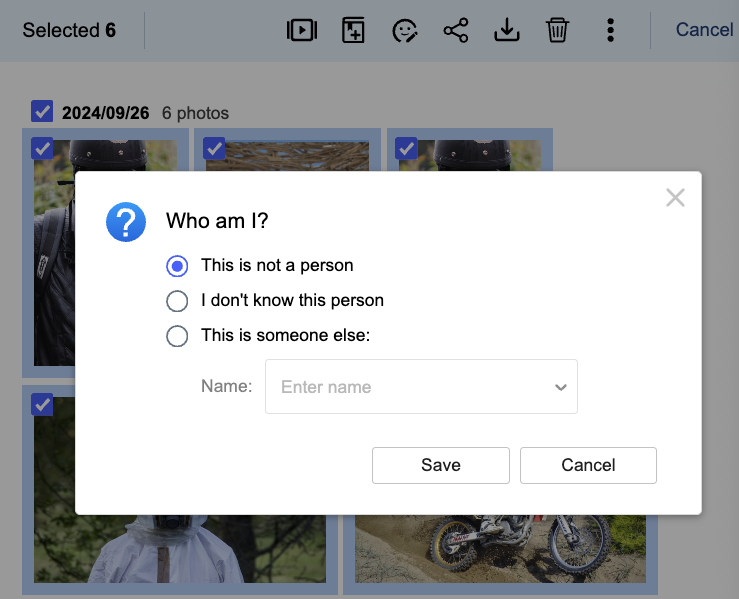
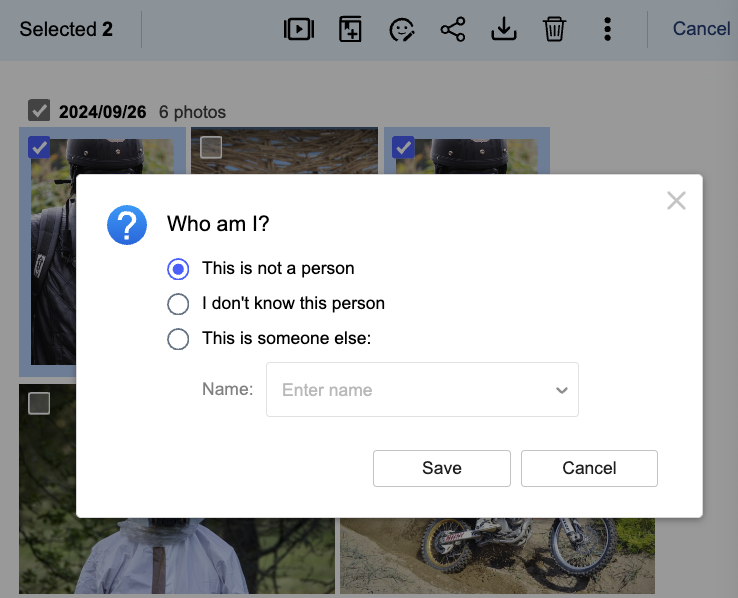
I understand facetag maps map a specific face region (rectangle or polygon on an image) to a person’s identity (name/tag).
So when I correct a facetag, is the map updated to correct the identity associated with the rectangle or polygon on that image? Or is the tag for that image changed and nothing else?
If the map is updated, then I can see myself going round in circles when trying to make corrections. For instance, imagine the face tag correction was required because AI incorrectly identified two people as being the same identity, e.g. an extreme example of this could involve identical twins, because images of them may have very similar rectangles/polygons. When the map is updated, then presumably the identity of all images associated with that rectangle/polygon are updated, right? And if this is the case, then whilst the tags for one twin may be changed and thus corrected, the tags for the other twin would be changed in error.
Then subsequently, when I discover the error and correct it, then the reverse happens and I end up with a different set of errors.
The necessary solution seems to require the map to be changed to reflect two identities. And the rectangles/polygons of the two identities have to be sufficiently different so that AI will recognise the difference.
So back to my first question, when I correct a facetag, is the map updated to correct the identity associated with the rectangle or polygon for that image? Or is the tag for that image changed and nothing else? Where can I read more about how this works please?
TIA … Greg
I am with you. For some reason, QMagie thinks my daughters are the same person. It works fine when I start tagging them as 19 and 21 year olds that they are. But then when I start tagging their baby pictures, it like thinks that they are basically the same person and can be split in half and be in the same picture. The AI algorithm, should as a rule know that one person cannot be two people in the same picture and so additional logic should follow - especially when I manually go in and correct it. But nope…
when I correct a facetag, is the map updated to correct the identity associated with the rectangle or polygon for that image? Or is the tag for that image changed and nothing else?
When you change the face tag from Person A to Person B, it only updates the tag for that specific image. It does not alter the facial feature data analyzed by the AI Core.
when I start tagging their baby pictures, it like thinks that they are basically the same person and can be split in half and be in the same picture.
Currently, our recognition model has limited infant data for training. In addition, AI Core uses a lightweight model to ensure compatibility across different devices, which may affect accuracy, especially when it comes to recognizing babies.
We understand this can be confusing, and we’re looking into ways to improve recognition for infants in future updates.
Really? Because when I started manually tagging the baby pictures, suddenly all of the already tagged (and correct) identifications got changed.
when I start tagging their baby pictures, it like thinks that they are basically the same person and can be split in half and be in the same picture.
Currently, our recognition model has limited infant data for training. In addition, AI Core uses a lightweight model to ensure compatibility across different devices, which may affect accuracy, especially when it comes to recognizing babies.
We understand this can be confusing, and we’re looking into ways to improve recognition for infants in future updates.
[/quote]
Well maybe an easy way to start is that you should be able to tell if it is an infant. Maybe easiest to explain in Pseudo code:
If ImageType = Infant Then
   Dont_Update_All_Other_Images
Else
   Update_All_Other_Images
End If
So don’t apply the facial tagging to other images if the image being tagged is an infant.
If use the 2. method, it should not affect tags on other photos.
Well maybe an easy way to start is that you should be able to tell if it is an infant.
So don’t apply the facial tagging to other images if the image being tagged is an infant.
I will share this with the QuMagie team, thank you for bringing this up.
Thank you very much for your responses HaruLin. I would like to ask two things:
You said “AI Core uses a lightweight model”. Do you mean particularly that AI Core uses TensorFlow Lite models? Or do you mean something else?
With the first method of updating tags described above, ie by selecting a People, is it true a particular People may include a combination of different sets of facial feature values? If so, in my experience I have seen occasions where the combination of different sets of facial feature values represent different faces/people. Accordingly, when changing the tag, it is changed correctly for some sets of facial feature values and changed incorrectly for others. As part of the first way of updating tags, is there a way of selecting only the sets of values for which the tag must be updated and leaving the rest untouched?
You said “AI Core uses a lightweight model”. Do you mean particularly that AI Core uses TensorFlow Lite models? Or do you mean something else?
I’m not entirely sure about the details, but it seems the lighter model is designed to allow AI Core to run on both basic and advanced NAS models.
is it true a particular People may include a combination of different sets of facial feature values?
As I know, a specific person does include a combination of different facial feature values, such as the left and right sides of the face. When you change the tag for that person, it updates the tag both the left and right face representations.
is there a way of selecting only the sets of values for which the tag must be updated and leaving the rest untouched?
You don’t have to select all the photos associated with that person.
I should have explained more clearly — in addition to the two options of 1. select all photos of a specific person, and 2. select individual photos, there is also a middle option 1.5. select some of the photos belonging to a specific person.
I think this is not correct at a;;. Updating a face tag in QMagie absolutely updates EVERYTHING and the algorithm is HORRIBLE. I spent about 30 minutes last night trying to update face tags in QMagie on my iPhone.
I have two daughters. One is 21 and one is 19. Of course I have pictures of them back to when they were babies. Last night, QMagie looked pretty good. I identified several pictures that were untagged and applied them. OK. Great. Then I found a group from when they were kids (not infants, but maybe 8 or 9 or even older) where the algorithm thinks that two girls in the picture are the same person (this is actually quite befuddling how such an obvious error is in the code - it’s not possible for two people in one picture to be the same person - OK I suppose so if you use photoshop and compose the image that way).
So anyhow, it’s impossible for me to tell which tag goes to which person in the picture. So I can’t just fix one of the tags. If you select a tagged person, it doesn’t highlight that individuals “facial” rectangle. So I have to select “This is not a face” to remove the tag altogether. And of course, it removes the tag for both people in the image since they are the same person. I then go in and add new tags and set them correctly. I do this to a couple more pictures and the BOOM! All of a sudden, QMagie thinks both people are the same and updates ALL pictures in the database and now it thinks every image is only one daughter of mine when clearly that’s not the case. Then I go back and attempt to fix it - BOOM! - Now it goes the other way. It flips every single picture tag to the other kid.
So altering a tag on a face absolutely alters how the algorithm works. It is a terrible algorithm and I don’t know what you guys do but it needs to be fixed. My daughters don’t look anything like each other. People don’t even normally realized they are related.
So now I have a completely messed up database and I have no clue who is tagged as what any more. It is not reliable at all. Is there a way to completely reset all face tags?
This is exactly the sort of concern i had when i talked about ‘going round in circles’. I think, to manage this situation, AI needs to be smart enough to distinguish two different people for example in case of identical twins, and we need to be able to edit facetag maps, e.g. to manually correct mapping of features to individuals. I think Immich can do this but not QuMagie. Is this right HaruLin?
Is there any update in this as have the same issue. When i update one photo then lots of others already tagged do the same and ended up with lots of pictures of my twins showing the same tag on both twins on the same picture
They don’t even have to be twins! It gets confused between my two daughters who don’t even look like each other! Even as children they didn’t look like each other…
The frustrations I sense from the above exchanges are the reason I installed Immich. There is so much about how QuMagie works that leaves the user in the dark whereas the inner workings of Immich are transparent to the user. Therefore I prefer to invest my effort in Immich, not QuMagie. BTW, the default face recognition settings in Immich did an excellent job of distinguishing my identical twin daughters, much better than did QuMagie