Qumagie: Suggestions for Improving Video Previews and AI Features in QuMagie

Hello,

I would like to report an issue in QuMagie regarding how videos are handled, and also propose some improvements.

Observed Issue

Unlike photos, which benefit from generated and cached thumbnails, videos do not seem to have any kind of pre-generated preview.

As a result:

Video loading in QuMagie is very slow, even for short clips.

The preview always takes several seconds to appear, which significantly affects the user experience.

Additionally, the AI recognition features (people, objects, scenes) appear to completely ignore videos, even though videos could contain relevant data for organizing content.

Suggested Improvements

I would like to suggest adding video preview generation settings similar to those already available for photos.

1. Multi-image thumbnail generation

Extract X frames evenly distributed across the duration of each video (e.g., 4 frames).

Combine these frames into a lightweight animated GIF to serve as the preview.

Provide quality settings (resolution, compression, number of frames), just like for photo thumbnails.

2. Time-based frame extraction

Extract one frame every X seconds of video.

Automatically generate a GIF or short animation from these frames, with a configurable maximum number of images per video.

AI Improvements

It would also be very helpful if videos were included in the AI analysis pipeline (people, objects, scenes), at least by analyzing some key frames, in order to improve content organization and classification
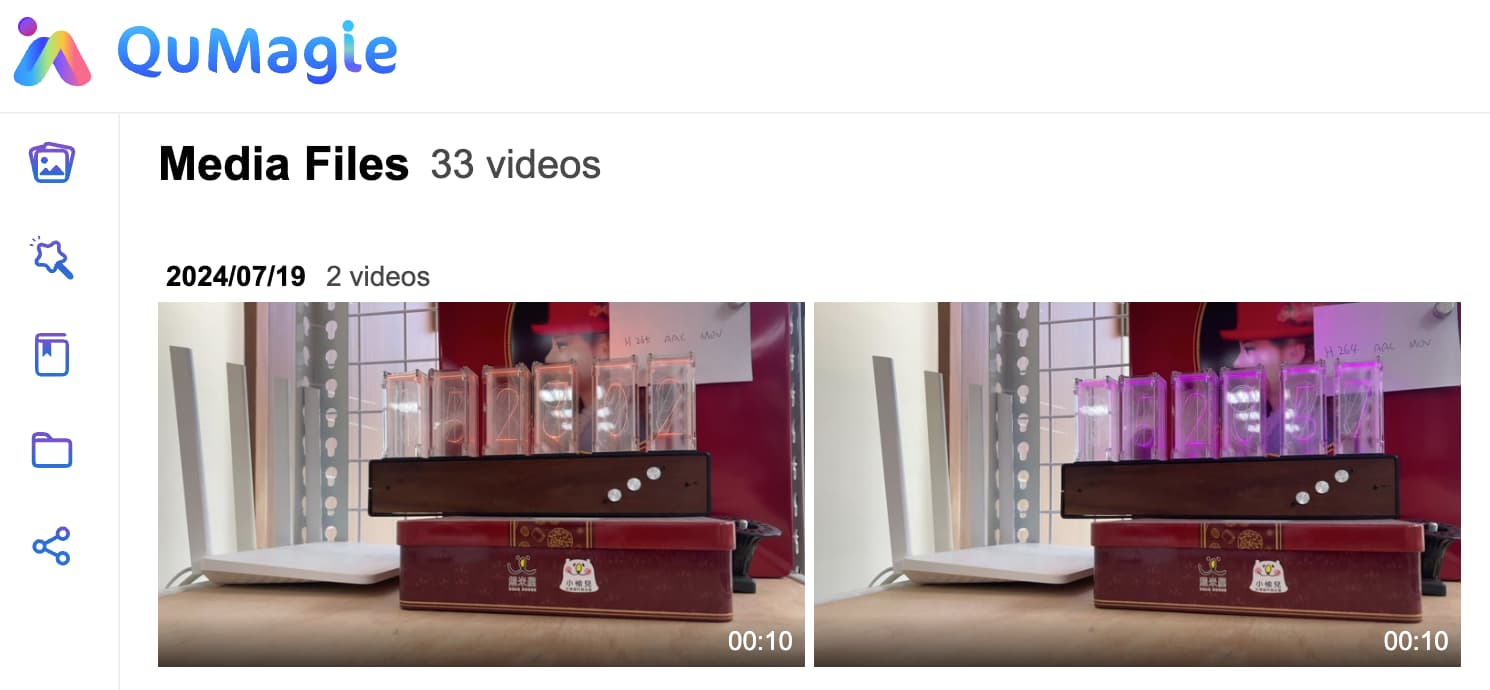

videos do not seem to have any kind of pre-generated preview

The QuMagie should be able to display thumbnails of videos.

Video loading in QuMagie is very slow

As I know, this has a great impact on the operating environment. Even with the same videos, there will be a significant speed difference when using QuMagie to play videos on a Celeron NAS and i3 NAS. Could you please share the details of your operating environment?

  1. Multi-image thumbnail generation
  2. Time-based frame extraction

These thumbnails function look like short videos, and the content even jumps through time. Could you share which apps you have used with these kind of thumbnails?

It would also be very helpful if videos were included in the AI analysis pipeline (people, objects, scenes), at least by analyzing some key frames, in order to improve content organization and classification
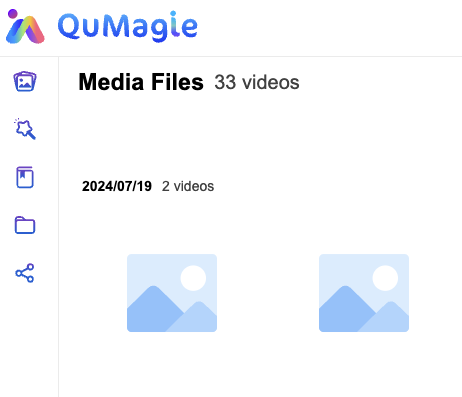
As I know the QuMagie is trying to recognize faces in videos, but it seems to be limiting the duration to under 3 minutes due to the performance limitations of Celeron-level NAS devices.

Or perhaps as a user think that a longer processing time is acceptable, and that even a Celeron-level NAS should be able to recognize videos of unlimited length?

Thank you for your reply.

My NAS is a TS-464. I get no thumbnails for videos when using both the web interface and the Android App.

If a thumbnail is extracted from the video, it should load at the same speed as any other image, which is not the case. For example, Google Photos creates a poster for the thumbnail and only starts loading the first few seconds of the video when initiated. In contrast, local video apps (e.g., on Android) often display the first frame instantly.

The idea of multi-image thumbnail generation or time-based frame extraction is just a suggestion. However, at a minimum, we should be able to see a poster frame extraction, which is currently not happening on my system.

Regarding AI features, during my tests, I have never seen any results for face recognition in a video. I have many short videos where faces are clearly visible. I believe a minimum processing time of three minutes should be acceptable, but ideally, these types of parameters should be configurable.

I tried browsing QuMagie videos on a new install NAS, and indeed, thumbnails were not displayed.

But after click the video, the QuMagie will notify to install the CAYIN Media Viewer and Video Station applications. Do you have them installed?

I didn’t receive an error message when trying to open a video file from QuMagie. The video plays correctly. The player seems to be the default integrated one, JW Player.

I have now installed CAYIN Media Viewer and Video Station.

CAYIN Media Viewer seems to be specifically responsible, when it was activated, the generation of new thumbnails started.

thank’s