Hi,
I hope you can help me with my problem.
I installed QuMagie and was actually really excited. However, my joy was very short-lived because the user permissions aren’t working.
And that’s a disaster in my opinion.
I added two directories: homes (user-dependent) & Medien/Fotos (main user).
User: 1002 is not allowed to create files/directories under Medien/Fotos via FileStation.
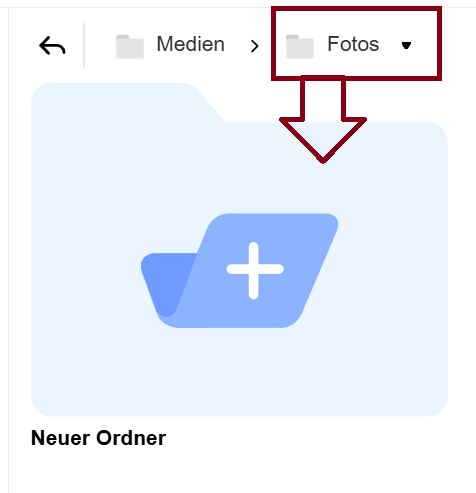
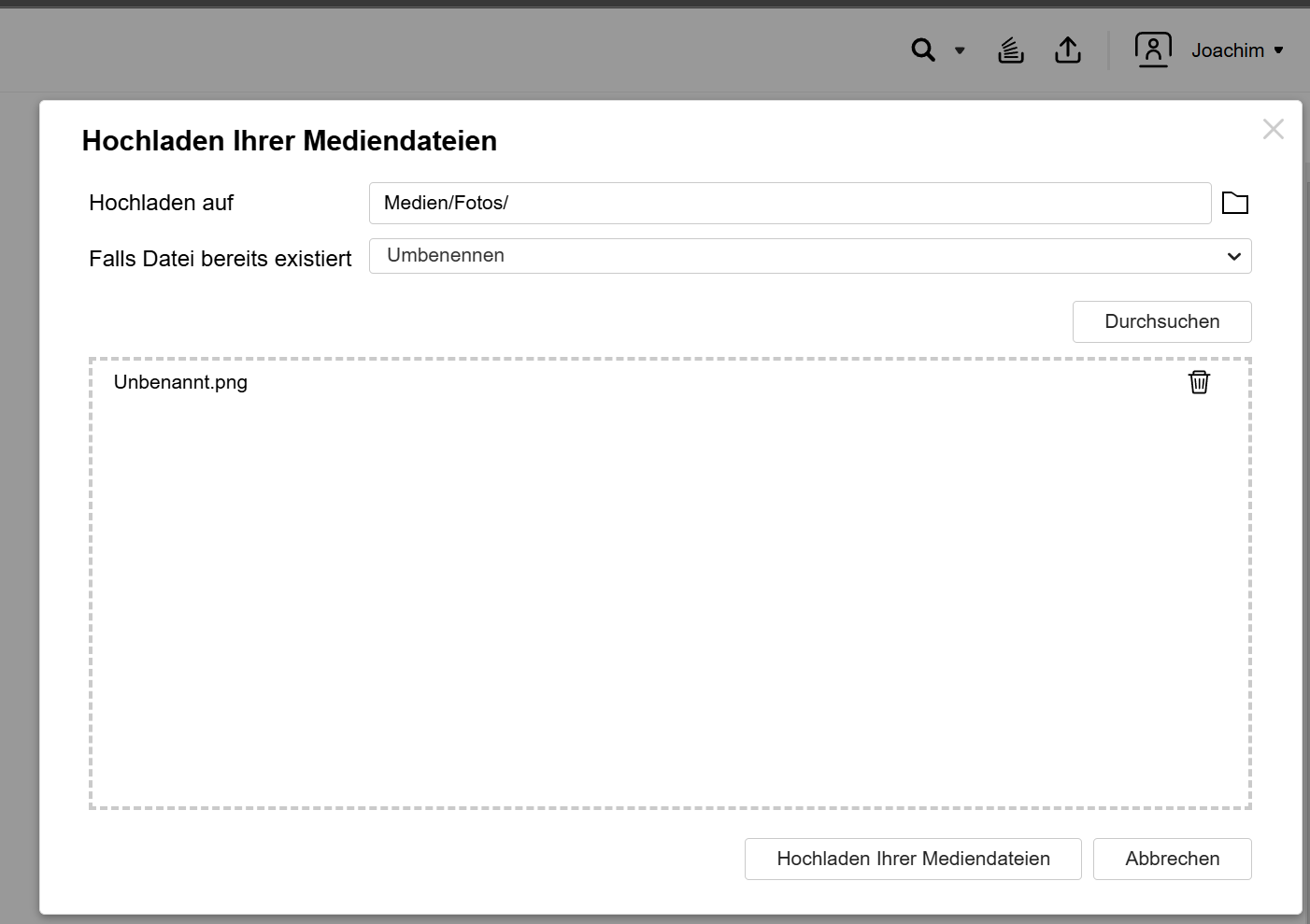
However, 1002 (name: Joachim) should be able to see the folders in QuMagie. If he navigates to this folder (Medien/Fotos), he can upload files and also create folders.
At this point, I would have expected the process to say: You don’t have access there.
But unfortunately, I expected too much from permissions. The files were uploaded and folders were created.
Thanks
Stephan
Our internal team has tested with the latest version but couldn’t reproduce your issue.
Could you please provide the following information?
- Your NAS model
- FW version
- QuMagie version
- Multimedia Console version
Also, we suggest you try restarting the application to see if the settings are applied. Thanks!
i’ve restarted the complete NAS. Same problem!
Model: TS-473A
FW Version: 5.2.6.3195
QuMagie Version: 2.70 (20250407)
Multimedia Console Version: 2.8.0 (20250407)
when user 1002 (name: Joachim) clicked below he is able to create folders:


On File-Station:
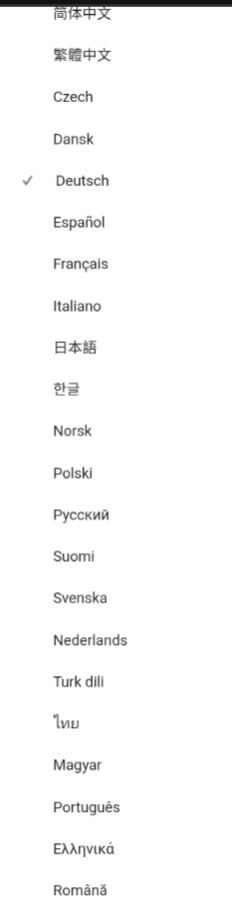
Please make sure to switch your UI from German to English before posting screenshots in an English forum (takes seconds)
The images only show the problem i described above. Qumagie can upload files and create folders without permissions. The first blue box shows “Folder Test Created.” The second shows “Upload Completed.” I don’t know if the images would have made a difference with the UI set to English.
Thanks for the information, but unfortunately, I can’t set the language by my Phone
English should be right on the very top (beneath auto detect)
Our internal team has tested the same version and we’re unable to reproduce this issue.
Could you please open a support ticket through our Helpdesk or the Community? Our Support team will be able to assist you with further investigation.
Thanks!