I am currently using the TS-216G.
My goal was to switch from Google Photos. I tried to set up a home cloud, but honestly, I regret switching to QNAP.
I moved all my photo data from Google and am displaying it with Qumagie. Recent photos display normally, but for example, photos from before January this year, or about 10 years ago—there are about 15,000 photos—the display is extremely slow. It takes 2 to 3 minutes just to show the list, and if I scroll a bit, it takes another 2 to 3 minutes…
I’ve tried rebuilding the index in Multimedia Console and deleting unnecessary apps.
Since Google Photos displayed instantly, the stress of not being able to see photos when I want to is quite significant. I contacted support, and they investigated the cause via remote login, but they said they couldn’t figure it out.
If this doesn’t get resolved, I won’t be able to consider QNAP as a candidate for my next device update.
If anyone else is struggling with the same issue, I hope we can share information.
I am using the TS-264, and both browser access to QuMagie and access from the smartphone app are working with good responsiveness.
My environment has about 73,000 photos and about 3,000 videos.
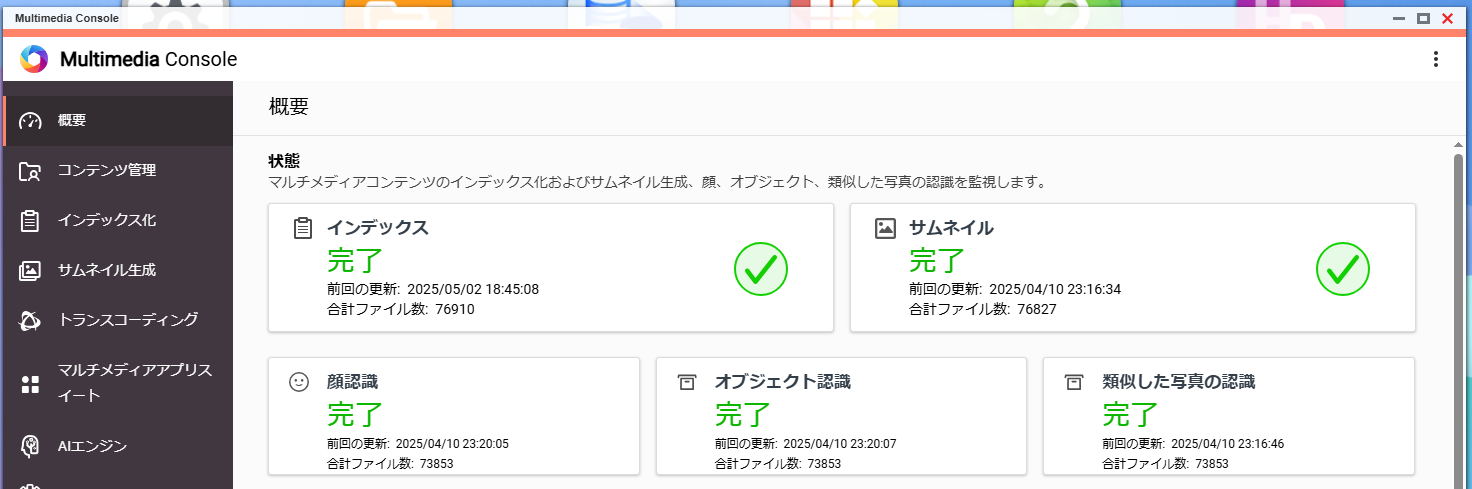
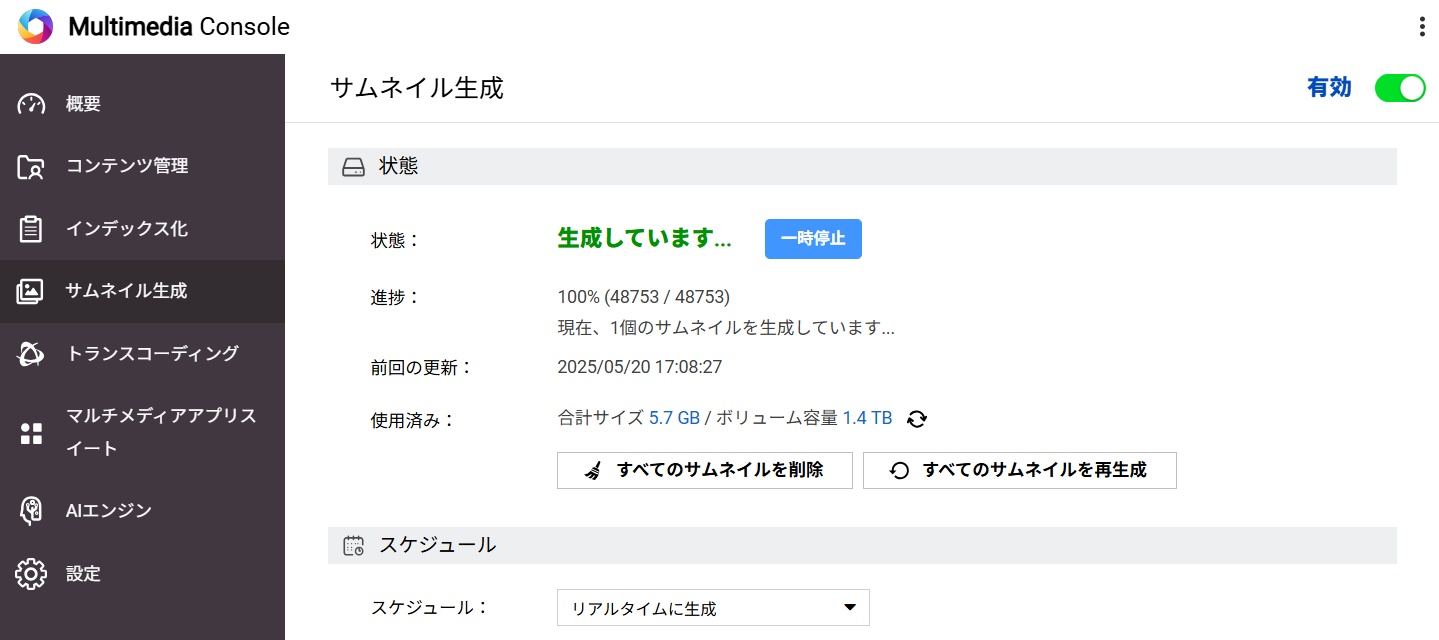
Until the index is fully created, the operation may be slow. I think there is a task status display at the top right, is it currently active?
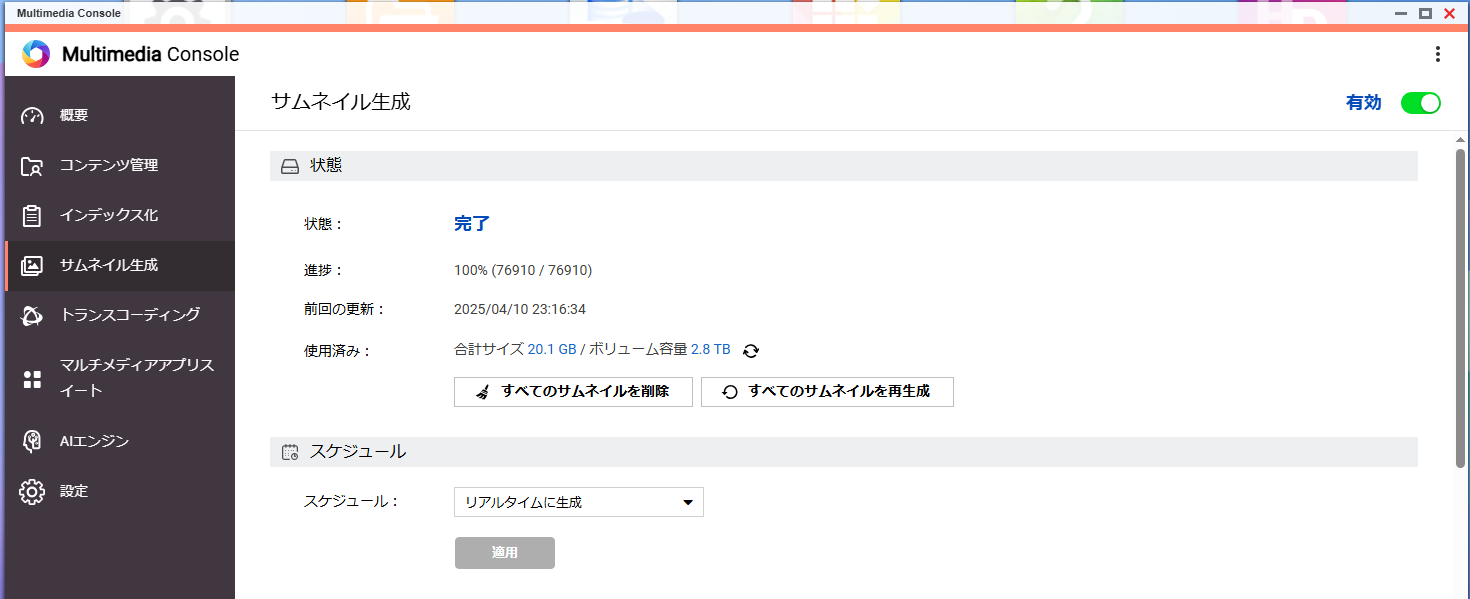
From the symptoms you described, it seems that thumbnails are not prepared yet, and because they are being generated on demand, the operation feels sluggish.
Thank you for your reply!
The index has already been created.
As you mentioned, the issue is exactly as you described—when referencing, thumbnails are being generated and it takes a considerable amount of time.
Just when I think the thumbnails are done, if I scroll a bit, it starts generating thumbnails again… and this keeps repeating.
It’s completely unusable.
The performance is the same both indoors and outdoors (when I’m out).
I’ve also recreated the index, and it’s completed.
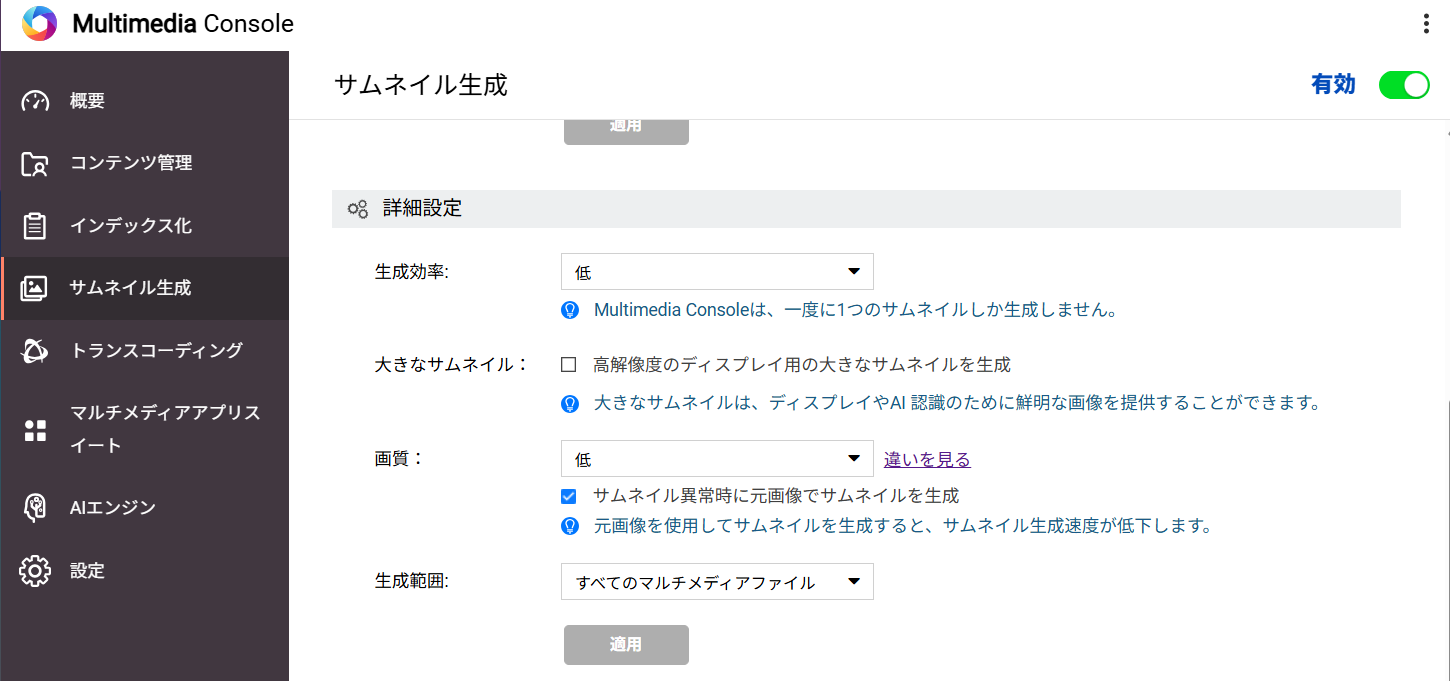
Ai Core is turned on, but maybe that’s the problem…?
Anyway, I’m communicating with support, but they are absolutely unreliable and I’m at a loss.
Is it slow on both the smartphone version and the PC version?
I tried clearing the cache on my smartphone. Right after that, it seems to be slow, probably because it’s downloading the thumbnail cache, but once the cache is fully loaded, I can use it without any stress.
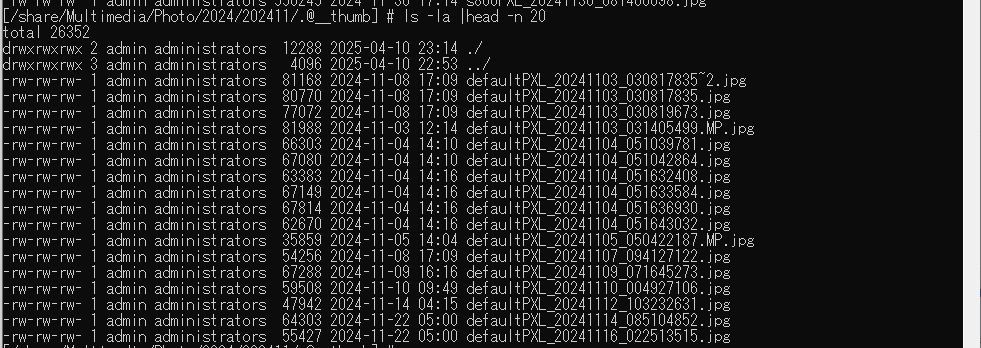
Furthermore, thumbnail files seem to be created in a folder called “.@__thumb” under the folder containing the photos, so if you access this folder via SSH and check inside, you can see whether the thumbnails are being generated now or were generated beforehand. This should help determine whether the slowdown is really due to thumbnail generation.
I hope this helps point you toward a solution.
(In my environment, thumbnails seem to be using about 20GB, so I think this can also serve as a reference for whether all thumbnails are being properly generated.)
looks like this.
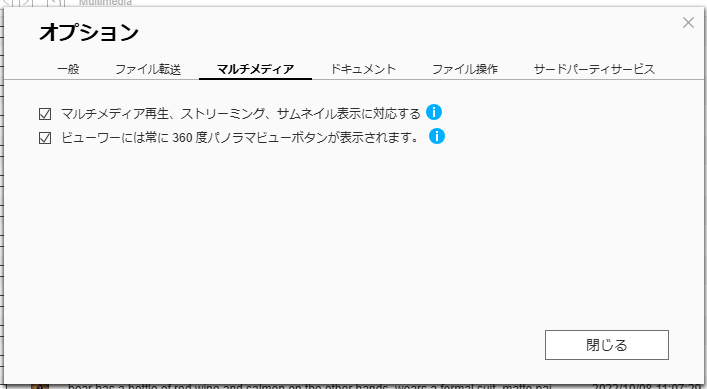
In the FileStation settings menu, there were indeed two items checked, but I have turned them all off.
Regarding .@__thumb, I can’t check it because I can’t view it via command.
By the way, is it correct to understand that thumbnails are created in the background?
Ever since I purchased it, thumbnails have been generated every time I refer to Qumagie, so I thought that thumbnails were created whenever you view a list, either on the web or in the app.
Google Photos displays instantly, so when I tried using QNAP, I thought I had bought something terrible…
It seems that thumbnails are being generated in the background.
When viewing photos with QuMagie, it appears that pre-generated thumbnails are used for display.
It looks like thumbnail generation is almost complete in your environment as well, so there may be some other factor involved…
It might be completely different, but here’s what happened in my environment.
Similarly, I experienced a situation where the Qumagie list view would not update at all (thumbnails wouldn’t display unless I scrolled quite far).
I had confirmed a few days prior that there were no issues.
Thinking it might be a problem with my device, I checked from other devices on the LAN—an Android tablet and an iPad, not just the smartphone where the symptoms appeared—but all showed the same issue.
The index had already been created.
When I looked at the background tasks, it happened to be during the monthly RAID scrubbing, but since CPU and memory usage were only about a quarter, I thought it was unrelated. However, since there were only a few minutes left until completion, I waited for it to finish and then reconnected to Qmagie, and the symptoms disappeared on all devices, with thumbnails displaying immediately after scrolling.
I think this is a completely different situation, but I hope it helps as a reference.
Thank you very much.
I haven’t done RAID scrubbing. The list display is always slow.
By the way, when you view Qumagie on your smartphone, does it display immediately (within a few seconds) for you all?
For me, the most recent few months display quickly, but when I go back further, it takes about 30 seconds for the list to appear. If I scroll a little, it takes another 30 seconds…
This is normal for me, but I would like to know how fast it displays for everyone else.