TS-1655 Equipment Usage
This article describes my experience using QUTS 6.0 for half a month, including its pros and cons
I. Advantages
Contents already mentioned in the official release page and changelog will not be repeated.
1. UI
For ordinary users, the most refreshing change is the UI. The more modern interface gives a clean and comfortable feeling.
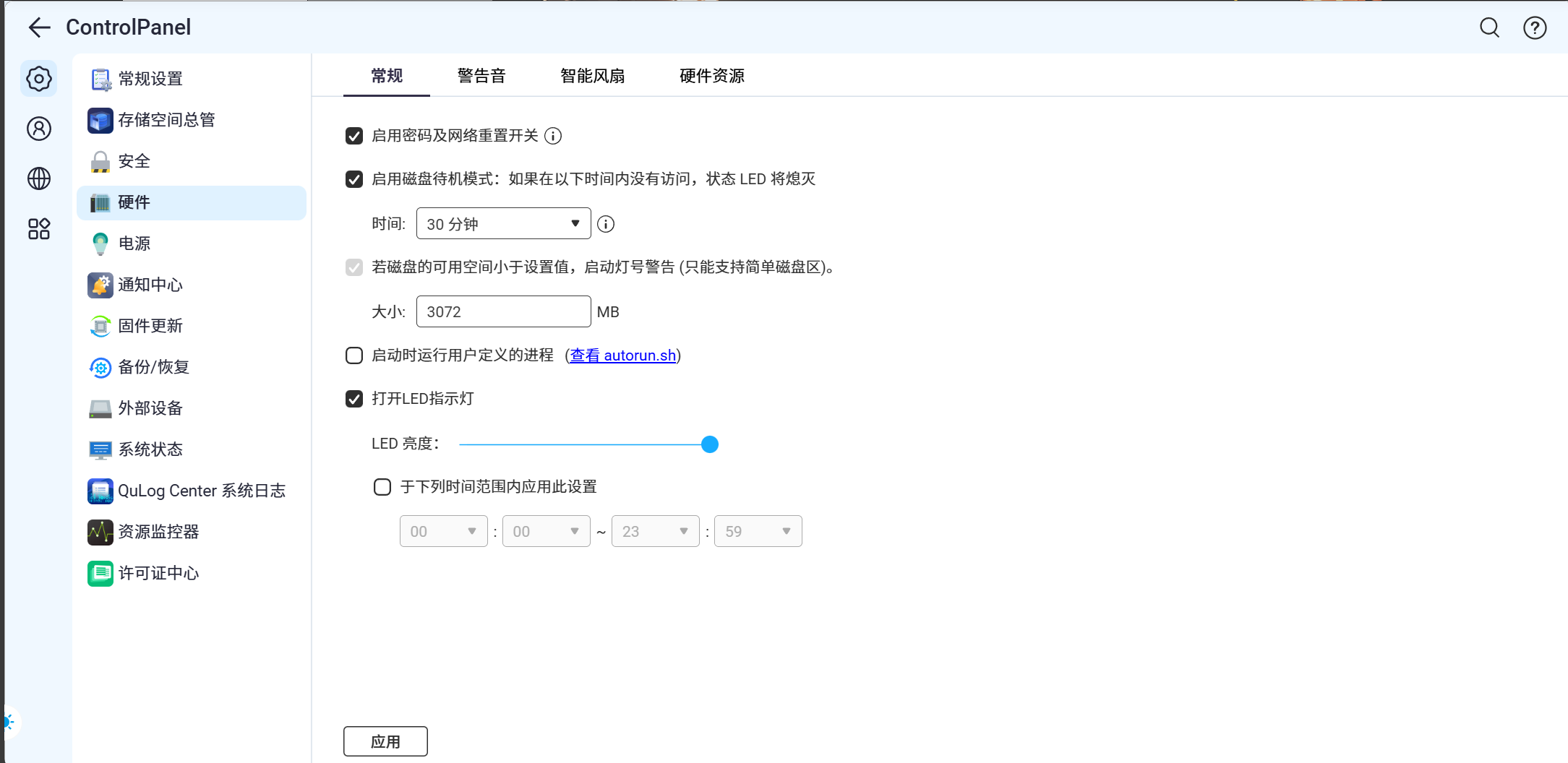
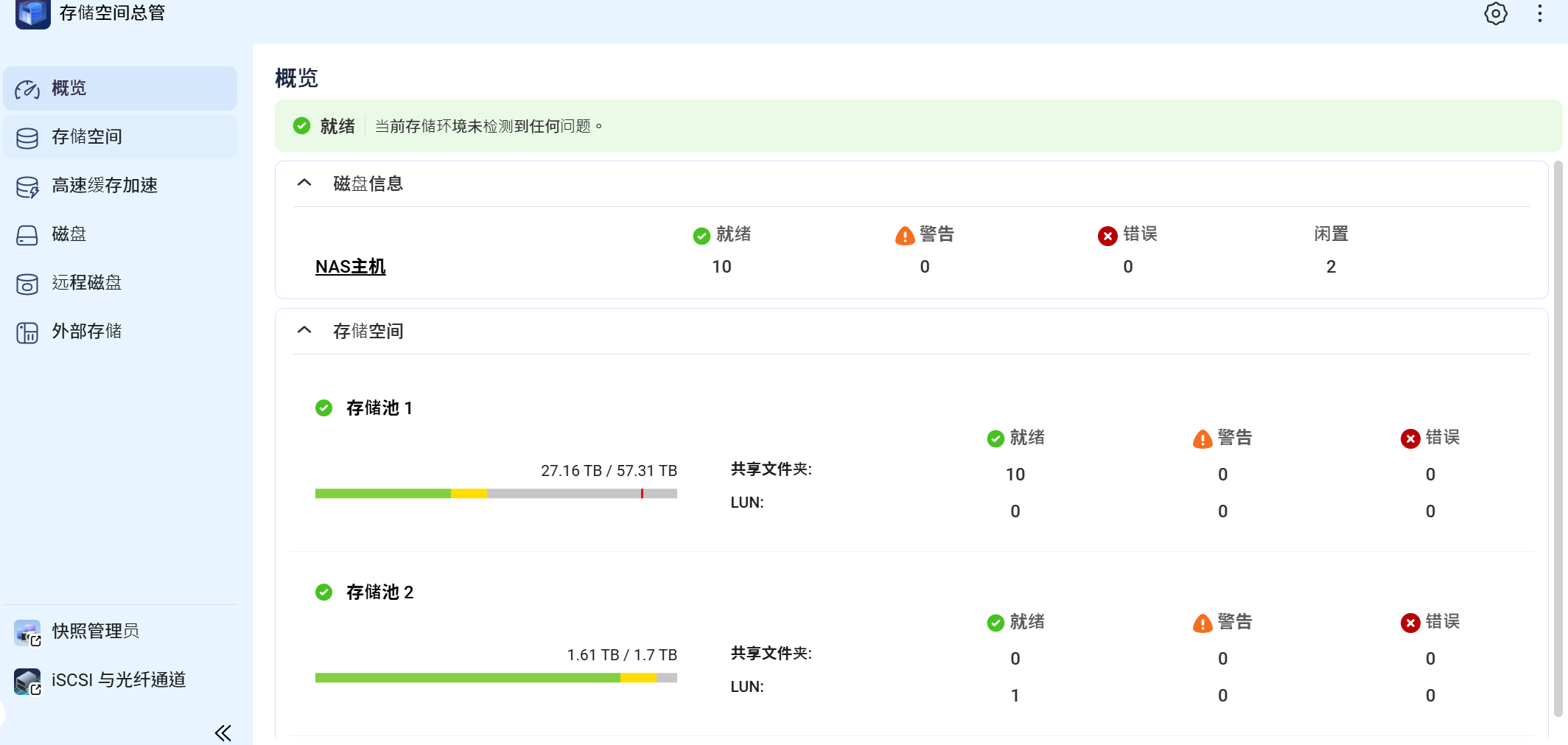
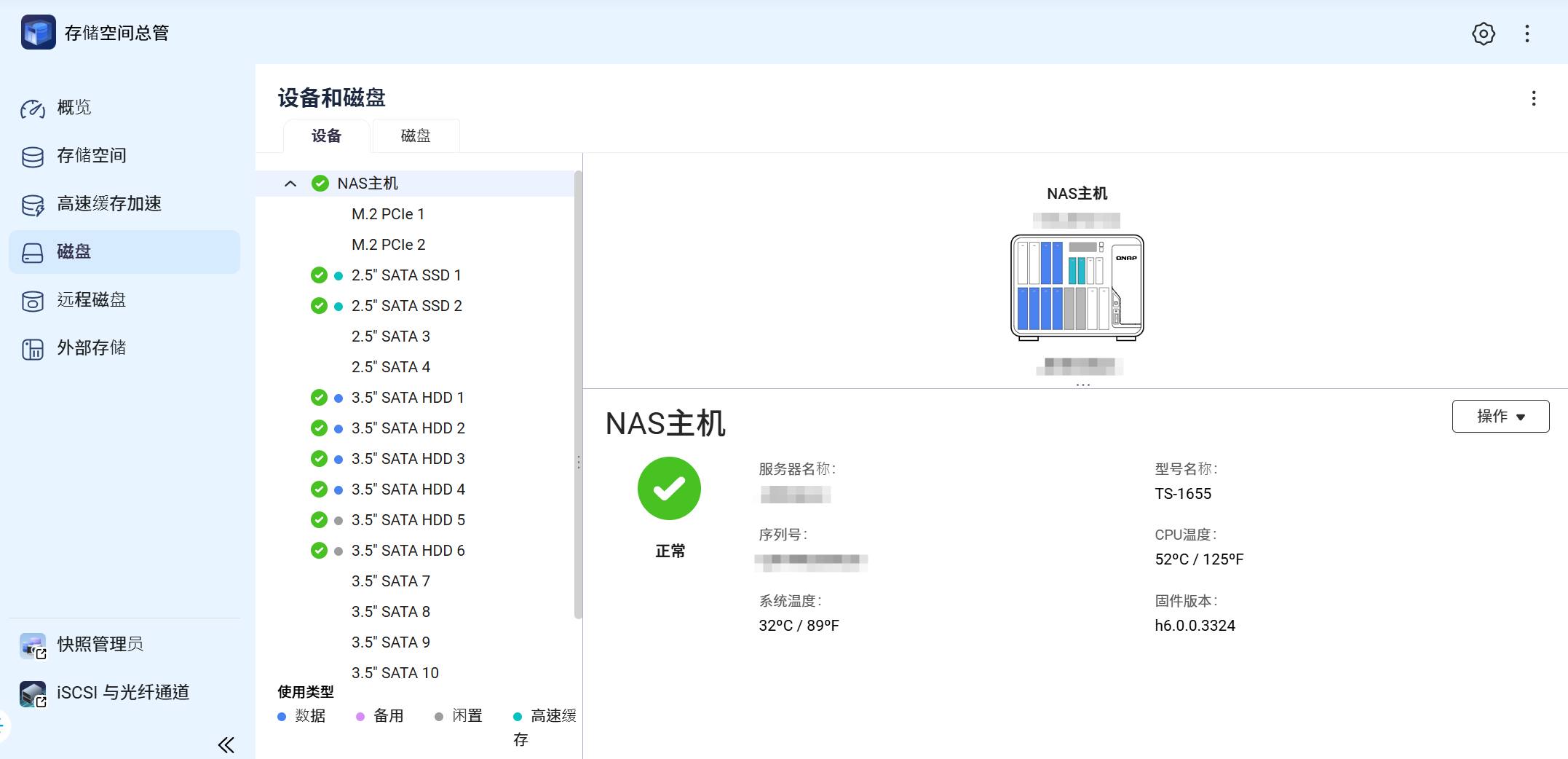

Please explore more pages yourself (Note: Not recommended for production environments)
2. Better Performance (Personal Experience Only)
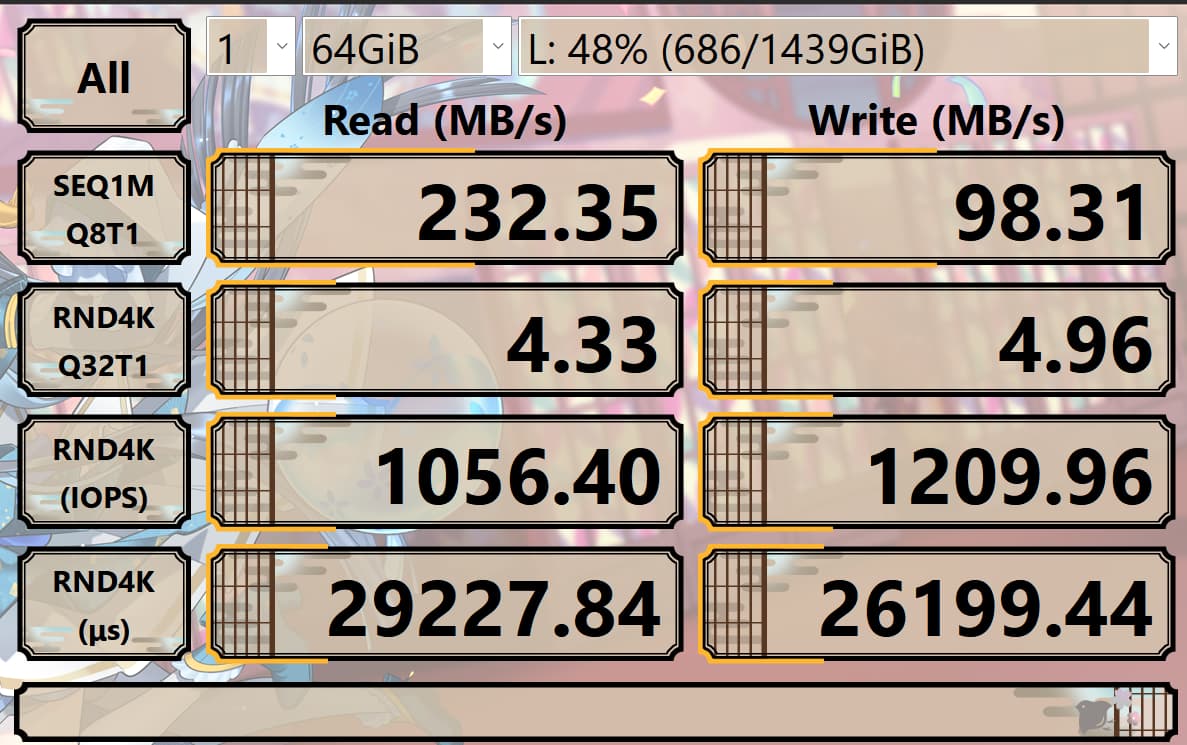
In the 5.x era, when memory usage reached 50% (total 32GB), swap would start being used. On this device, the swap is located in the storage pool that serves both the system pool and the data pool, resulting in very poor performance, with random write speeds around 10MB (for over 100GB). After the update, swap usage has been greatly reduced, and the disk used for swap now has much lower latency (700ms→2ms), with a significant speed improvement (although it still seems slow).
Additionally, during heavy read/write operations before, the high latency of the swap disk would cause the system to crash completely (freeze, web pages also unavailable), taking several hours to recover. This issue no longer occurs now.
Previously, the Ai core would also occupy a large amount of CPU, causing the system to freeze. Now, although it still uses a lot of resources (when not using GPU), it no longer causes system crashes.
(Storage pool is a RAID0 made up of 1TB HDDs)
II. Disadvantages
System compatibility is not perfect, and quite a few official QNAP applications indicate incomplete compatibility with the system.
Additionally, Nvidia GPU drivers need to be reinstalled to work properly, and after uninstalling, you must first download and install:
This file appears to be suitable for TS-x55. I am not sure if it will work on other models.
https://pan.jerry.icu/public/Share_nopwd/NvKernelDriver_h6.0.0.3324_TS-X55_20251125.qpkg
The biggest problem I encountered:
NFS provided by NAS and mounted on other Linux servers encountered permission issues. I am actively contacting QNAP technical support to resolve this together, but it has taken a long time (almost a month). Therefore, upgrade with caution in production environments!!!
Overall, this system upgrade does improve the user experience to some extent, but as a Beta system, problems are inevitable. Users with high stability requirements are advised to wait until it is stable before upgrading, or to try the new system on non-production machines.