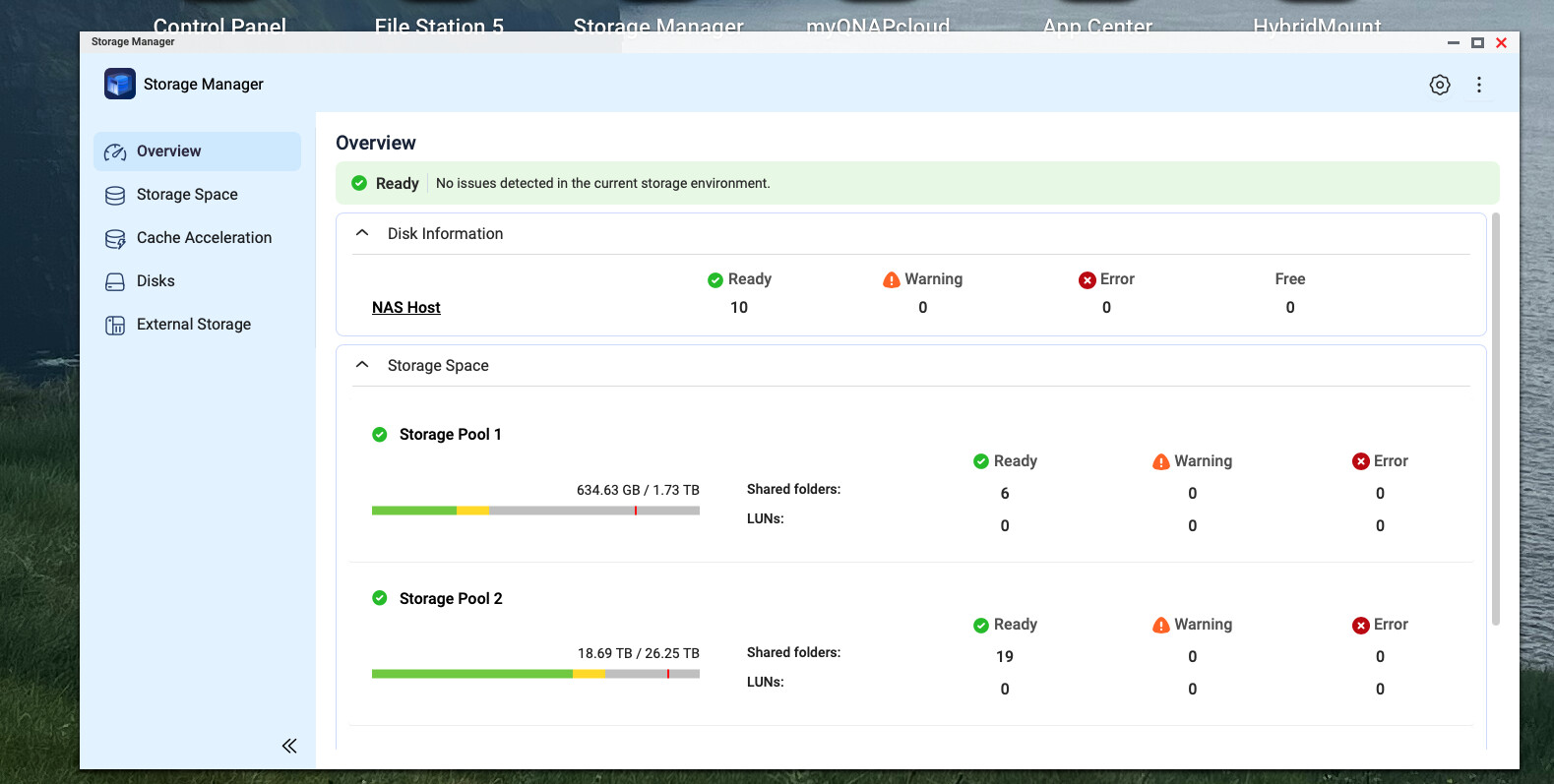
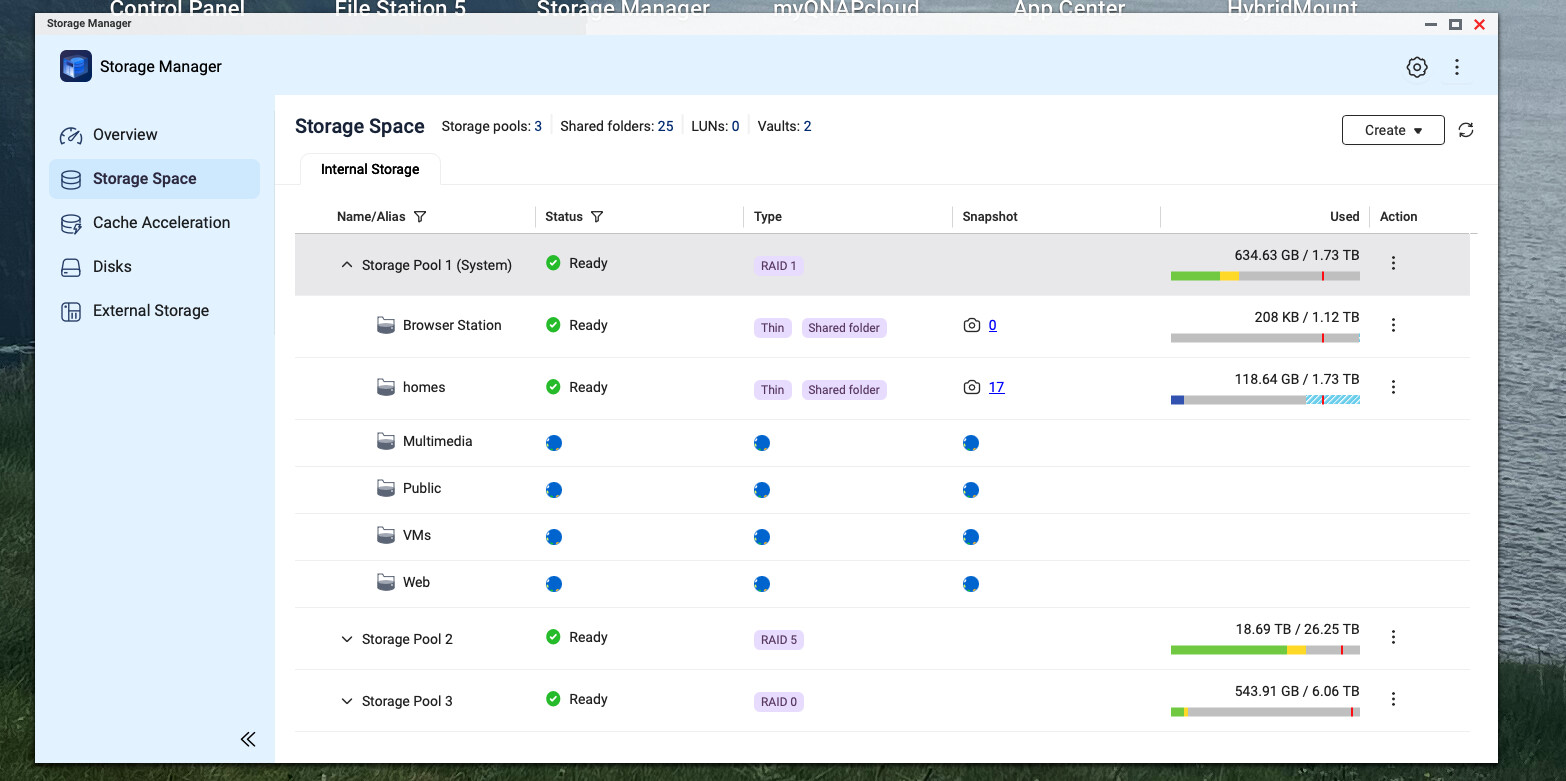
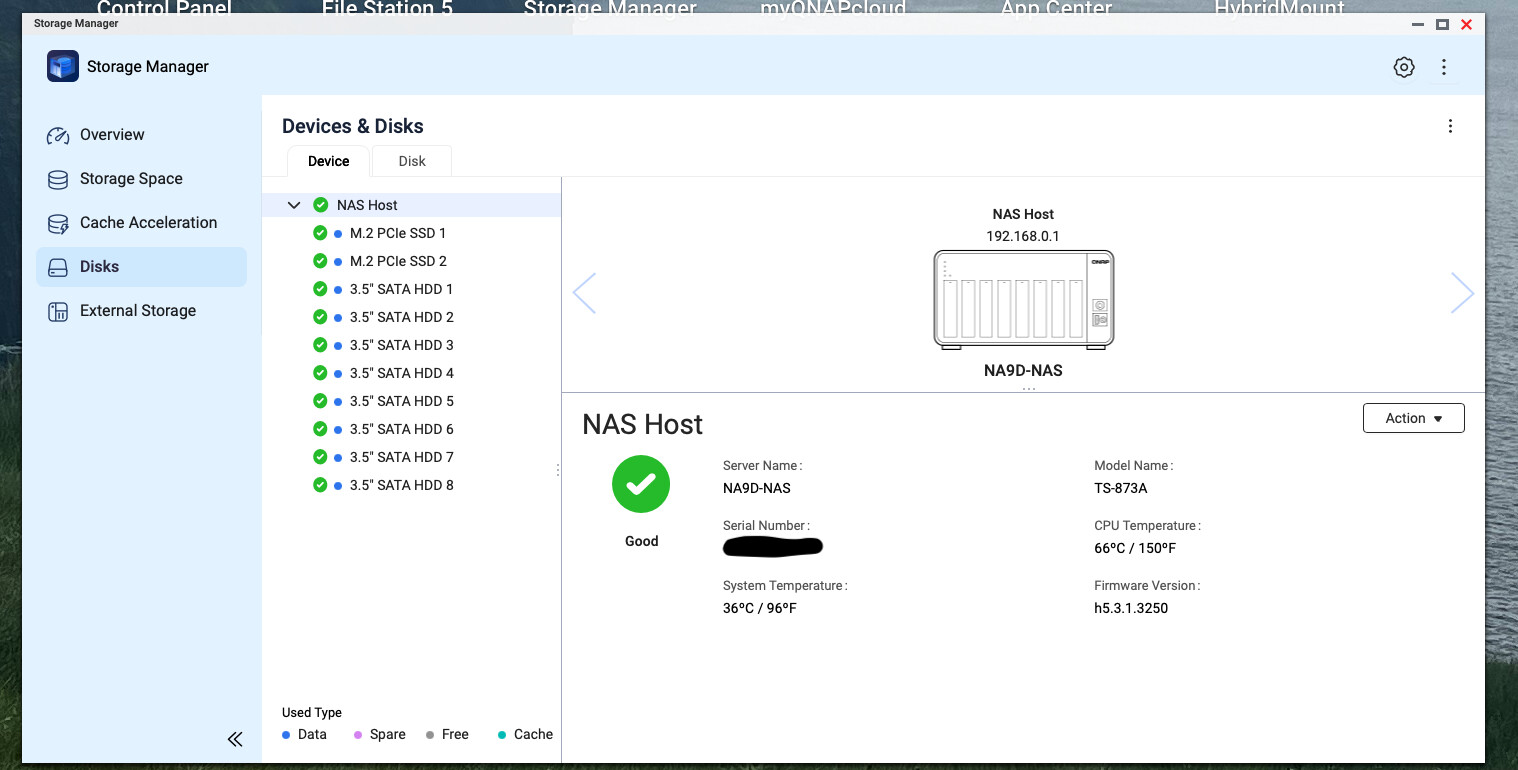
I just decided to update to QuTS Hero 5.3.1 and wish I had not. This is a rather significant change for a “dot x” release. And so much of what makes the QNAP a QNAP is not available. Snapshot manager not available, Storage manager is missing a lot of things.
The new look of Storage Manager is awful.
I really wish I’d not upgraded at this point. UGH!
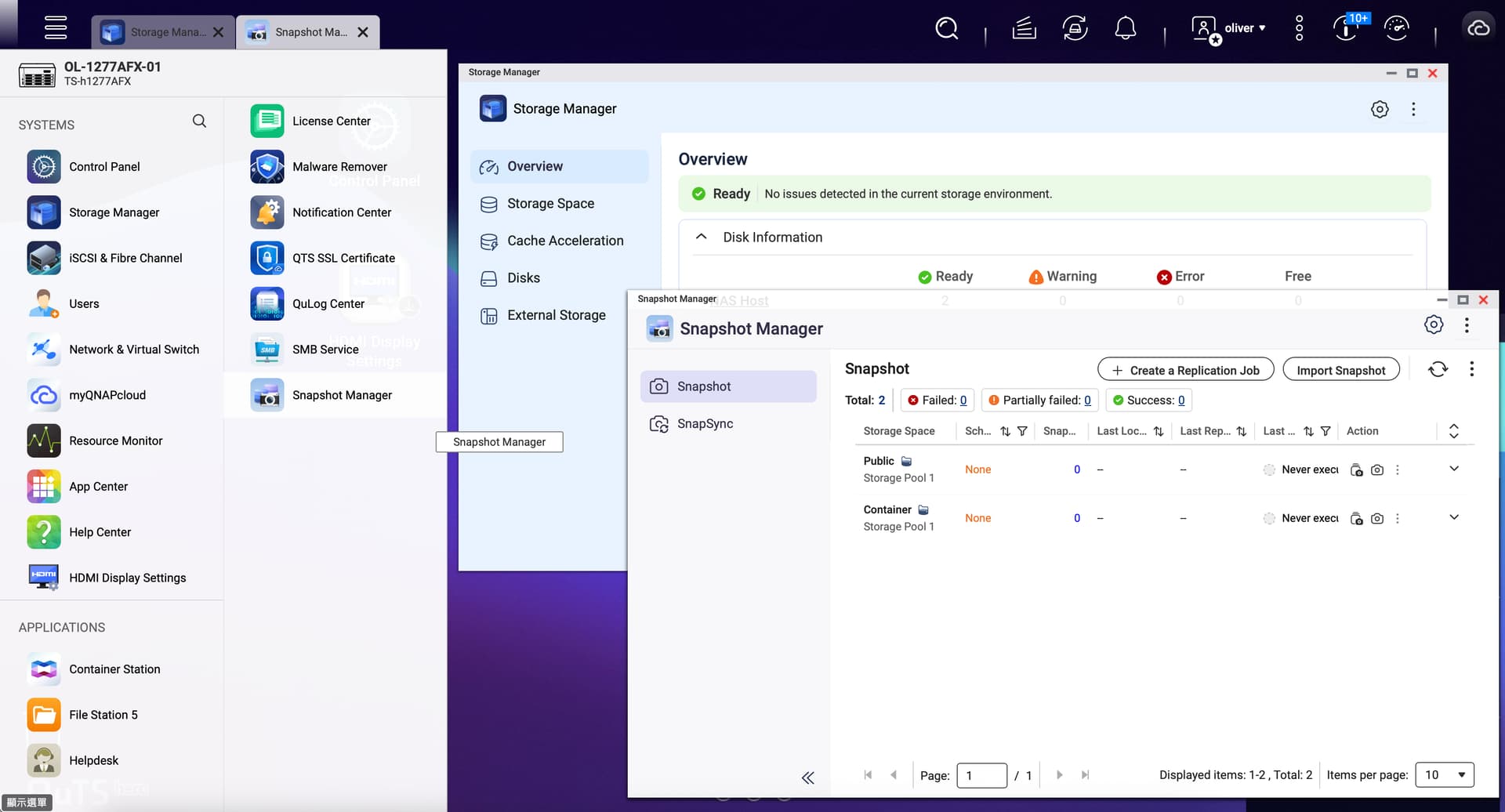
you can get snapshot manager - now in File Station. I freaked out when I could not find it - and what is funny (and is a lesson for ALL of us) - is that I asked AI - and AI gave the answers for QNAP Storage Manager for QuTS 5.2.xxx, even though it specifically said QuTS 5.3.1. So much for thinking that “everything you see on the internet is true”. So yea - they moved stuff around. No big deal - you just get used to it. Yea, I am not a fan of the new Storage Manager either. I also updated one of my Macs to macOS Tahoe 26 - what a mistake. I think that there is a big push from all of these companies to make things look “cooler” for NEW users. And then the old bags like us just get angry - because it doesn’t make things better - we just have to learn it all over again.
Bob
I have “upgraded” again and yes I found Snapshot manager.
But I’m wondering if this upgrade is worth it. I have an older Sonos music system that requires SMB1 to make connections. Even though I have enabled SMB1 on the NAS, it will not allow the Sonos system to connect to it. That’s a problem…
OK. I got Sonos working again. I had a network interface binding issue for Samba. And I had changed the password on the NAS and was using the old password still in Sonos! DOH!