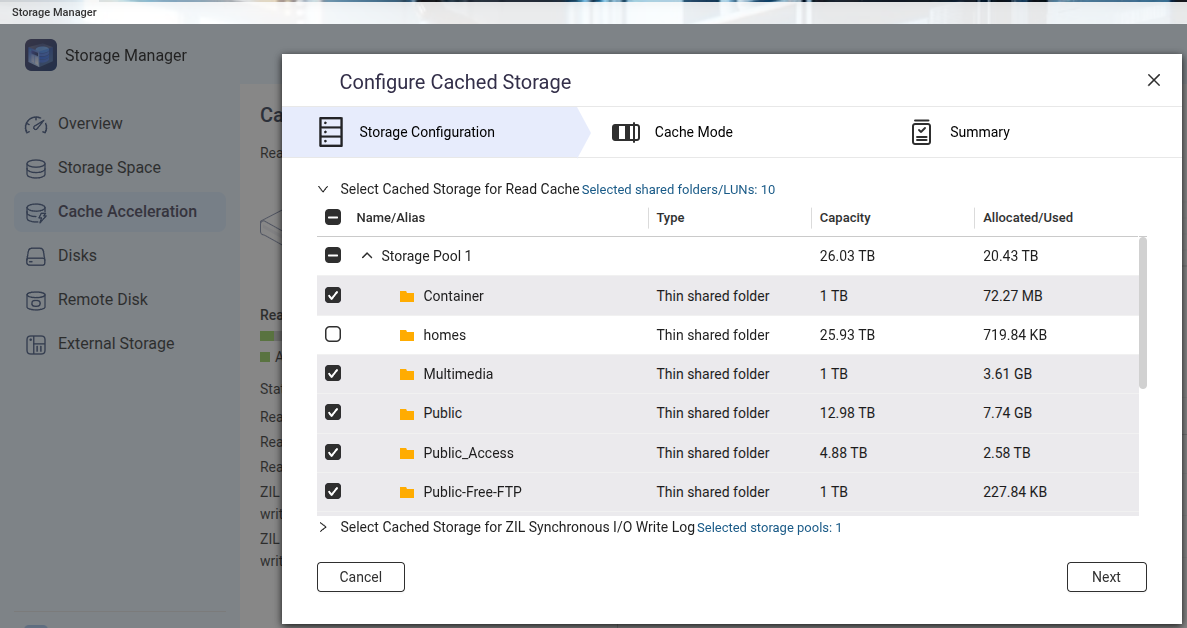
QuTS is using native ZFS cache..so that should not be broken.
Still cache has limited use cases l, useful for some cases, useless for others.
Only advantage for Qtier would be the addition of usable space of the extra bays and the option to remove this space again (vs. destruction of all data on normal mixed array pools)
Actually it depends on your workflow. You should try your concerned workflow and just meter the performance.
I think the main concerns on cache include:
Sequencial IO speed of HDD is usually not worse than network speed, especially when there’s a large RAID. Cache will not help sequencial IO in this case.
QTS (not QuTS hero) had a strange policy of moving data from write cache to underlying storage. This was widely discussed in the old QNAP forum where many people reported that writing performance will greatly degrade and even become slower than a single HDD without cache when write cache disks are full.
If you have spare SSD and spare time, trying out every setup and meter them will give you all the answer. Also posting your results will let others better understand the situation.