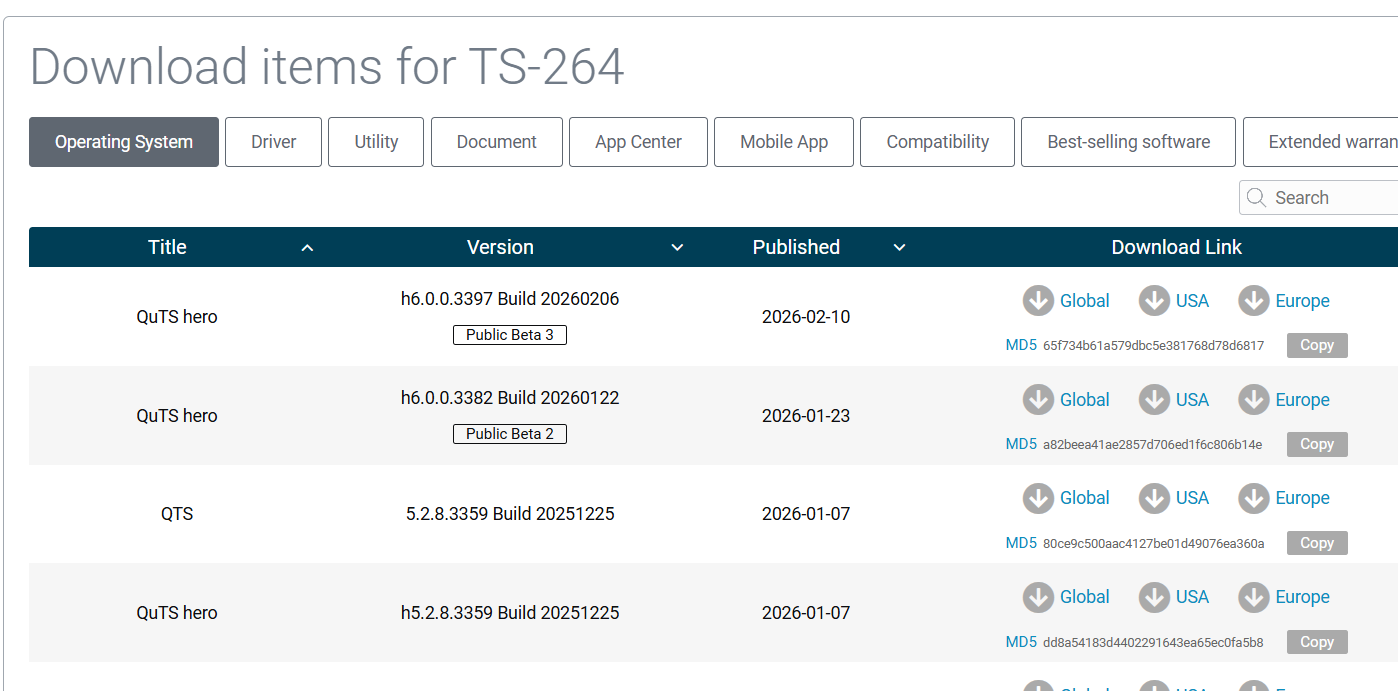
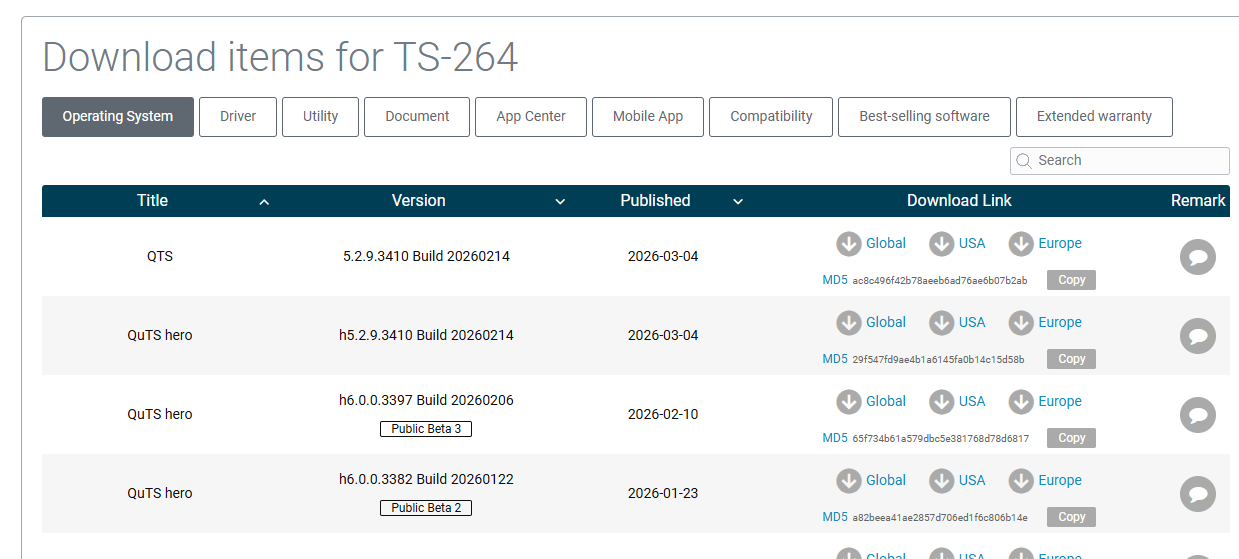
QuTS hero h5.2.9.3410 build 20260214
[Applicable Models]
- TS-h2490FU,TS-h1090FU
- TS-h1290FX
- TDS-h2489FU, TDS-h2489FU-R2
- TS-h3088XU-RP
- TVS-h1288X,TVS-h1688X
- TS-h987XU-RP,TS-h1887XU-RP,TS-h2287XU-RP,TS-h3087XU-RP
- TS-h1886XU-RP,TS-1886XU-RP,TS-1886XU-RP R2,TS-h1886XU-RP R2
- TS-h686,TS-h886
- TNS-h1083X
- TS-h1283XU-RP,TS-h1683XU-RP,TS-h2483XU-RP,TS-883XU,TS-983XU,TS-1283XU,TS-1683XU,TS-2483XU
- TS-h977XU-RP,TS-h1277XU-RP,TS-h1677XU-RP,TS-h2477XU-RP
- TS-h1277AXU-RP ,TS-h1677AXU-RP,TS-h2477AXU-RP,TS-h3077AFU, TS-h1077AFU
- TVS-h1675U-RP,TVS-h1275U-RP,TVS-h875U-RP,TVS-h875U
- TVS-675
- TVS-h474,TVS-h674,TVS-h874,TVS-h874X,TVS-h674T,TVS-h874T
- TBS-h574TX
- TS-873AU,TS-873AU-RP,TS-1273AU-RP,TS-1673AU-RP,TS-873AeU,TS-873AeU-RP
- TS-h973AX,TS-473A,TS-673A,TS-873A
- TVS-672X,TVS872X,TVS-672N,TVS-872N,TVS-472XT,TVS-672XT,TVS-872XT
- TS-1655,TS-855X
- TS-855eU,TS-855eU-RP,TS-h1655XeU-RP
- TS-253E,TS-453E
- HS-264,TBS-464,TS-364,TS-464,TS-664,TS-264,TS-464C2
- TS-466C
- TS-464U,TS-464U-RP,TS-1264U-RP,TS-464eU,TS-864eU,TS-864eU-RP
- TS-i410X,TS-410E
- TS-h765eU,TS-h665U,TS-h665U-RP,TS-h1465U-RP,TS-h1065eU,TS-h1065eU-RP
- TS-h1277AFX,TVS-h877AX,TVS-h1277AX
- Qu805,Qu605,Qu405,TS-h665,TS-h865
[Security Updates]
- Applied multiple security updates to further enhance system security.
[Enhancement]
- Enhanced email security by adding SSL certificate validation for SMTP servers in “Desktop > Personal Settings > Email Account”. Predefined providers now enforce validation automatically, while custom servers offer a configuration choice. If the certificate fails validation, the system blocks email delivery and displays an error message to prevent the use of untrusted certificates.
[Fixed Issues]
- Fixed an issue where the Desktop Dashboard did not display a newly configured port trunking group unless the user refreshed the browser page.
- Resolved an issue where users could not restore a folder from a snapshot if the folder contained symbolic links.
- Fixed an issue where users could not enable the NAS as a domain controller if the specified domain had an exceptionally large number of user accounts.
- Fixed an issue for some users where the NAS could not finish initializing if it was not connected to the internet.
- Resolved an issue where the system stopped responding under specific conditions.
- Fixed an issue where domain users could not copy a file from a Windows domain server to a NAS shared folder using the “robocopy” command.
- Fixed an issue where the NAS might unexpectedly restart under certain conditions.
- Fixed an issue where if “Force redirect HTTP connection to HTTPS” was enabled in Control Panel, creating or deleting a virtual switch could disconnect all WebSocket connections, affecting all applications that use the protocol.
- Resolved an issue where NAS file names with certain special characters could not display those characters properly when searched via SMB on macOS.
- Fixed an issue where, under certain circumstances, a backup file for domain controller settings might not be saved in the specified folder, but in a subfolder with the same name as the specified folder.
- Resolved an issue where users occasionally could not export a LUN successfully.
- Improved system stability during firmware updates.
- Fixed an issue where users could not successfully take a snapshot after disabling “Root snapshot folder in File Station (for authorized users)” in “Snapshot Manager > Global Settings”.
- Resolved an issue in the disk S.M.A.R.T. test schedule settings page, where the “Weekly” selection would duplicate the “Monthly” selection after clicking “Apply”.
- Fixed an issue where after expanding an all-HDD storage pool with additional HDDs, Storage & Snapshots incorrectly displayed over-provisioning for the storage pool. (Over-provisioning is only available for SSDs.)
- Improved system stability during high memory usage.
- Resolved an issue where the Desktop Dashboard incorrectly displayed a warning that a LUN’s capacity was nearly full, even though it had not yet crossed the 80% threshold.
- Improved the recovery of offline disks during system startup.