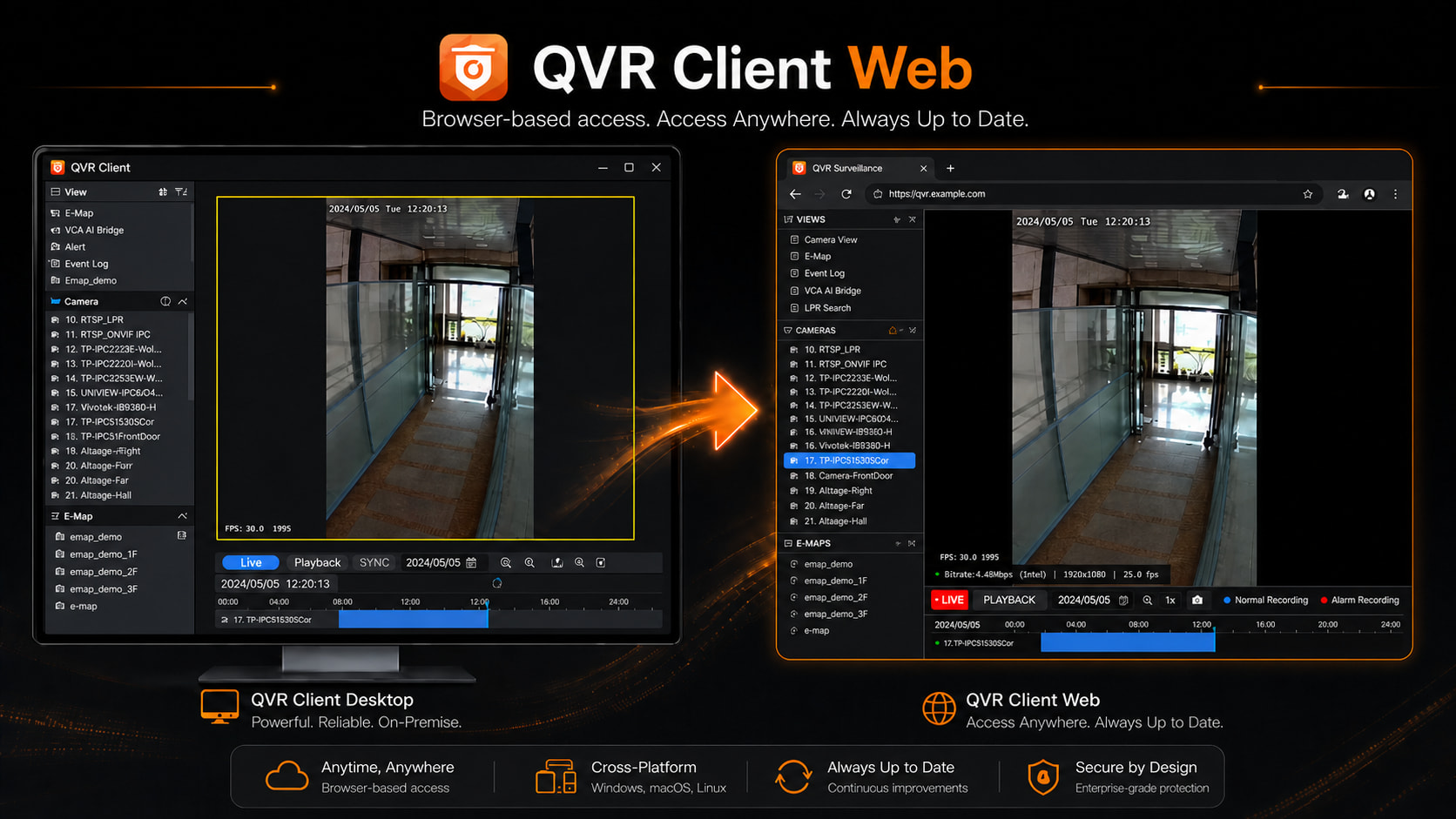
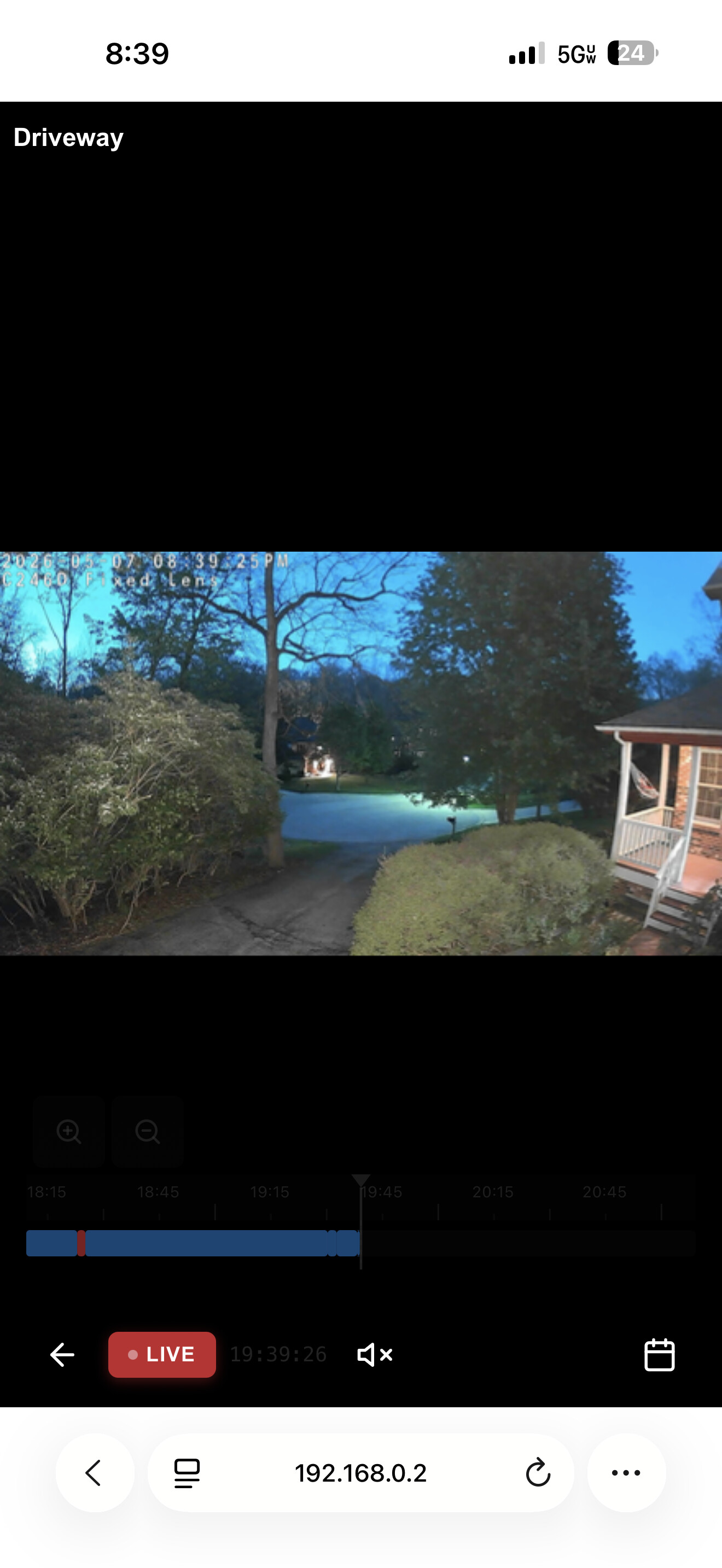
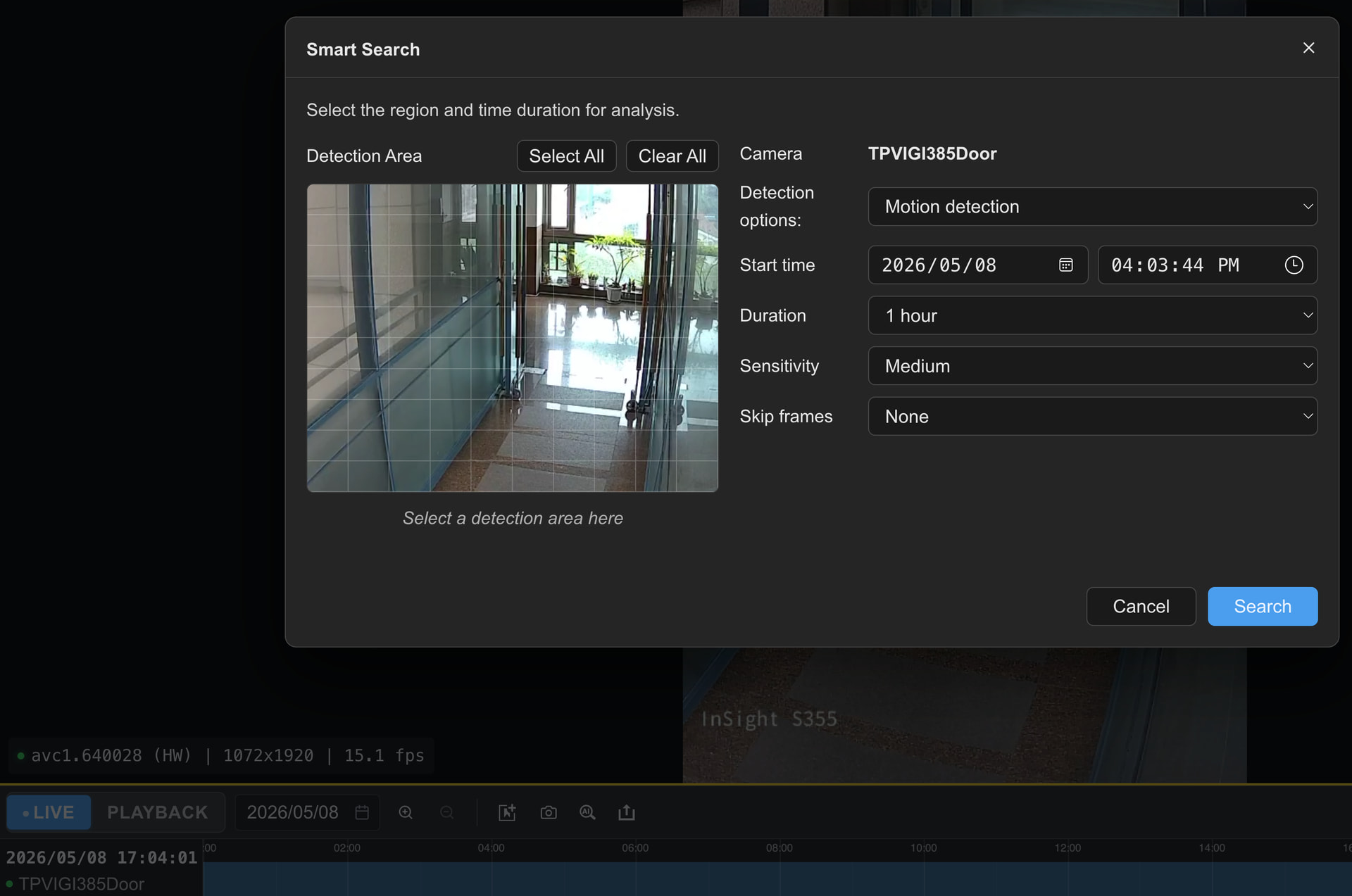
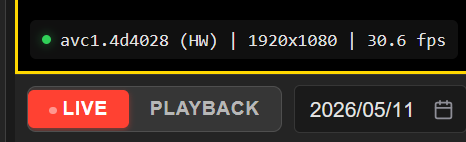
The Beta build covers the same function scope shared in the preview post:
Live view
Video playback
View, camera, and E-map control
Timeline operation
The interface keeps a layout close to the desktop QVR Pro Client, so existing users can pick it up without a learning curve. Stream switching works the same way as the desktop version, so 4K and multi-channel performance still depends on your client hardware and browser decoding capability.
How to Join the Trial
If you would like to try the Web version:
Reply below this post
Send me a direct message
I send the QVR Client Web Beta link to you individually, please let me if you have suggestions or any unexpected behavior after the trial.
1.) You cannot install the Web Surveillance QPK w/in the QVR Surveillance app. You need to go to the regular NAS web page. That’s confusing.
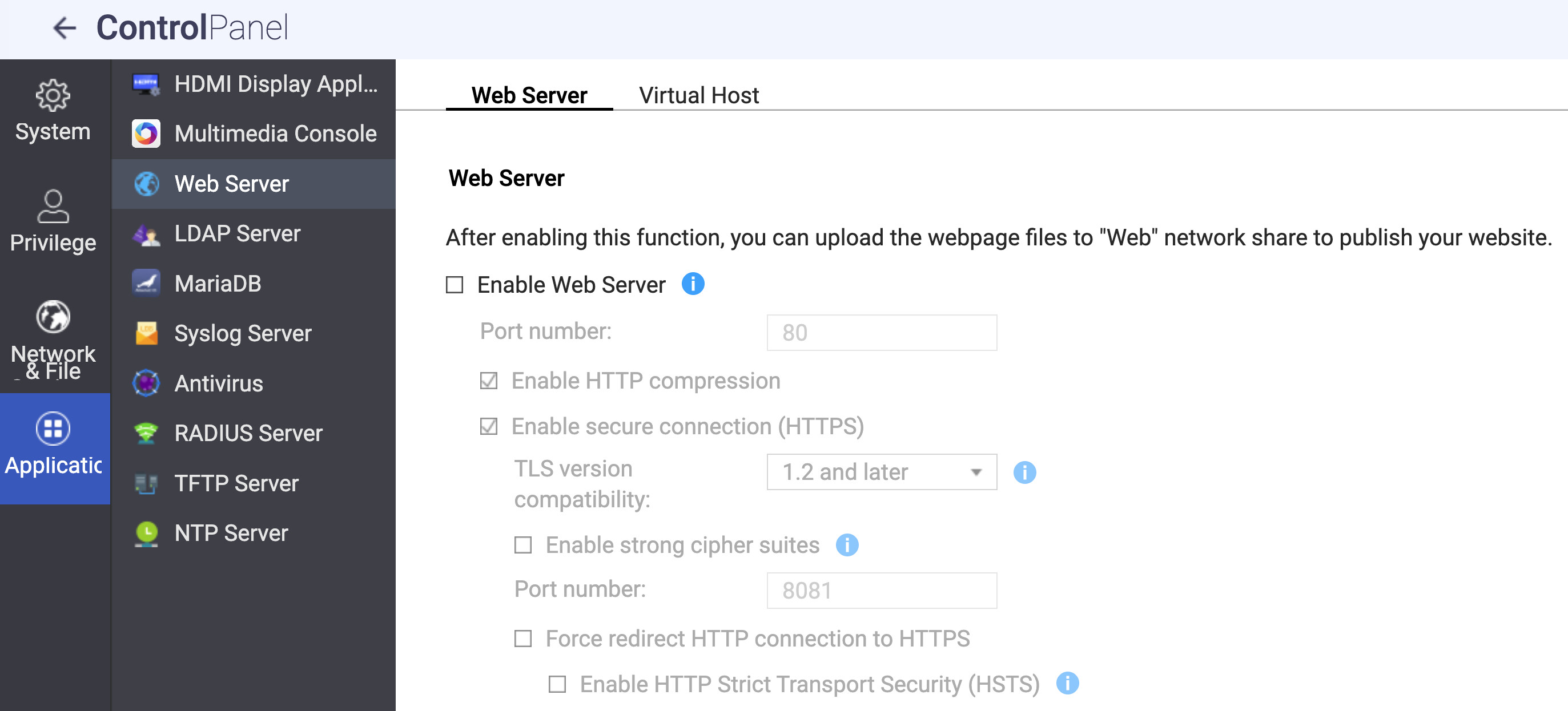
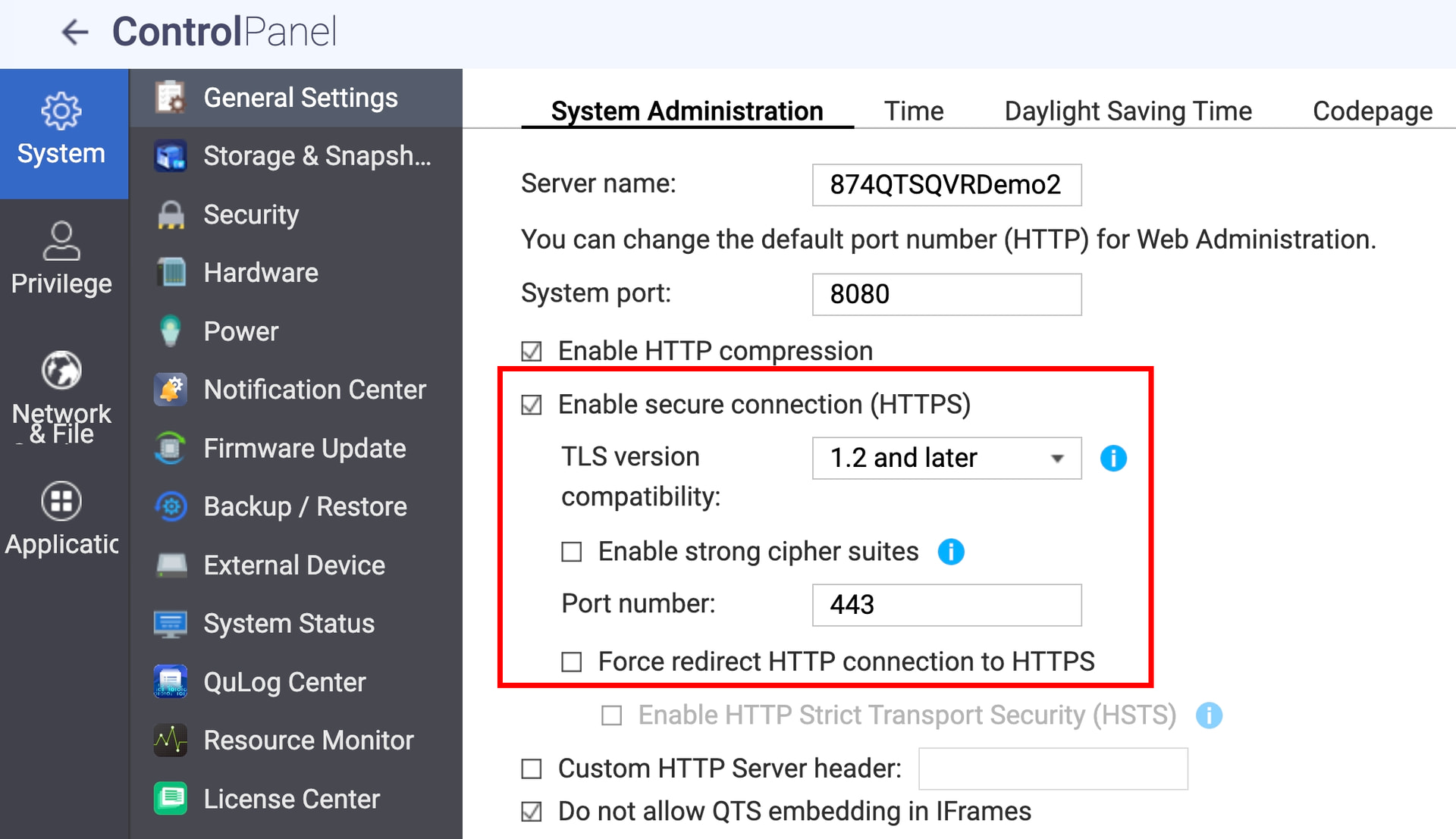
2.) You need to enable the web server on the QNAP.
3.) This is the biggest problem. QVR Web Client insists on https connections. Why - I get it but I am not going to set up certificates and a secure web server on my TS-451 which is not exposed to the WAN. No QNAP web page should ever be exposed to the WAN. So why is HTTPS enforced just for LAN communications. At the very least I should have a choice over how to manage that. Right now it’s a useless app as I don’t have HTTPS set up on my 451.
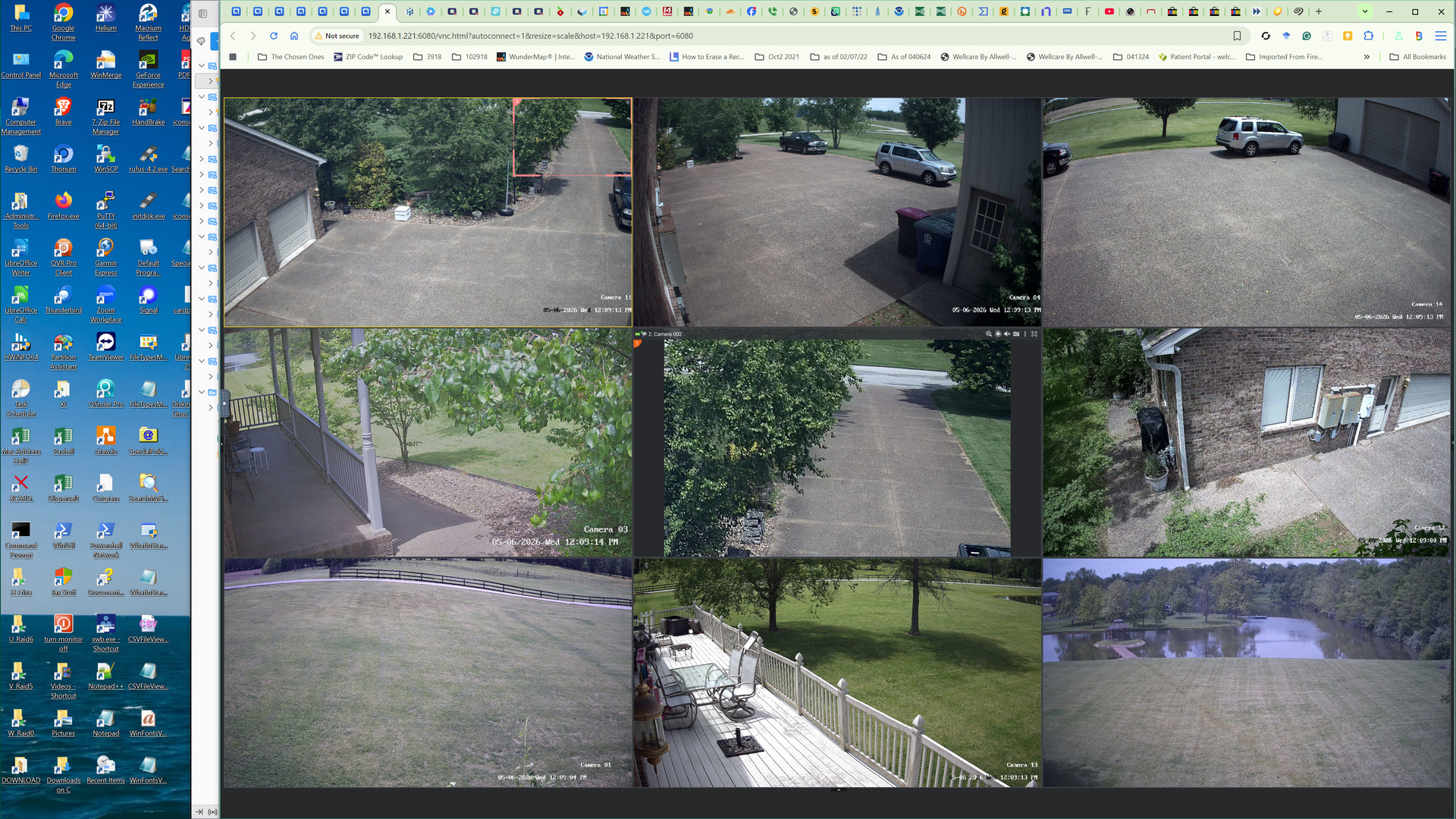
This is a great idea; allowing low-end devices such as Chromebooks to view cameras. You can already sort of do this with Hybrid Desk and QVR Smart client. See image.
QVR Client Web is currently packaged as a QTS-level QPKG (installed through the QTS App Center), but integrate it into the QVR Surveillance is already on our roadmap for a future release.
I have checked my NAS and its Web Server option is disabled, the QVR Client Web should no need this.
You should be able to access the QVR Client Web directly at:
https://(nas-ip):(https-port)/qvrwebclient/
If you did see a message asking you to enable the Web Server option, please share the screenshot and let us to check what happened.
The QVR Client Web uses the WebCodecs API for hardware-accelerated H.264 / H.265 decoding in the browser, and the W3C specification of WebCodecs require HTTPS of localhost.
The browser can not identify the differences between LAN address and public address, the only non-HTTPS it trust are localhost and 127.0.0.1. That means we can not use HTTP to provide the same decoding performance.
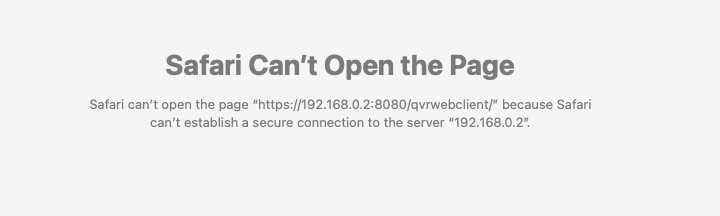
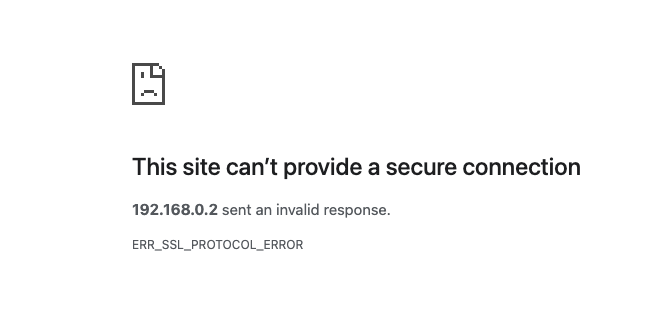
So I was able to get the non https warning page to load with the web server shut down. Maybe yesterday I didn’t give enough time for things to start up. I was getting a warning page with a red circle with a white line through it.
@NA9D please enter the HTTPS port number in your system and try again. The default should be 443 if the NAS is on the internal network and has not been specifically configured, e.g.
http s://192.168.0.2:443/qvrwebclient/
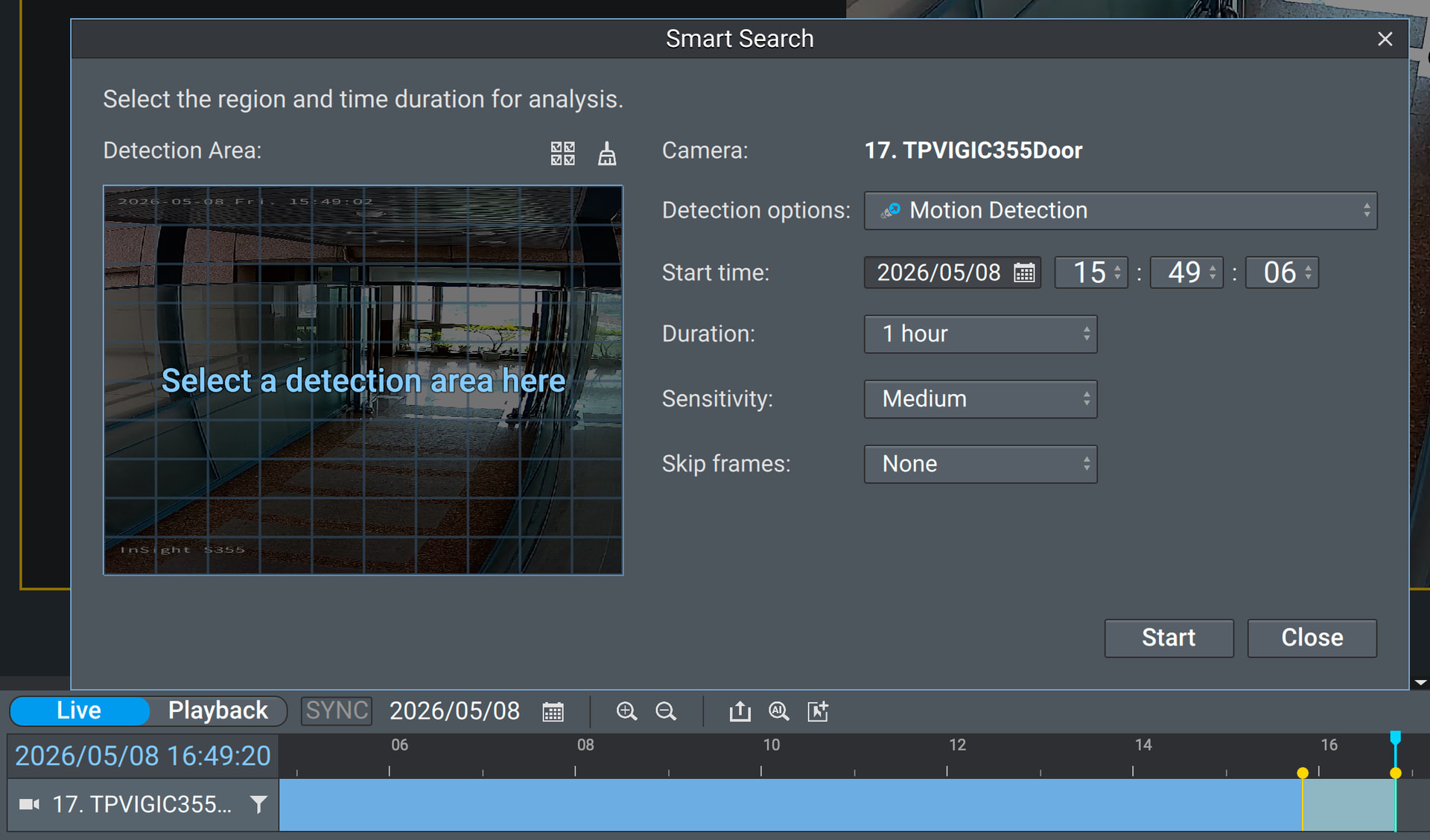
Thank you for the link, it installed very easily. I’m on the other side of the country right now connected by VPN and it works well here on my Surface Go. QVR Client doesn’t really drop below 35% CPU usage, QVR web client is using about 13% CPU. Solid performance increase here for my use case. I’ll keep testing various scenarios in the coming days. I don’t remember from the previous thread, but is there any chance that AI search will eventually come to the tool? I use it pretty frequently to search recordings for specific events/vehicles/people.
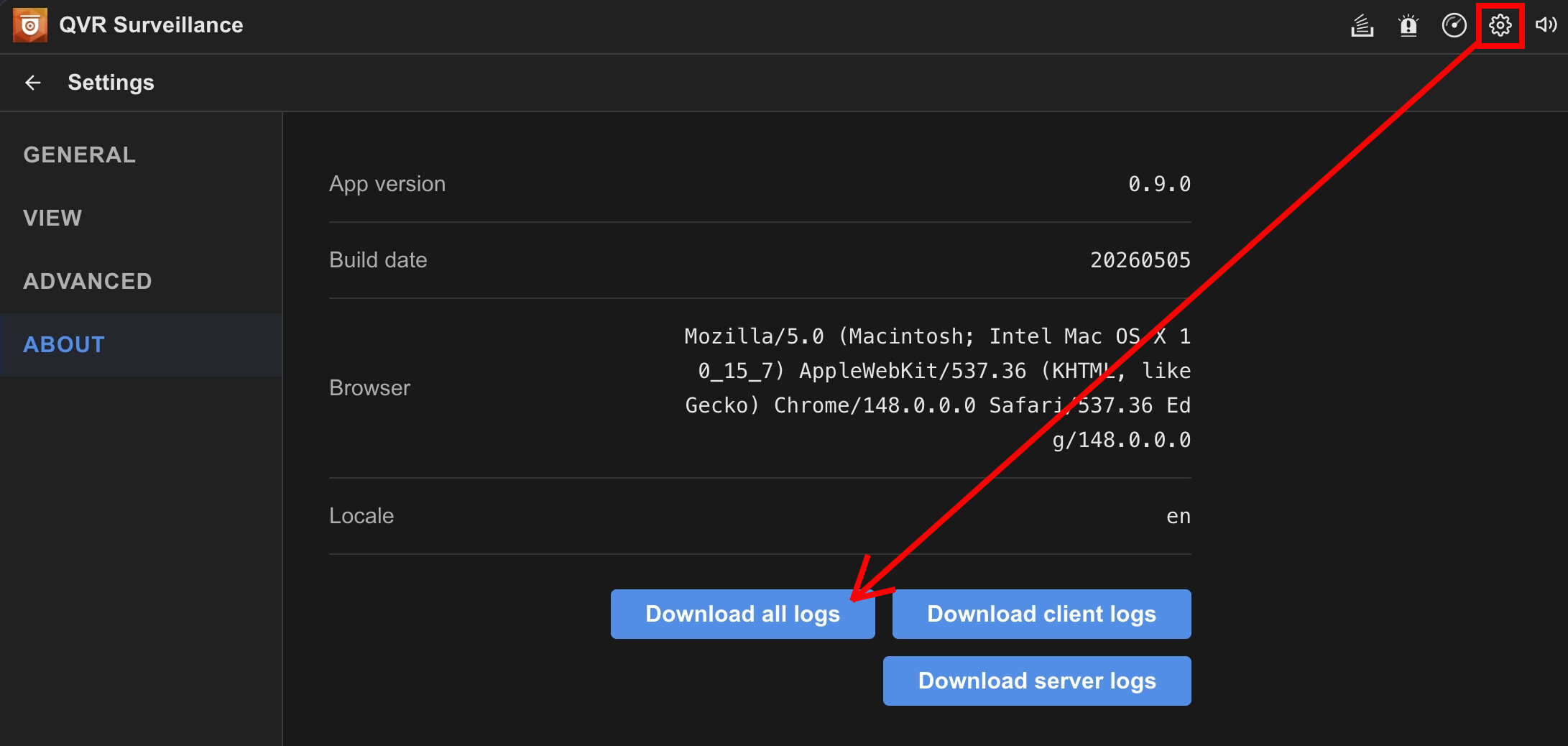
@marcoi could you help to open the Client Web and try to live view or playback that camera, then go to Settings → About to download all debug log and share to us for check what happened?