In the past, QVR Client supported Windows and macOS desktop versions, as well as iOS and Android mobile versions. For computer environments where software installation is not possible, or for Linux and ChromeOS systems, users faced limitations in accessing video. The development team now has an initial web-based solution.
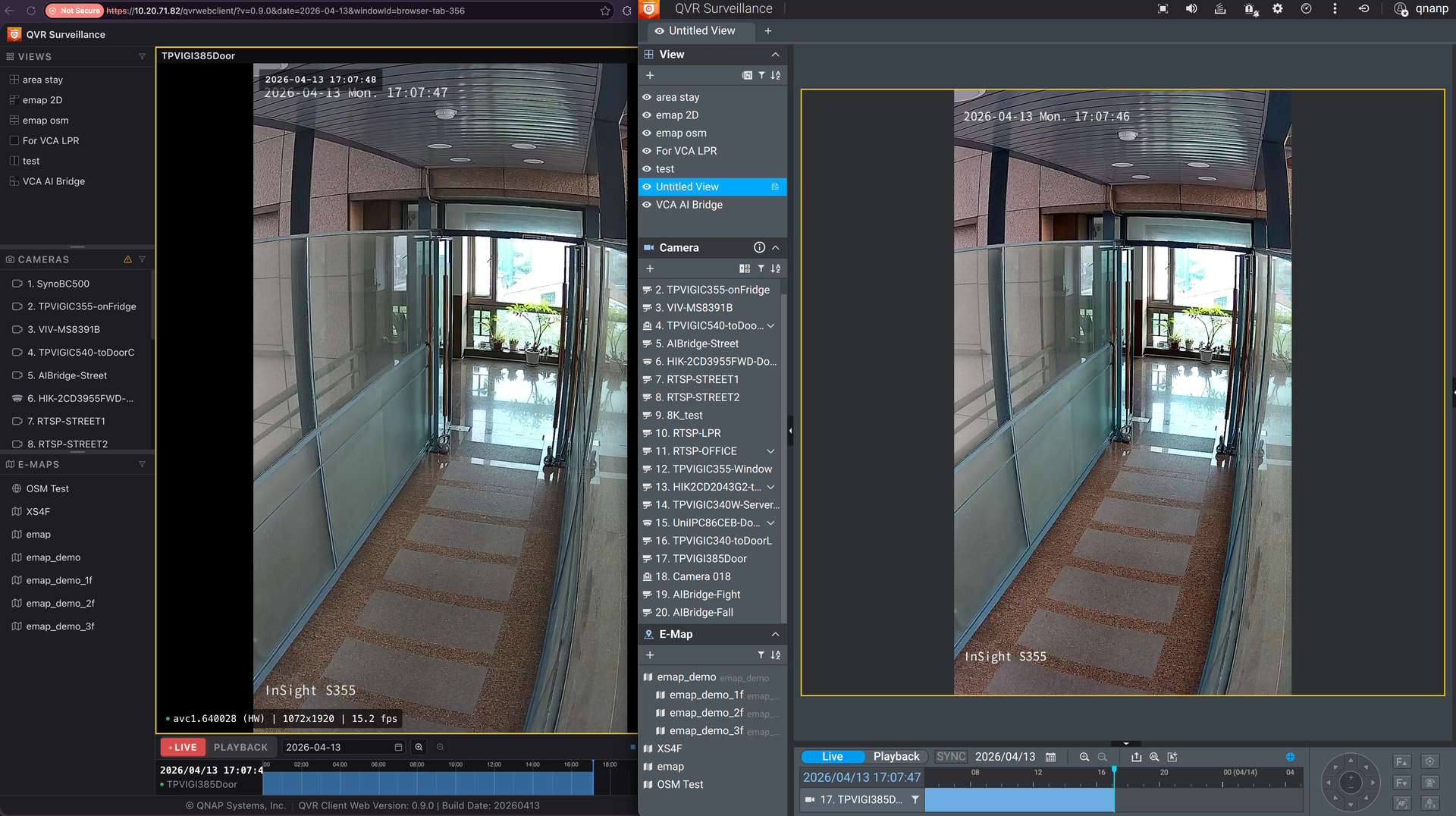
QVR Client Web Version Status
Users can log in by entering the URL in their browser to view camera feeds, eliminating the need for software installation. The currently available features include:
- Live video viewing
- Playback of recordings
- Switching and management of views, cameras, and e-maps
- Timeline operations
The interface layout is similar to the desktop QVR Pro Client, reducing the learning curve for users.
Feedback Collection
The web version is still under development, and community feedback will determine the priorities for future development. Please share with us:
- Which features from QVR Pro Client would you like to see retained in the web version?
- What are your expected usage scenarios for the web version? (For example: checking on a hotel computer during a business trip, office environments with software installation restrictions, etc.)
- What are your performance requirements? How many video streams do you usually open at the same time? Do you need 4K resolution or do you prioritize smooth playback?
- Any other development suggestions for QVR Client.
Please reply directly below this article.