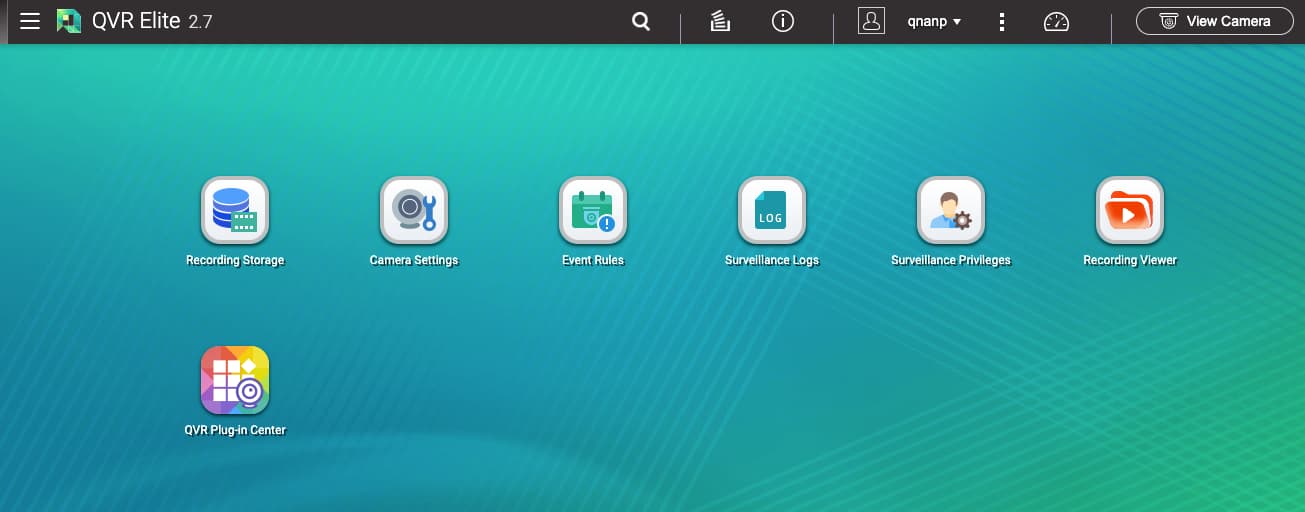
QVR Elite Version 2.7.0 has been officially released for QTS 5.2.0 and QuTS hero h5.2.0. Below are the key features of this update:
[Important Notice]
This version supports OpenSSL 3.0 to enhance security and performance. After updating, downgrading to version 2.6 or earlier will no longer be possible.
[New Features]
Added support for VCA Technology’s “Personal Protective Equipment” analytics, which detects whether individuals entering an area are wearing safety helmets or reflective vests—ensuring personnel safety and reducing risk.
Introduced the QVR Plug-in Center, which now manages camera integration through plug-ins to accelerate updates to the camera compatibility list.
Improved system support for motion detection analysis on QVR Server, reducing CPU load and enabling more tasks to run simultaneously.
After the new QVR Elite, I noticed that some new features require me to install CAYIN Media Viewer. I’m a bit confused why the current CAYIN MediaSign Player doesn’t play the role and we need a new one.
I’m using TS-453Dmini. I have both CAYIN Media Viewer and CAYIN MediaSign Player installed. My QVR Elite 2.7.0 is working well with its new motion detection feature.
I’m just confused that why do we need CAYIN Media Viewer when we already have CAYIN MediaSign Player. Their UI are almost identical, but we need to install both and spend double storage and memory on them, because QVR relies on one and QuMagie relies on the other.
@taoyouh12138 I have confirmed with the QuMagie team that the QuMagie should been changed in the new version 2.6.0 to check both Media Sign Player and Media Viewer, and only notify to install Media Viewer.
Based the policy of CAYIN, they will only maintain Media Viewer in the future, so the QPKG of QNAP which uses CAYIN functions should all make adjustment.