To all QVR Human users, we’re excited to announce that the latest version—QVR Human 2.6.1—is officially released!
This update in the 2.6 series brings several upgrades to intelligent video analysis features, including a brand-new Area Stay detection task, support for NVIDIA RTX 20 to 50 series GPUs, enhanced area intrusion data analysis, detection resolution settings, and improved human recognition from special angles. Additionally, QVR Human 2.6.1 includes the latest security patches. We recommend updating directly to the newest version to access all new features, performance improvements, and security updates.
Let’s take a quick look at the highlights of QVR Human 2.6!
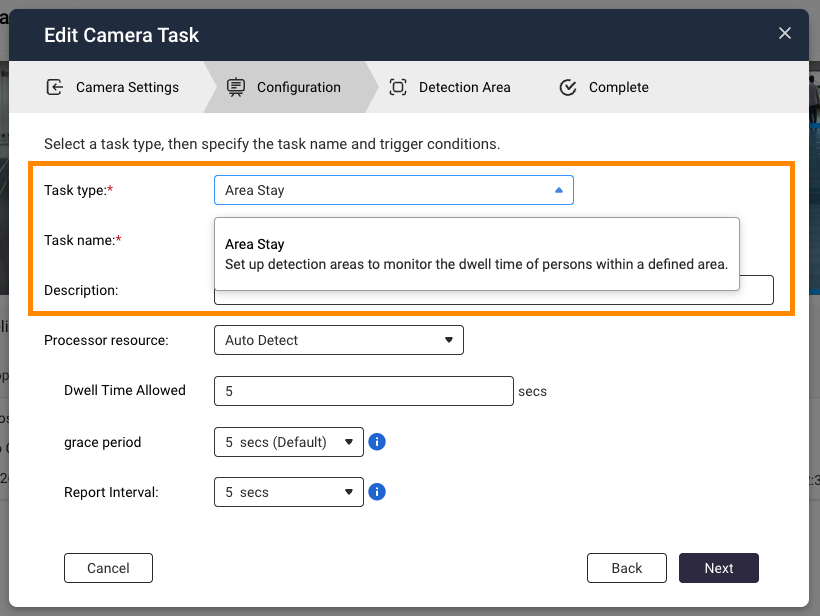
Monitor abnormal dwelling behavior: New “Area Stay” detection task!
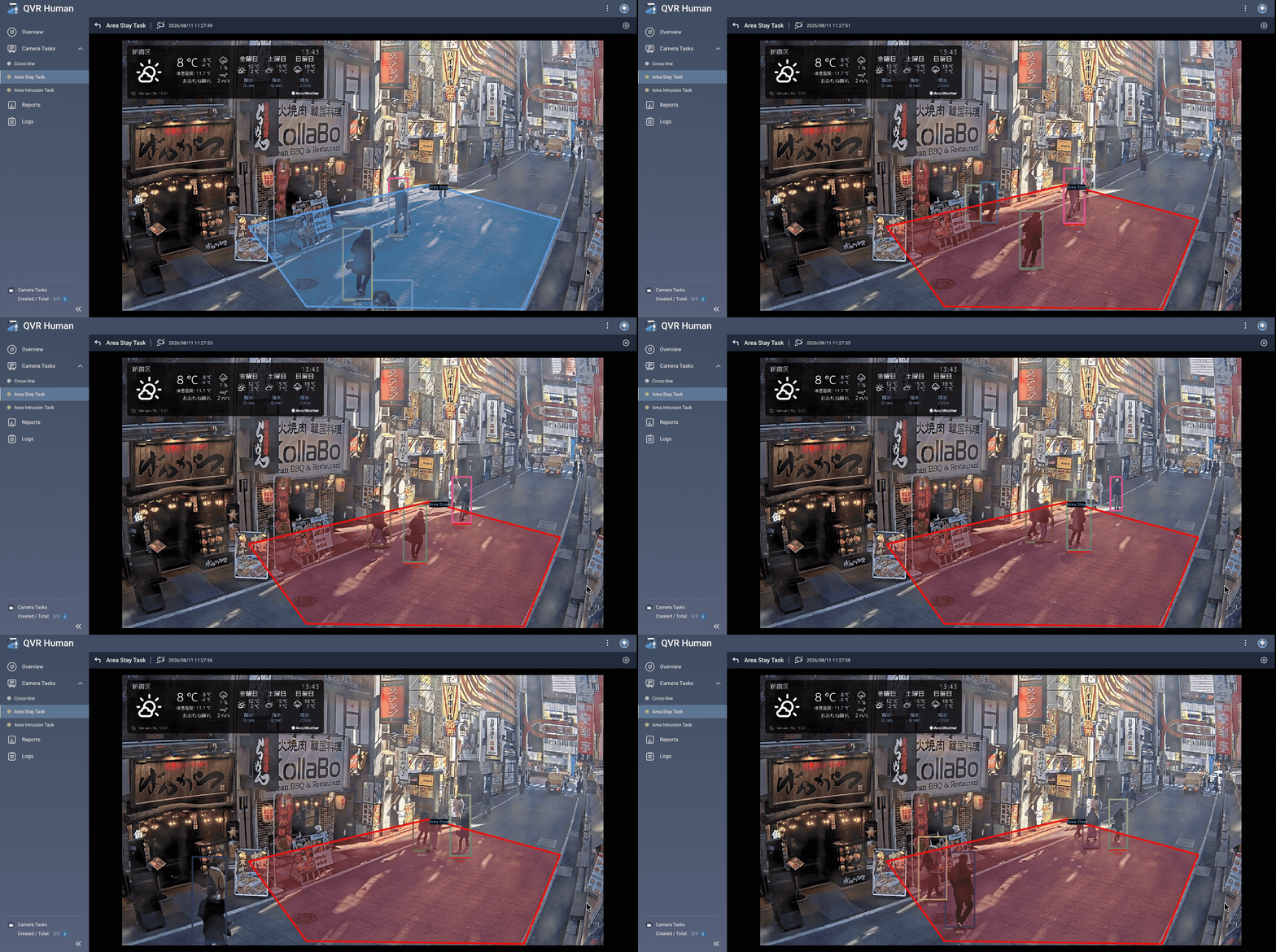
Besides detecting if someone enters a specific area, “how long they stay” is also a crucial indicator for abnormal behavior and space utilization analysis. The new “Area Stay” detection task in QVR Human 2.6 lets surveillance not only see “where people are” but also “how long they’ve stayed”.
- Instant detection of abnormal stays: Monitor personnel dwelling in specified areas and trigger alerts in real time when set conditions are met, helping managers quickly identify suspicious or abnormal situations.
- Clear stay trends: Use reports to view dwell time and trend changes, so event analysis isn’t just about single alerts.
- Suitable for both safety and operations: Beyond warehouses and restricted areas, it’s also useful for retail spaces, helping identify customer hotspots to optimize store layout and area planning.
Note: This function requires QVR Surveillance 3.1.0 or above.
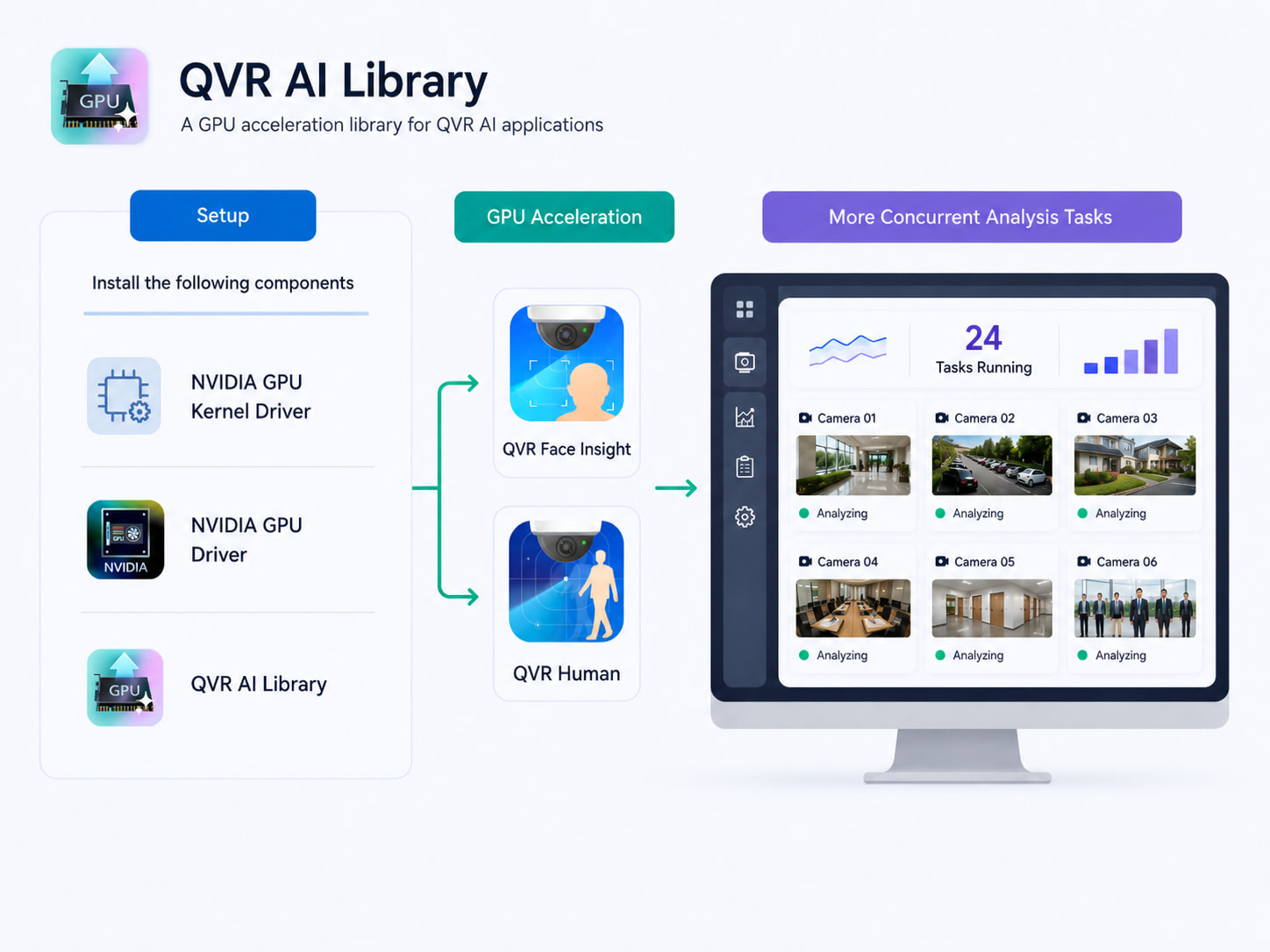
AI computing power upgraded: Supports NVIDIA RTX 20 to 50 series GPUs
For scenarios with multiple cameras and simultaneous AI detection tasks, QVR Human 2.6 adds support for NVIDIA RTX 20, 30, 40, and 50 series GPUs, boosting AI video analysis performance with hardware acceleration.
- Improved AI analysis power: Harness GPU capabilities to accelerate human detection and other AI video analysis.
- Supports higher workload situations: Ideal for businesses, factories, or large-scale surveillance environments with multiple cameras and detection tasks running at once.
- Flexible deployment: Choose suitable GPUs based on actual monitoring scale and performance needs, creating a more scalable intelligent surveillance architecture.
Accelerate your QVR Human now!
Note: This feature requires QVR AI Library 1.1.0 or above.
From instant detection to trend analysis: More comprehensive “Area Intrusion” data
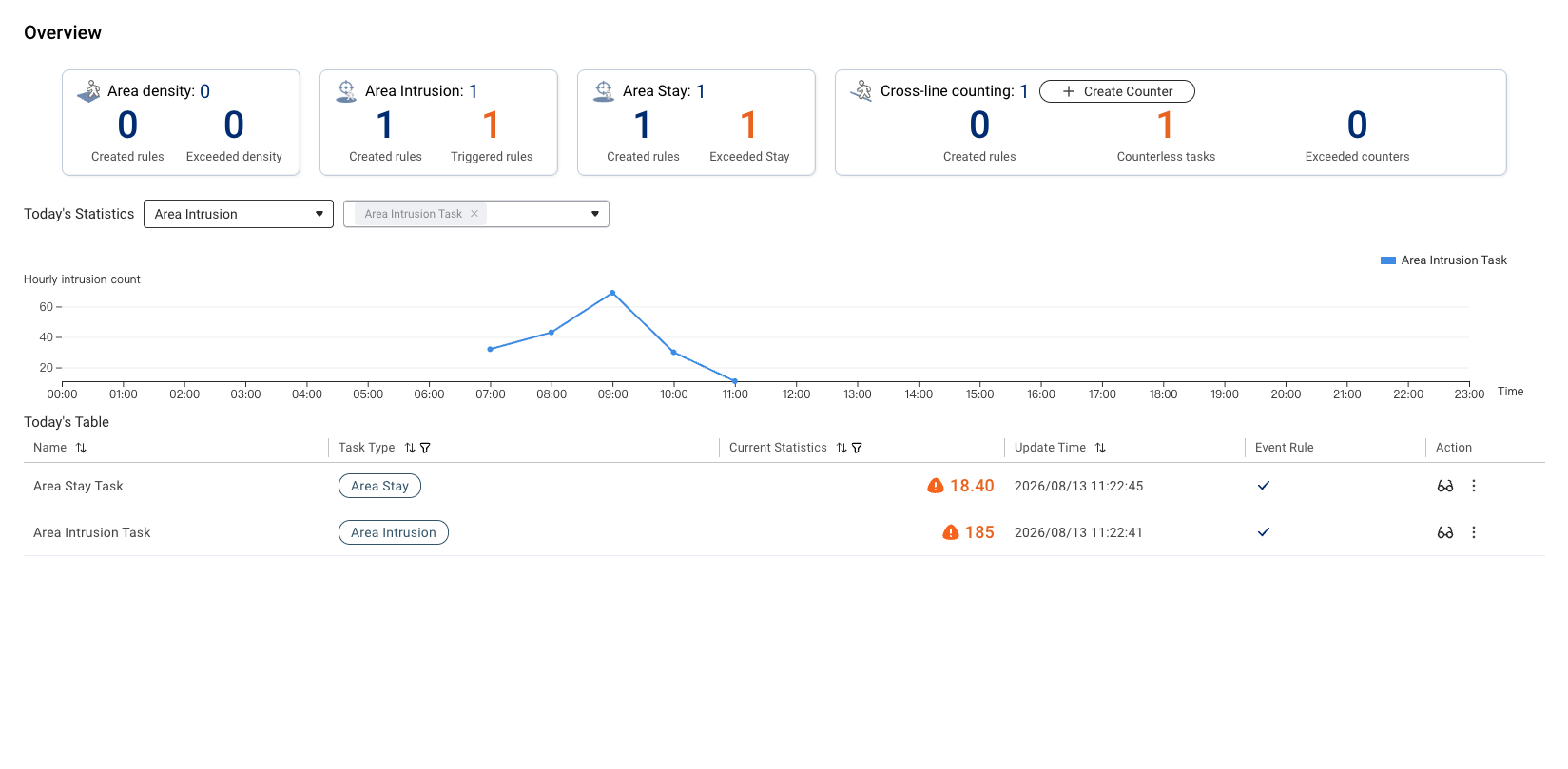
Building on the previously launched “Area Intrusion” detection, QVR Human 2.6 integrates relevant data into Overview and Reports, so users can monitor real-time events and observe long-term trends.
- Events overview at a glance: Instantly review area intrusion stats in Overview to understand ongoing situations.
- Track long-term intrusion trends: Use reports and visual charts to compare different event time periods, supporting future security management and decision-making.
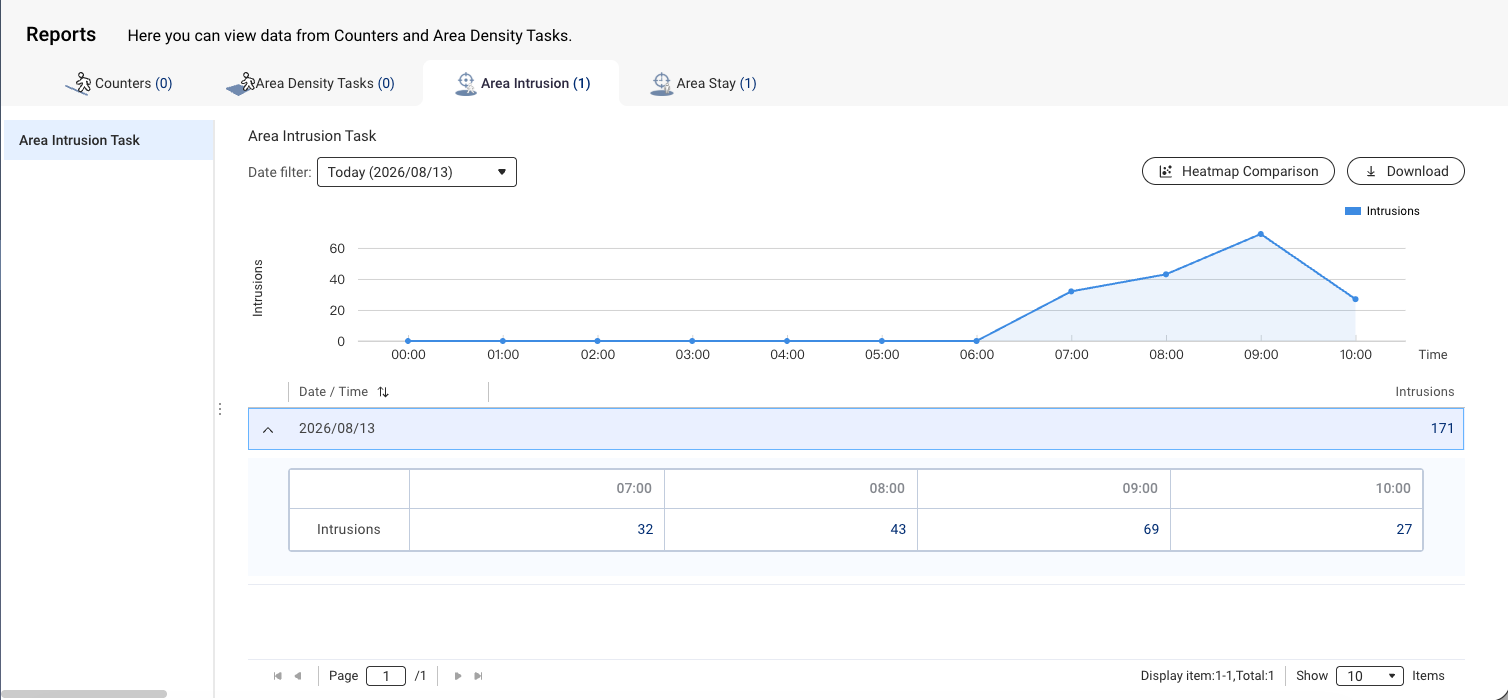
Enhanced user experience and system stability
Besides new features, QVR Human 2.6 also improves detection settings, workflow, and system stability:
- New detection resolution mode lets you adjust resolution for different monitoring scenarios, optimizing detection results.
- Improved fisheye lens and top-down detection models deliver more accurate human recognition from special viewing angles.
- Camera tasks now feature individual “create/edit counter” entry for easier counter setup.
- Supports detection tasks linked to QVR Surveillance with two-step authentication enabled.
- Adds related logs and notifications when system performance drops, helping users monitor analysis status.
Highlights of this update
| Feature Category | Update Highlights |
|---|---|
| AI Hardware Acceleration | Support for NVIDIA RTX 20 to 50 series GPUs |
| Intelligent Behavior Detection | New “Area Stay” detection and real-time alerts |
| Data Analysis | New “Area Intrusion” overview, reports, and trend analysis |
| Detection Accuracy | Supports detection resolution modes and improves fisheye & top-down recognition |
| Task Management | Camera tasks support fast create/edit counter |
| Security & Integration | Supports connection to QVR Surveillance with two-step authentication |
| System Stability | Optimized sync mechanism, capacity protection & abnormal performance alerts |
From the brand-new “Area Stay” detection to NVIDIA RTX GPU hardware acceleration, along with more complete area intrusion data analysis and specialized angle model improvements, QVR Human 2.6 continues to make AI smart surveillance more responsive, more precise, and easier to manage.
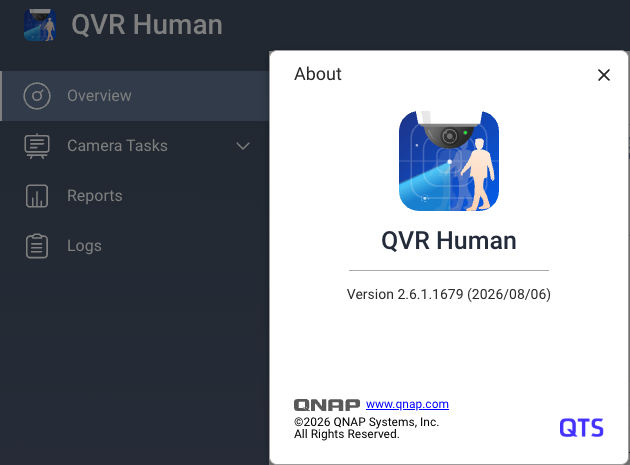
Update to QVR Human 2.6.1 now to experience enhanced intelligent video analysis and proactive alerting!
For details, check the release notes: Apps Release Notes | QNAP
Thank you for your continued support of QNAP and the QVR product line. We are committed to delivering smarter, more reliable surveillance solutions. If you have any feedback or needs, please leave a comment below or contact us!