For a few months now, Foscam cameras (especially C2M models) have no longer been transmitting motion detection to QVR PRO. They work locally, so I’m wondering if it’s possible to monitor the NAS to see if the detection is working. What does the camera send to the NAS to alert it of motion? Is there a log or is it possible to debug it?
When you say “they work locally” - what do you mean? Do you mean that the cameras in their web interface are detecting motion?
QNAP has made some updates to QVR Pro in the last few months - maybe something changed with one of the drivers or something.
You can set up notifications in QVR Pro that when it receives a motion event from the camera that it will notify you via email, push, log it, etc. Lots of ways to do that.
Did something change on your cameras? Was there a firmware upgrade? Maybe something broke in the driver somewhere along the line.
Are you using a specific Foscam driver or are you using the ONVIF drivers? Try switching drivers and see what happens.
You may want to open a support ticket.
Hi @Monta could you please share more details about your QVR Pro environment so we can better analyze the problems you might be encountering and provide more effective advice?
For example:
- NAS OS Version
- QVR Pro Version
- Have you install CAYIN Media Viewer? (not CAYIN Media Sign Player)
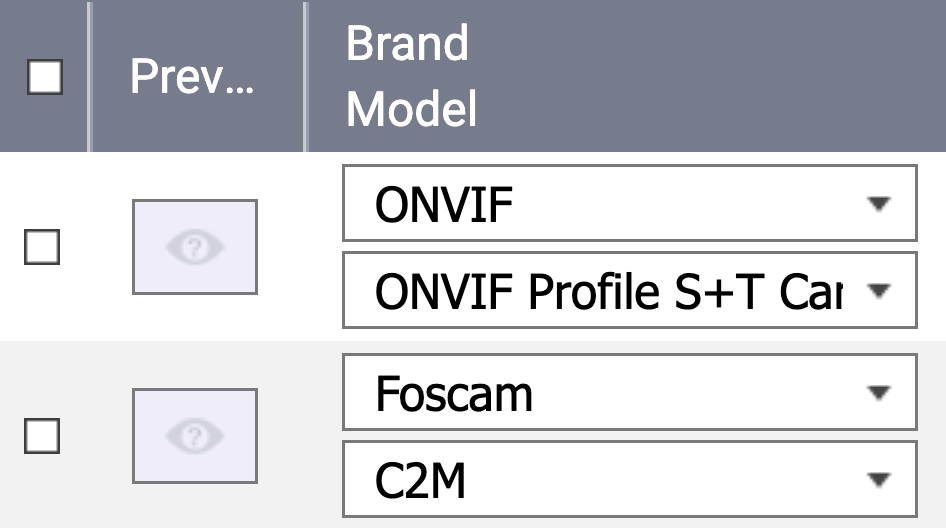
- Which model did you used on channel setting? ONVIF or Foscam C2M?
Thanks for your replies.
Local motion detection works: the FOSCAM app receives the alarm and notifies me correctly. It seems that the signal isn’t being sent to the QNAP NAS, so QVR PRO isn’t receiving anything, or the signal is being sent but QVR PRO isn’t able to process or capture it. The QNAP NAS has definitely received updates, the most important of which is the introduction of CAYIN Media Viewer, which I’ve successfully installed. I have a total of seven different Foscam cameras. Some use QVR detection, others use the camera software, so the two channels dedicated to NAS detection are occupied; I have to rely on the camera. All camera firmware is up to date. Some work and detect motion, others don’t. I also tried ONVIF, but the result remains the same.
NAS OS Version : QTS 5.2.8.3359
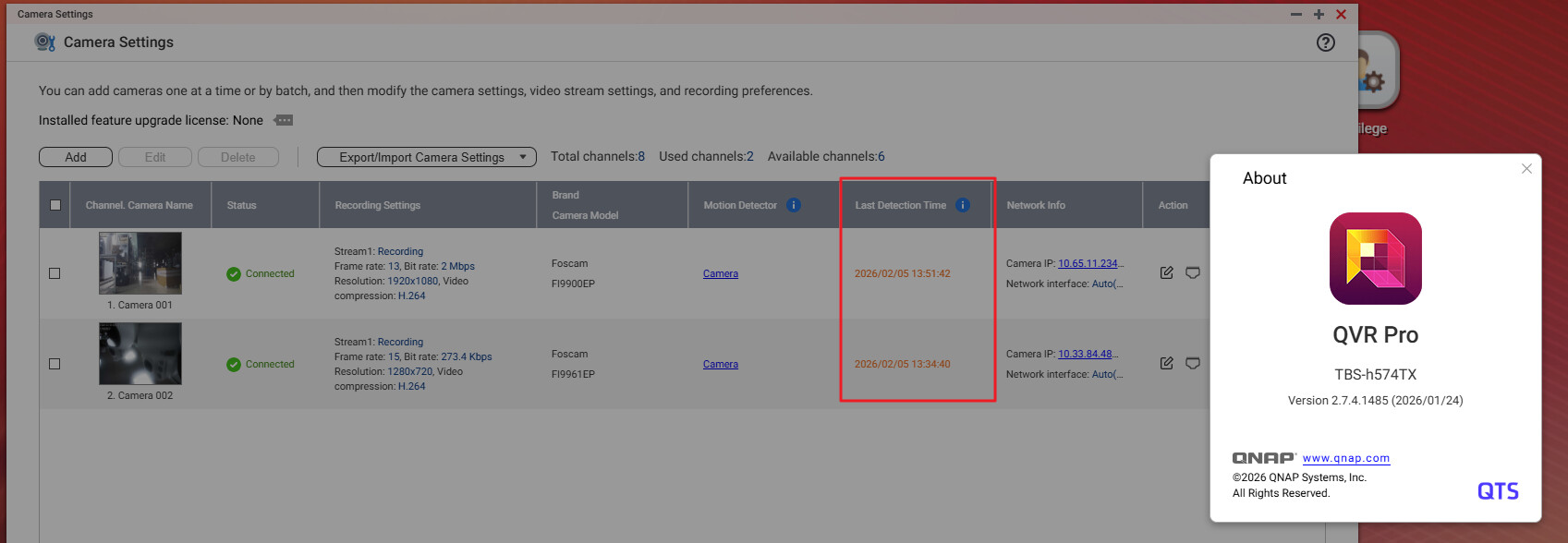
QVR Pro Version : 2.7.4.1485
Have you install CAYIN Media Viewer? Yes, v.1.6.25263
Which model did you used on channel setting? ONVIF or Foscam C2M? FOSCAM C2M but i try also other model, C1 for esample.
C2M has 2 version V2 and V3. One version seems to work, the other doesn’t.
Isn’t there a debugging tool that captures the signal between cameras and NAS? How is motion detection transmitted over the network?
If it were possible to use only the QVR PRO detection it would be perfect but I only have 2 channels…
Thankyou
(sorry for my english…)
You should be able to use as many channels as you want for QVR Pro motion detection. I don’t think there’s a limit on that.
Hi @Monta We find a Foscam FI9900EP (FW v2.74.1.8) in our QVR LAB and confirmed that Motion Detected events are triggering correctly with QVR Pro 2.7.4.1485.
Could you please open a Support Ticket on the QNAP Customer Service website to let our support team to arrange a remote session and analyze the issue directly.