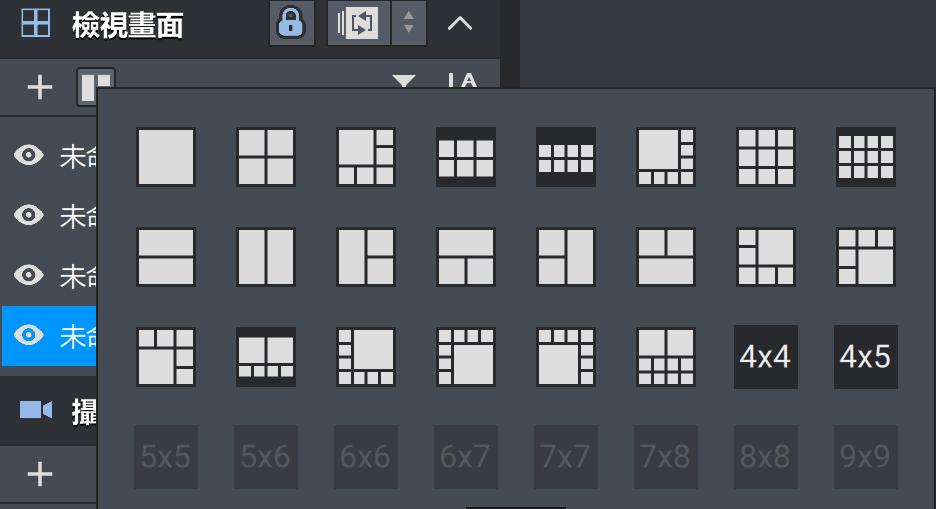
Recently, I’ve encountered a rather frustrating issue while configuring surveillance layouts using QVR Pro Client.
I originally thought that after “adding a new view layout template,” the grid would be empty, allowing me to drag in the camera feeds I want. However, that’s not the case at all—the system automatically fills the entire layout with camera feeds starting from the first camera. This doesn’t actually meet my needs.
Later, if I want to change a feed—for example, replace the first slot with another camera—dragging and dropping doesn’t directly overwrite it. Instead, the system creates a new feed window next to it, which messes up the entire layout. I then have to manually remove the slot I don’t need, making the whole process of configuring a layout quite troublesome.
I’m not sure if this is a current design limitation, but I hope the official team can optimize the template application or drag-and-drop overwrite behavior in the future.