Hi All!
Sorry, if this was discussed somewhere, I did my best to find anything similar, but without success.
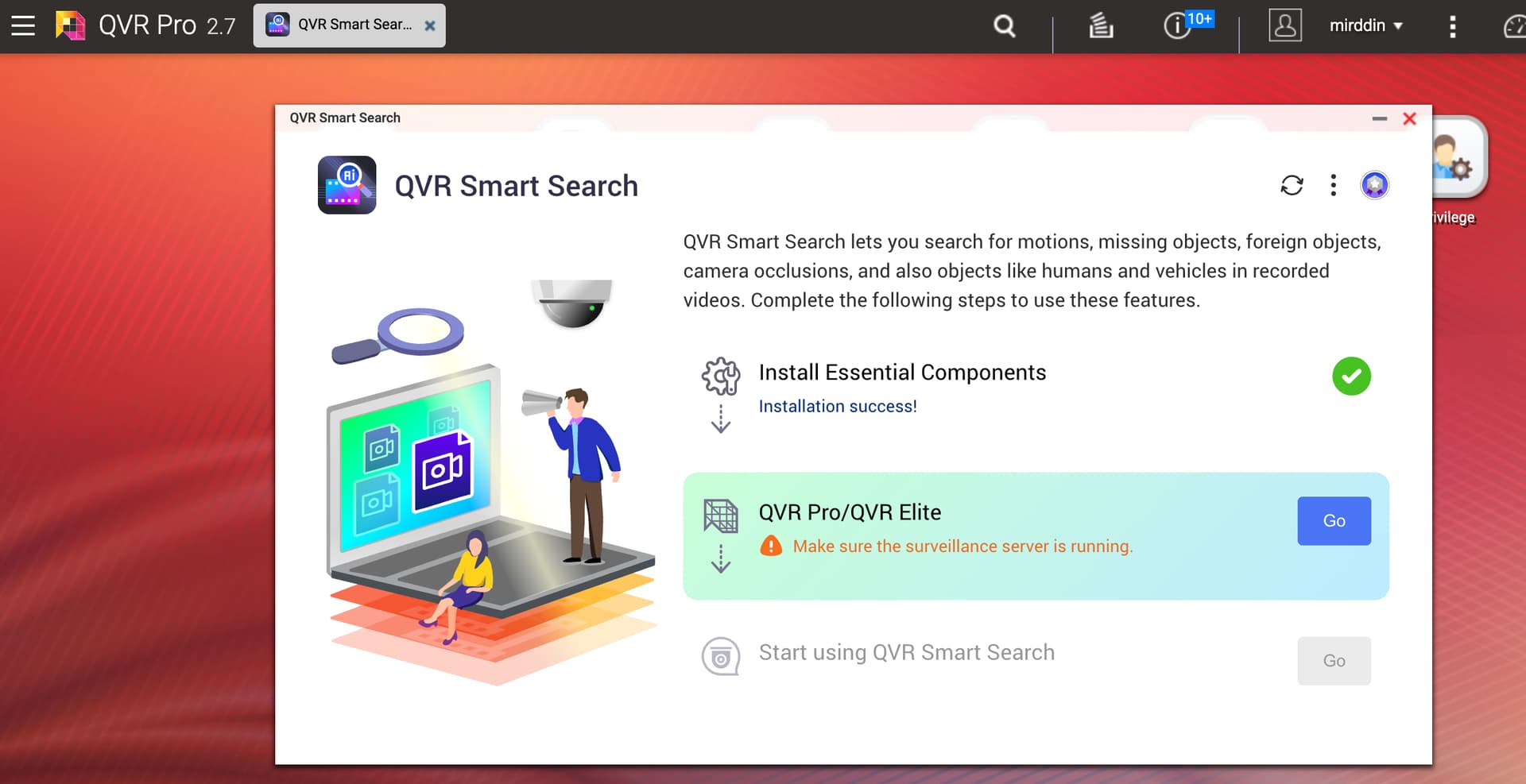
Starting from some time (perhaps there was some upgrade, but I didn’t notice, when this actually happened), QVR Smart Search stopped to identify the existing QVR Pro application. So, it states, I need to install it. Even if I try to open QVR Smart Search, being under QVR Pro GUI, like on the attached screenshot.
I use TS-251D with QTS 5.2.6.3195 installed.
I tried to reinstall both apps. The license for Smart search is valid and perpetual.
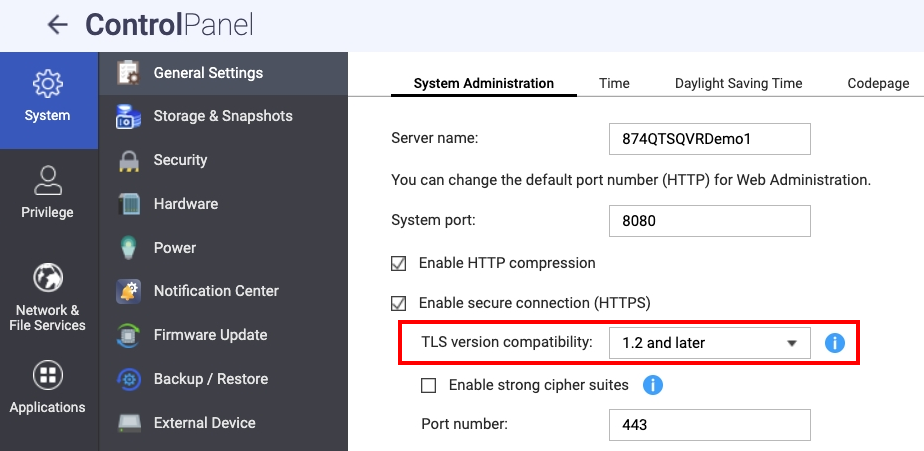
Hi @mirddin could you check the TLS version compatibility under Control Panel → General Settings? If it’s set to 1.3, try switching it to “1.2 and later”.
We have confirmed that the QVR Smart Search 2.1 doesn’t support TLS 1.3. This has already been fixed in QVR Smart Search 2.2, but using “1.2 and later” should also work fine. This might be related to the issue you are experiencing.
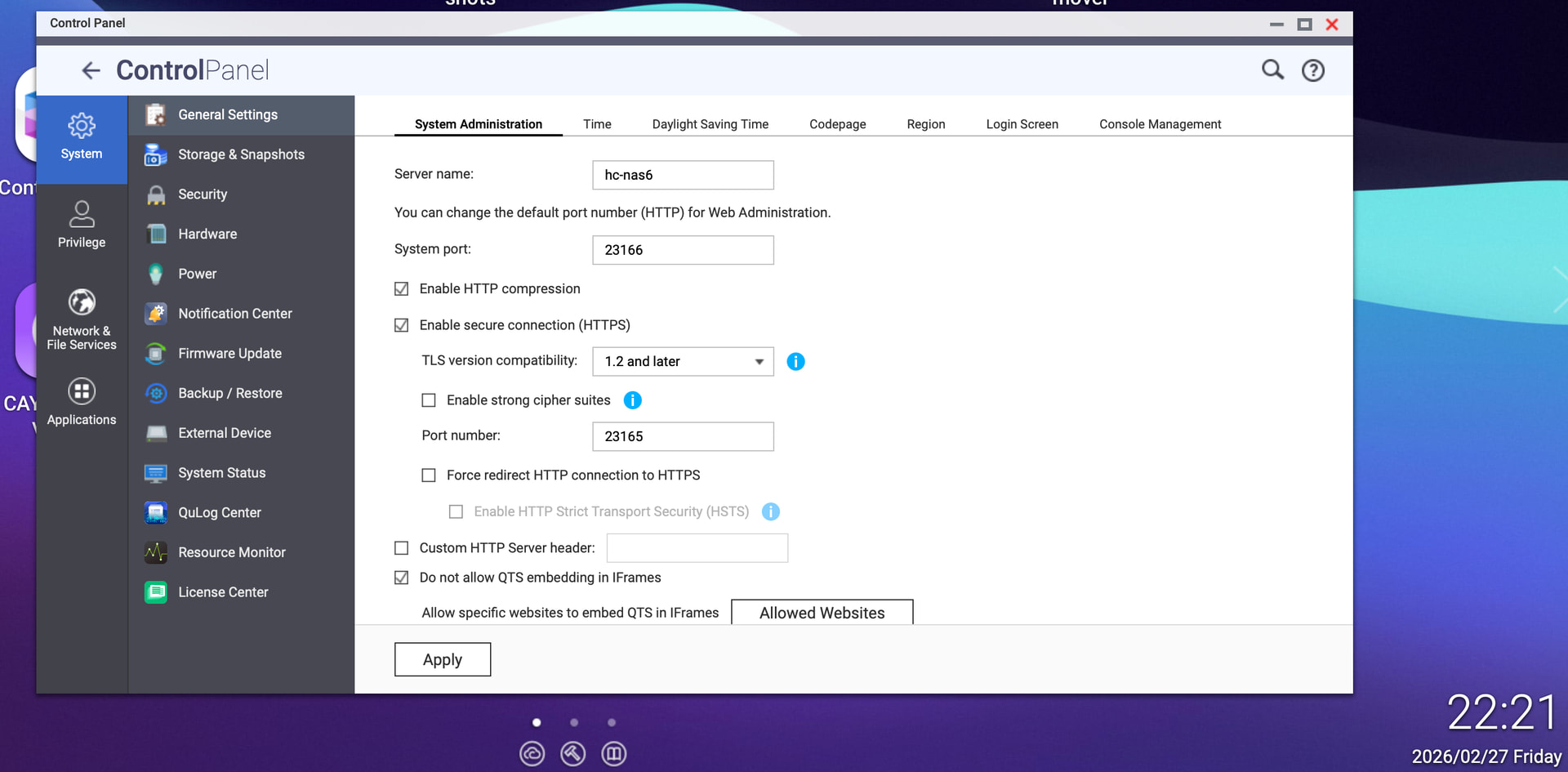
I am having the same issue, but TLS is already set to 1.2 and later. I do use custom system port, and https port. I tried reverting https port to 443 - does system port also need to revert to 8080, or what other reason might QVR Smart Search be unable to connect locally?
Hi @Daniel09 could you help to share more details about your QTS OS version / QVR Server version / QVR Smart Search version to let us evaluate the situation?
And could you help to check the result with following steps?
Set the TLS to 1.2 and later.
Go to App Center to stop / disable the QVR Server / QVR Smart Search
Go to App Center to start / enable the QVR Server / QVR Smart Search
Hi Haru, thanks for the quick reply. I am on QTS 5.2.8.3359, QVR Pro 2.7.4.1485, QVR Smart Search V2.2.0.1432. TLS is set to 1.2 and later. Restarting QVR Server + Smart Search (and the server itself) do not resolve the issue. It just says “Make sure the surveillance server is running.”
Since your QTS and QVR versions are the latest but the issus is still happen, could you help to create a support ticket on our Customer Sevice website to let our technical support team to schedule a remote connection to check you system direclty?