QVR Surveillance: A New Evolution in Security Deployment

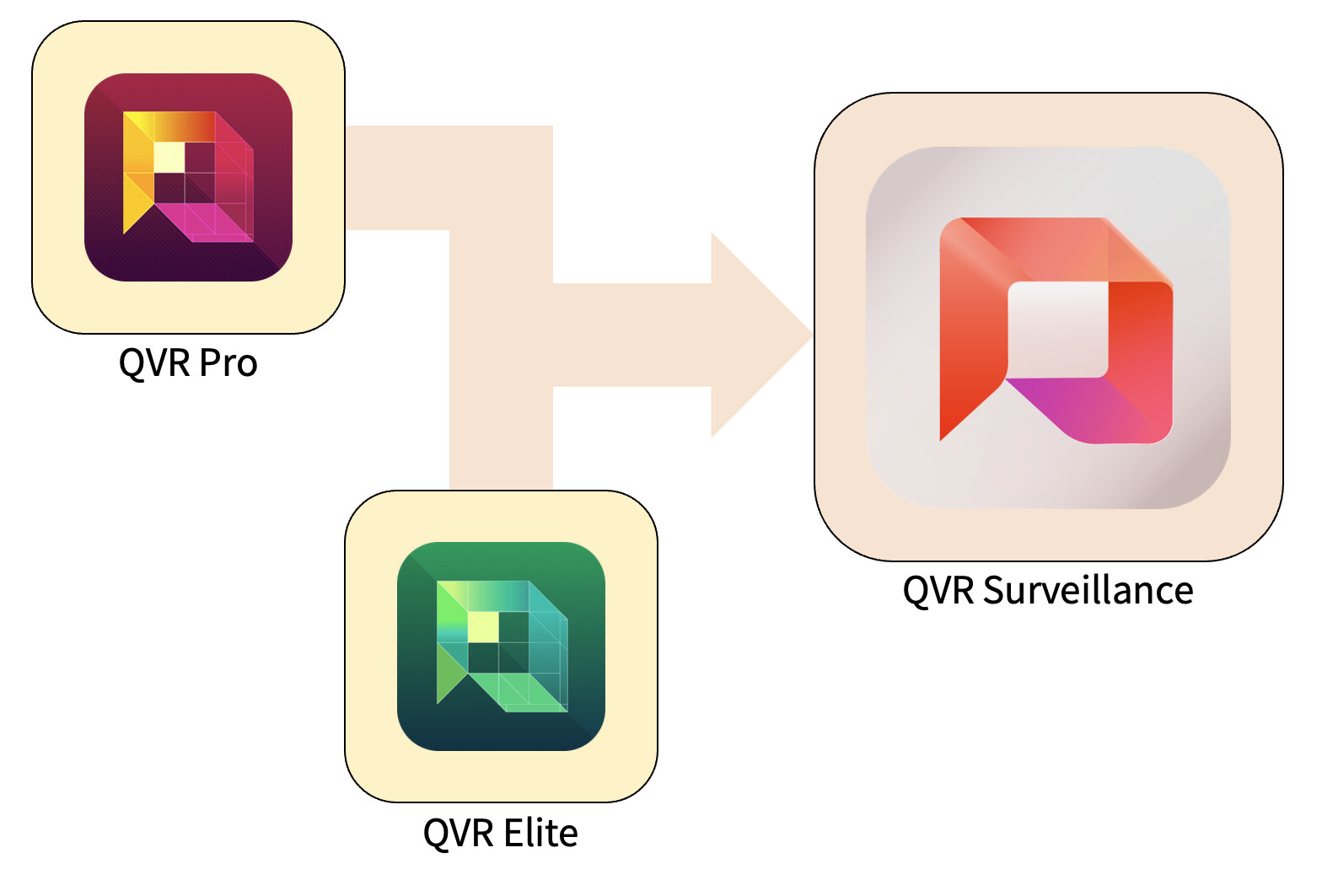
We’re excited to introduce QVR Surveillance—not just a new version, but the next stage in the evolution and unification of QVR Pro and QVR Elite. This platform is designed to make surveillance deployment simpler, more practical, and ready for future scalability.


1. Why We Built QVR Surveillance

Over the years, QVR Pro and QVR Elite have been widely adopted across different environments—from small offices and retail stores to large-scale professional surveillance systems.

With extensive real-world experience and user feedback, we saw an opportunity to combine the strengths of both platforms. The result is a “third-generation” surveillance solution that streamlines our product line and offers a clearer, more accessible experience for both beginners and advanced users.
2. Key Improvements in This Upgrade

Compared to QVR Elite:

  • Snapshot support for recordings: Attachments now support snapshots, giving you more flexible evidence and data-management options.
  • Simplified central management: QVR Surveillance can join QVR Center directly for unified management at no additional license cost—ideal for multi-NAS deployments.
  • More flexible licensing: In addition to subscription-based channel licenses, you can now choose a one-time lifetime license, offering long-term value.
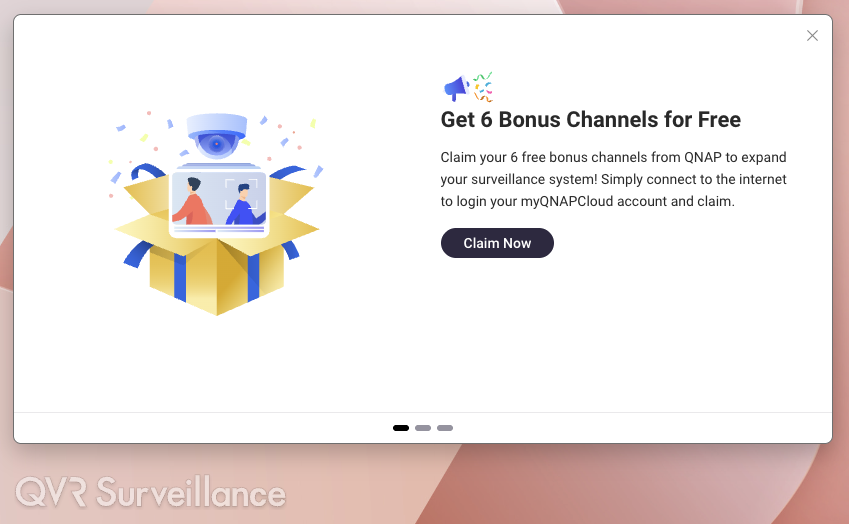
  • More free channels: The system includes 2 channels by default, and activating online grants 6 additional channels—a total of 8 free camera channels, perfect for small-scale deployments.

For existing QVR Elite users, everything can be upgraded in place—your data and licenses stay intact for a smooth, worry-free transition.
3. Upgrade, Licensing, and Channel Policy

  • Version upgrade: Since QVR Elite shares the same architecture, it can be upgraded directly. A new version of QVR Pro (with migration tools for camera settings and recordings) is planned for Q1 2026 to help users transition to QVR Surveillance.
  • License continuity: Any activated QVR Pro/Elite licenses on your NAS are automatically recognized—no conversion needed.
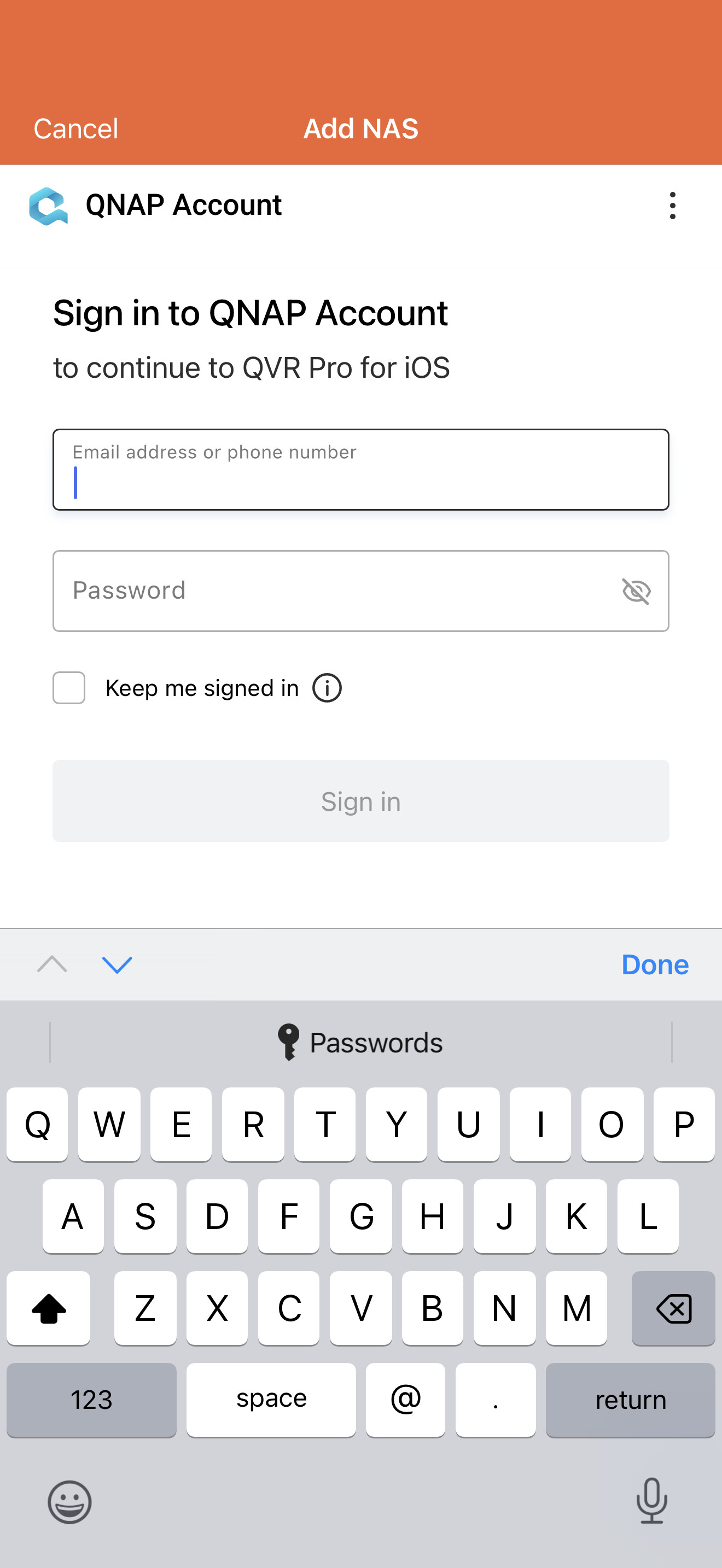
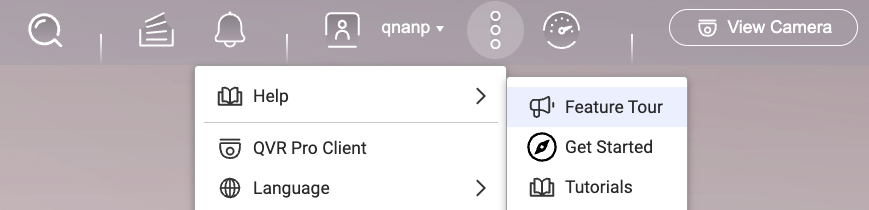
  • Free channel activation: Bind your NAS with QID to receive the free channels. If you miss the initial activation pop-up, you can trigger it again via … → Help → Feature Tour. Once activated, you may log out of QID or use the system offline.
4. What Benefits Do You Get?

  • More powerful, consolidated features: Expanded free channels and snapshot support deliver a smarter and more flexible setup.
  • Seamless upgrade experience: QVR Elite users can update directly with all data and settings preserved.
  • Clear and transparent licensing: Channel licensing becomes more intuitive, and the added free channels provide great value for SMB users.
  • Greater scalability: Native QVR Center integration, cloud-backup support, and built-in AI analytics make it suitable for environments that grow from small setups into large-scale systems.
  • Reduced complexity: With Pro/Elite merged into a single platform, management and learning costs are significantly simplified.
5. When Should You Move to QVR Surveillance?

  • For current QVR Elite users: If your system is stable, plan your upgrade during a maintenance window to start enjoying the new features right away.
  • For current QVR Pro users: If you expect expansion or are planning a new deployment, consider waiting for the QVR Pro 2.8.x release in Q1 2026, which will include migration tools for a smooth transition.
  • For new deployments: QVR Surveillance is the clear choice—start directly with the latest platform and avoid future migration work.
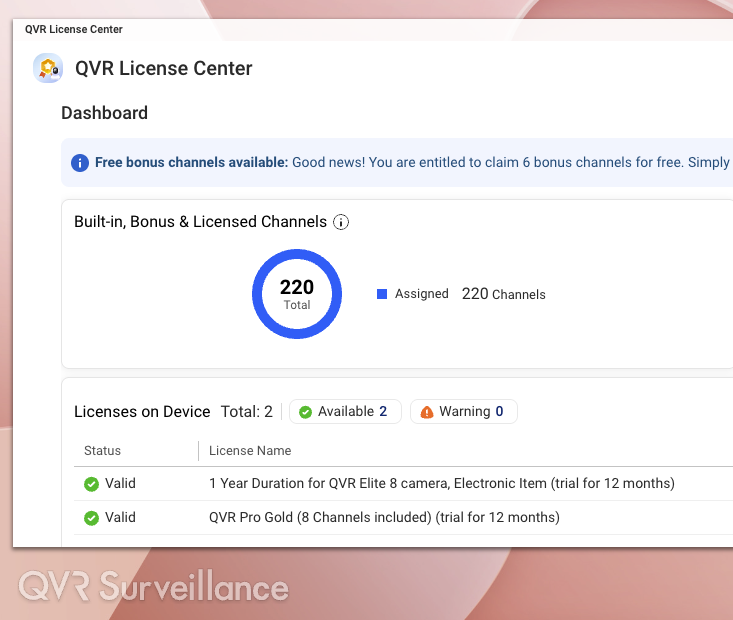
For QVR Pro, what is the benefit of waiting for the new version with the tools? I have 3 cameras right now. If I were to install QVR Surveillance right now, what would need to be completely re-done? Would my recordings go away? Would I lose my motion alerts? Would I need to set up cameras from scratch?

Now:

You can export camera settings from QVR Pro and import to QVR Surveillance. Existing recordings are NOT kept.

Later:

In short, recordings, camera settings will kept and you do not need to setup it again.

During the migration the camera settings are automatically copied to QVR Surveillance. And QVR Pro will enters a migration stat, which allows you to check old recordings from QVR Client. And as the recording from QVR Surveillance growth, we’ll do retention in QVR Pro at background to release spaces to QVR Surveillance.

OK. I have just a couple TB of recording space that gets written over in a relatively short period of time - so no long term recording. So that’s all I’d love. I can export my camera settings and then set things up and be done with it…

1 Like

Below is a summary of the recent feedback we’ve received. If you have any questions while using QVR Surveillance, please feel free to reach out. Thank you for your continued support.


Why does QVR Elite appear as QVR Surveillance even though I haven’t upgraded?

To ensure a smooth transition from QVR Elite to QVR Surveillance, both applications are treated as the same app in the App Center. This means the desktop icon will show “QVR Surveillance” even if you haven’t upgraded yet. Once you open it, you’ll still see the QVR Elite interface. We apologize for any confusion this may have caused.


What happens to my existing QVR Elite licenses after upgrading?

QVR Surveillance is fully compatible with QVR Pro and QVR Elite licenses. After upgrading, you can check the License page in QVR Surveillance to see which licenses are currently in use. No additional steps are required.


Why can’t QVR Center recognize the system after upgrading from QVR Elite to QVR Surveillance?

QVR Center must be version 2.3.0 or later in order to recognize QVR Surveillance. Please confirm the version you are using and update it if necessary.


Why does my QVR Center license appear invalid after upgrading?

To make QVR Surveillance more flexible, it no longer occupies QVR Center’s management quota. As a result, the corresponding QVR Center license is released and no longer required. You may cancel that subscription and instead allocate the budget toward QVR Surveillance licenses to increase your available channel count.


Why can’t I find the myQNAPcloud Surveillance cloud backup license on online stores?

We identified some issues affecting the cloud backup service, so the product has been temporarily taken down for maintenance, and the license pages on online stores have been hidden. Once the service is corrected, the listings will return. We apologize for the inconvenience.


If you have more questions or feedback, please feel free to share them with us. Thank you again for your understanding and support.

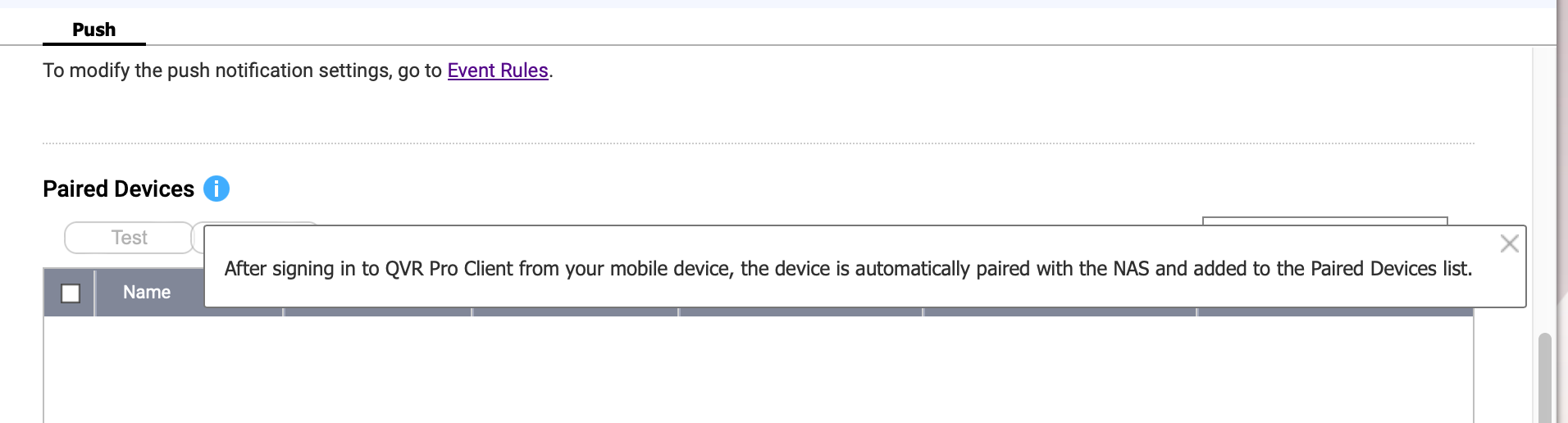
So how do you get your phone paired with QVR Surveillance? I see this in the Surveillance System Settings:

I am connected with my phone and logged in but it is not showing up in the list as you can see…

Additional Issues:

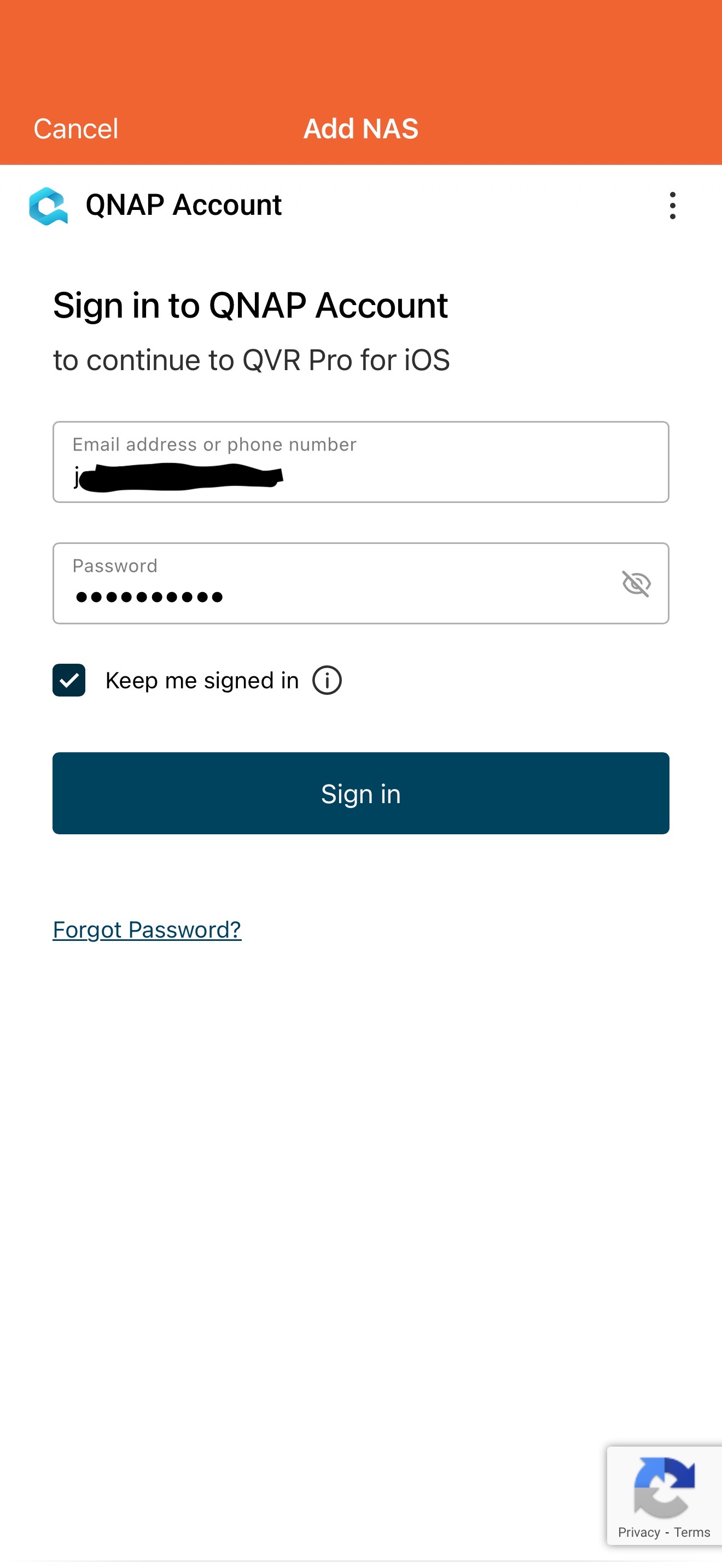
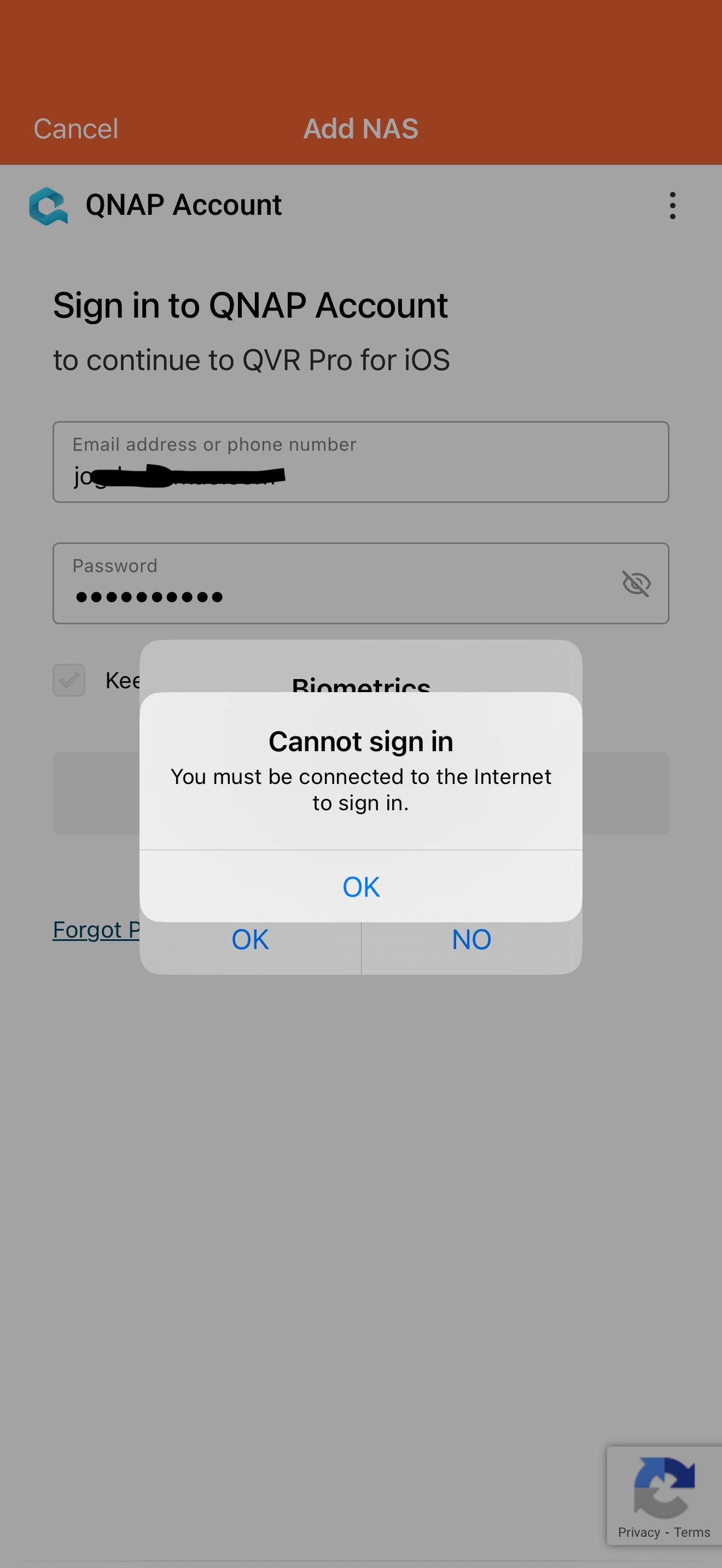
When using QVR Pro Client app on the phone, if you try to log into your QNAP account from the settings page, you get told you can only log in if you are connected to the internet. But I am connected to the internet.

Connections to the Camera in QVR Pro client seem to take longer to establish than with QVR Pro.

Also I thought QVR Smart Search was now part of Surveillance. But you still need to purchase it. Is it still a separate purchase?

Hi @NA9D

So how do you get your phone paired with QVR Surveillance? I see this in the Surveillance System Settings:

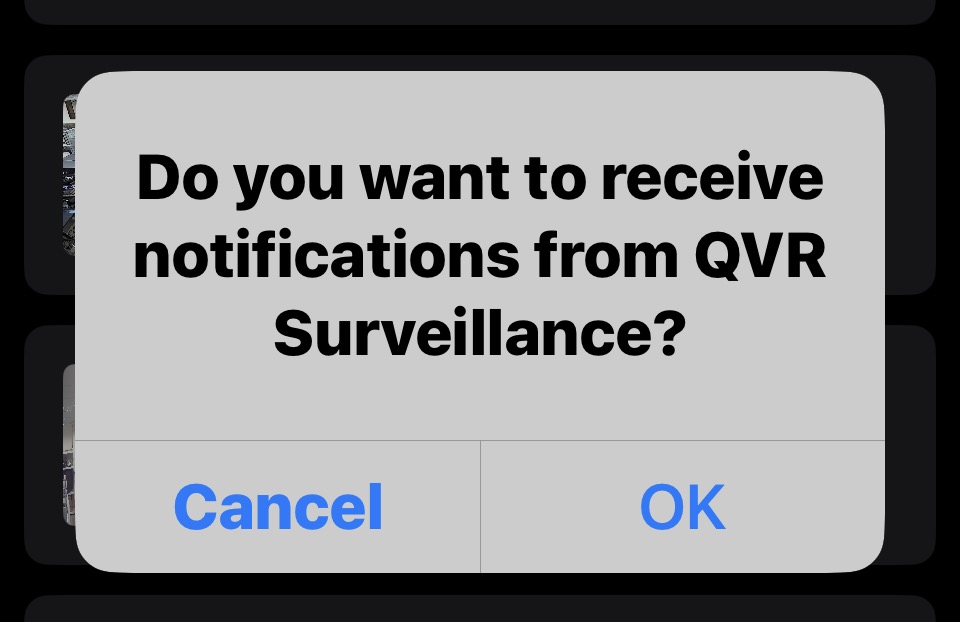
When you add the QVR Server and login it first time, the QVR Client should show a message to ask receive notification or not.

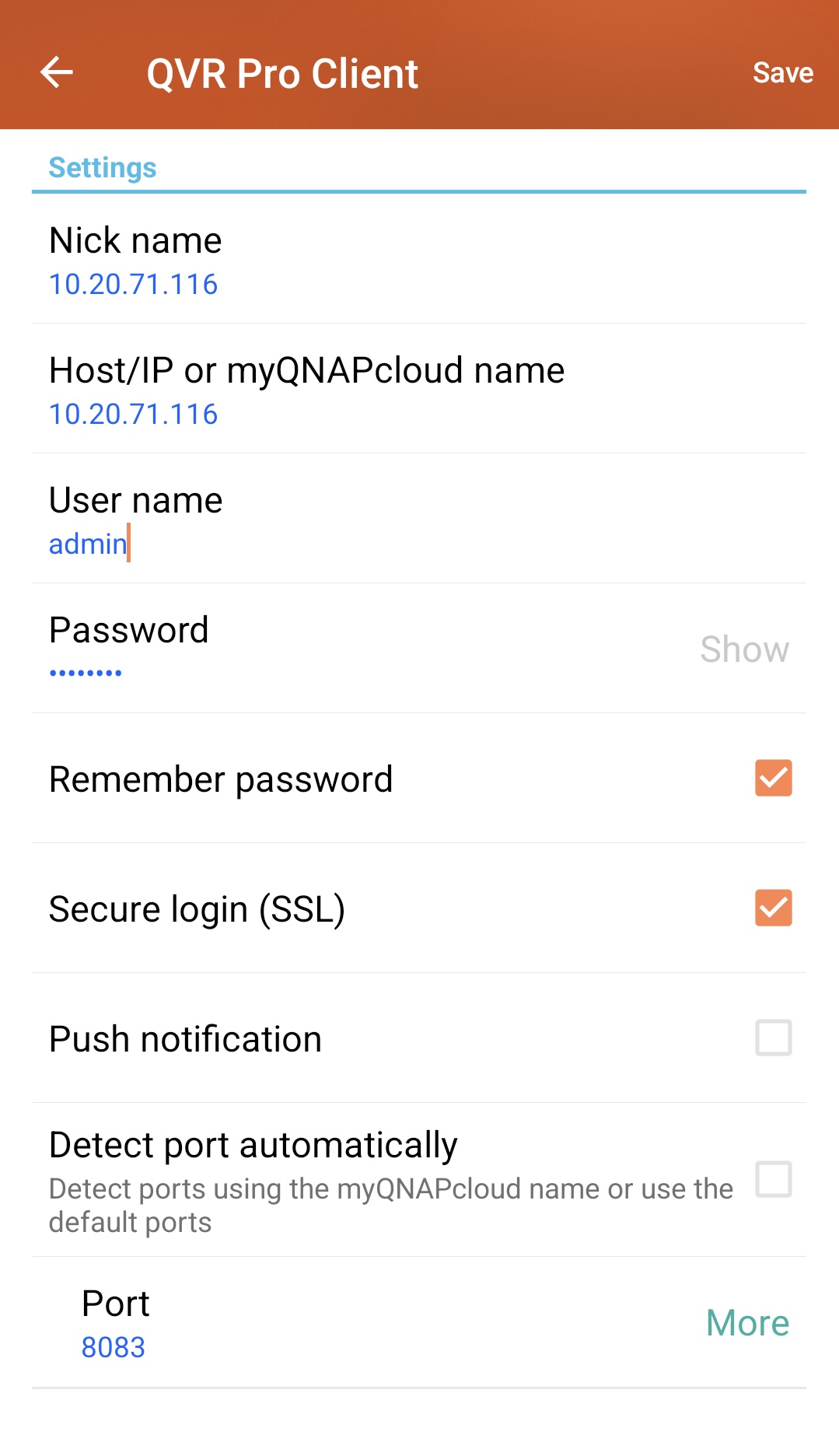
If you use Android, you can edit this in the Server Editing page.

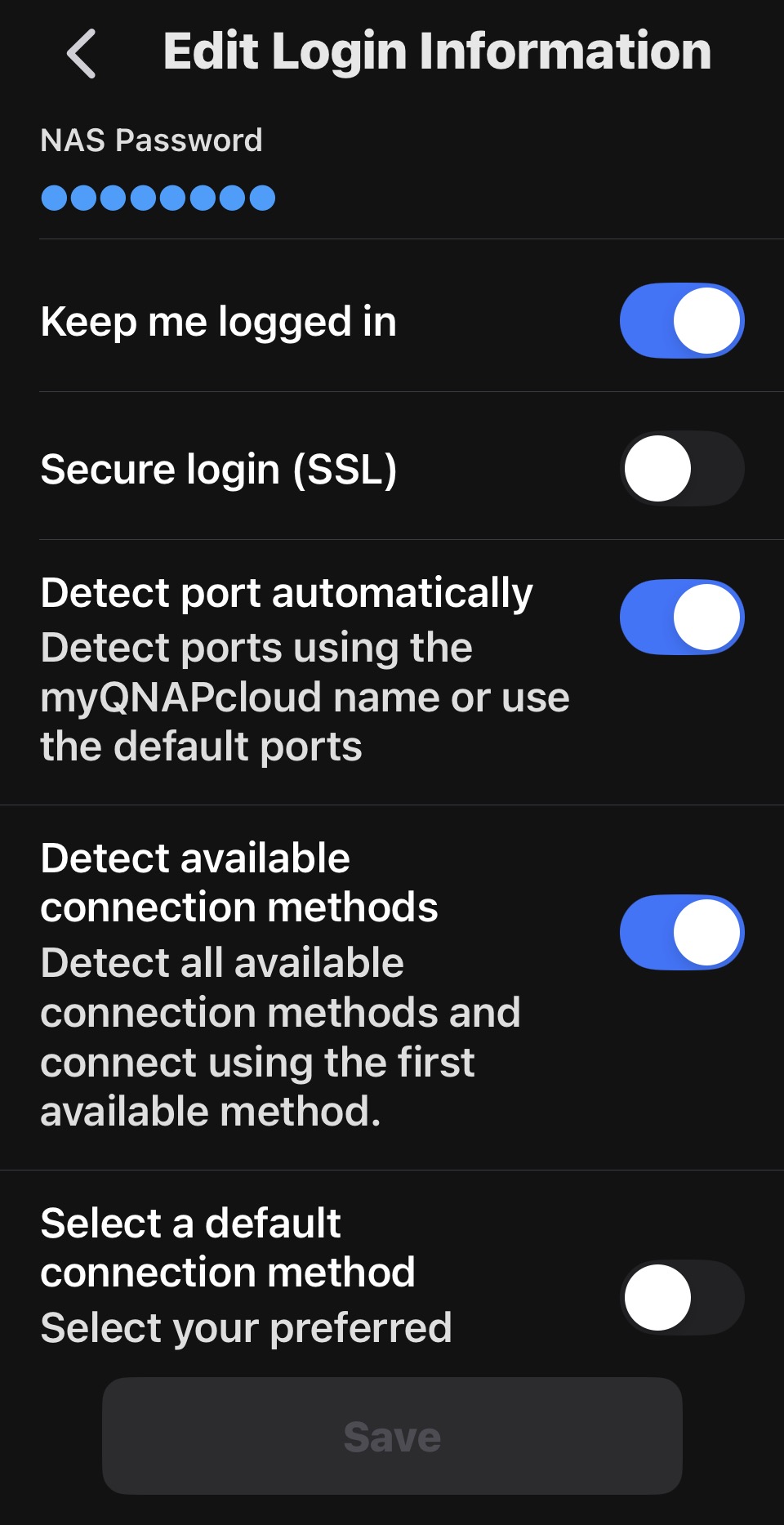
If you use iPhone…we just find that we forget to put this option at 2.8.0 with UI update…we will release a 2.8.1 Hot Fix for it.

I am unable to reproduce this, could you share the screenshots with us?

Connections to the Camera in QVR Pro client seem to take longer to establish than with QVR Pro.

I assume you are asking about the slower camera connection speed of QVR Pro Client Mobile compared to QVR Pro Client Desktop (the naming confusion is one of the issues we’ll be addressing later).

This depends on differences in Wi-Fi v.s wired network, and the phone’s chip v.s the computer’s CPU, etc. The computer should be slightly faster.

Also I thought QVR Smart Search was now part of Surveillance. But you still need to purchase it. Is it still a separate purchase?

QVR Smart Search is part of QVR system but not part of QVR Surveillance (Server), it is an AI engine used by QVR Client to search the details in the recordings.

So the QVR Smart Search was bundled with QVR Smart (HDMI) Client, and sell a license called AI Pack.

We will release new version of QVR Smart Search and QVR Smart Client which no require the AI Pack license anymore later, change to check (use) CAYIN Media Viewer (Free QPKG) for decoding.

So, the iPhone app was already in use and set up for QVR Pro. When I was using QVR Pro, I was receiving notifications no problem. But now with QVR Surveillance I cannot. The phone is not “pairing” with QVR Surveillance.

Maybe I need to delete the app and reinstall it. I shouldn’t have to do that. That is a bug.

Some updates:

1.) Push Notifications to iPhone: I ended up uninstalling QVR Pro Client on my iPhone and reinstalling it. Then I was provided options to allow notifications and to allow QVR Surveillance to send notifications. The phone is not showing up in the paired device section of QVR Surveillance. But no notifications are happening. I have tried the test notification multiple times.

  • You should not have to uninstall and reinstall the app in order to get your notifications
  • Notifications are not happening even after allowing them and having the phone paired with the NAS.

2.) App says I am not connected to the internet when logging into my QNAP account. This is still happening:

I think a better name would be QVR 3.

1 Like

I think a few questions about 6 “free” licenses are left unanswered here. Are these perpetual? Will this offer to get 6 “free” licenses be available in the future? Are they tied to the device or to the account? What if I upgrade the device in 5 years and QNAP stops offering 6 free licenses in the meantime?

Yes, they are perpetual. I don’t see any reason why QNAP would not continue to offer the free licenses. QVR Pro had 8 cameras available at no charge.

QNAP does not have a history (from what I have seen) of going back on free licenses. Cayin Media Sign player had a free license and then you had to buy a license to do additional stuff. Now I think Cayin Media Viewer does all that for free. Qsirch originally had a planed “premium” level that had a limited time free license during the beta. Now all of Qsirch is free.

I think you have nothing to worry about…

1 Like

Hi @peca89 here are the answers to your questions.

Are these perpetual?

Yes, the 6 free channel are perpetual.

Will this offer to get 6 “free” licenses be available in the future?

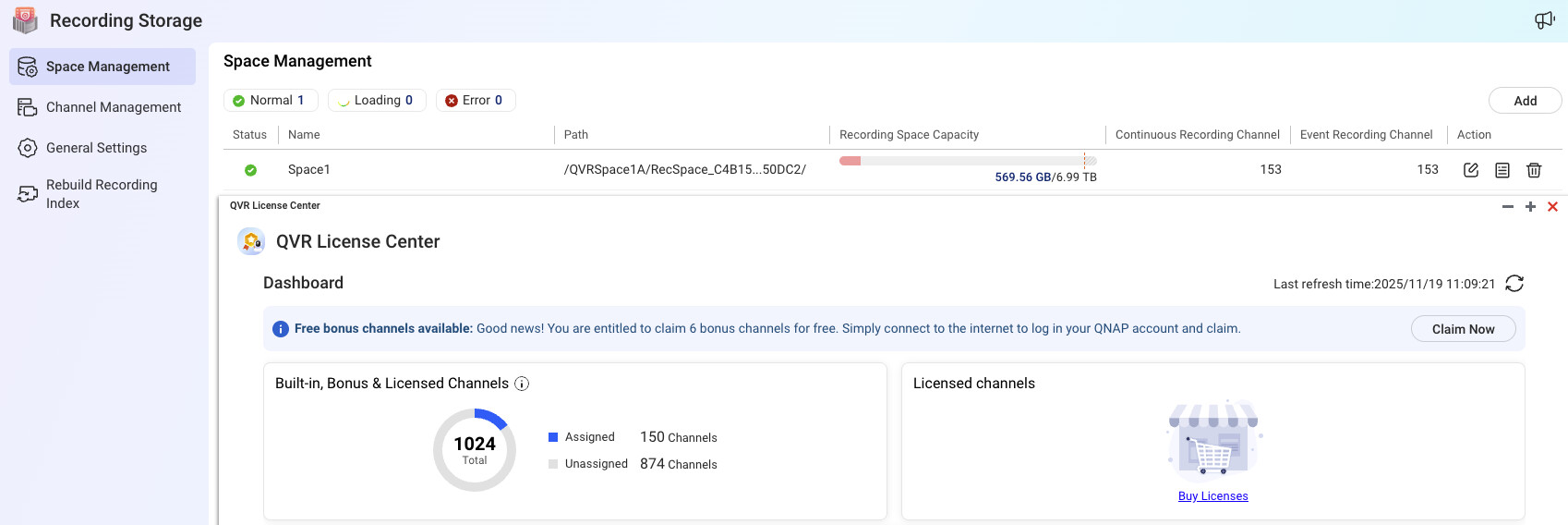
First, these 6 free channel quota is not license so it will not be displayed in the License Center on the NAS.

Currently, we plan to continue providing them, but we recommend claiming them now.

Are they tied to the device or to the account?

They tied to the device.

What if I upgrade the device in 5 years and QNAP stops offering 6 free licenses in the meantime?

They tied to the device so if the device has been changed, you need to claim them again.

This is what concerns me the most. It looks to me that QNAP is going towards deprecation of QVR Pro and 8 free surveillance channels, however the software might be called.

Since these licenses are not on license center, what are the ways of backing up claimed free channels on the existing device should it require reimaging in future when eventually 6 free channels offer expires?

Team QNAP - I was hoping someone would address this… Definitely not receiving notifications even though all is set up correctly…

iOS notifications for QVR Surveillance are definitely busted.

Team QNAP - I was hoping someone would address this… Definitely not receiving notifications even though all is set up correctly…
iOS notifications for QVR Surveillance are definitely busted.

Hi @NA9D we suspect the issue may be related to the network, which could be affecting the push notification function.

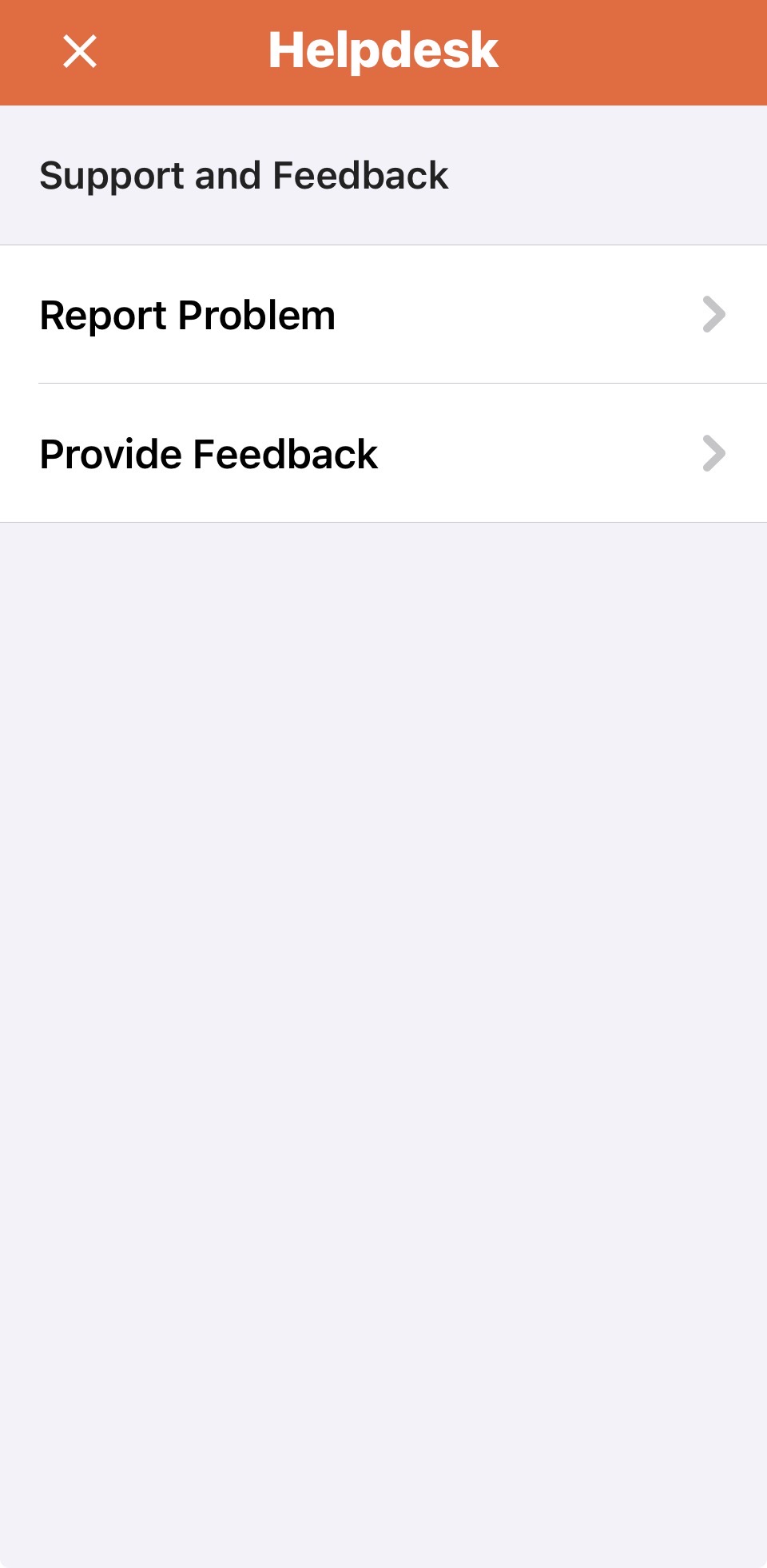
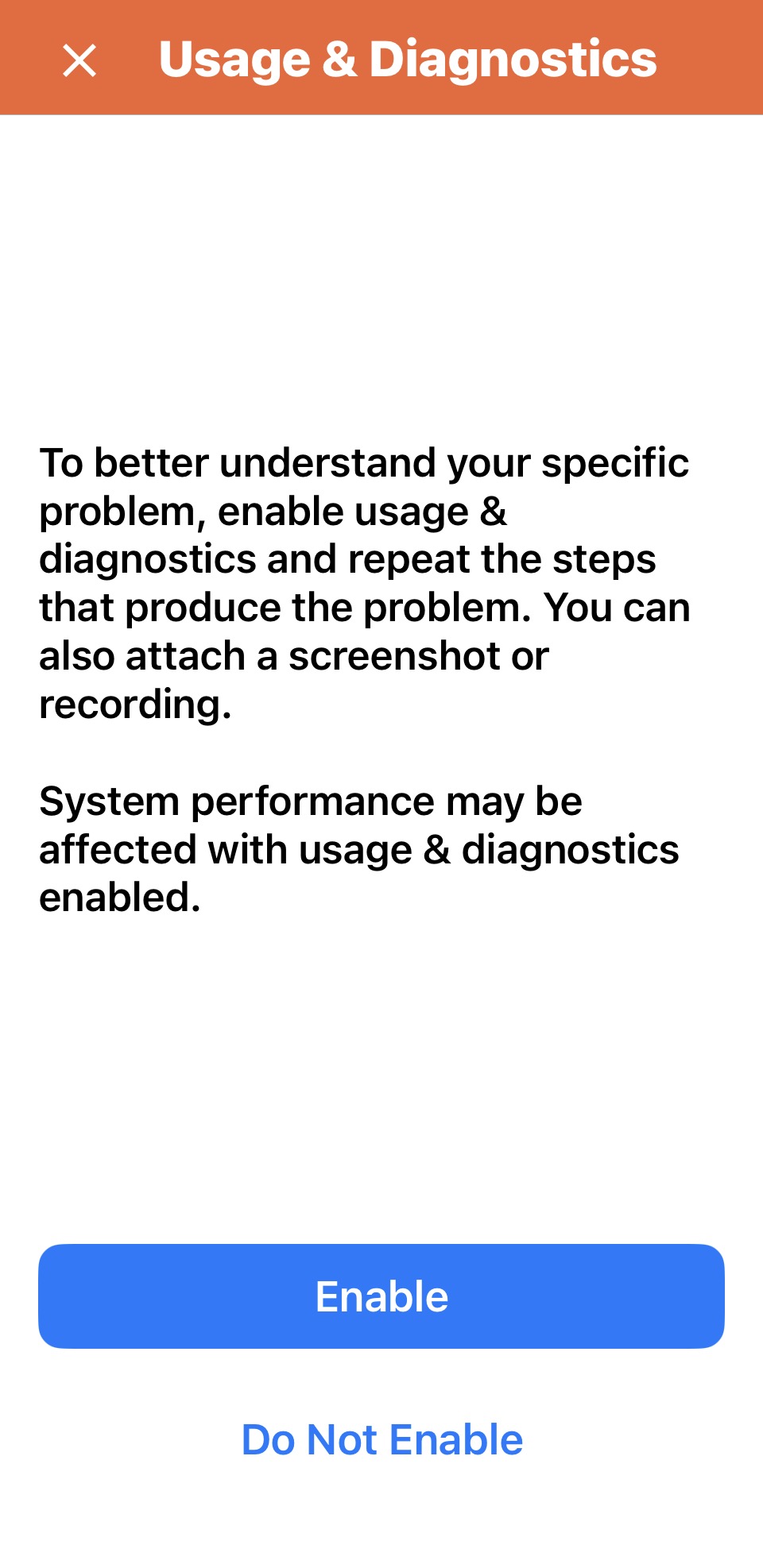
Could you please go to Menu → Helpdesk → Report Problem → Enable Usage & Diagnostics, then try the operation again to generate the debug log?

After that, return to Report Problem and send the debug log to us for check the issue.

I have a ticket open on this and have a TeamViewer session set up.

And I would generate that log except it won’t let me log into my QNAP account! Says I am not connected to the internet…

Oh wait - it just logged me in. So going to try this now…