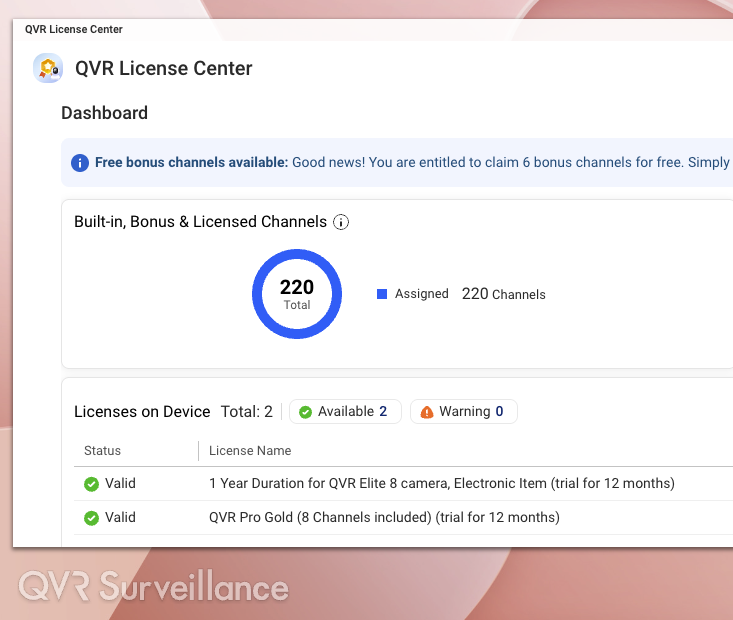
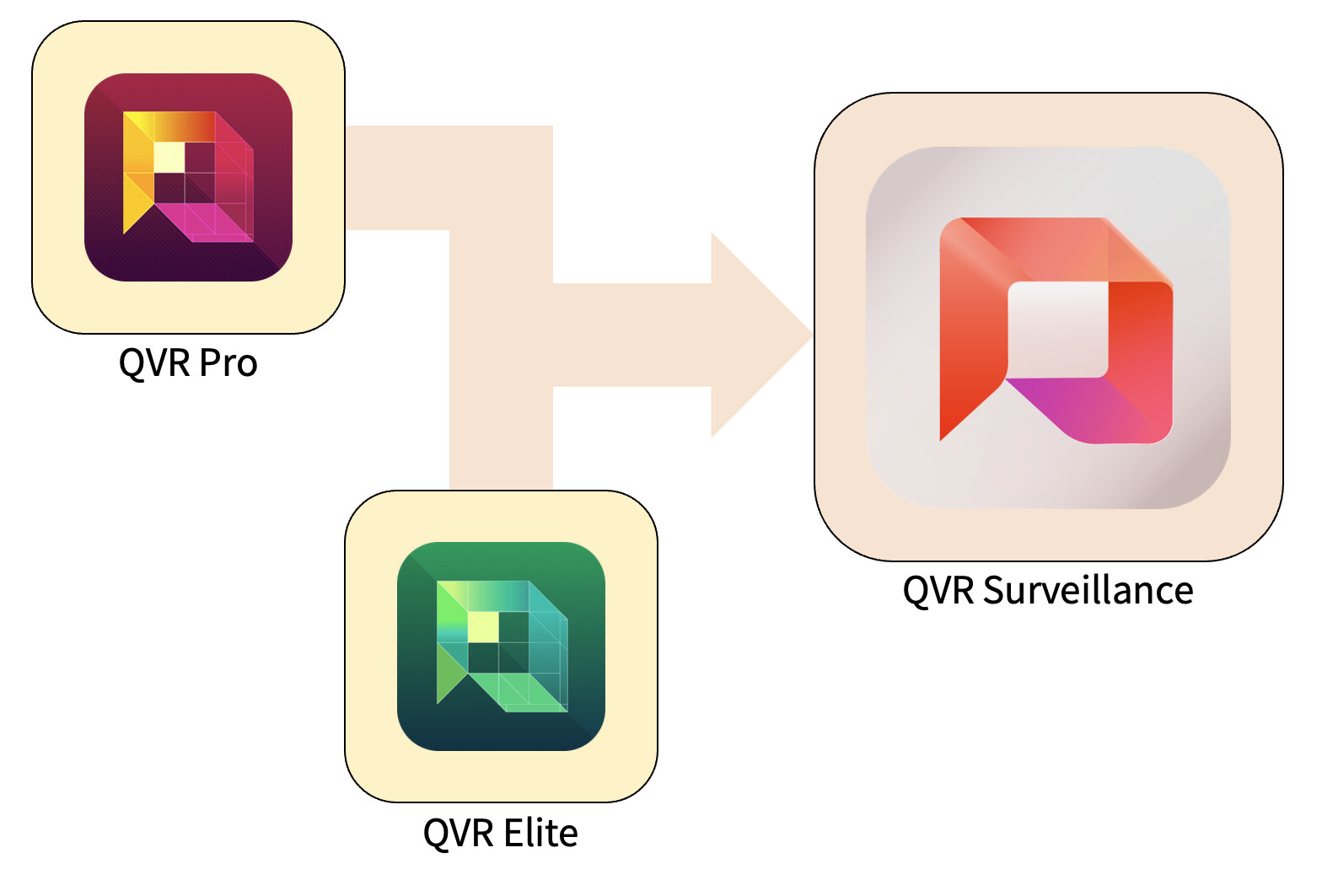
We are very pleased to introduce QVR Surveillance – not just as a new update, but as the next stage of development, which unites QVR Pro and QVR Elite in a modern, future-proof platform. The goal is to make surveillance systems simpler, more practical, and scalable in the long term.
1. Why We Developed QVR Surveillance
In recent years, QVR Pro and QVR Elite have been successfully used in a wide range of scenarios – from small offices and retail stores to large professional surveillance environments.
Based on this extensive real-world experience and valuable feedback from our users, we have combined the strengths of both products. This has resulted in a clearly structured “third generation” of our surveillance solutions, making it significantly easier for both beginners and experienced users to get started.
2. Key Improvements Compared to QVR Elite
- Snapshot Support for Recording Attachments:
Attachments to recordings now support snapshots, providing additional options for evidence collection and data management. - Simpler Centralized Management:
QVR Surveillance can be integrated directly into QVR Center without an additional license – ideal for systems with multiple NAS devices. - More Flexible Licensing Models:
New in addition to the subscription model: Lifetime licenses, which are especially suitable for long-term use. - More Free Channels:
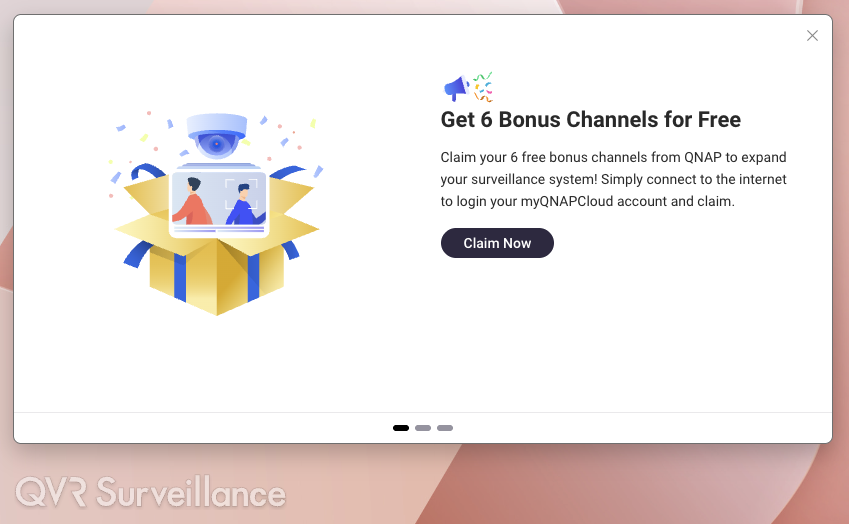
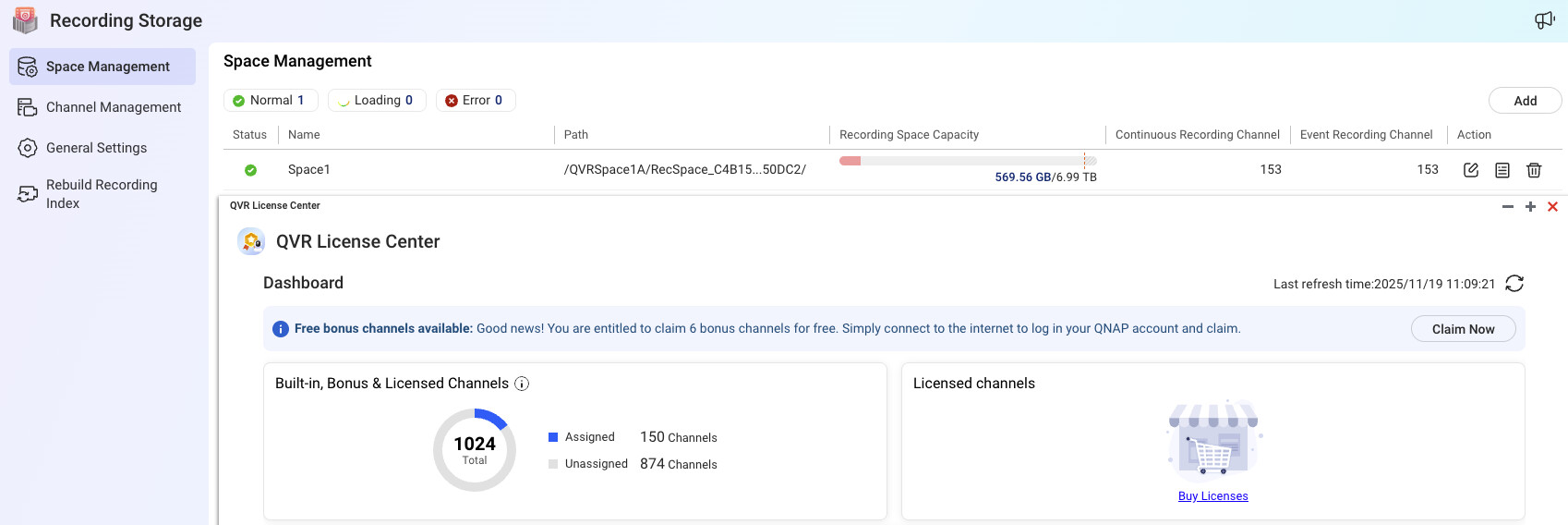
The system includes 2 channels by default, and an additional 6 channels can be added via online activation – a total of 8 free camera channels, perfect for smaller installations.
Existing QVR Elite users can rest assured: Data and licenses remain fully intact, and the upgrade takes place without migration or reconfiguration.
3. Upgrade, License, and Channel Policies
- Upgrade Process:
Since QVR Elite is based on the same architecture, you can upgrade directly to QVR Surveillance.
For QVR Pro users, we are planning a new 2.8.x release including migration tools in Q1 2026 to conveniently transfer camera settings and recordings. - License Adoption:
Already activated QVR Pro/Elite licenses on the NAS are automatically recognized – no conversion required. - Activation of Free Channels:
After linking your NAS to QID, an activation window will appear on first launch.
If this is accidentally skipped, activation can be accessed again via … → Help → Feature Tour.
After successful activation, offline operation without QID login is also possible.

4. Your Benefits with QVR Surveillance
- More Features, Clearly Structured:
Expanded free channels and snapshot support provide a more flexible and intelligent system. - Seamless Upgrade:
QVR Elite users only need to update – all data and settings are retained. - Transparent Licensing:
The channel models are more understandable, and the additional free channels offer tangible added value for small and medium environments. - High Scalability:
Direct integration with QVR Center, cloud backup support, and integrated AI analytics enable growth from small installations to large systems. - Less Complexity:
By merging Pro and Elite into a single platform, management and learning effort are significantly reduced.
5. When We Recommend Deployment
- For Existing QVR Elite Users:
If your system is running stably, we recommend upgrading during a quiet maintenance window to immediately benefit from the new features. - For QVR Pro Users:
If you are planning an expansion or new installation, it is worth waiting for the 2.8.x release in Q1 2026 to use the migration tool for a smooth transition. - For New Installations:
Without a doubt: Start directly with QVR Surveillance. This way, you avoid later changes and rely on the most modern platform from the very beginning.