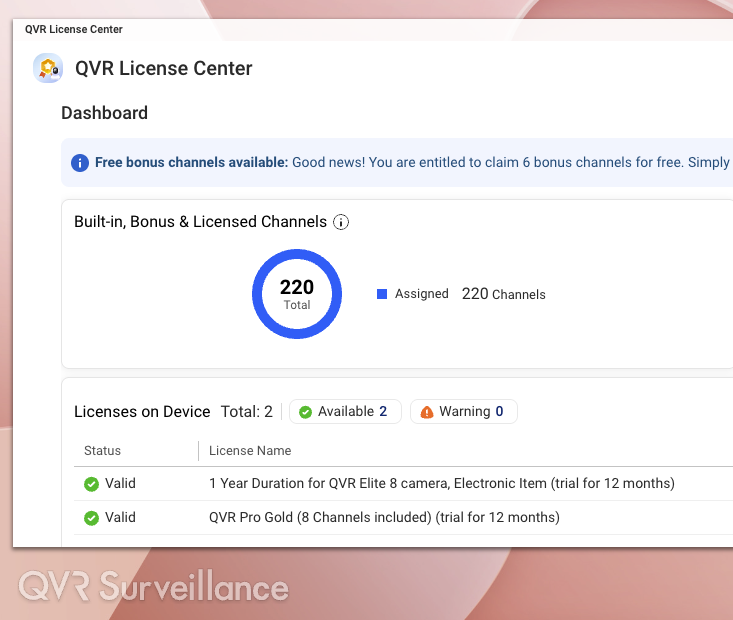
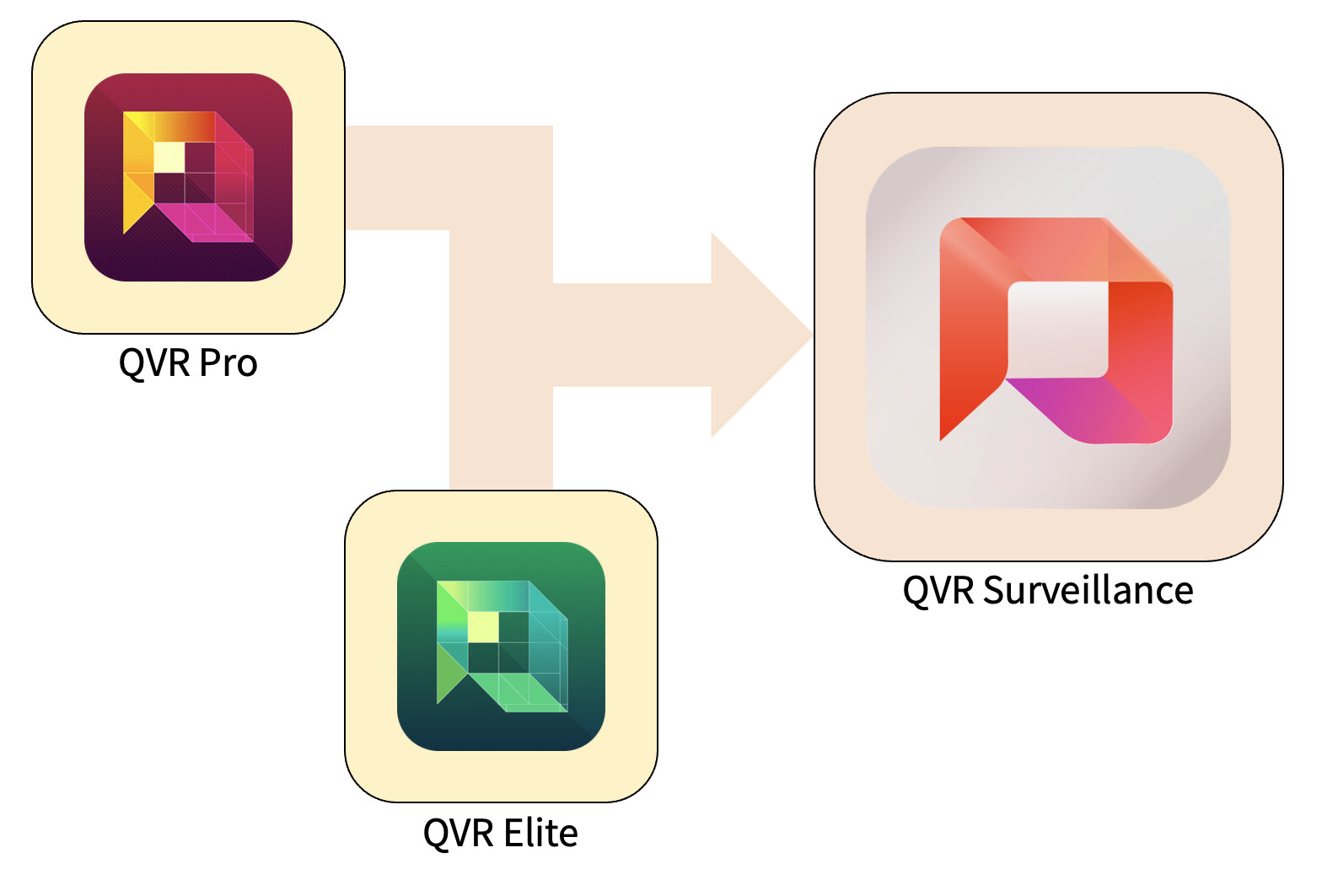
We are pleased to introduce QVR Surveillance—not just a new version, but an evolutionary step that unifies and enhances QVR Pro and QVR Elite. This next-generation platform is designed to make security system deployment simpler, more practical, and future-ready.
1. Why We Developed QVR Surveillance
For years, QVR Pro and QVR Elite have been widely used in various environments, from small offices and retail stores to large-scale surveillance systems.
Based on real-world experience and valuable user feedback, we combined the strengths of both products to create a more structured “third-generation” solution. The goal is to provide an easier experience for both new users and professionals.
2. Key Improvements Over QVR Elite
- Snapshot support for recording attachments:
Now, recording attachments can include snapshots, providing greater flexibility in evidence and data management. - Easier centralized management:
QVR Surveillance can connect directly to QVR Center without additional licenses—ideal for systems with multiple NAS devices. - More flexible licensing options:
In addition to subscription-based licenses, a lifetime license is now available, suitable for long-term use. - More free channels:
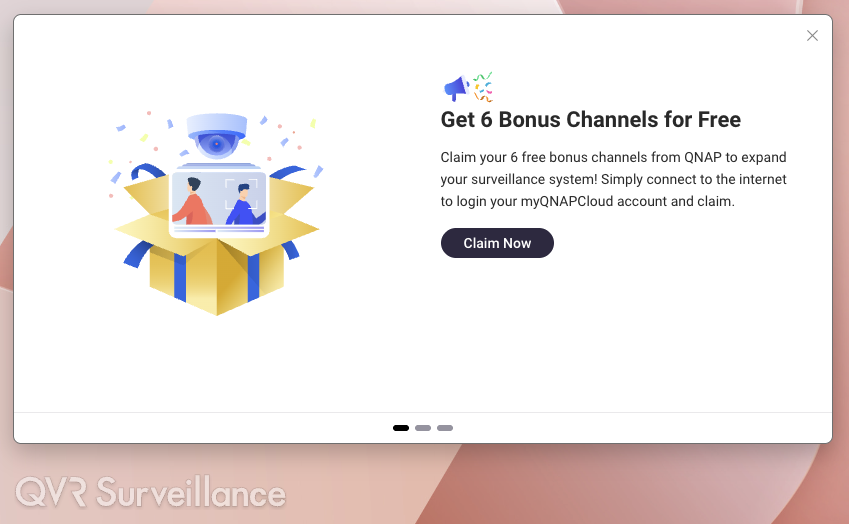
The system provides 2 built-in channels, and after online activation, you get an additional 6 channels. A total of 8 free camera channels, perfect for small-scale installations.
For QVR Elite users, the upgrade process is seamless with no need to transfer data—all licenses remain valid.
3. Upgrade, License, and Channel Policy
- Version upgrade:
Since QVR Elite has the same architecture, upgrading to QVR Surveillance can be done directly.
For QVR Pro users, we will release a new version 2.8.x with a migration tool in Q1 2026, which can automatically transfer camera settings and recordings. - License continuity:
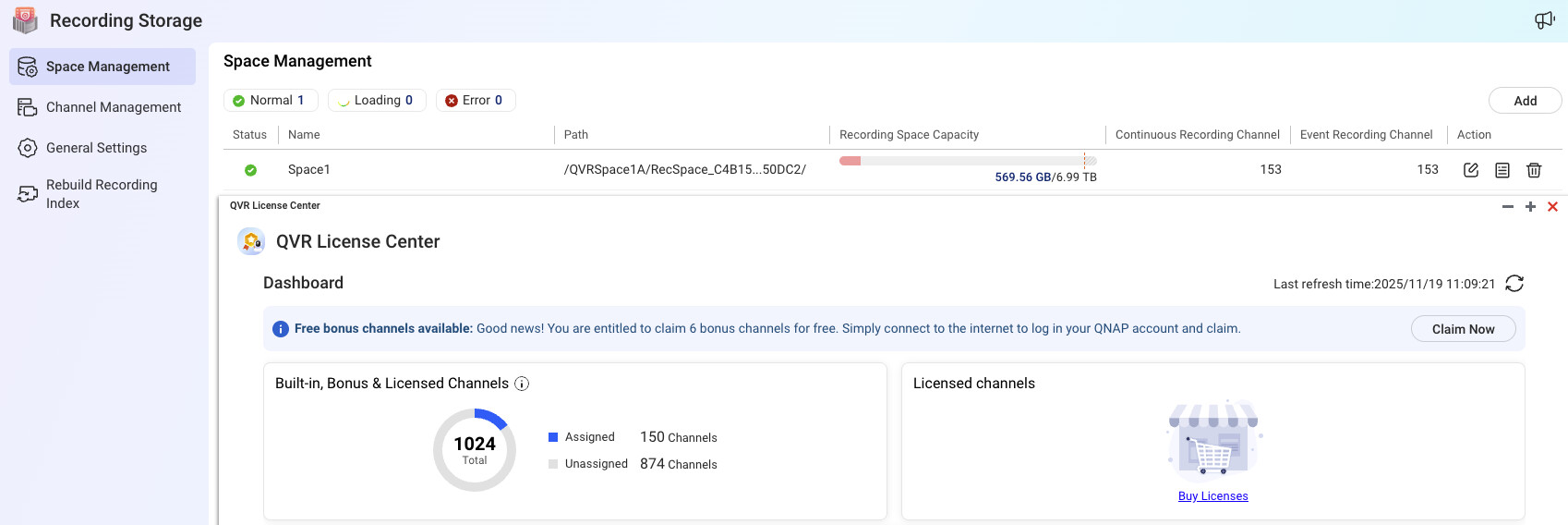
All active QVR Pro/Elite licenses on your NAS will be automatically recognized—no conversion required. - Free channel activation:
After connecting your NAS to QID, an activation window will appear the first time you open the application.
If missed, you can trigger it again via … → Help → Feature Tour.
Once activated, the system can be used offline without logging into QID again.

4. Benefits of Using QVR Surveillance
- Stronger and more centralized features:
Additional free channels and snapshot support provide more flexibility and intelligence in surveillance system deployment. - Seamless upgrade experience:
QVR Elite users simply update, and all data and settings remain safe. - Clearer licensing scheme:
A simpler licensing model with added value of free channels, ideal for small and medium users. - High scalability:
Direct integration with QVR Center, cloud backup support, and built-in AI analytics make it a solution ready to scale from small to large deployments. - Reduced complexity:
By unifying Pro and Elite into a single platform, management and learning processes become much easier.
5. When Should You Switch
- If you are a QVR Elite user:
If your system is running stably, upgrade at your convenience to immediately enjoy the new features. - If you are a QVR Pro user:
If you plan to expand your system or build a new installation, it is recommended to wait for version 2.8.x in Q1 2026 to take advantage of the official migration tool. - If you are building a new surveillance system:
The best choice is to start directly with QVR Surveillance to avoid future migration and immediately benefit from the latest features.