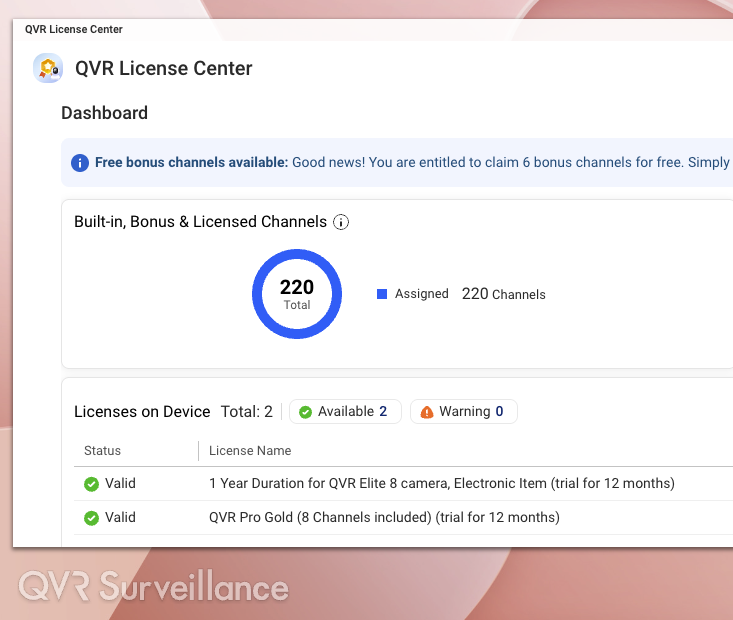
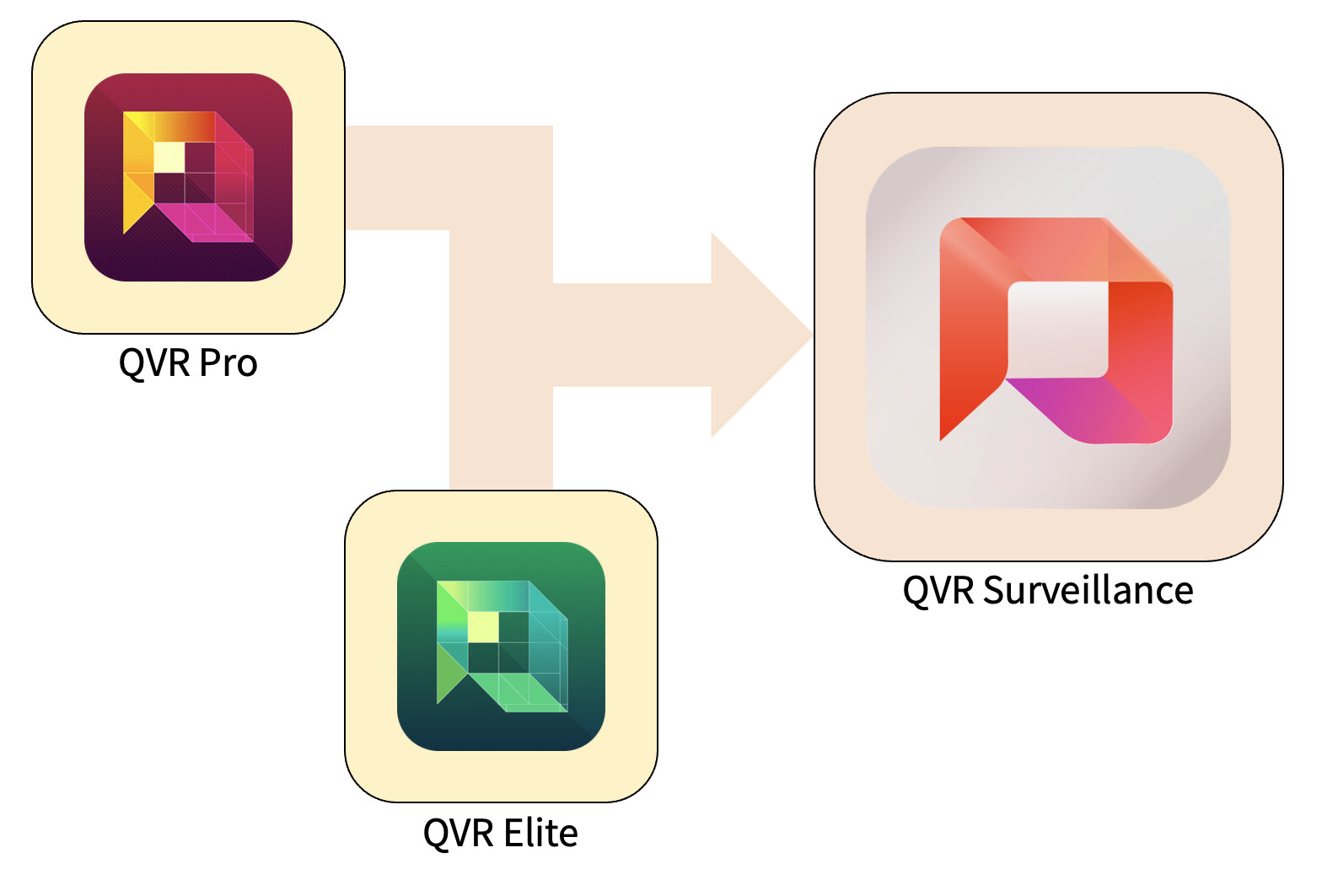
We are very pleased to introduce QVR Surveillance today. This is not just a new version, but a next-generation surveillance platform that integrates and evolves QVR Pro and QVR Elite. It provides a simpler, more practical, and future-proof surveillance environment with flexible scalability.
1. Why We Developed QVR Surveillance
Until now, QVR Pro and QVR Elite have been used in a wide range of scenarios, from small offices and stores to large-scale professional environments.
Based on this extensive track record and user feedback, we have combined the strengths of both products and rebuilt them as an easier-to-understand “third-generation” surveillance platform. This allows anyone, from beginners to professionals, to set up their environment without confusion.
2. Main Upgrade Highlights
Comparison Points with QVR Elite:
- Recording Attachment Feature with Snapshot Support:
Snapshots can now be added to attachments, improving flexibility for evidence management and data operations. - Even More Convenient Centralized Management:
QVR Surveillance can join QVR Center directly without additional licenses, making integrated management of multiple NAS devices more efficient. - Expanded License Options:
In addition to the traditional subscription model, we now offer a perpetual (lifetime) license to meet long-term usage needs. - Significantly Increased Free Channels:
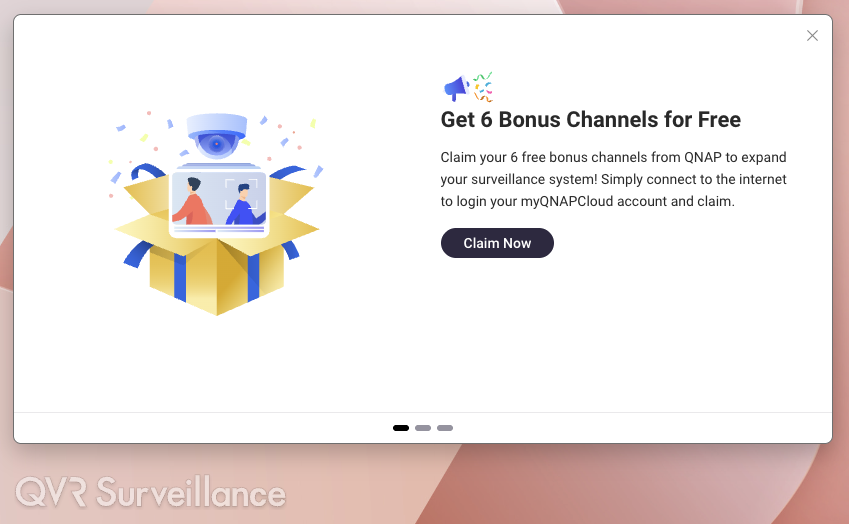
Two channels are included upon installation, and an additional six channels can be added via online activation. A total of eight free channels are available, making it an optimal setup for small environments.
Existing QVR Elite users can upgrade without the need for data migration, and their licenses will continue to be valid.
3. About Upgrades, Licenses, and Channels
- Version Upgrade:
Since it uses the same architecture as QVR Elite, you can upgrade directly to QVR Surveillance.
Additionally, in Q1 2026, a new version of QVR Pro (2.8.x) and a migration tool will be provided to transfer camera settings and recording data. - License Inheritance:
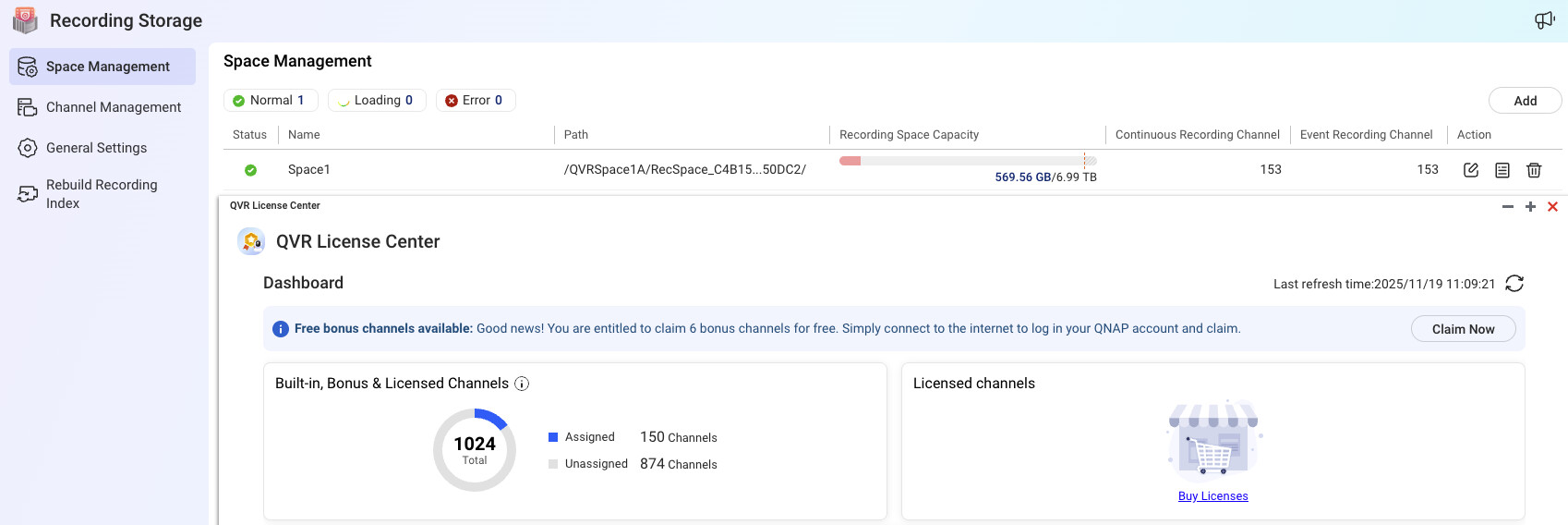
If a QVR Pro/Elite license is already activated on your NAS, it will be automatically recognized after the upgrade, with no additional steps required. - Obtaining Free Channels:
When you bind your NAS to QID, activation will be displayed on first launch.
If you miss this, you can obtain it again via … → Help → Feature Tour.
Once obtained, you can use it offline even after logging out from QID.

4. Benefits of Introducing QVR Surveillance
- More Powerful and User-Friendly Features:
With expanded free channels and snapshot support, you can build a flexible and smart surveillance environment. - Seamless Upgrade:
QVR Elite users can complete the migration simply by updating. Settings and recording data are preserved. - Transparent and Easy-to-Understand Licensing System:
With more free channels, small and medium-sized users can easily take advantage of more features. - High Scalability:
Integration with QVR Center, cloud backup support, and AI analytics enable flexible growth from small to large environments. - Reduced Complexity:
By eliminating the Pro/Elite split, all surveillance needs are met with a single platform. Management and learning are easier than ever.
5. Recommended Use Cases
- Existing QVR Elite Users:
If your environment is stable, you can upgrade at your convenience and immediately take advantage of the new features. - Existing QVR Pro Users:
If you plan to expand or build a new system, it is best to wait for QVR Pro 2.8.x in Q1 2026. You can use the migration tool for a smooth transition to QVR Surveillance. - For New Surveillance System Construction:
Choose QVR Surveillance without hesitation. You can build with the latest environment from the start, and there will be no future migration costs.