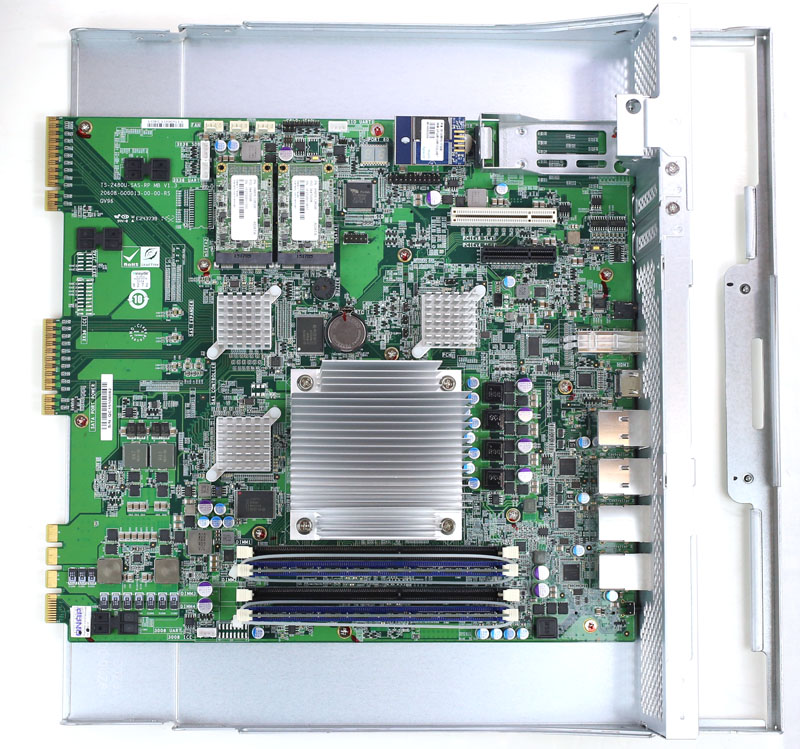
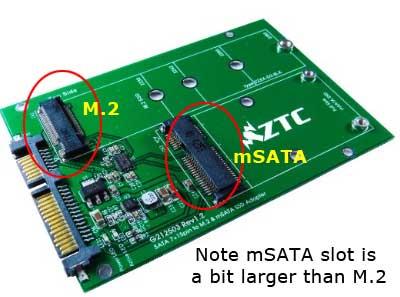
This was quite the surprise to me, and I thought I would relate this story for anyone that has this issue. Without Paul’s help at QNAP support, I could never have gotten this working. Customer had a TVS-EC1280U 2017 QTS QNAP system. The chassis failed (we pulled everything out, and I still could not get an IP on any port - including a self assigned IP) - so I said “lets get a new QNAP”. We purchased a new TVS-h1677AX. I back revved the firmware from QuTS to QTS 5.2.10, and installed the 12 drives from the old QNAP. I fired back up, but the volume would not mount, and would not let me recover it in Storage & Snapshots. I called QNAP support, and Paul said “were you using READ/WRITE Cache on the old QNAP, because if you were, I won’t be able to get back your data”. WHAT ? !!! And the old mSATA drives can’t be put into a modern enclosure (to my knowledge). But Paul determined that the volume was set to a default READ only cache, and was able to get my volume back without losing any of the data.
I had no idea. So be careful with Read/Write cache on older QNAP systems (and have backups of your data - my client had no backups, so Paul saved the day).
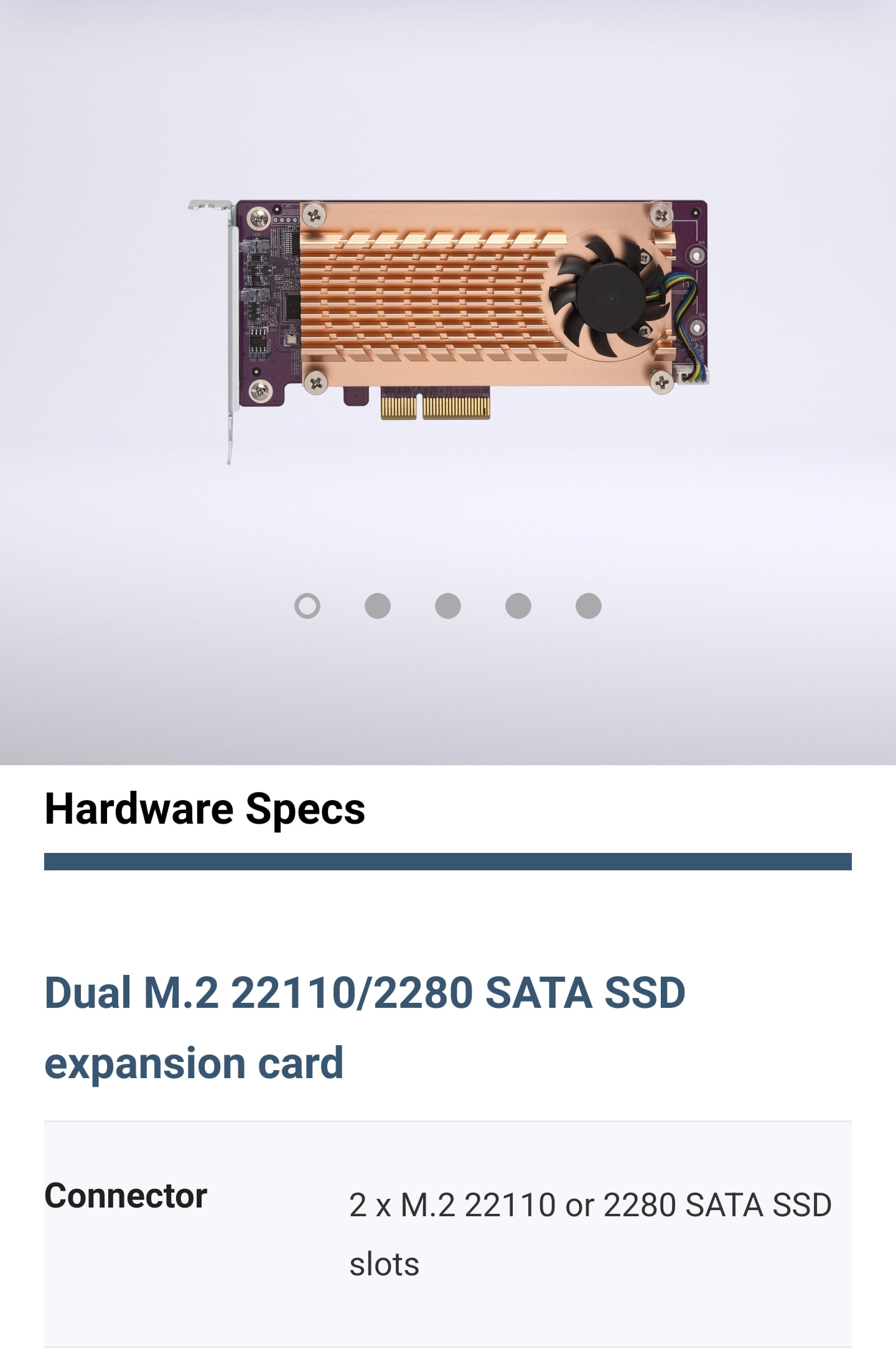
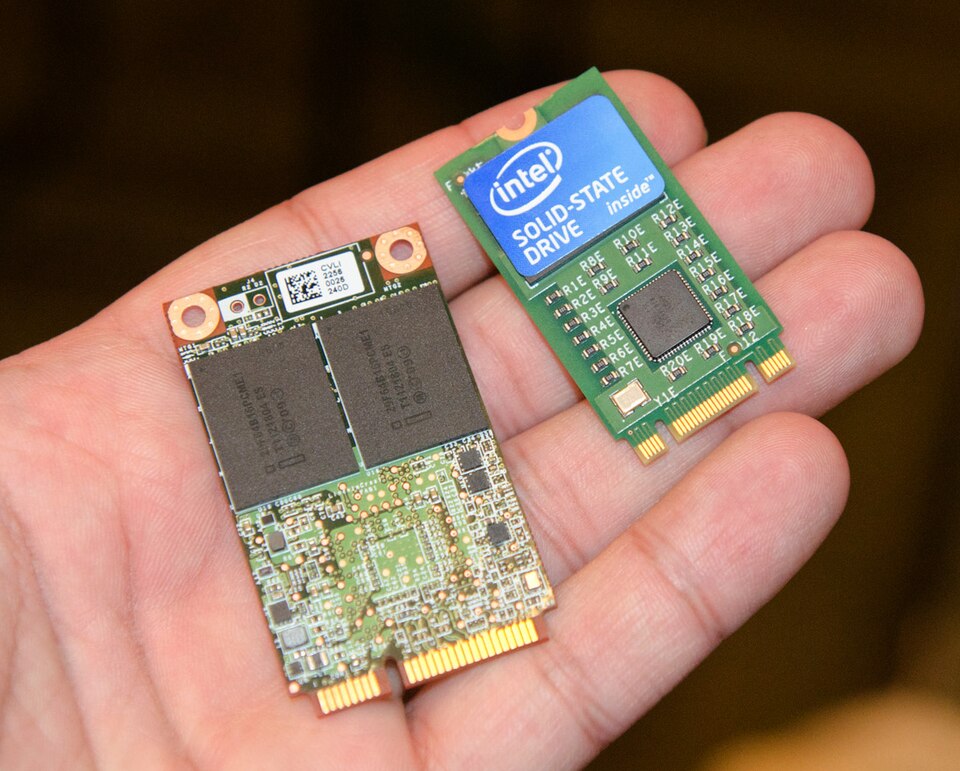
I believe that you are wrong. The old QNAP’s did not use M.2 SATA drives, and the QM2-2S-220A uses M.2 NVMe drives (so does the modern QM2-2P-384A, which I use all the time).
But QNAP would probably have to intervene in any case because I doubt the M2 SATA would be automatically recognized upon migration into a new enclosure (as cache drives most of all)
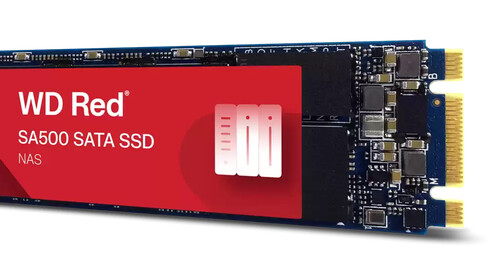
but the old TVS-EC1280U-SAS-RP does NOT use M.2 NVMe !!! The shape of the M SATA drives is the 22110. It is very unclear to me (and I am probably wrong) that this shape/style would fit into a card that is designed to take M.2 drives. Perhaps I have the lack of experience in putting 22110 style M SATA drives onto a PCIe card.
I appreciate all the feedback - BUT - the whole point of my post, is that at this moment, I would NEVER use Read/Write Cache for any reason, because if you have a failure, and have to move your drives into a new enclosure - (unless it’s the same model) - you can really get screwed, and lose your data. And lets face it - almost no one is moving their drives into a new QNAP enclosure, unless their system is old, and had a catastrophic failure.
Yes Bob, that has been my mantra as well, but people hear cache and think it will do some amazing magic for them. Cache works only for limited scenarios and has a lot of downsides, the mentioned migration issue here or simple cache disk failure.
And there was a topic a few months ago were cached ZFS pool would slow down to a crawl after a rebuild. (disabling cache made it fast again)
Thanks for sharing your experience! I’ll pass this along to our internal team so we can look into improving the system prompts around Read/Write Cache when migrating drives to a new NAS.