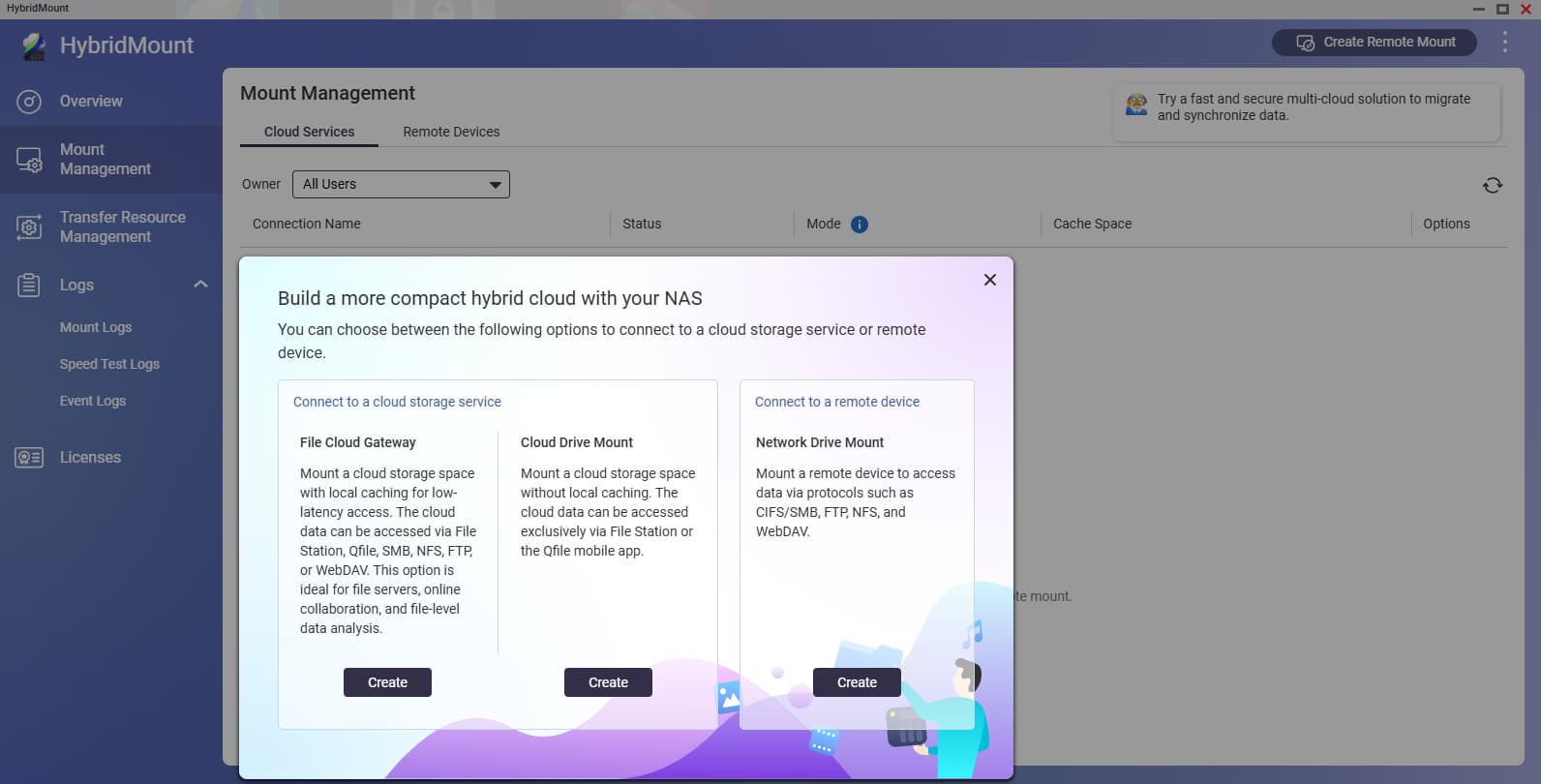
I wanted to replicate the content of some of the Cloud Storage providers (OneDrive for Business, OneDrive personal and Wasabi Cloud) to my local QNAP NAS for redundancy purposes.
Shall I use this application below, File Cloud Gateway or Cloud Mount?
So FileCloud creates a local cache of what is on your storage provider. So if you have 5TB of data on your cloud provider, then you will need 5TB on your NAS as it basically replicates your cloud locally. This ends up being very fast. Now, I don’t know if it replicates the entire cloud or your most accessed files. I’ve never tried it.
I use the Cloud Drive Mount. That basically mounts the cloud storage like an external drive on the NAS that you can access in File Manager. It’s not as fast but it also doesn’t take up space on your NAS either.
You can have as many file drive fonts as you want. For the cloud gateway I think you get two free licenses and after that QNAP charges for them.
This thread has made me investigate setting up my own Cloud Drive Mount cache. I think one misunderstanding I had previously was that it also created a replica of your entire NAS on that cloud service (which it doesn’t do). Anyhow, I am trying it now with my DropBox account.
What actually piques my interest even more is that I have an external hosting provider I use for my web server. For the business I run, I use HBS to sync items from the NAS up/down from the server. I have full WebDAV access to the server and I am now thinking maybe it might be better easier to just create a Cloud Drive Mount and use Qsync to sync the items between my laptop and server and make it more automatic.
So many ways to do the same thing - makes you wonder which is really the best?
And OK - this is cool. The file cloud gateway now publishes that “volume” as part of the NAS shared volumes so you can access it via the file system on your computer…Way cool.