Hi,
I have a TS-233 with 2 disks.
Currently I have a pretty stupid situation.
I can’t access my QNAP system because I have 2FA enabled and I lost the app with the 2FA in it. Stupid, my mistake.
So I tried the 3-5 seconds reset pin, which made me still able to access my data, and also still having the old password. (I know this because the password works and it still asks for the 2FA code).
Then, I removed the 2 disks, as per instructions on https://www.qnap.com/nl-nl/how-to/faq/article/im-unable-to-log-in-to-qts-and-the-password-reset-does-not-work-what-can-i-do
Now it said I should put the disk back in while it’s booted. I did that.
I can access my QNAP now because I see this screen.
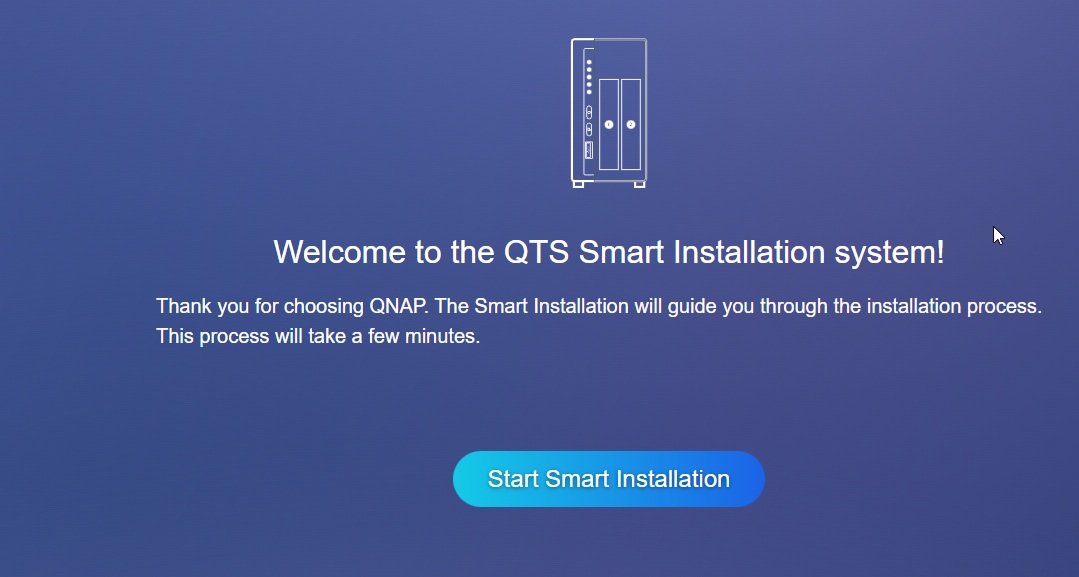
Now, according to the support page, I should access the system with PuTTY. I’ve tried that but it says Connection refused.
- I’m terrified for my data.
- How can I solve this? Which steps should I follow? I’m really out of options here as a standard NAS user.
Thank you in advance!