Greetings. I have 2 NAS, one normal one hero OS. I did initial rtrr sync in local lan, and then removed the non hero nas to offsite location. I have everything working, they talk via internet on rtrr, and i just started new rtrr job, and I am expecting it to just sync changed new files etc. So is there a way to actually know how many files is in the queue that need to be copied? I cannot find that information nowhere. It just says how many files it did transfer, but the remaining files count is nowhere to be found. Thank you
If you are using HBS3 you can download the detail logs (top right corner) to see the rrtt logs
can you please explain where exactly is that log, i cannot find it 
This link will show you where to find the progress
Also, if you click on the “details” button (next to the logs) then you will see the progress
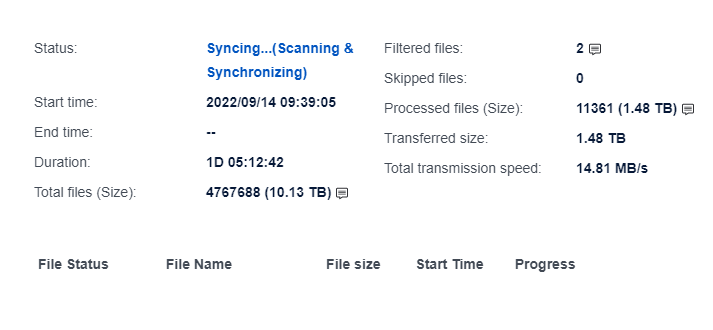
Thanx. But my question was where can I find how many files or bytes is left in the current job. I know where to find the list of past files and jobs, but I need info on how much is left in the queue
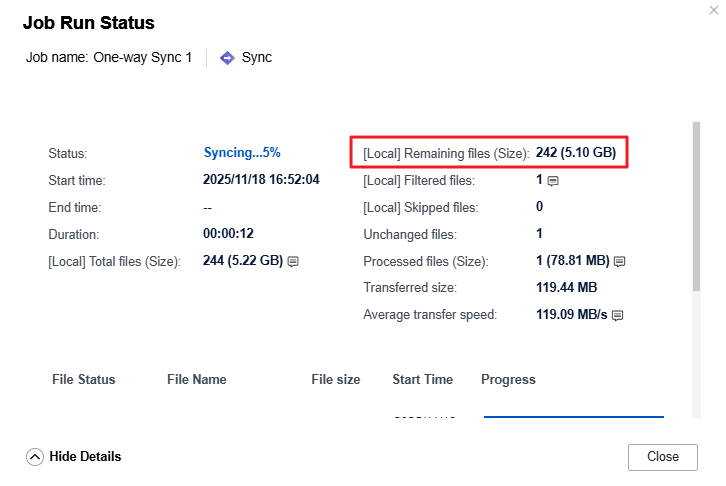
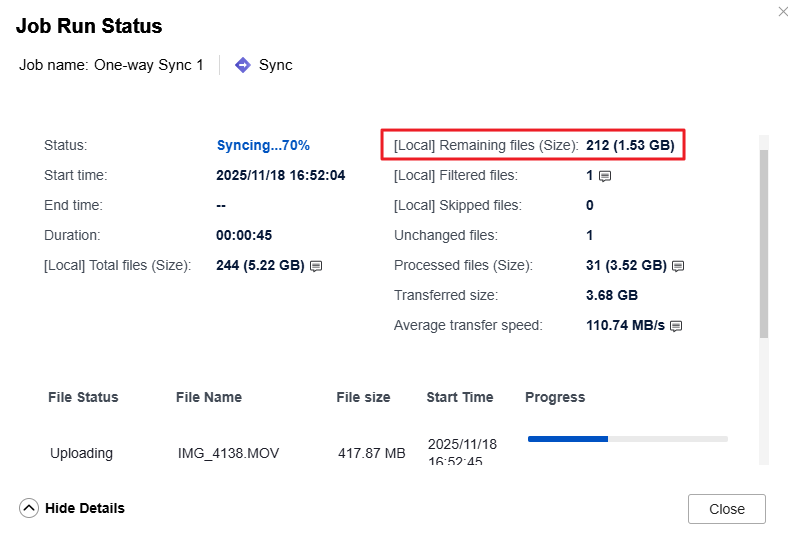
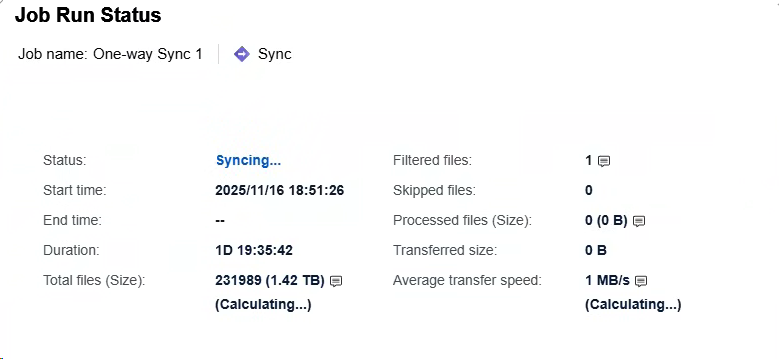
well this is my screen…so I am definitelly missing something…..3
Does this have something to do with the job settings ( 1 time sync, real time sync etc…)
I did it using one-time sync from my QuTS hero to QTS NAS without schedule.
My HBS version is V26.2.0.938 and the firmware is QuTS Hero h5.3.1.3250.
How about yours?
all latest versions. but…today I started the same sync but via rsync not rtrr and all the data is there, remaining files number, remaining gb etc. so it seems rtrr does not have all the data but rsync does. so its a rtrr bug or?
Yes, you are right. I don’t see remaining files field after changing my sync job to real-time sync.
You may open a ticket to QNAP to request for it.
I don’t think Real-Time sync is going to show a remaining files number. That’s because whenever a file is changed, it immediately will update and sync.
I will forward your request for new functionality to our internal team for evaluation. Thanks!