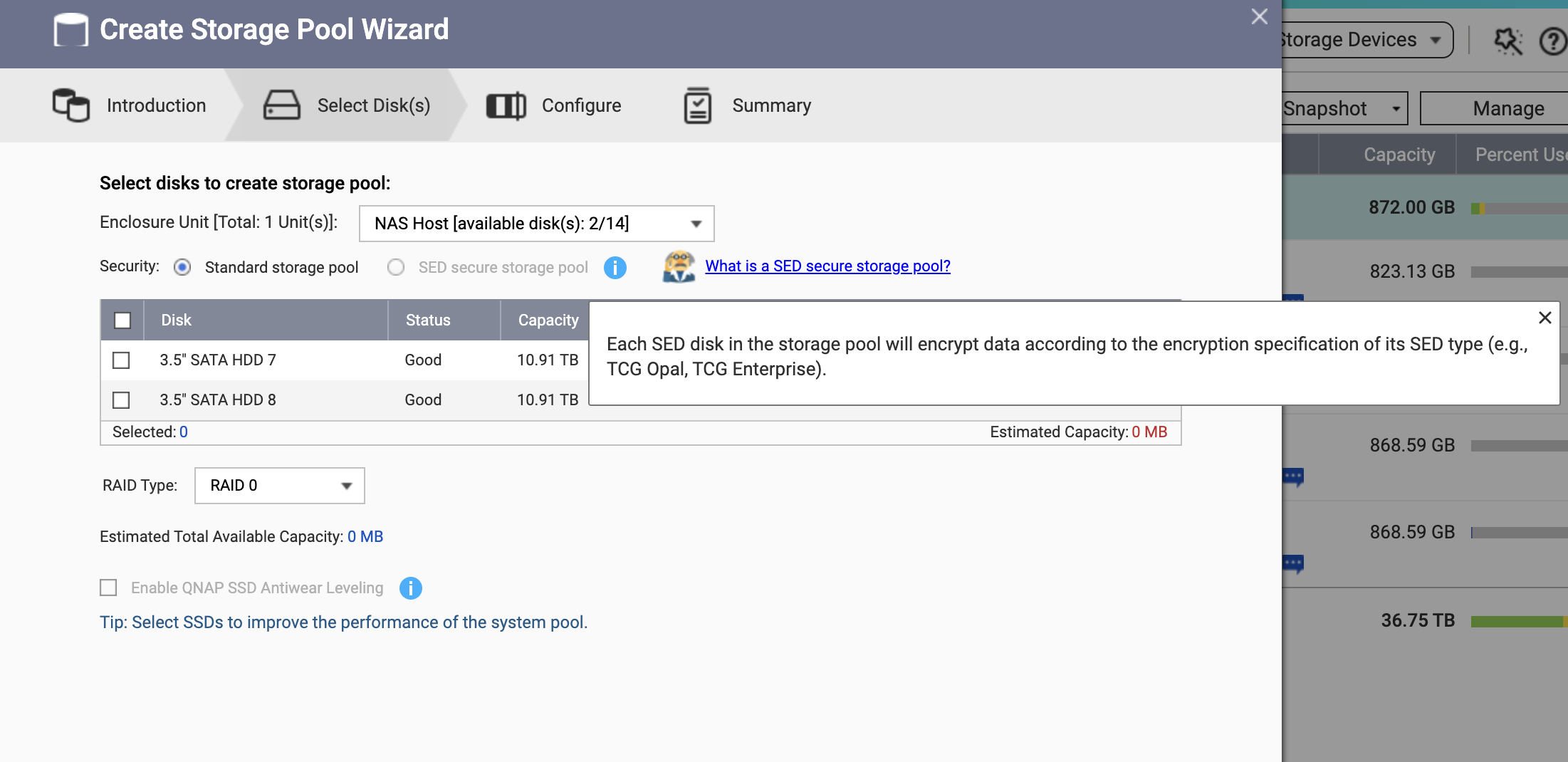
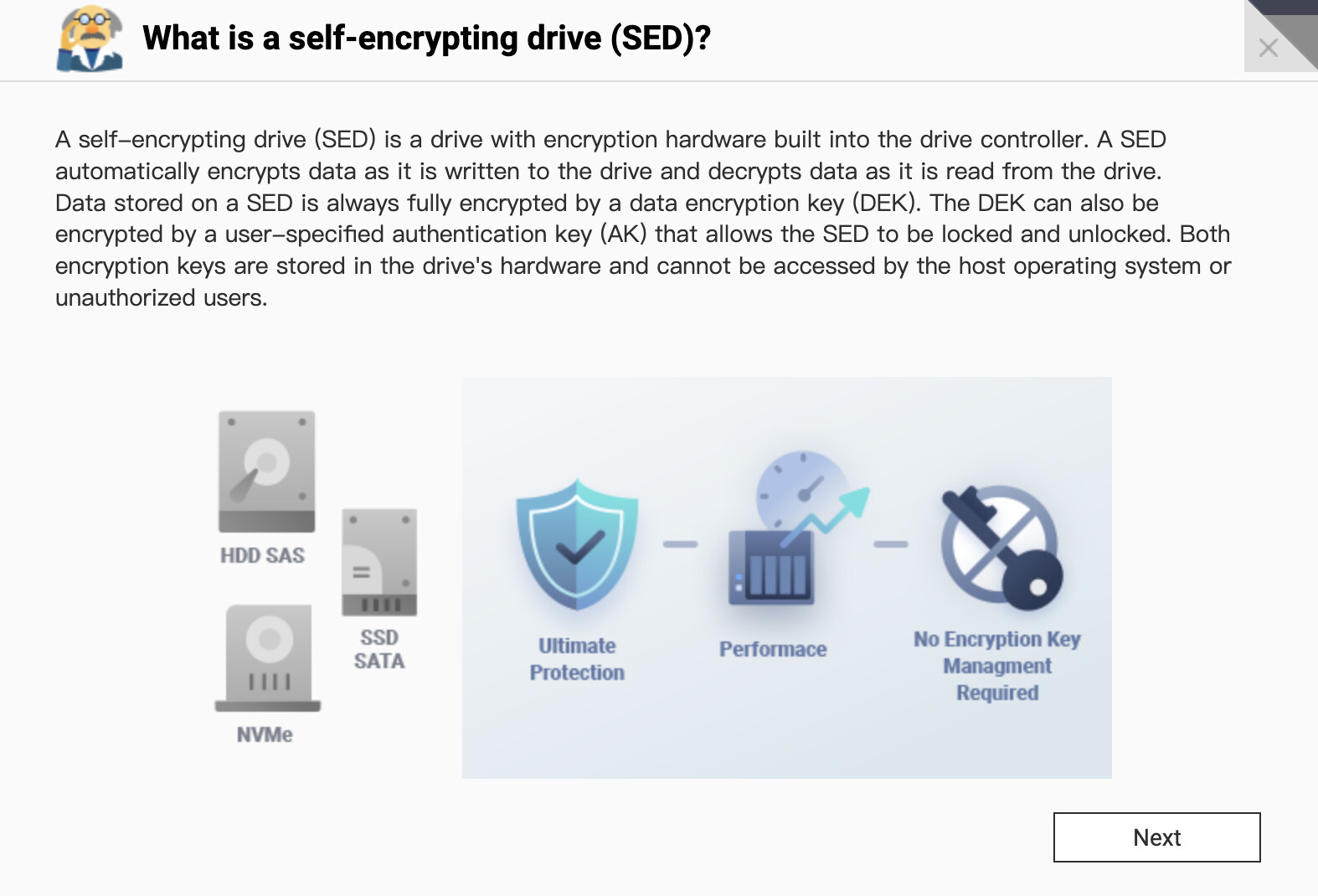
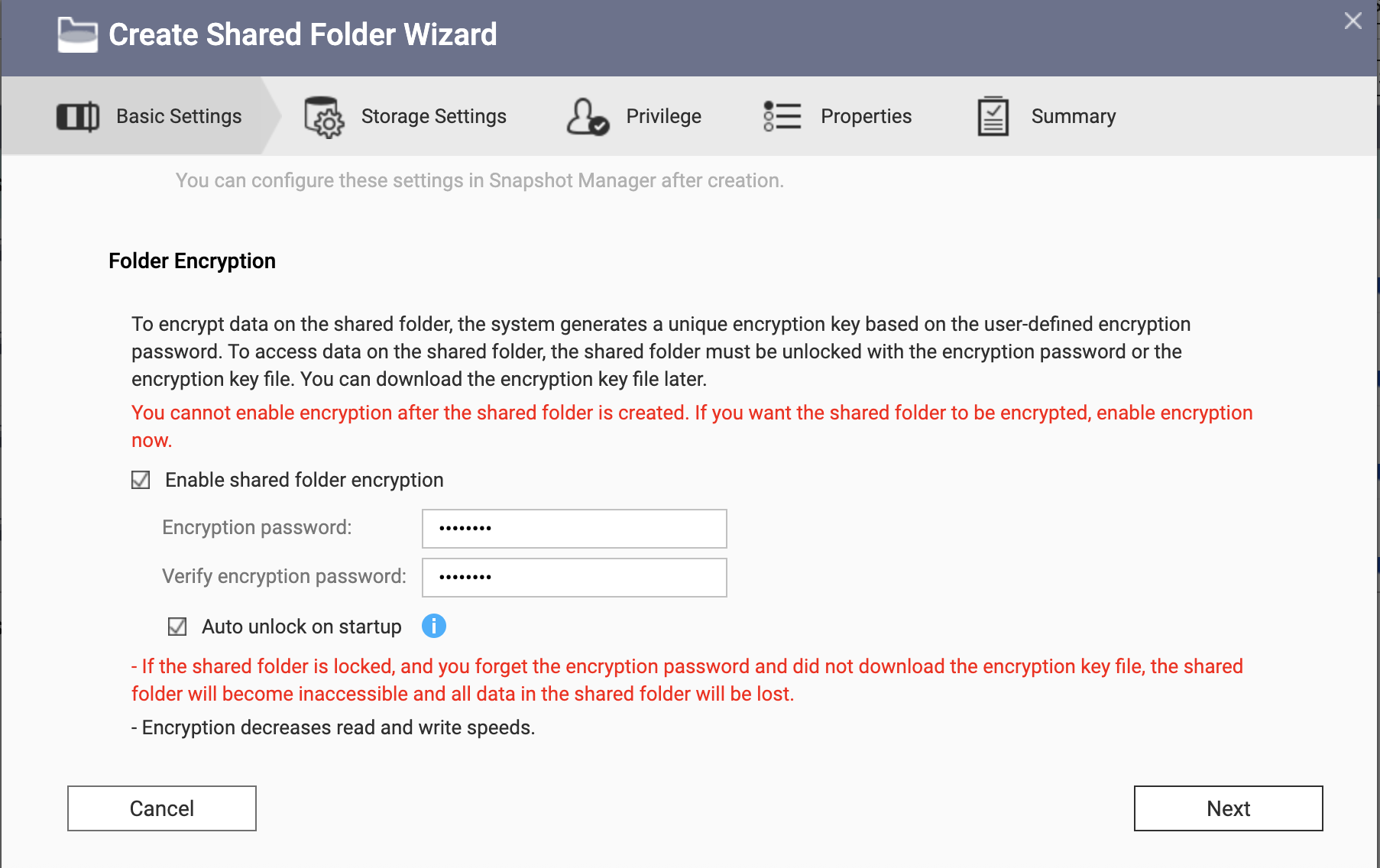
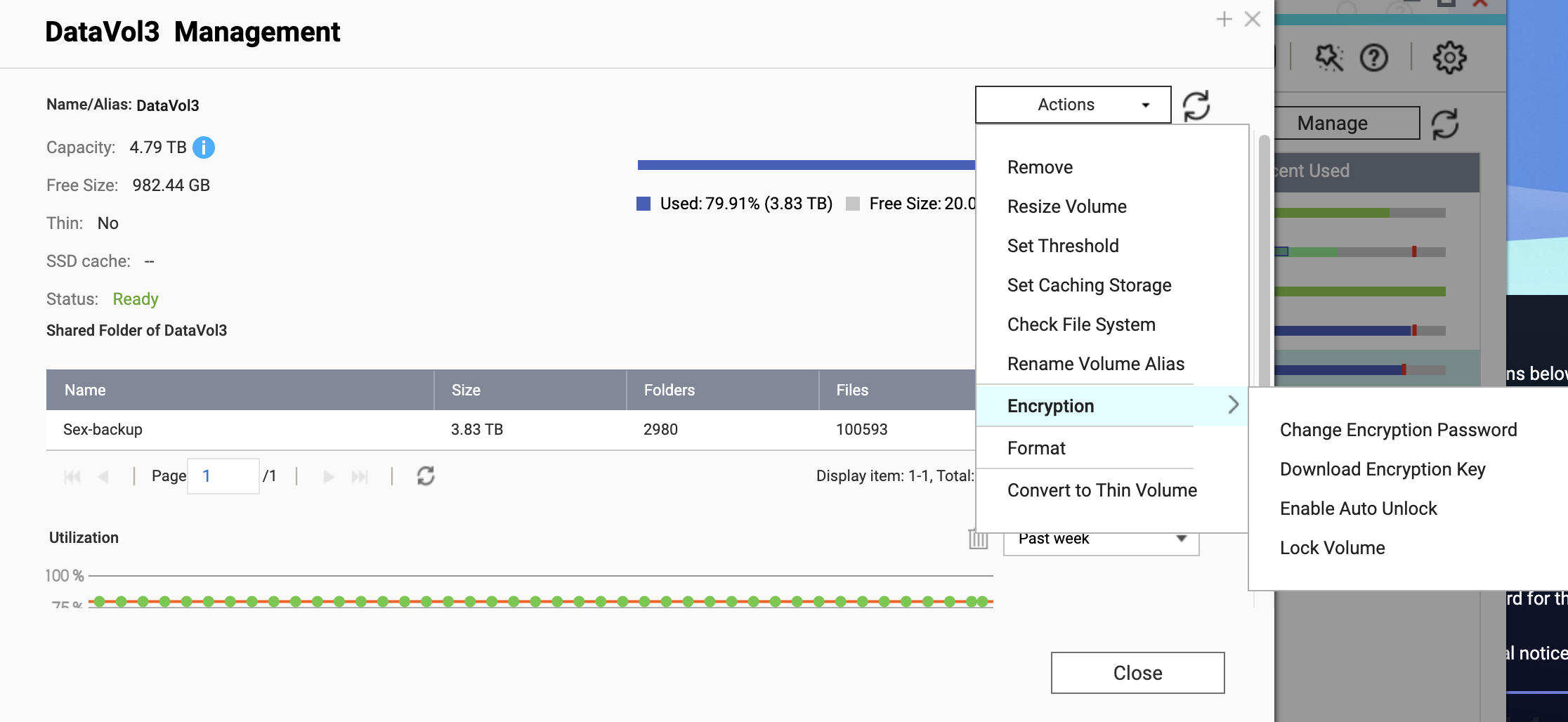
(1) Our system supports SED (self-encrypting drives). When purchasing HDDs, you can choose SED models to achieve protection similar to BitLocker. In addition, you can enable encryption and manage encryption keys at the storage level — including Volumes (QTS) or Folders (QuTS hero).
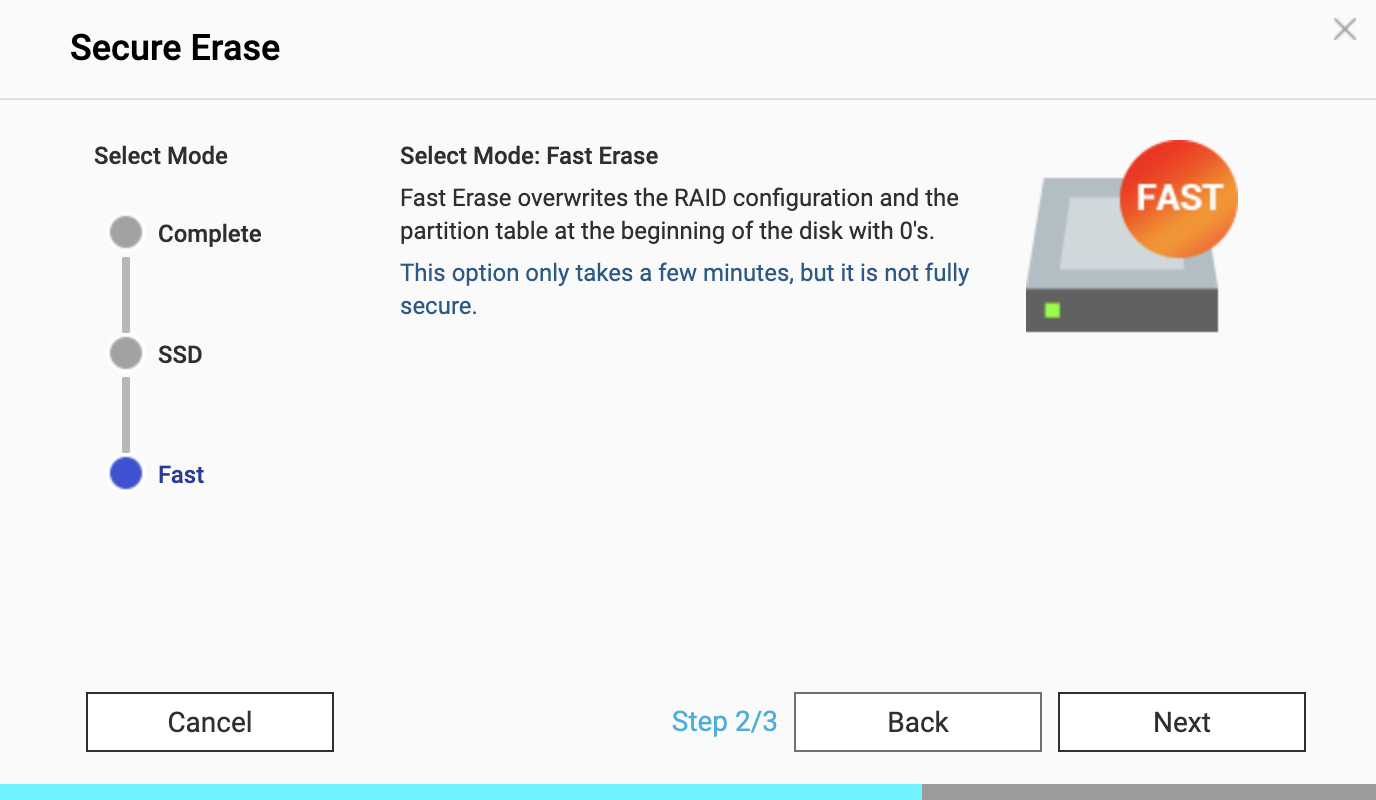
For questions (2) and (3), we provide a secure erase function for disks, including zero-fill and complete low-level formatting. This feature is typically used when users retire old drives, allowing them to thoroughly wipe all underlying data before removing the disk from the NAS to prevent potential data leakage.
I’m curious about your need to perform partial processing on an active NAS. Are you sharing this storage device with others and therefore require zero-overwrite secure deletion for part area to prevent possible data access by other users? (Most NAS users usually prefer having the option to recover accidentally deleted data, rather than completely eliminating the possibility of data recovery.)
Exactly. Several people use the NAS, so I would like the data to be permanently deleted when I delete it. Even if it’s not a problem at the moment, I do see challenges for the future.
SEDs have the disadvantage that I first have to buy the appropriate hardware. That’s difficult in the consumer sector.
I use a TS-251+ 2-bay with the latest QTS version.
Thanks for sharing your setup details — jumping in to add a few points specific to your TS-251+ and the SED availability concern.
You’re absolutely right that SED drives are primarily an enterprise option and can be difficult to source for home or SOHO users. The good news is your TS-251+ fully supports Shared Folder Encryption (AES-256) in QTS, which is software-based and works with any standard drive. As Sam mentioned, you can enable this when creating a shared folder — no special hardware required.
Regarding your interest in retroactive encryption: while QTS currently requires encryption to be set at the folder’s creation (unlike BitLocker’s “in-place” encryption), the most secure and efficient workaround is to create a new encrypted shared folder and migrate your existing data into it.
For a multi-user NAS like yours, I’d recommend creating separate encrypted shared folders per user and configuring folder privileges so each person only has access to their own space. This way, even if a deleted file isn’t immediately overwritten, the underlying data stays encrypted and inaccessible to other users on the same NAS.
Regarding your request for secure deletion of individual files or wiping free space without erasing the entire drive — this is a genuine gap in our current feature set. The existing Secure Erase is designed for decommissioning whole drives, not for granular file-level operations on a live filesystem. Implementing real-time secure deletion on EXT4 also comes with trade-offs around significant mechanical wear on HDDs and shortened lifespan for SSDs, so it’s not a straightforward addition.
That said, as the product manager for this area, I’ve noted your specific scenario — multi-user privacy on consumer drives — and will bring it to the team for evaluation. This is exactly the kind of real-world feedback that helps us prioritize. No promises on timeline, but it’s on our radar.
In the meantime, the encrypted folder + per-user privilege approach should give you solid protection for your use case.