Hello,
I am running a TVS-h1288X-H5.2.3.3006. Here is the setup
1st pool - 4x 4TB raid 5
2nd pool - 4x 10 TB drives raid 5
3rd pool - 2x m.2 1TB running system and some other shares
When trying to transfer outside the system, the speeds are consistent and fine, sending data in the multi-gigabit range without a problem.
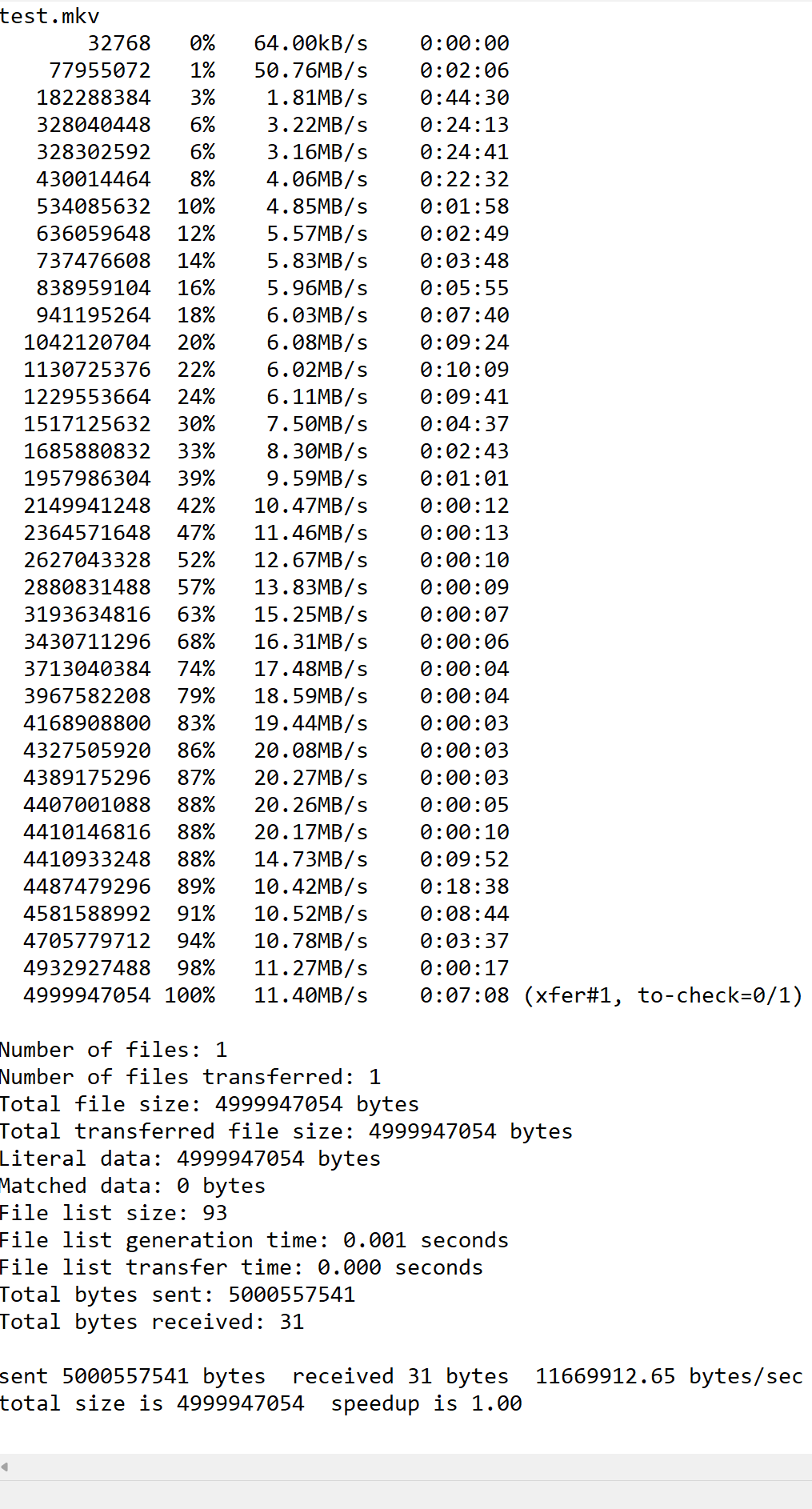
However, when transferring data between different internal pools, the speed is initially fast, then drops down to KB/s. Sometimes stalled completely. After, it will spike up to 50 to 100+ MB/s for a few seconds and then slow transfer or stop for a few seconds. Rinse and repeat until the file is transferred completely.
Has anyone experienced this? If so, what is the solution to this?
Where are your benchmarks?
I mean you should check and gather more consistent data even for yourself.
For example: log in with a user in ssh a do time cp /share/pool1/bigbigfile.mkv /share/pool2/testfolder
Same with a lot of small files
Same from pool2 to pool1 , from pool3 to pool2
Use FileStation as well and then from your computer (you say it works fine).
Seems weird your issue, I would say little RAM but if it works fine in local network makes no sense. You need to gather more information in my opinion.
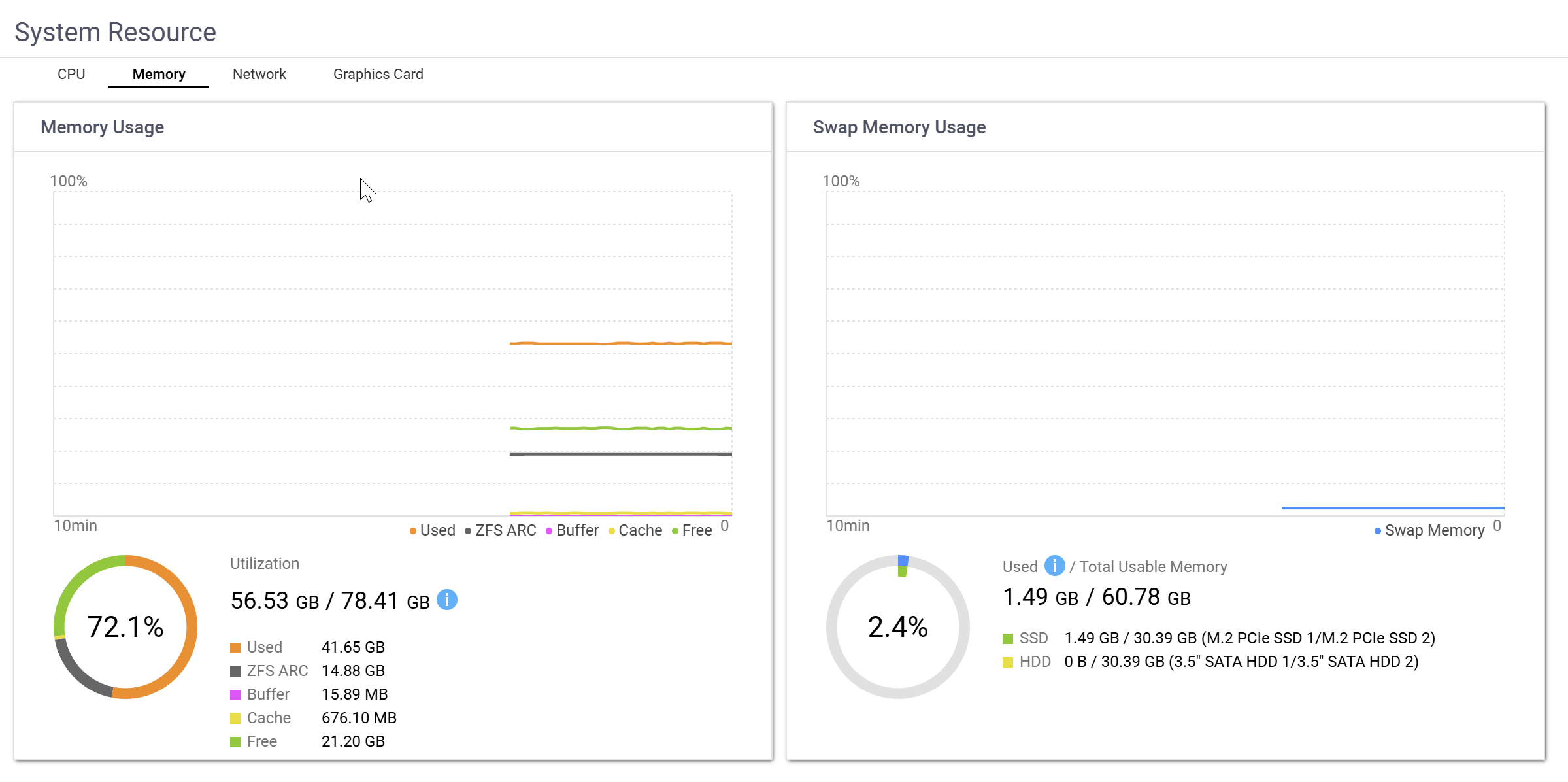
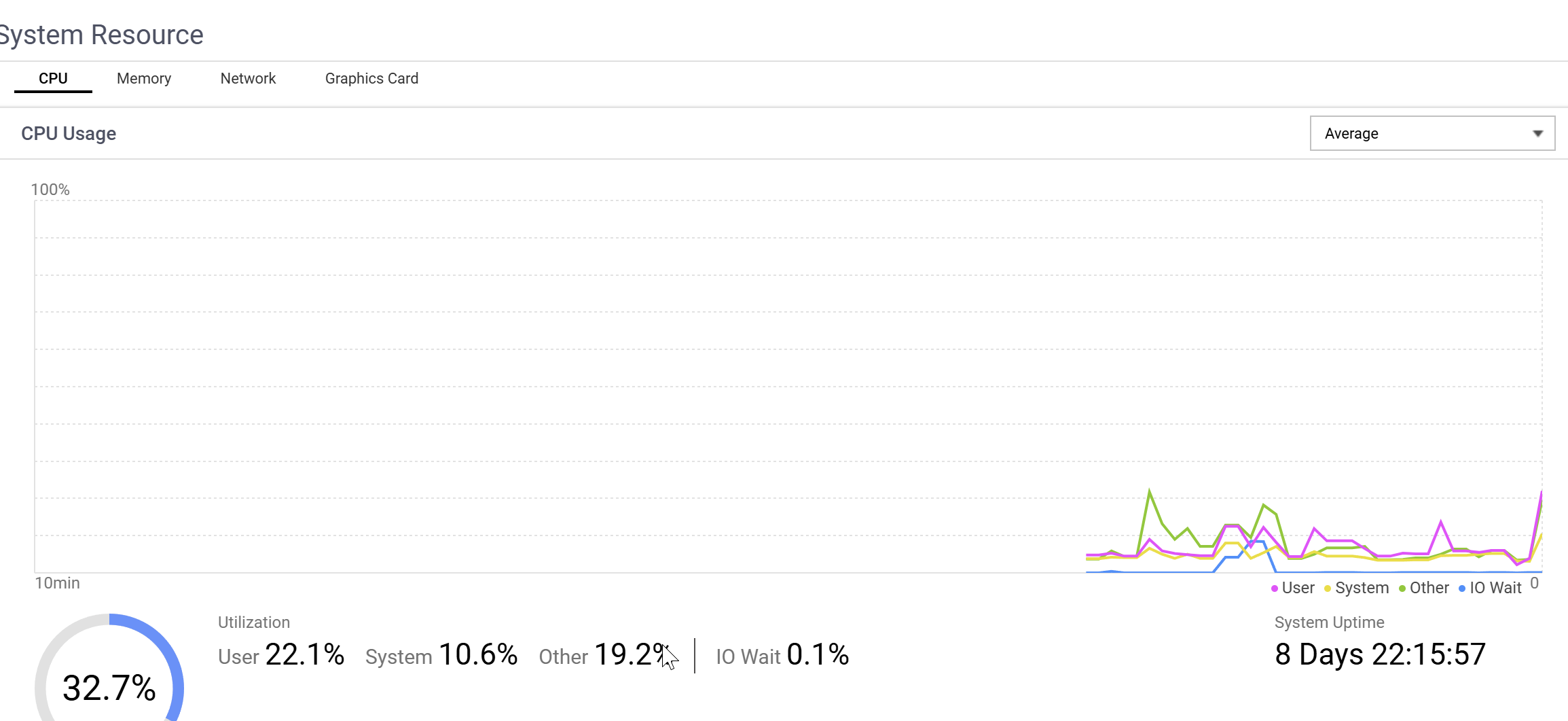
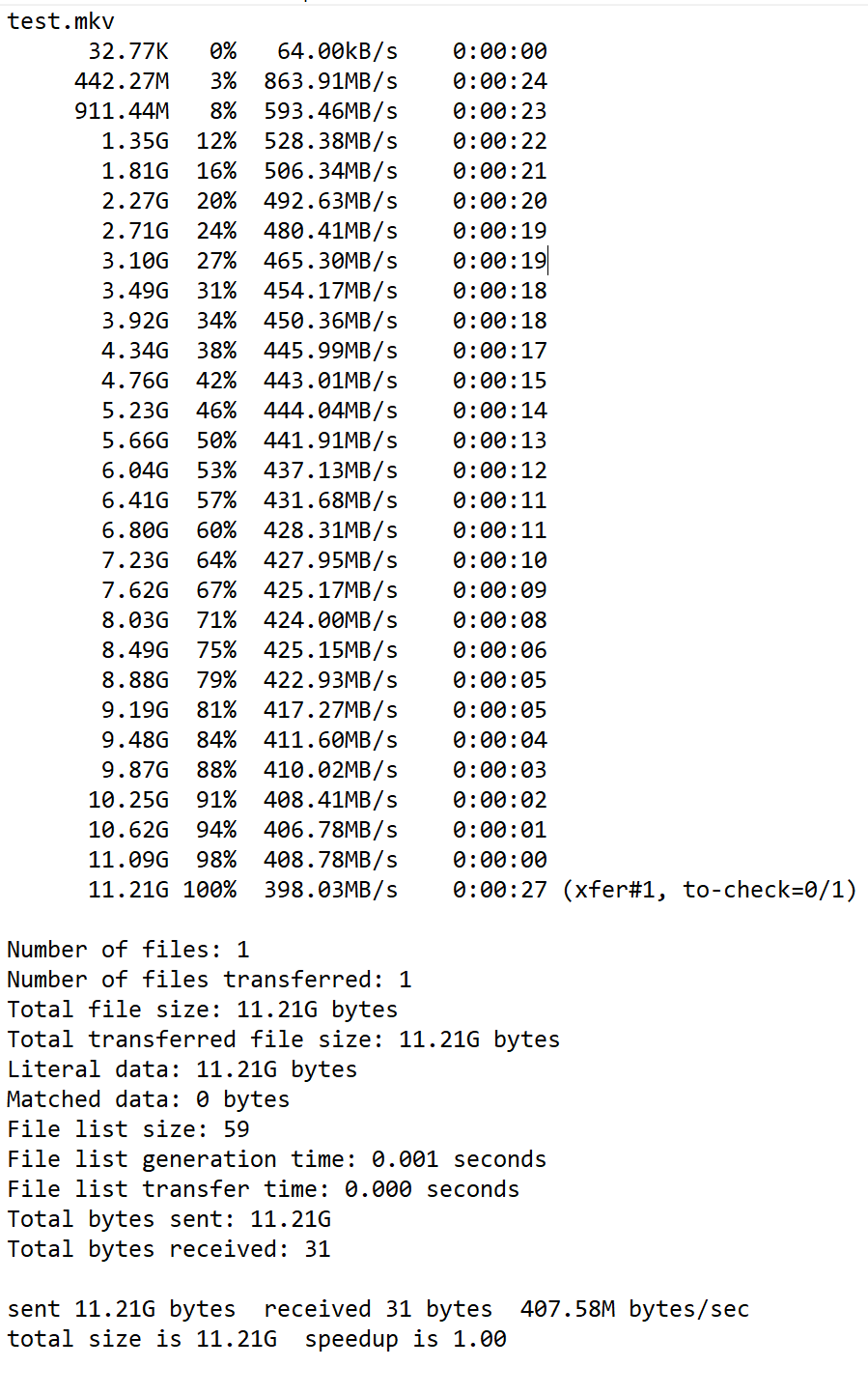
I did a few test and I have plenty of RAM and CPU is low not going higher than 40% when transferring, most of the time it sits at 5-8% average. No other services are actively running (No VMs, no anti-virus….. etc). I will attach an rsync transfer log.
It is due to the pools being Thin Provisioned rather than Thick. I didn’t think it would cause such a large speed discrepancy, but now the speeds are 100x better. Literally. 4MB to now 400MB. very odd.
Could be that since Thin pools are dynamically expanded as space is used vs. thick pools having specific size allocations, that the NAS is busy allocating storage space for the pool while copying the files.