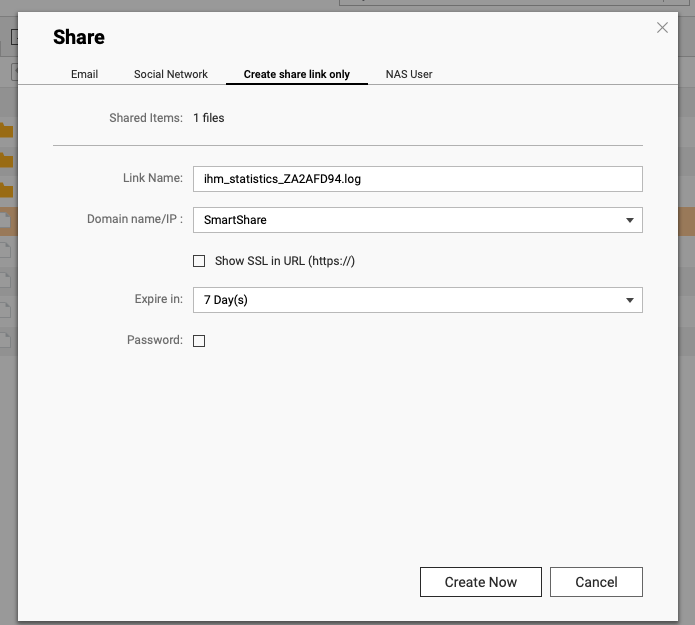
Then error “Unable to retrieve data from your device. This may be a network issue, or the device may be offline. Please try again later or contact the owner of the sharing link. (2010002)”
I never said my screenshot came from File Station. It comes from the webpage when you click on the link generated by File Station. There’s a large myQNAPCloud title in my screenshot.
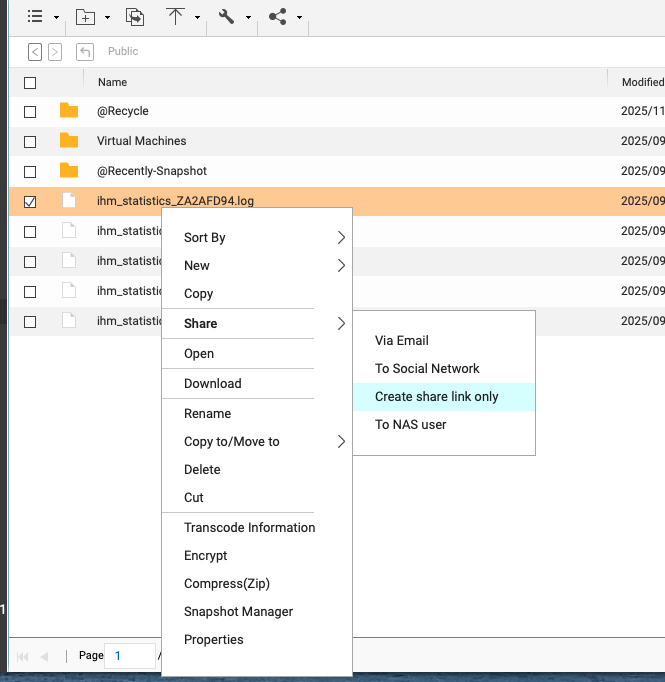
Yes, “Share → Create share link only”. I’m not English, so I don’t know the name of that function in english.
The problem is not with link generation, but with accessing the shared file (SmartShare).
OK. I understand. So it looks like the connection between your NAS and MyQNAP cloud might be down. Have you checked the status of MyQNAPCloud on the NAS? Is everything good and logged in?
Do you have a test file you could post here with a link. Feel free to send me a private message with it instead of posting it here.
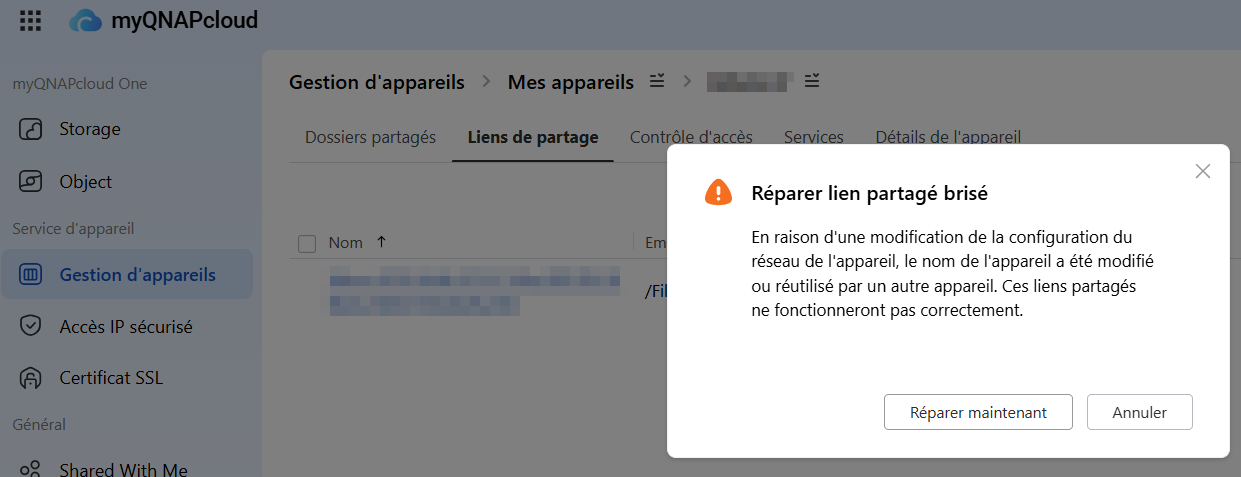
Due to a change in the device’s network configuration, the device name has been changed or reused by another device. These shared links will not work properly.