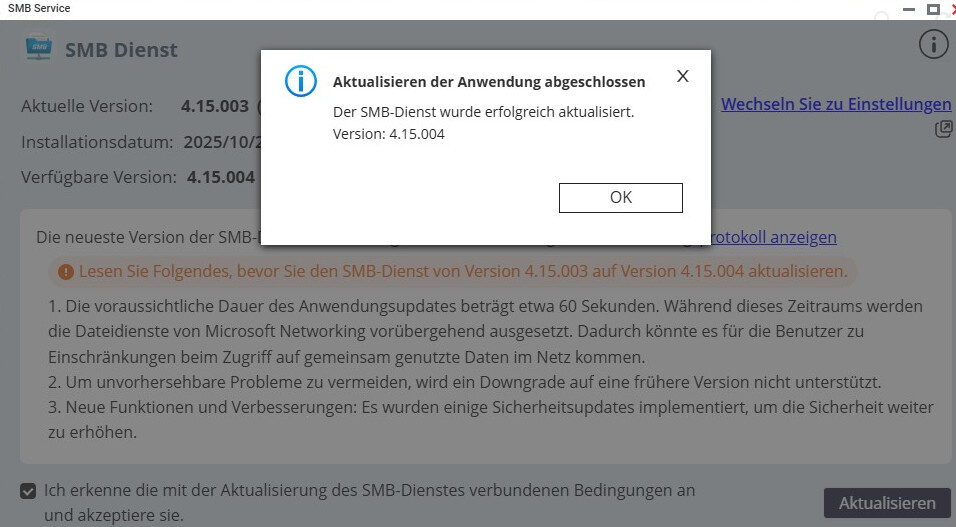
Good day, today I updated the NAS TS-431 XeU to the new firmware (QTS 5.2.7.3297). Afterwards, an update for the SMB service was offered. I then performed the update to version 4.15.004. Since then, Veeam Backup and Replication can no longer access the NAS via SMB. No other Windows client can either.
In the SMB service under update history, it shows that the update was performed via the SMB service web interface.
In the settings, File Services for Microsoft Network (SMB) is enabled as a standalone server.
In the advanced settings, SMB3 is set as the highest SMB version, SMB2 as the lowest SMB version.
Where could the problem be? Does anyone have a solution? I would be very grateful!