This was purchased at a Garage Sale. no dust on the fan, and the drives say 10 hours of time, I did not get anywhere with letting it boot up to a HDMI screen. (until I reset the pass) It booted into the solink and it stated no cameras found. I really am not interested in using it as a surveillance, at least not if its cloud based. I ended up plugging this nas directly into my RJ45 on my laptop, NO ROUTER, I used the reset instructions and reset to the admin / mac address for pass. I am able to see a usable volume now. I made a share and it showed up in my public folder.
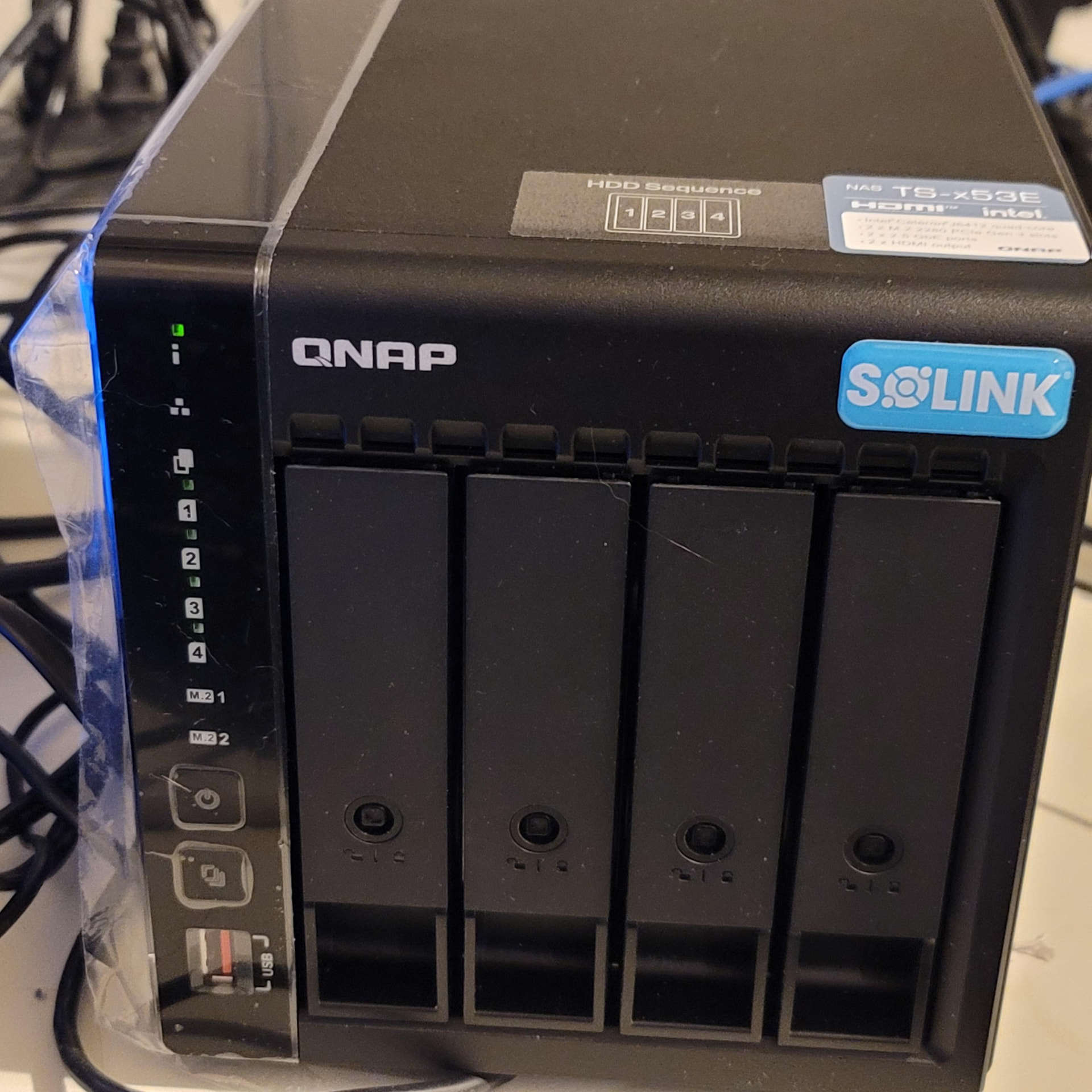
I want to use it to make Macrium Backups, so I need to figure out how to make the macrium environment see this nas so I can backup and restore images to from this NAS. Id hope I could use a RJ45 to USB3 on laptops that do not have a RJ45. it is a TS-453E from the TS-x53E.
its to be figured out, how best to use this when I want to make backup images of many different devices using the macrium rescue environment.
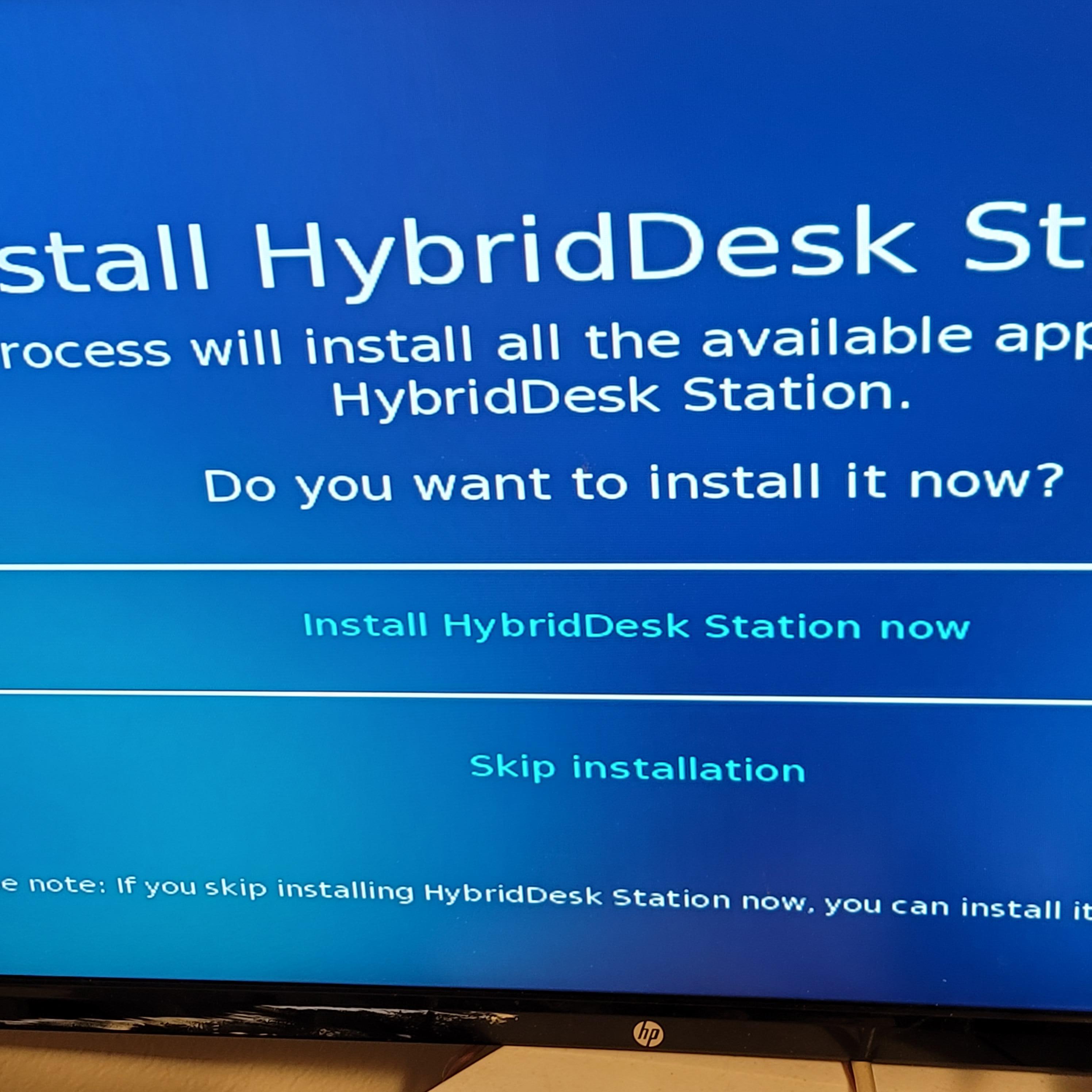
I did try to install the hybriddesk station but it could not find www access but it refused to see any intranet connection to download it, I tried a few different ways. When a qnap NAS has this SOLINK badge on it, is it dual boot ? like will it boot into the screen above on the HDMI side while also being able to be used as a normal QNAP nas ?? on the screen above I pressed alt f2 and was able to sign in. I got to this screen below. I am not sure if this is SOLINK stuff or normal QNAP.
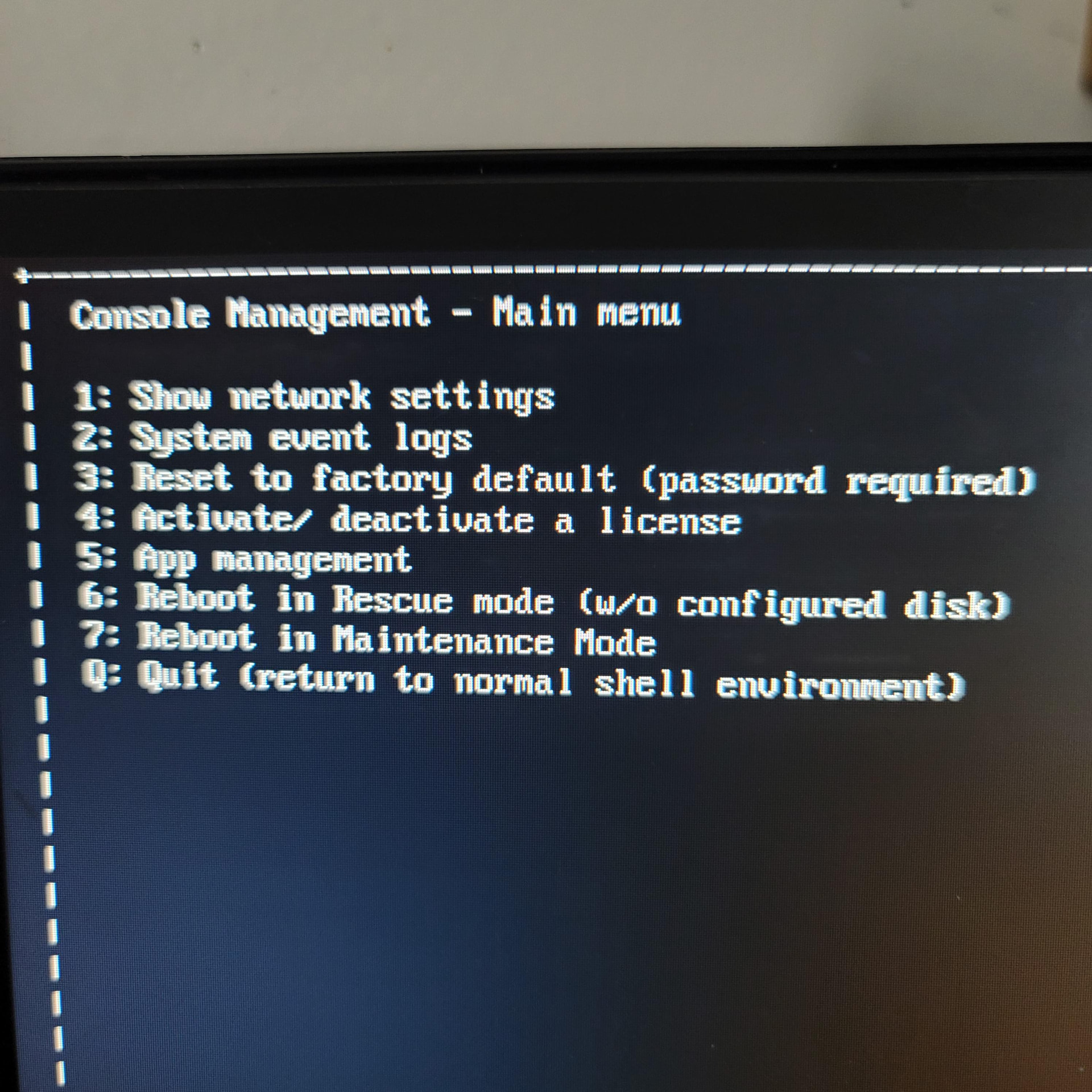
ABOVE IS THE HDMI MENU
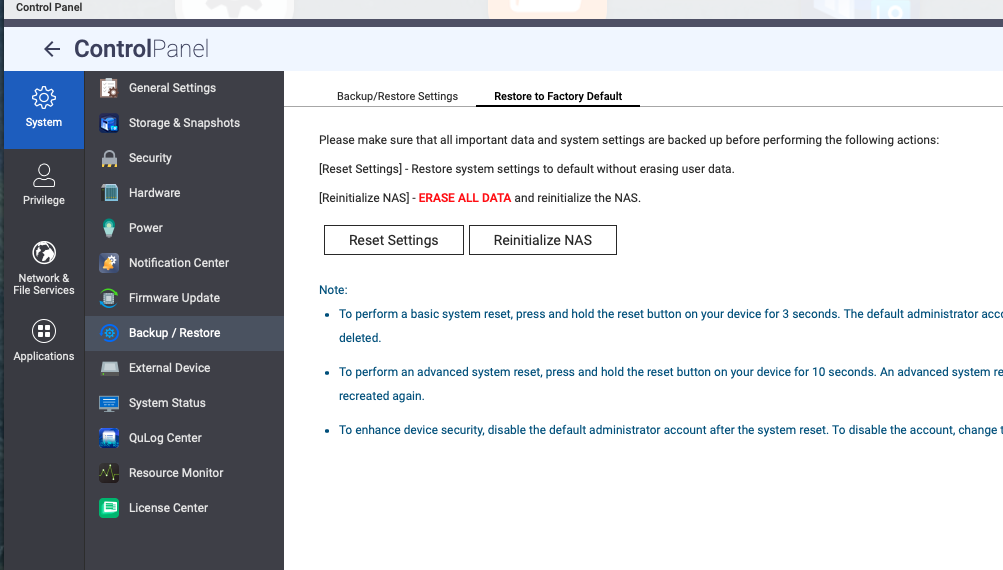
Pictured below, On the Laptop side that it connected directly to the NAS Qfinder pro did find the nas and its IP address. ONly when I plugged it into the bottom ethernet did qfinder see the nas. (ipconfig does not show any IP that Qfinder found) This is what I am looking at on the laptop side:
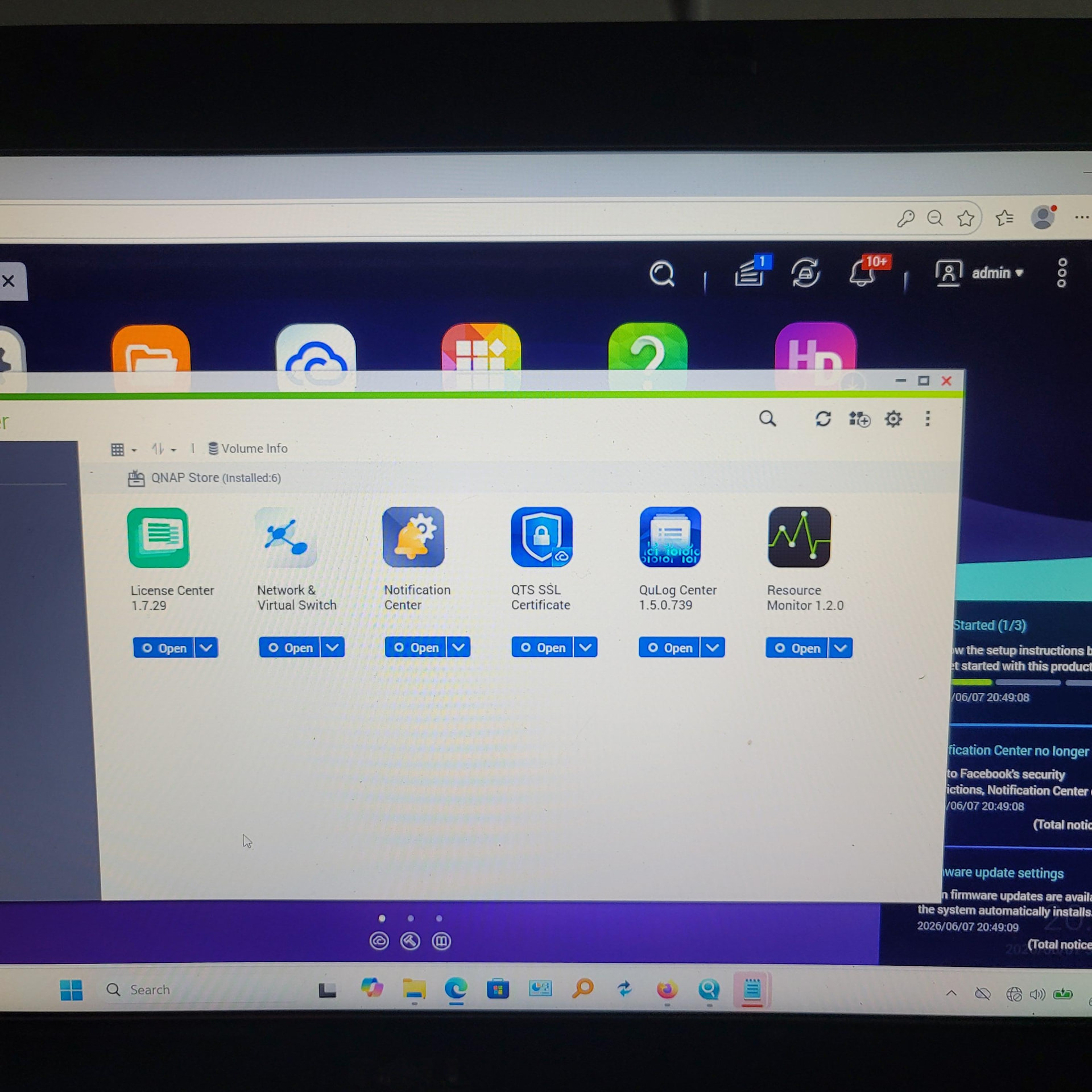
So I am logged in here and I was able to setup a share that I can see in my PUBLIC folder on my Laptop. I copied some files into it as a test. This is QTS 5.1
Main Questions
Will this qnap TS-453E serve as a dual purpose SOLINK / normal NAS setup or is it ether or one at time or both at time. ?
When I reset the pass with the mac address, I was trying to do a install setup like on page 35 What I do not know is if I just logged into the NAS when I reset the password OR if I actually installed QTS at this time, I wonder because I am at version 5.1 so Im confused if I really installed QTS or if it was just present already and I only needed to get my admin pass changed.
If I reset this to factory default shown in the HDMI menu above-- does that mean it will reset to the SOLINK setup or the to a system with nothing installed WHAT IS FACTORY state ? Because this was a used NAS I am not sure if someone tried to set it up already.
If I manage to install this hybridDesk station from the HDMI side, will that conflict with the QTS setup that I am logged into. ?