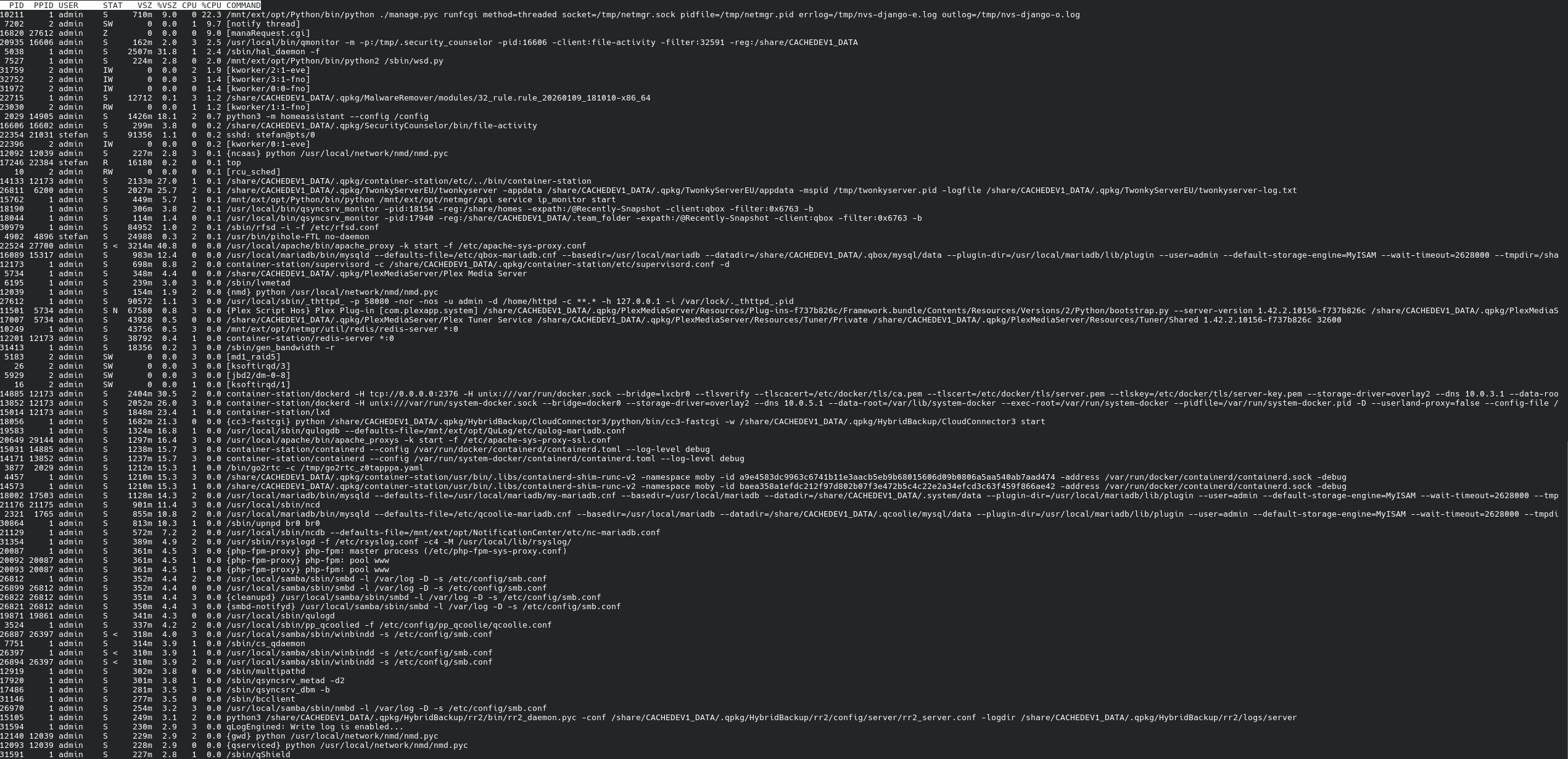
To be honest, I was hoping somebody else here would know. It’s not from something I deliberately installed. I’m running TwonkyServer, Plex and Containerstation with pihole and HomeAssistant.
Looking up the command brought me to several different forum and reddit threads with high cpu or swap load, but nothing directly related.
Another strange thing happened tonight, when the load dropped from ~30-60% after the reboot to 5-30%, with no event in the notification center at that time.
It’s entirely possible it was some QNAP indexing process or something like that which was going on. I’ve seen it happen.
My TS-873A is sitting right now with a CPU load of 40+! I have no idea why either. QSirch is doing something but beyond that, I’m clueless. What’s exceptionally strange though is that even at that loading, the web UI is rather zippy which I have never seen before!
We’d like to ask if the NAS remains usable during periods of high CPU load. Are you able to operate it normally, or do you experience issues such as interface lag, slow connections, or any other anomalies?
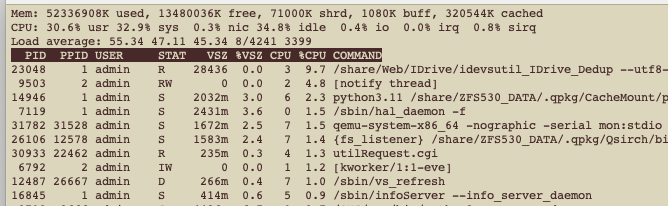
If you are asking me, I am seeing CPU loads of over 50 right now. But amazingly, the NAS response is not sluggish like I would expect. I mean Network and Virtual Switch which is the epitome of the app that is worst to load is not coming up well. But File Station, HBS, etc all seem to be fine. I can’t believe the load is really 55 right now…
To be honest, I didn’t really notice at the time, it was definitely usable. Only now I notice how much more responsive the QNAP web interface and the Plex interface are in comparison with ~10% load. I did not notice any lag or stutter with streaming music.
@SteveKo: Any suspicion where that high load might have come from?
Please be assured that we conduct CPU load validation prior to any release. Regarding your specific case, we will continue to monitor and evaluate the situation internally.
If you haven’t encountered any functional anomalies during daily use (such as service interruptions or interface freezes), you may proceed with normal operation for now. However, should you notice any specific scenarios or tasks that cause significant system lag, please feel free to let us know. Your feedback is crucial for our further investigation. Thank you!
Since upgrading to h5.2.8.3359, my CPU Load has been super high - like in the 40s:
What is odd is that the web UI is not any more sluggish than normal. Maybe slightly, but certainly not what a load of 44.35 normally looks like. Usually at that point, I could barely bring the web page up, let alone load an app. Now it feels pretty normal. I don’t know if incorrect data isn eing reported to TOP or what might be happening. I am opening a ticket on this…
Since the reboot the load was about 10-20%, with spikes when there really was something happening (scheduled backup, indexing, …). So it seems the initial high load was caused by the malware scan that didn’t finish properly. I will still keep an eye on the load, but for now I consider this solved. Thanks for your replies.