I own an old QTS-459 Pro II NAS and I would like to use the Surveillance Station application with an ANNKE C800 camera. I can’t find it in the list of available cameras. Even if I try to find an equivalent, I can’t get a live view. Could you please help me? Thank you in advance.
I am the owner of an old QTS-459 Pro II NAS and I would like to use the Surveillance Station application with an ANNKE C800 camera. I can’t find it in the proposed list. Even if I try to find an equivalent, I can’t get a live view. Could you please help me? Thank you in advance.
Hi @roda13 Sorry that the Surveillance Station has already reached EOL, so we are no longer adding new camera integrations for it.
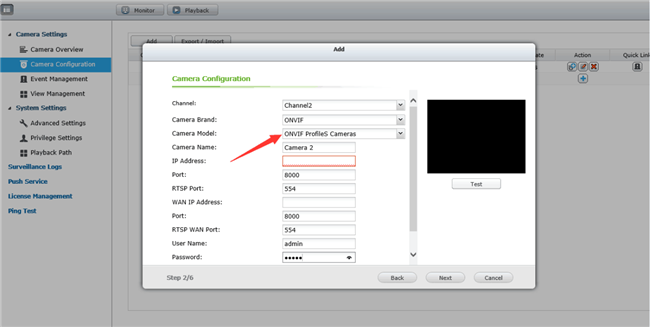
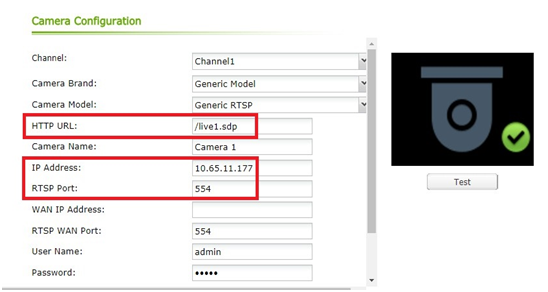
For the ANNKE C800, you can try setting Camera Brand = ONVIF and Camera Model = ONVIF Profile S. In most cases this combination should work. Let me know if you run into any issues.