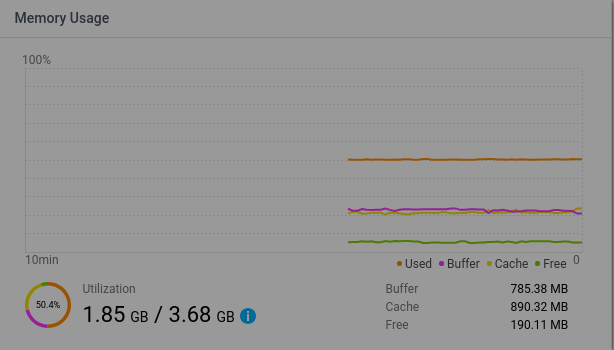
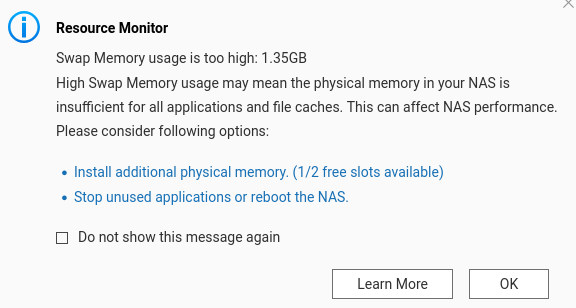
If swap is being used, that means that RAM is being fully utilized, correct? The first screenshot doesn’t even look to show my ram being fully utilized.
If you don’t feel things running slow, just ignore the swap usage numbers.
Modern systems start to use swap before memory is fully “used”. The “used” memory shown in the picture is actually application memory. “buffer” and “cache” are also used memory but not counted in the “used” section. When you read a file from disk, the OS need to move them to the memory as a cache. If “free” memory is not sufficient, the OS may decide to drop existing cache or buffer, or swap application memory to swap file/volume. The decision is mostly based on activity.
Thus, if some of the application memory (“used memory”) is very inactive and the OS is doing I/O heavily, it prefers to swap out the application memory and keep the cache, and you’ll see the case like your screenshot.