Hi, I am setting up TS673A for photo and document storage. I have set up a Storage Pool 2 with Folders for Photos and Document storage. I have an immediate need for 5 TB of photo transfer from external storage and anticipate adding 3 to 4 TB of photos per year. Should I go with thick or thin folder? Thank you
Personally, I like the stability and predictability of a thick volume, but there are other factors to consider. I also don’t use snapshots. In any case, ensure you have a backup strategy that matches the importance / value of your data.
https://www.qnap.com/en/how-to/faq/article/should-i-use-a-thin-volume-or-a-thick-volume
So it really is personal preference. I like thin volumes as they offer you the ability to exceptional flexible. In QuTS Hero at least, with thin volumes you can actually allocate more space to shared folders than you physically have. This could be dangerous if you get close to filling up the drives but it also allows tremendous flexibility that allows your folders to grow as needed and not be limited. In a thick configuration each volume takes up a specific space. What if your needs change and the way you have your volumes allocated no longer meets your needs? Again, personal preference.
I do use snapshots and love them. Really is a nice way to have an extra set of data and with versions of my data at that. I have a second NAS where not only do I backup my data but also vault my snapshots.
As a single user, these are the reasons I prefer a thick volume. Allocate the maximum space to a single volume. All the space is available across shares until the drive fills up.  No reallocation or volume management required. As I live and scheduled sync to cloud and other NAS devices, I have no need for snapshots, nor do my use cases support that as a requirement.
It all depends on how you use the storage space (type and volatility of the data) and how much effort you want to put into managing it.
It is nice to have the flexibility to customize to individual needs.
Thick volumes are slightly faster and you don’t have to run “reclaim space”.
What do you mean “don’t have to run reclaim space”?
It’s a QTS thing. Original poster didn’t specify NAS OS. In QTS you periodicallly can reclaim space in thin volumes.
OK. Interesting. Never have noticed this on my QTS box..
Thanks everyone. QuTS and I back up to a TS433. TS673A with six 16TB WD Red Pro 7200 rpm HDD’sSingle in Raid 6. Home use, PC backed up with Backblaze I like simple, and I am not tech savvy. Took me two weeks of installation just to get to this point. Have gone two full days without warnings or error messages! It would be nice to have some direction to take based on need and use of the NAS. Since I back up daily to the TS433 do I need snap shots? Base on my needs Thick would seem to be the easiest option.
I have two 1 TB SSD’s< Raid 1 in Storage Pool 1. I set that up first. Now I am working on Storage Pool2.
OK. Good on setting up the SSDs first as that becomes your system (not OS) volume.
As for snapshots, again, it’s a personal choice.
I backup from one NAS to another with Hybrid Backup Sync
I backup my most critical data to MyQNAPCloud
I back up my entire NAS to iDrive using the iDrive App (NOT iDrive NAS Sync)
I do snapshots on my critical folders
I vault those snapshots to my other NAS
It’s redundant but I’ve lost enough data over my lifetime due to stupid stuff that I’m paranoid.
QNAP has a 3-2-1-1-0 rule:
3 backups
2 types of storage
1 offsite remote backup
1 air gapped backup
0 errors - verified data
Now I don’t follow the last two rules at this point, but I have multiple instances of the others.
As far as backing up your PC with Backblaze - great. That’s good. But what if your computer crashes and you need to recover something and your internet is down? Without a local copy what do you do? That’s why, IMO, you should back up to your NAS as well.
Thank you, great advice. I am going to to look carefully at your set up.
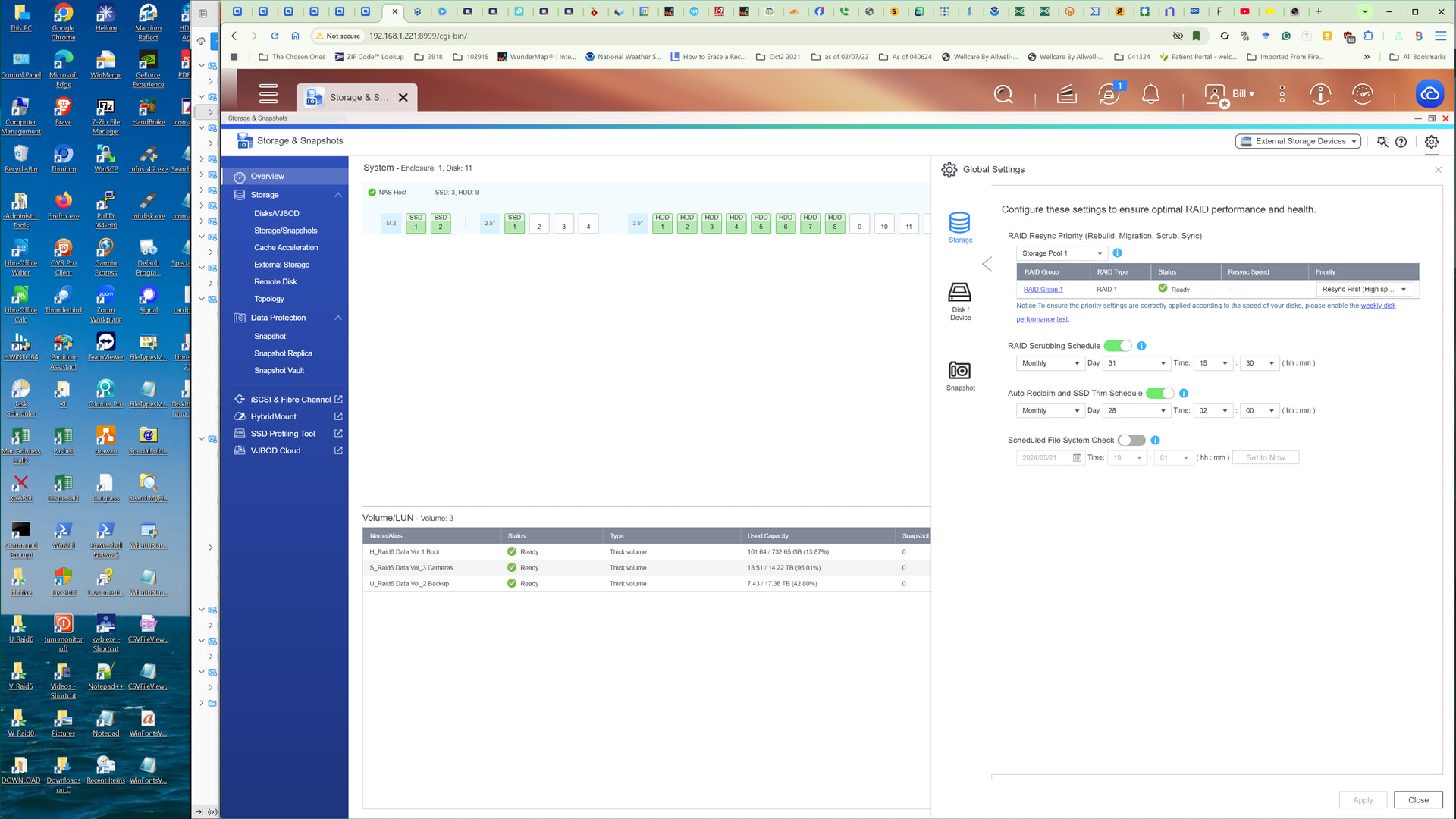
If you prefer a simpler setup, you might consider selecting a Thick Volume and pre-allocating 30 TB. This way, you will still have enough space in the storage pool to utilize the Snapshot feature. Based on your current usage patterns, a 30 TB allocation should be sufficient for approximately five years of use.
Thank you for your response, everyone has been very helpful.