Since my TVS-672XT is now officially dead, I’m looking at investing in a new NAS. I’m looking at the TVS-h874 with an i7, but it does not have Thunderbolt. The TVS-h874T is another $400 more.
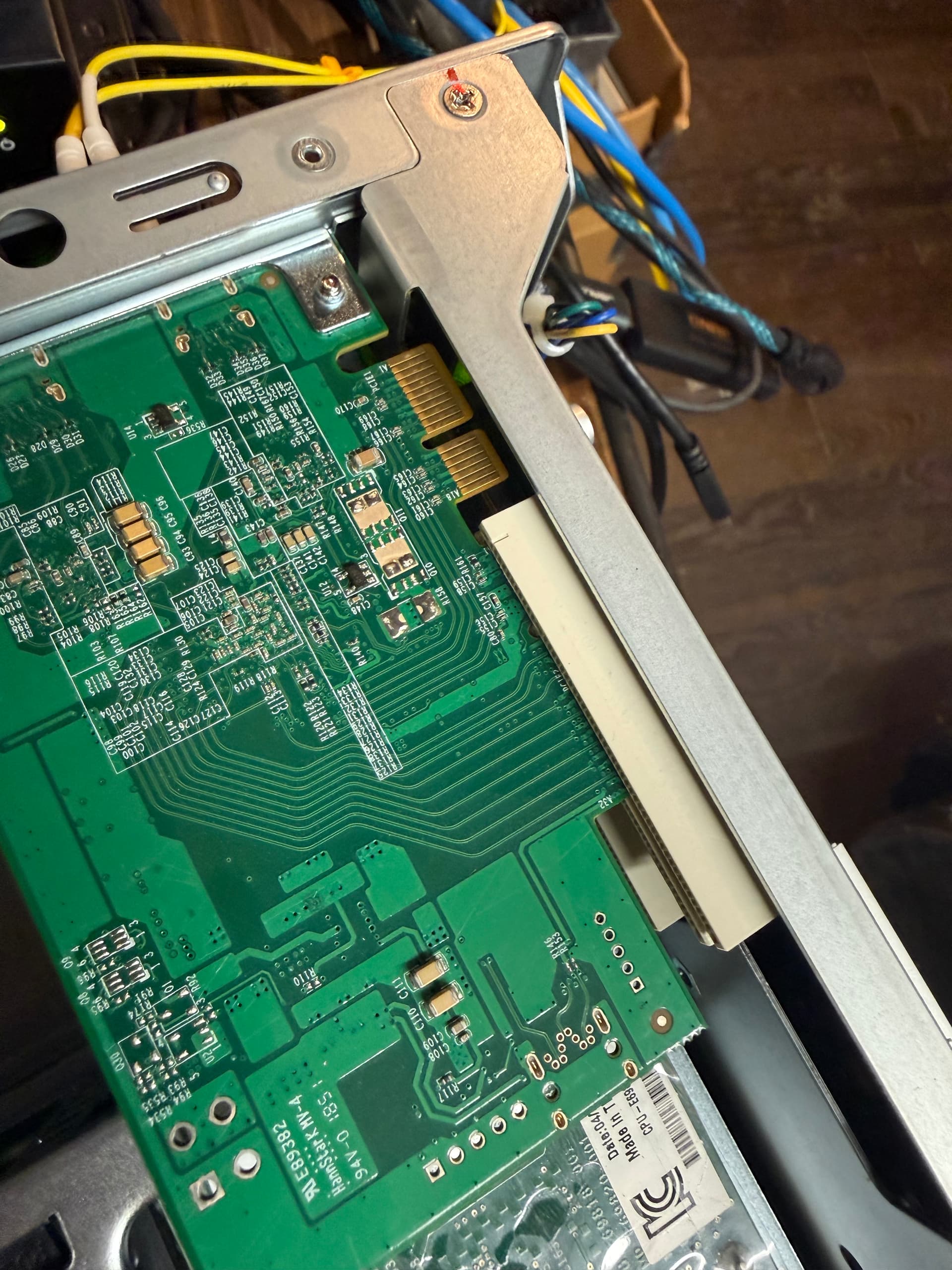
I have the Thunderbolt card I pulled out of the TVS-672XT and am trying it right now in my TS-873A. But there’s some PCI connector differences…
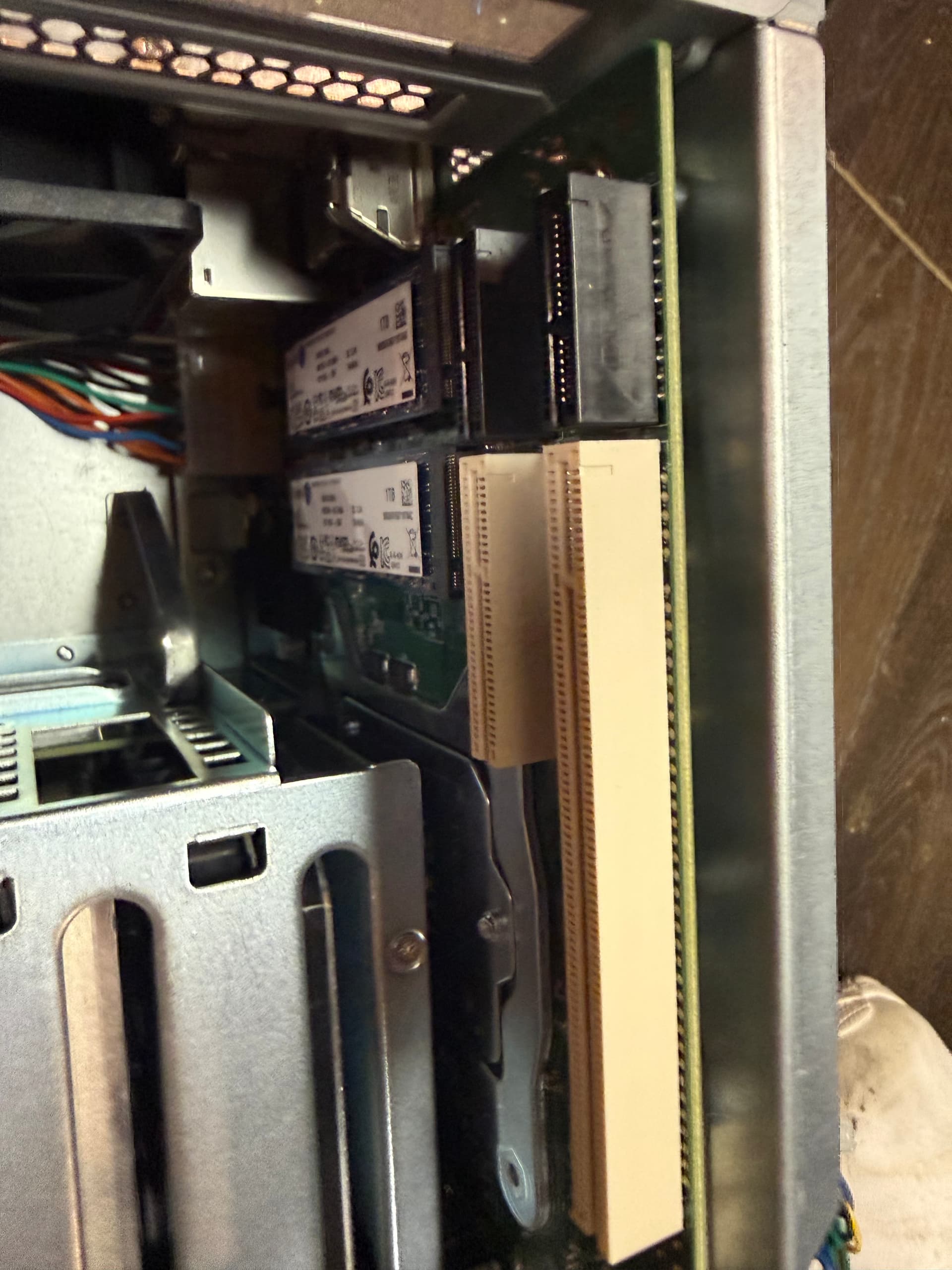
Here’s the TVS-672XT slot. See the black connector in front?
I have never added a thunderbolt card to a regular PC, would it be easier? A quick check on amazon only reveals an Asus card with restrictive mainboard compatibility and a QNAP card.
All my Macs have Thunderbolt. It was really nice to have but I don’t think I need to pay an extra $400 to get it on a new NAS. Was just hoping to be able to reuse the card I already have now.
QNAP doesn’t have a reasonably priced Thunderbolt + 10 GBE NAS. The TVS-x72XT was really a super nice model.
I can get a 10 GBE card for $150. So that’s not so bad.
Thunderbolt needs those extra pins to control hot plug, get the DisplayPort data stream, and talk states to the thunderbolt controller. I’d prefer to see it integrated on the mainboard instead of an add-on card, but I see the usefulness of it. SurfaceDockGuy keeps a running list of add-in cards and the success people have getting them wired into existing mainboards that don’t have the AIC slot. Add USB-C with DisplayPort-alt-mode to your PC – Dan S. Charlton