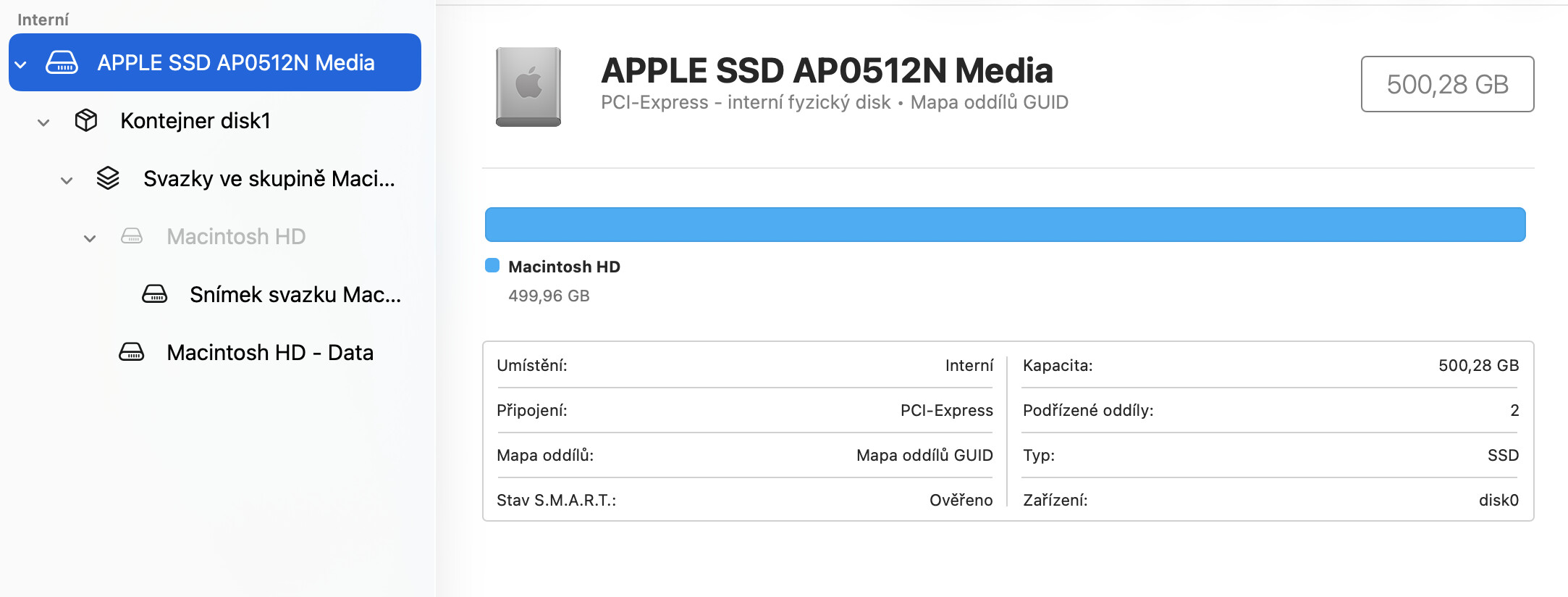
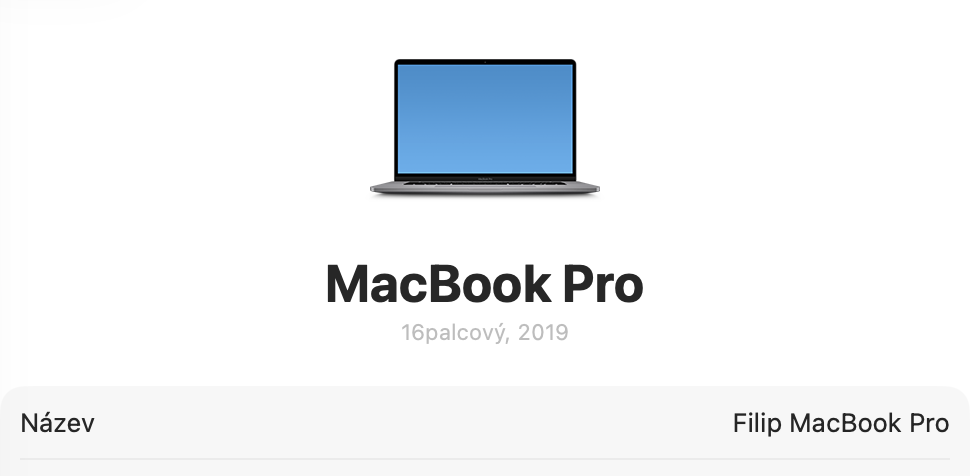
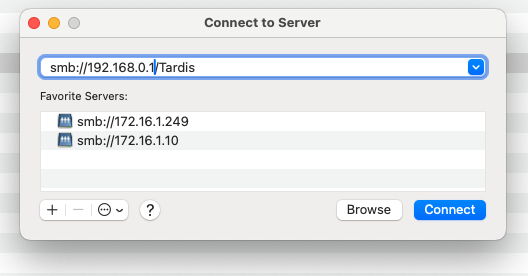
My MacBook is backed up via lan to Qnap TS-435XeU. Since the new macOS, Time Machine doesn’t work. I have tried almost everything to fix it, including delete all back up files on NAS . The NAS is connected, I am able to open any file there. But Time Machine always fails with a message Try backing up again when “Time Machine” is available. Strange thing is that Time Machine creates folders and files, but after while it fails.
I have not changed any settings since Tahoe installation.
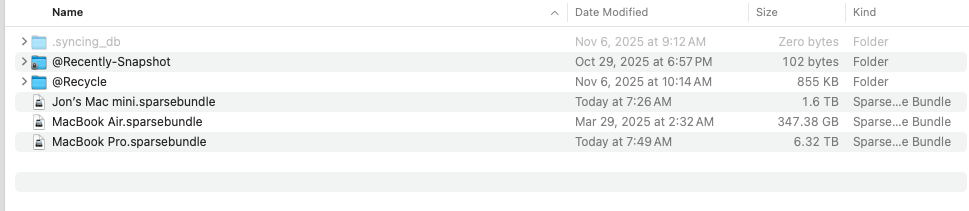
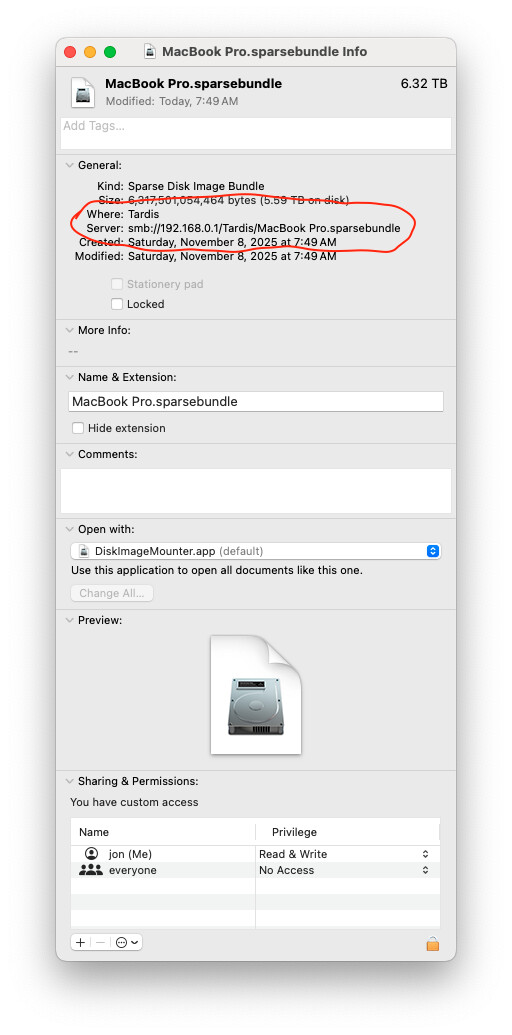
Here is a link to Apple forum, where I put the same question and they don’t know, they said it is Qnap issue. There are also pics of back up files on my HDD.
I’m a huge “Apple fan” but some of the things they do just annoy the heck out of me. I regularly delay installing new OS X updates because of stuff like this.
Apple keeps trying to fix security problems that don’t exist and they make things more and more difficult to work with. Time Machine is just crazy this way. When it works, it works great. But when it doesn’t, you get stuff like this.
Thank you for posting this. I’m definitely going to hold off upgrading now or I’ll first install Tahoe in a Virtual Machine and see what happens.
There was an update to the QNAP SMB service this week which fixed an issue for me with TimeMachine. Have you updated that?
thank you for your answer. I have tried all according this: How to back up your Mac to QNAP NAS using Time Machine | QNAP
So delete the old folder, create a new one with a different name, connect Mac to that folder and start Time Machine again. But it still does not work, same issue. Even I have the newest SMB service 4.15.004.
Hi, this issue has also been discussed on Apple forums and may be related to non-English characters appearing in the file path. This is not unique to QNAP; similar situations have been observed on other brands’ devices.
We are currently testing this internally. If you don’t mind, you can also try making sure the file path only contains English characters to see if it runs smoothly.
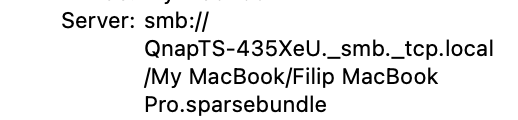
I can almost guarantee you that the apostrophe in Filip’s is causing you problems. I bet if you remove that your issue goes away. Well, maybe not - I have “Jon’s” in my file name but I’m not running Tahoe either. I’ve seen issues with apostrophes before.
Bummer. Is there non-English characters in any of the folder paths? I know I am grasping at straws here. Just trying to see if there’s a major flaw somewhere with file names…
Hi, we can confirm that our internal tests successfully replicated the failure when using non-English characters in the macOS Tahoe path.
However, if you are certain your path contains only English characters, please open a support ticket for us. Our Support Team may be able to provide further assistance after a closer look. Thanks!
The solution is to rename the volume inside the .sparsebundle on your NAS share.. do not change any configuration in Synology SMB or anything else… I explain it here: https://youtu.be/OKt-OC_qAW4