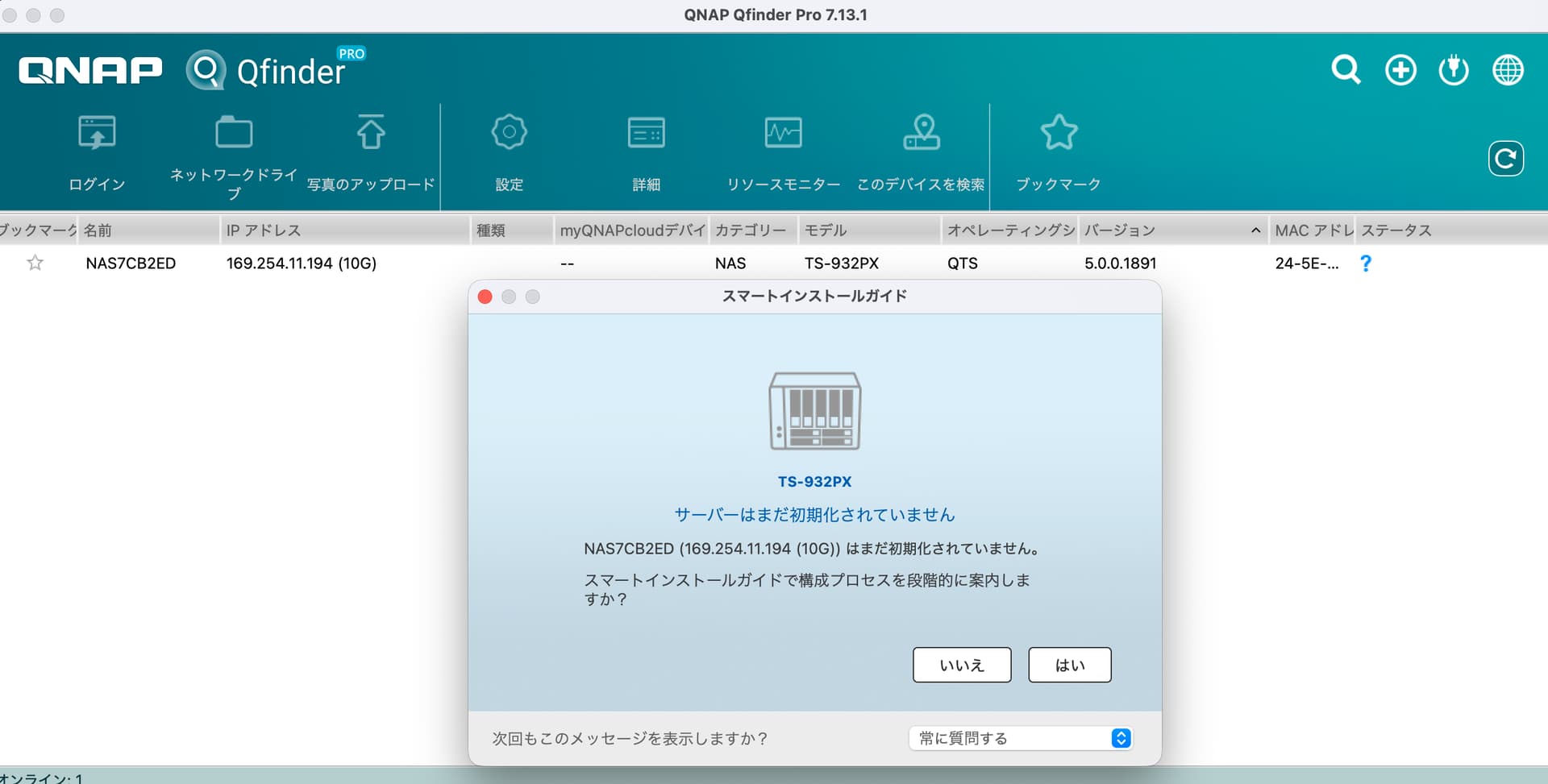
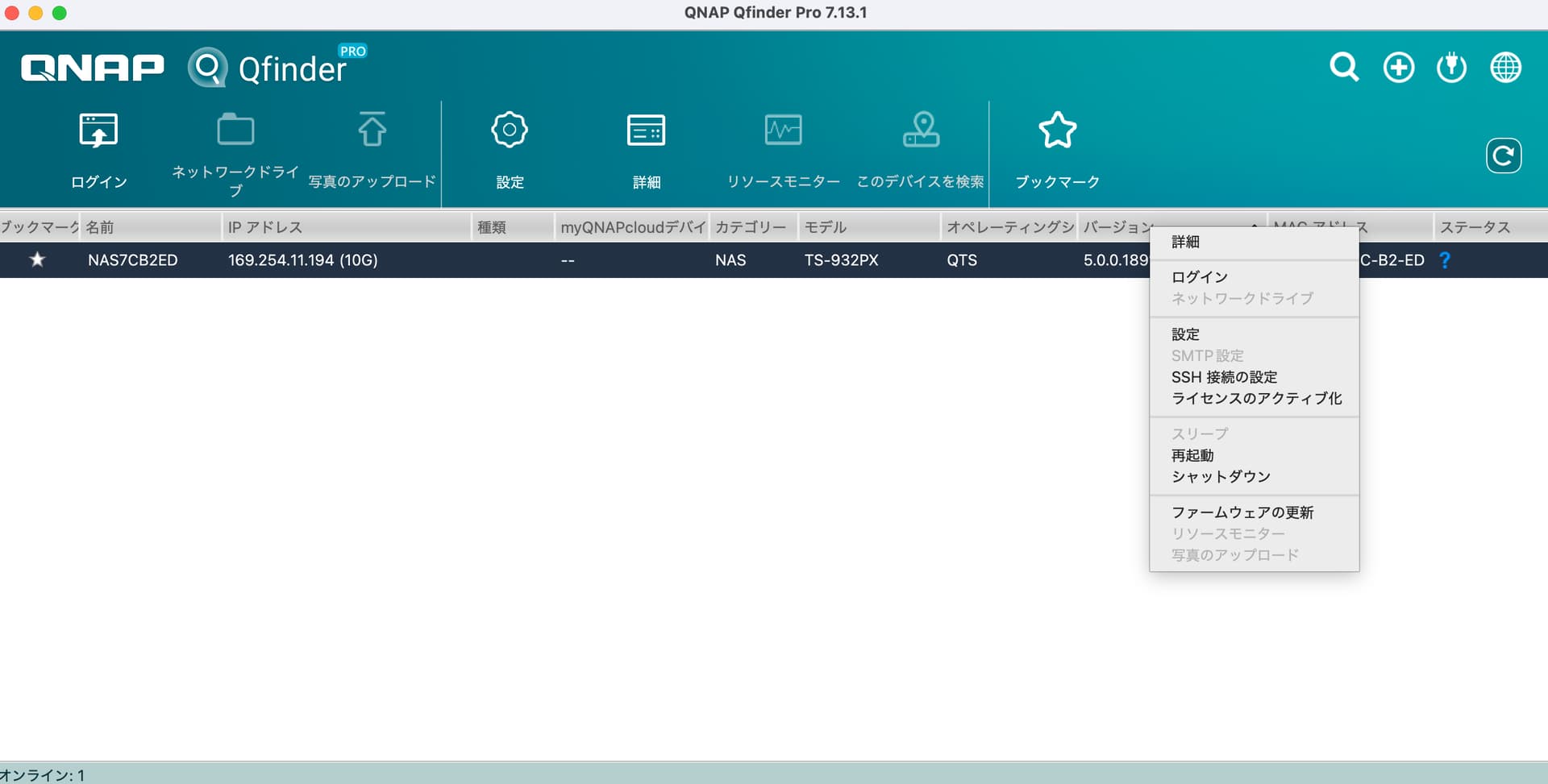
I experienced a momentary power outage, and since I don’t mind discarding the data, I thought I’d rebuild it to get it back to a usable state. As shown in the attached screenshots, AQfinder recognizes it, but even when I click “Yes,” the installation guide doesn’t launch…
By the way, restart and shutdown work, and details run as admin, but everything else gets rejected.
I might be making a basic mistake, but I would appreciate any advice.
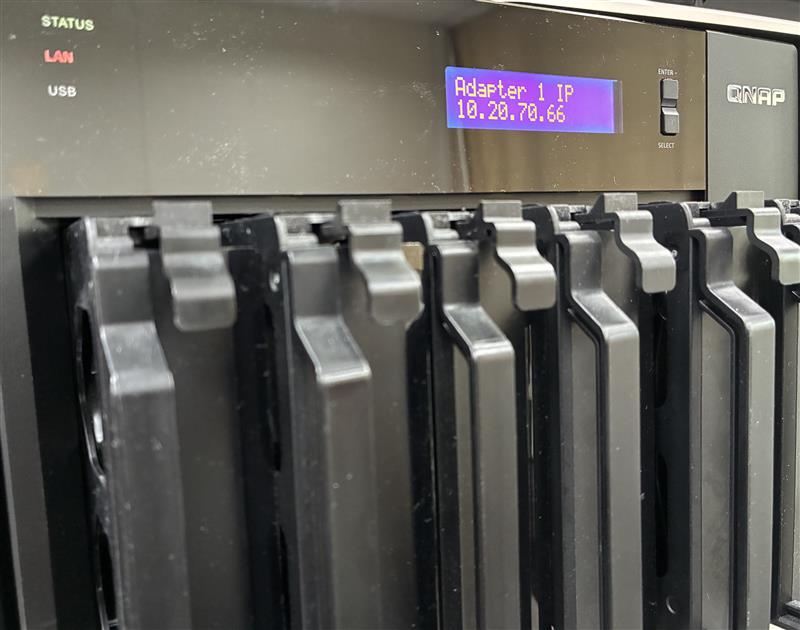
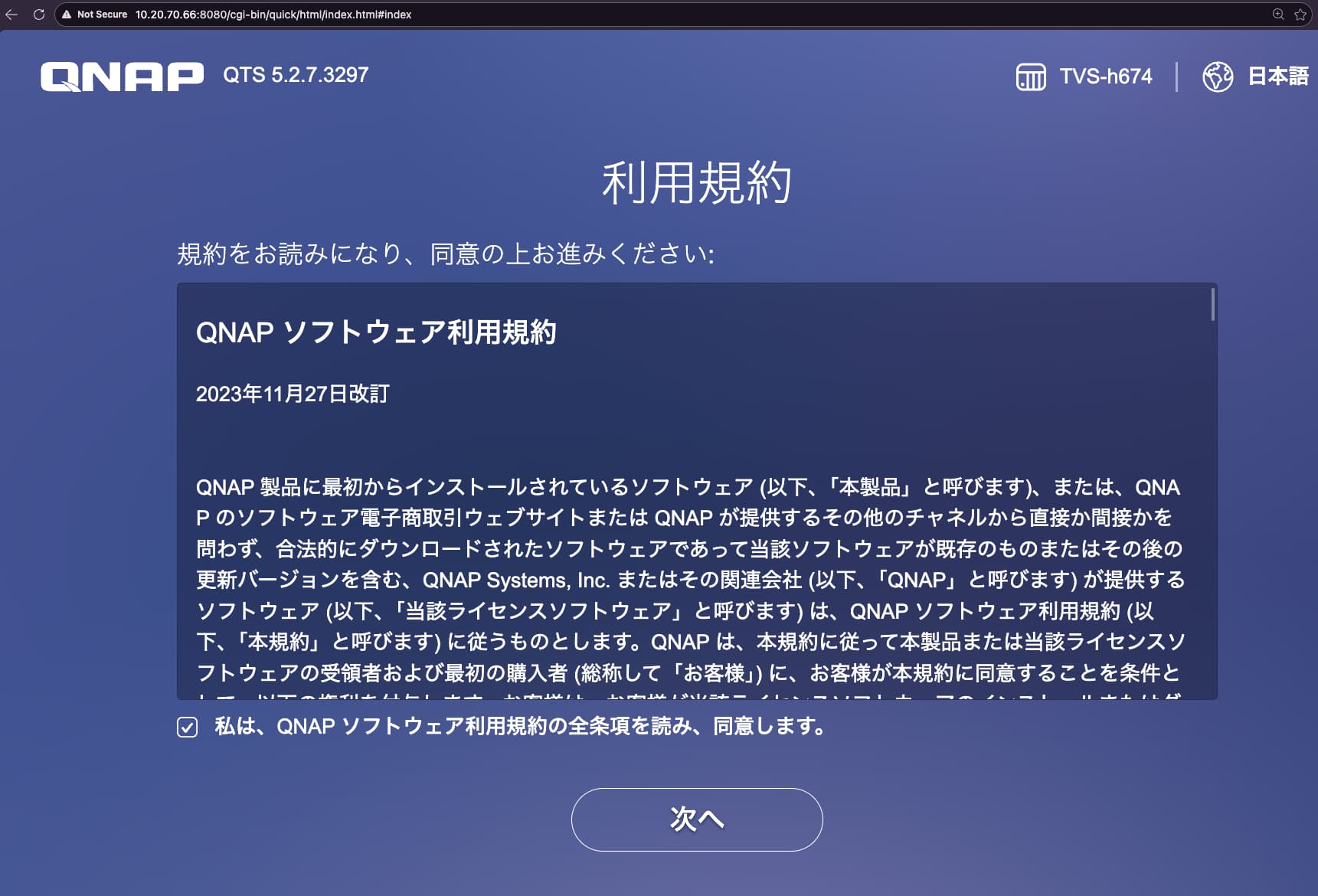
Hi @kontan If you don’t need to keep any data, the quickest and most reliable method is to remove all HDDs/SSDs, boot up with an empty state, and initialize the NAS by accessing it directly from your browser instead of using the Qfinder guide.