Hi @mittsu, when initializing a QNAP NAS, the standard HTTP (80) or HTTPS (443) ports are opened to allow direct connection, enabling users to quickly find the NAS and perform initial setup.
However, once initialization is complete, the NAS management interface switches to a dedicated management port (e.g., 8080 (HTTP) or 443 (HTTPS)) based on the default settings or user configuration. This prevents port conflicts with other services such as web servers or containers and ensures safer operation of the management interface.
After initializing, I was able to log in once.
However, after setting it up and restarting, I couldn’t log in again.
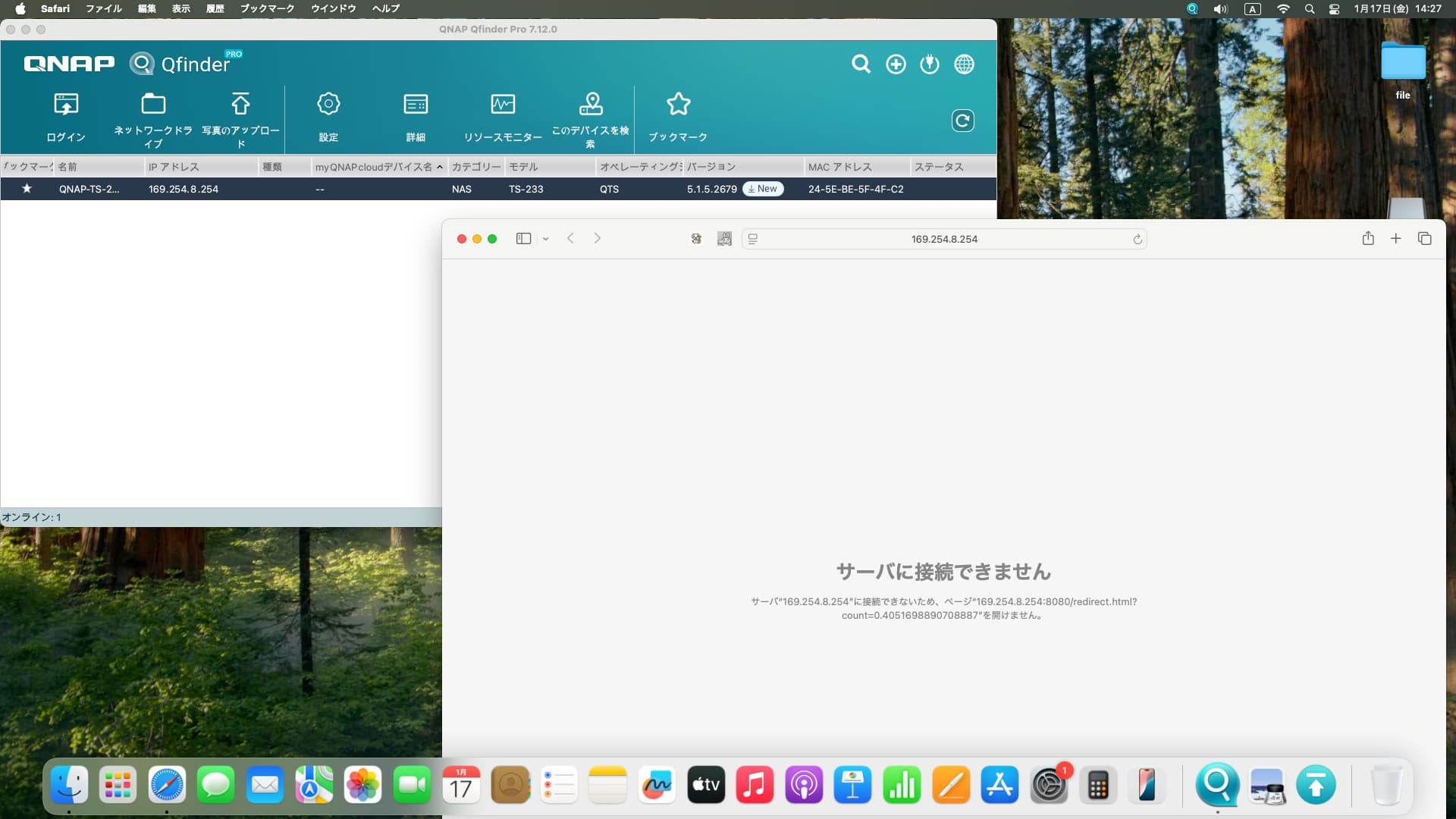
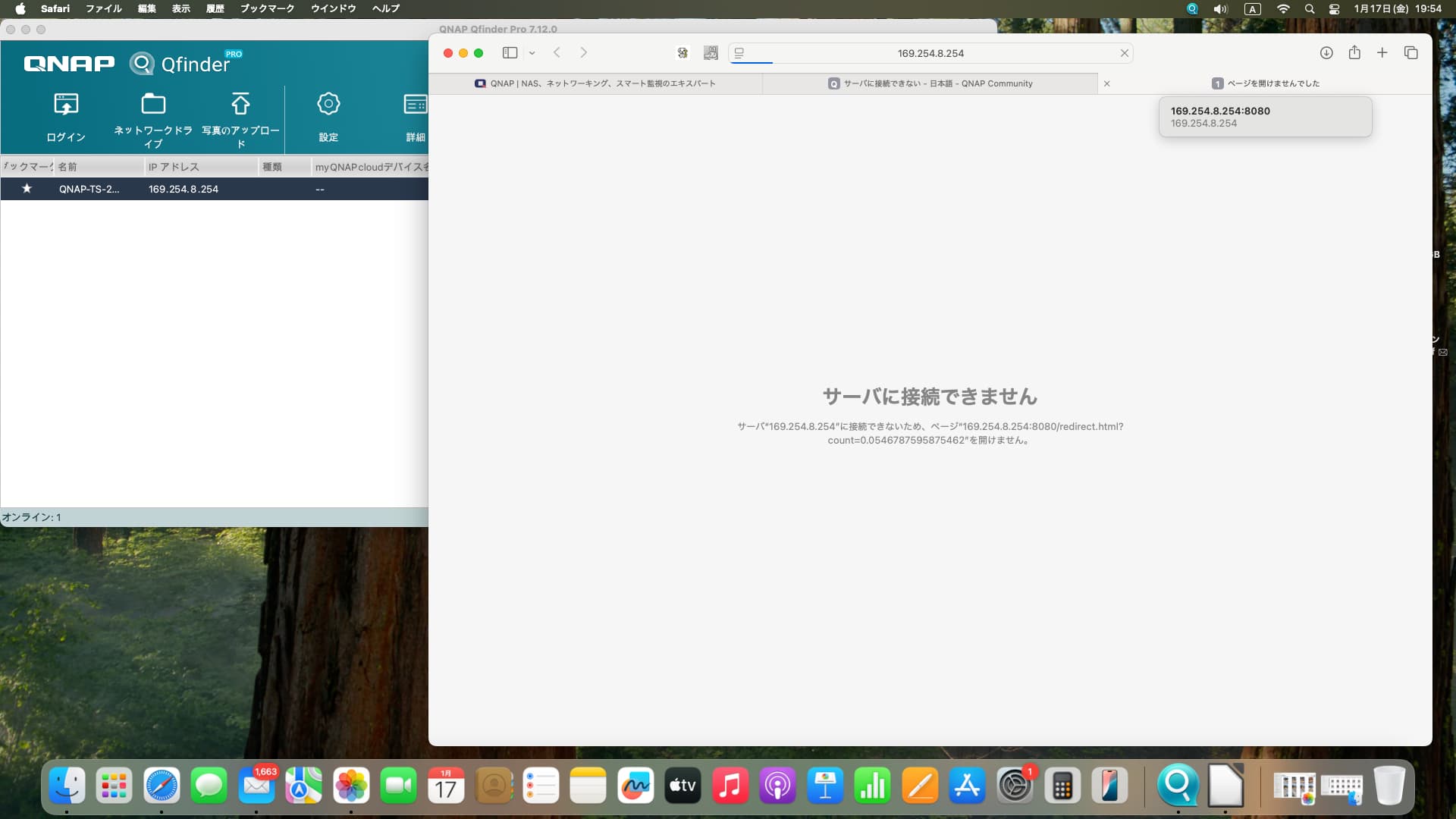
[I tried entering “169.254.8.254:8080”] ← I tried this, but it didn’t work.
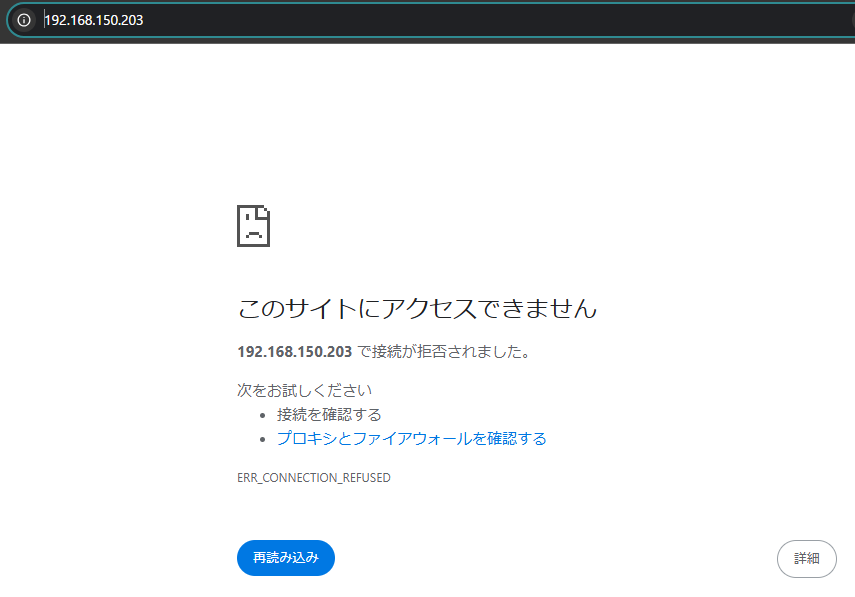
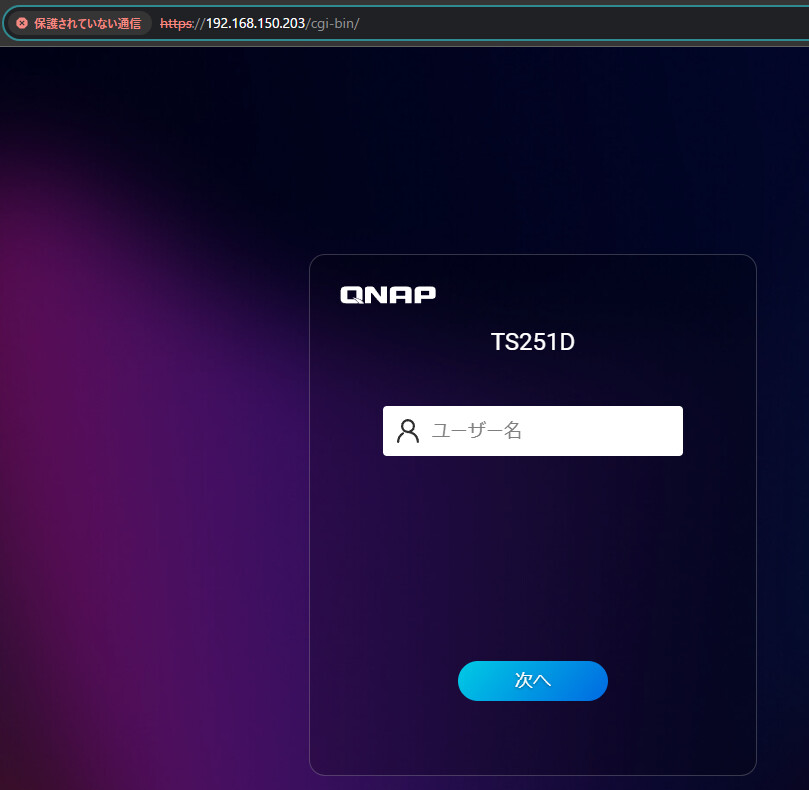
I’m not sure what the criteria are, but sometimes it seems you can’t access it via http, and it’s only accessible through the https port. My TS-251D behaves this way.
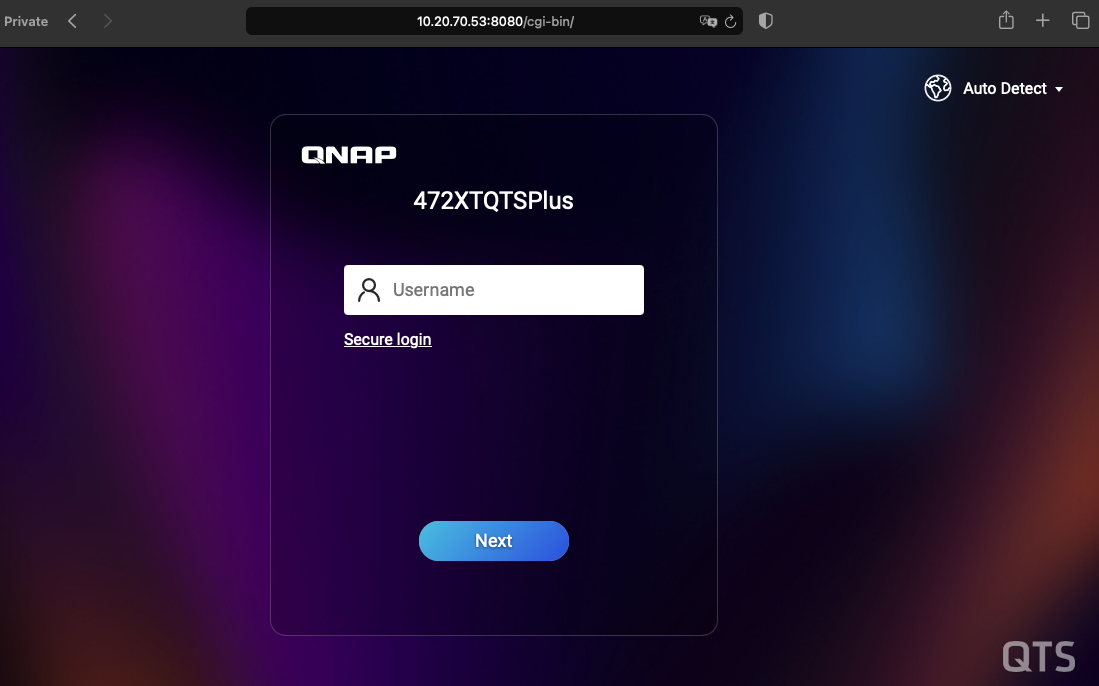
It looks like this.
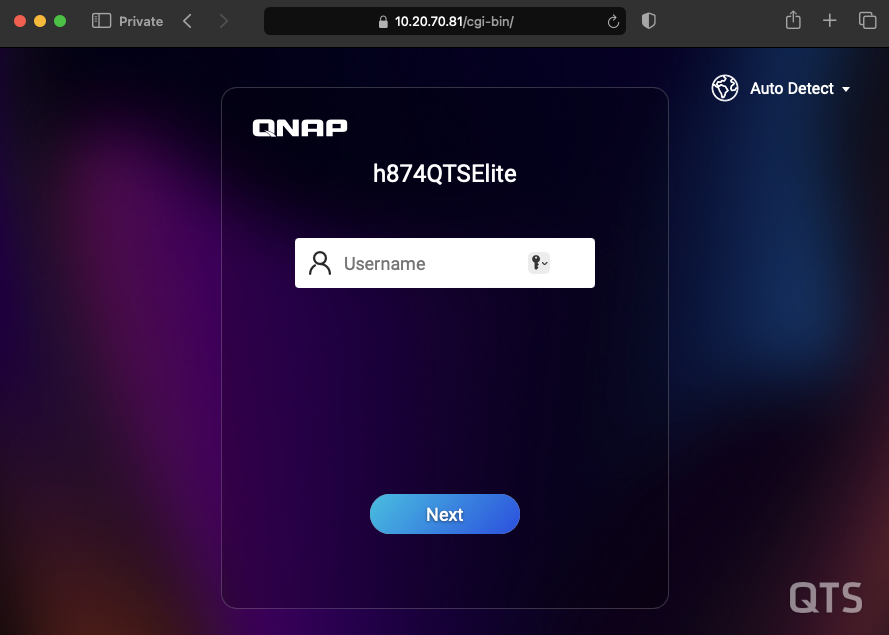
Safari is designed with the goal of simplifying the interface, so the protocol part (http:// or https://) is hidden. Personally, I prefer using Chrome or Edge browsers.
There are two ways to log in to your QNAP NAS from the web:
h ttp://169.254.8.254:8080/
h ttps://169.254.8.254:443/
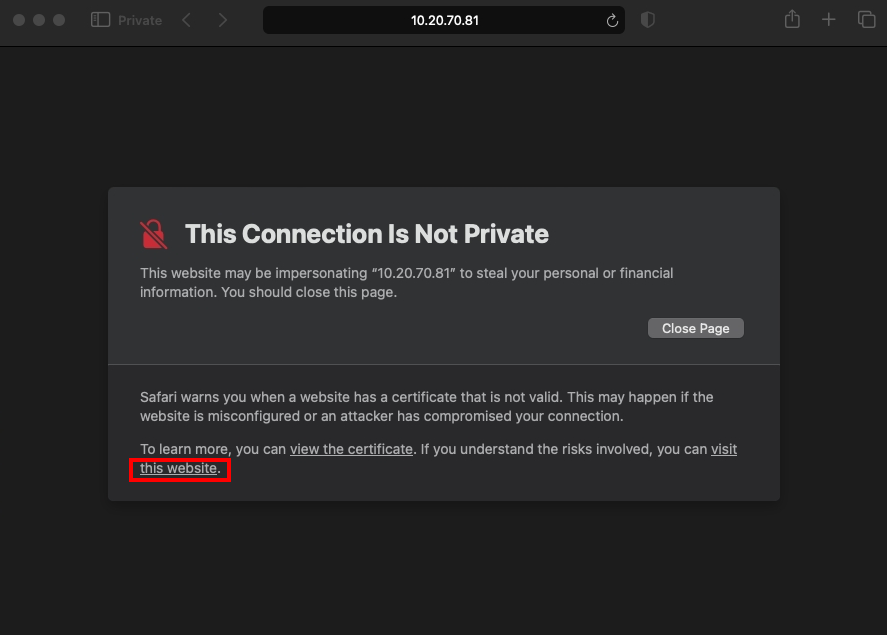
If you use the https method, Safari will display a warning saying “This is not a private connection,” but you can ignore it and proceed to access the page.