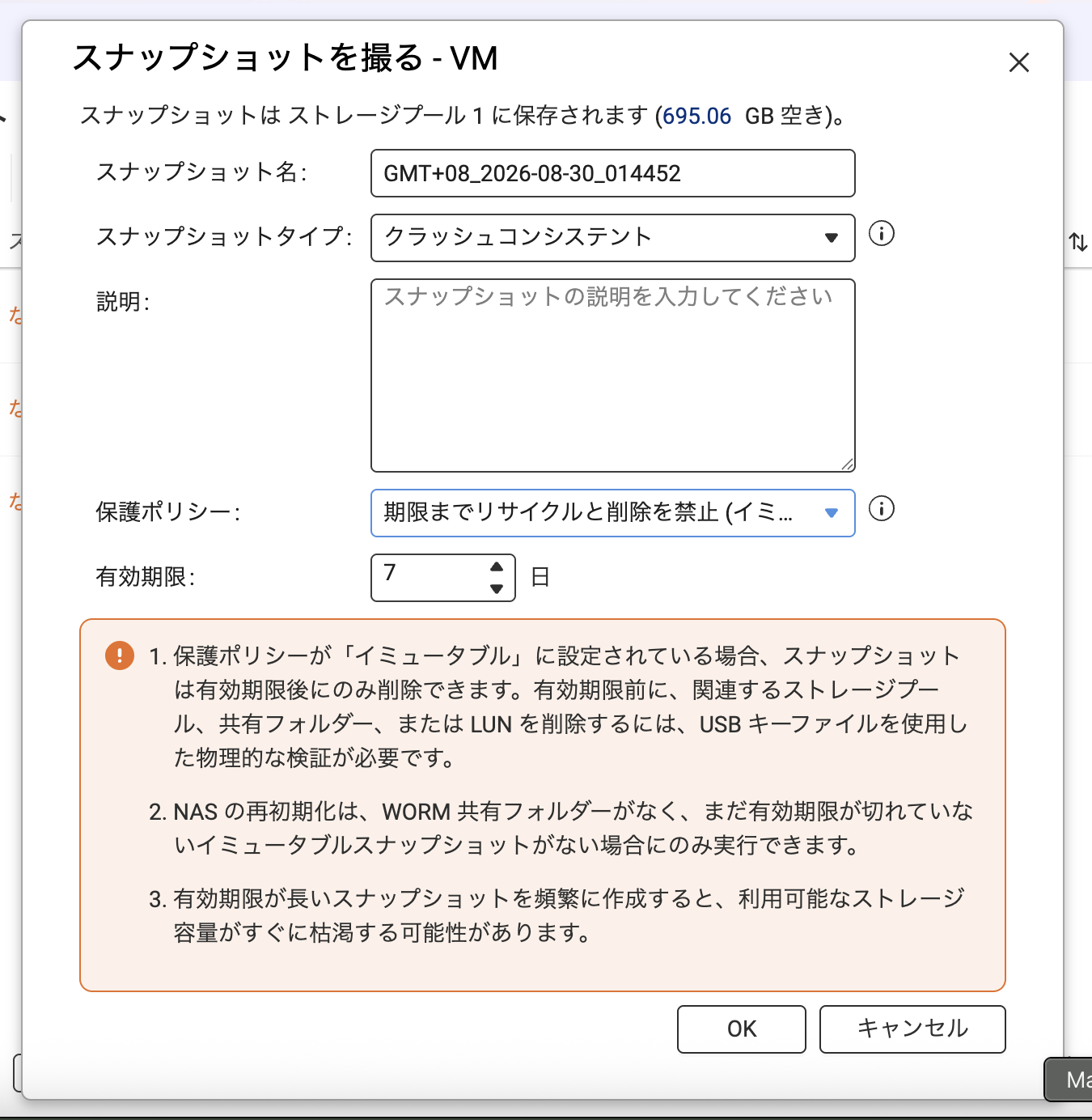
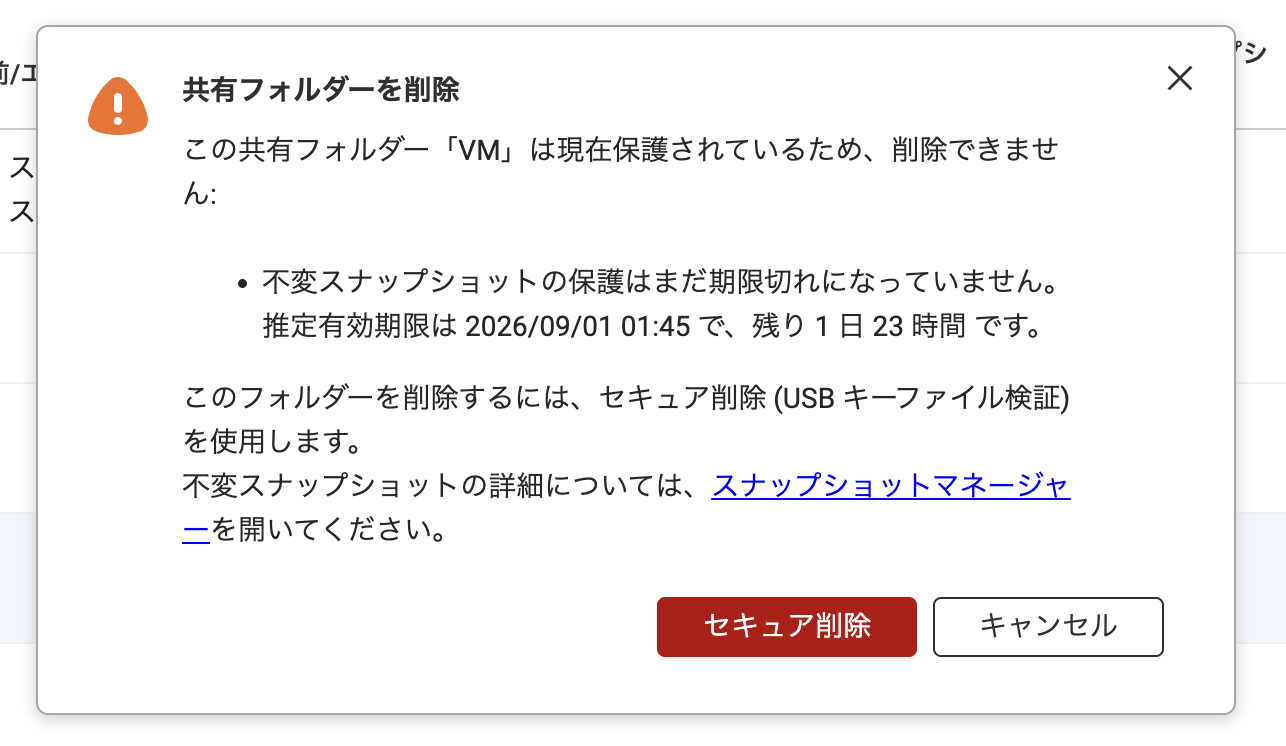
Regarding the Immutable Snapshot feature, we have been considering and planning several adjustments from both design and control perspectives for some time now.
As for your comment about the current behavior where deleting a shared folder also deletes the immutable snapshot, this has already been identified as an issue to address. In future designs, this action will not be permitted. Users will only be able to delete shared folders after either completing a series of safety checks and operations, or waiting until the immutable snapshot protection period has ended.
This adjustment is scheduled to be released around the end of the year. Please stay tuned for upcoming QNAP feature updates.
Thank you very much for your continued support of QNAP.
In addition to making it impossible to delete snapshots with Immutable Snapshot, I understand that deletion of Volumes (shared folders) and storage pools during the prohibited period will also become impossible around the end of 2026. Has there been any update on this situation since then?
Whether or not we can propose this to the customer depends on this matter, so please advise.
Sorry for the late reply. This feature was added in QuTS hero h6.0.2. From now on, to delete areas from unchangeable snapshots, you will need physical verification via a USB storage device, ensuring the operation was performed by the NAS owner. Even if you know the password, you cannot make changes.
@OliverLam
Thank you for letting me know about the feature implementation. I tried it out right away on a test machine.
I confirmed that as long as there’s an immutable snapshot within a period, it’s not possible to delete the volume (shared folder) or the pool.
However, for immutable snapshots synced to a second NAS via SnapSync, after disconnecting and deleting the SnapSync relationship, it’s possible to easily delete snapshots and shared folders from the second NAS without being prompted for a USB key file.
Is this intended behavior? It seems like the implementation is incomplete.
We’re currently planning optimizations that will allow Snapsync to synchronize immutable snapshots to another device while maintaining the same immutable state. To ensure QNAP products continue to provide the most reliable and secure storage features, we’ll keep improving this functionality. Thank you.
Thank you very much. I’m really looking forward to the implementation of this feature.
I hope it will be a feature similar to NetApp Tamperproof Snapshot + SnapMirror.