I would like to submit a feature request that is relevant for many compact NAS setups:
Background / Benefit
Many QNAP NAS devices (e.g., TS-473A) have two PCIe slots that should ideally be used together, for example:
GPU for transcoding/VM/container +
QM2 (NVMe cache/storage) or 10GbE
In practice, this often fails due to dual-slot GPUs, as the second slot is mechanically blocked. A single-slot low-profile RTX 3050 would be ideal here.
Even on larger NAS units like my TS-873A (yours but 4 more drive bays) that I would not call “compact”, the dual-slot GPUs still take both slots. It’s a real pain and you can only put the GPU in the top slot as the lower slot is not long enough. It has part of the metal housing blocking the edge of the GPU card.
Now, that said, I found the GPU to really be of questionable value. Yes, you can transcode video more quickly. But these days, I don’t find much of a need to transcode video. Everything I have plays either 1080p or 4K video and I generally don’t like to watch SD content, so how much value is there in transcoding? Sure you could use the card for a VM or Container, but in that mode it is dedicated and you can’t use it for anything outside that VM/Container.
And don’t get me started on HD Desk Station. If QNAP had “good” apps for that, then maybe - but the apps are just awful and about 10 to 15 years too old…
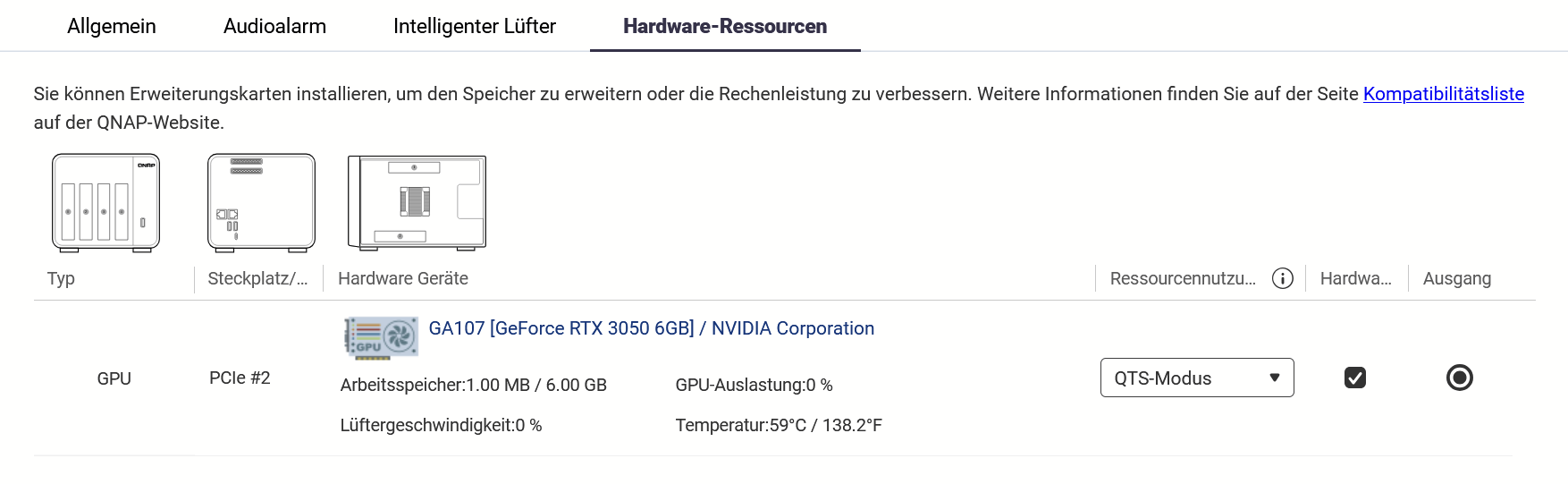
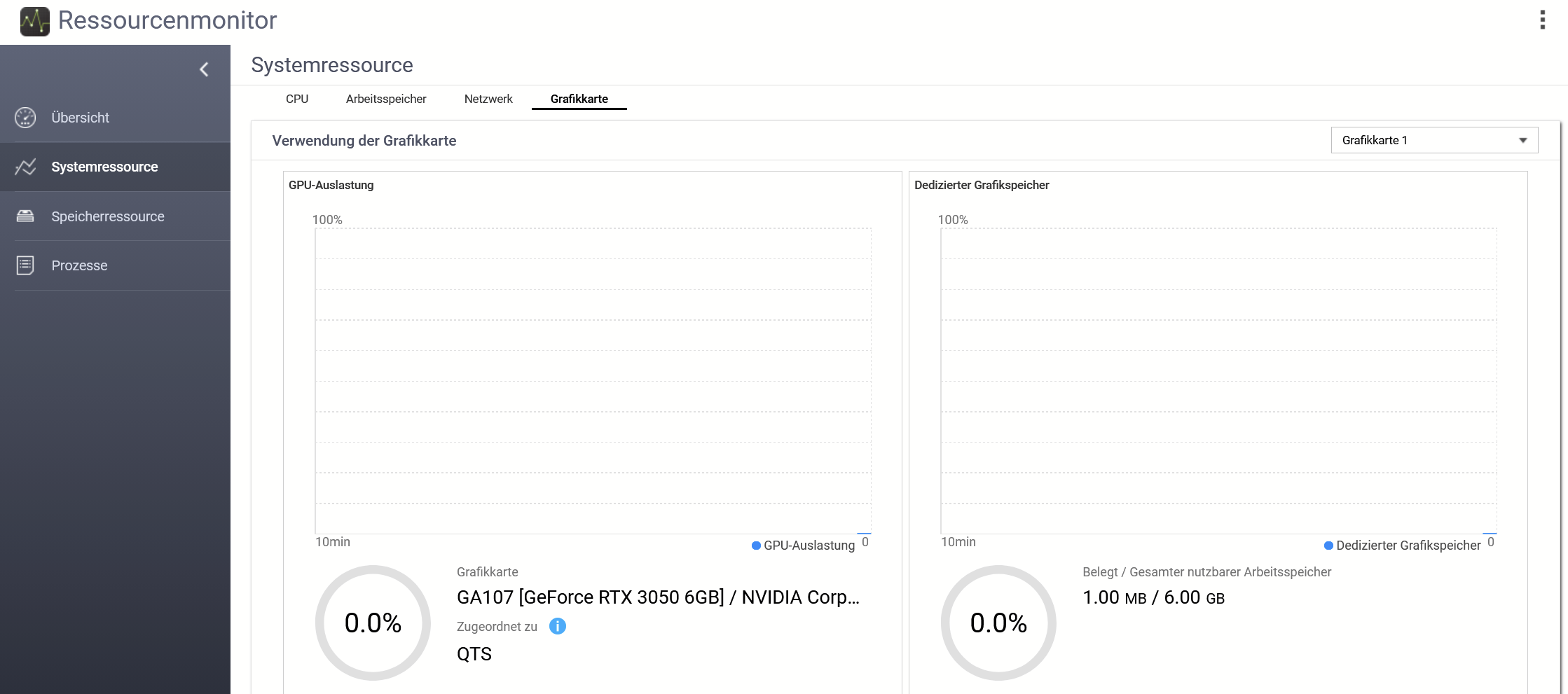
So if this card is recognized like you show, I believe it is working. Generally you will see very little activity on the GPU. You would need to be transcoding video to see if there’s activity being done on it.
If you connect an HDMI cable to the output - what do you see on a display?
Thank you for your inquiry. Generally speaking, if the device is recognized by the system, it is likely functioning. As NA9D suggested, you may try performing a video transcoding test to verify its performance.
However, please be advised that as this specific card is not on our official compatibility list, we cannot guarantee 100% stability or full functional support. We recommend relying on your actual testing results. Thank you for your understanding!
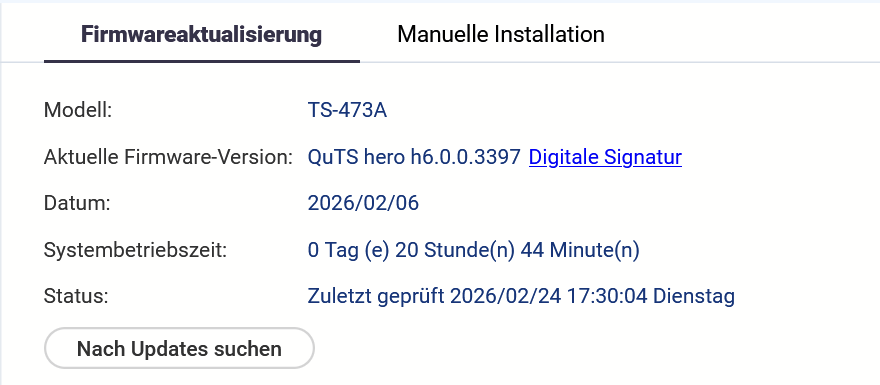
Did this work before the upgrade to 6.0? I have not tried the beta 6.0 as my NAS has too much production stuff running on it. But I have had a Yeston 3050 6GB in my H1288X (slot 2) now for about a year with no issues. I’m currently on the latest QuTS-Hero 5.2.x release, but like I said, I’ve had it in there for about a year. I am running it in Container Station mode, I use it to run ML processing in my containers. I have a separate AMD RX580 in Virtualization Station mode passed through to a server for GPU acceleration purposes (slot1). I have the Intel X710 dual 10Gbe adapter in slot 3.
@heymrdj How did you manage to get the card working in Container Station? I also have a 3050 (**GIGABYTE GeForce RTX 3050 OC Low Profile 6G)**NAS TS-673A QTS 5.2x. The card transcodes, but after a while of inactivity and when I see it in the system, the containers are no longer able to use it. I specifically use the jellyfin 10.11.8 container and the latest Nextcloud, where I wanted to transcode using go-vod in Memories. Restarting the Container Station, or the entire NAS, helps. Then it works again for a while. I have a ticket with support, but they requested the possibility of remote connection, but nothing has happened for 3 days.
That sounds like some sort of different issue, like the card is dropping out under load. When I was trying to sort my container setup originally, I could not get the card to show up to the container at all. Once I figured out how to do it in Docker, then it’s just worked since then. Besides the odd firmware update that has trouble with the Nvidia GPU update post reboot and I have to do a second reboot to get the card online after the update. Mine shows up as GA107[GeForce RTX 3050 6GB]/ NVIDIA Corporation in Hardware Resources, and it’s running in Container station mode. The slot it is in is a PCIe 3 4x slot like yours should have. I don’t use Jellyfin, so I’m not sure about that particular workload. I do manage my containers with Portainer as I found using Container Station to assign a GPU to be a major headache. I have the YML in my container as follows:
I thought about, that this seems only possible with an external power supply. Do you supply your card with an extra power supply? Since you mentioned, that the card is dropping out under load.
 . However, it is not supported by the driver. At least it is recognized.