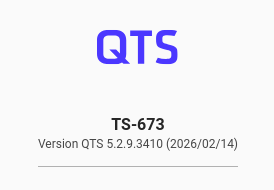
Am I alone to have problems with Nvidia cards updates ?
For more than 2 years now (and many tickets open to QNAP), still got issue during each system updates.
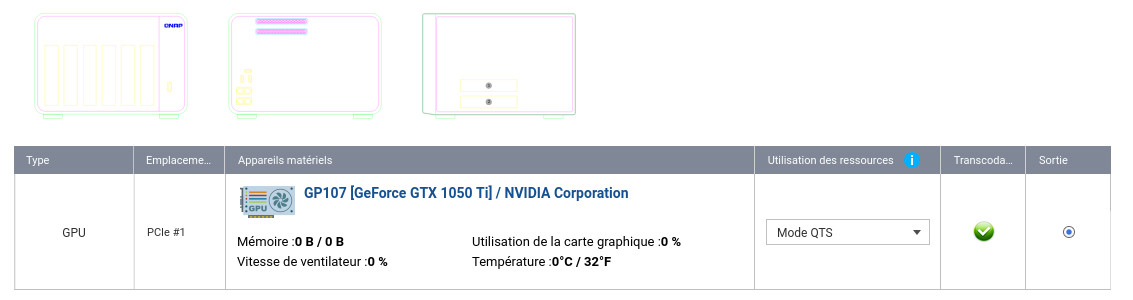
1st I had to manually update GPU Nvidia kernel and reboot. (no more automatic install for the last 2 years, it got to works fine before), and the more important, no monitoring available for the GPU card… see here after.
I will not open tickets for that anymore !
Do you have any solution for that (any manual tip will do) I can apply for each system/kernel update ?
Cheers,
Bruno.
Original message asking for manual update…
“[Hardware Status] Failed to automatically install the driver: NvKernelDriver. The GPU is not functioning. Check the internet connection and manually install the driver through App Center or download it from the QNAP website.”
Our internal team is currently reviewing your support ticket, but we have not been able to reproduce the issue you encountered so far. We will continue to investigate and work towards a resolution. Thank you for your patience and support!
Reading my last ticket on the subject, it’s look like this problem is due to the automatic driver installation that failed (script?).
[Hardware Status] Failed to automatically install the driver: NvKernelDriver. The GPU is not functioning. Check the internet connection and manually install the driver through App Center or download it from the QNAP website.
Then from my last ticket, I have re-apply the same “manual solution” (after the NvKernelDriver installation) :