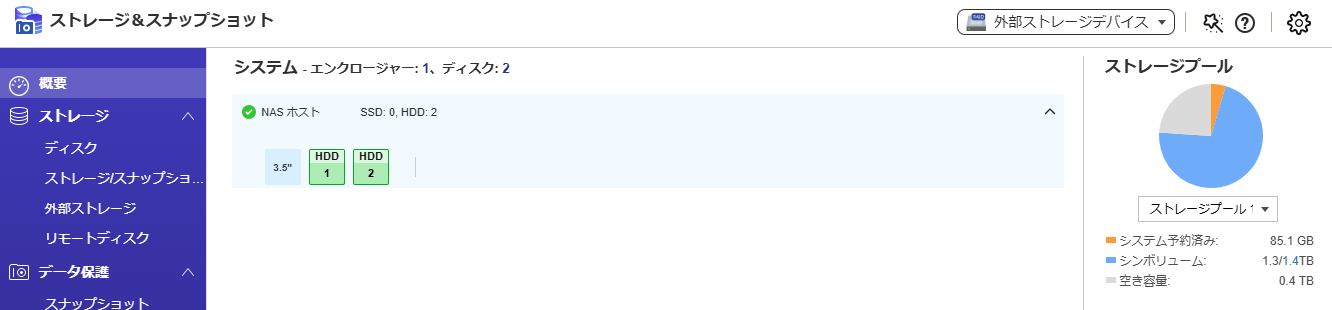
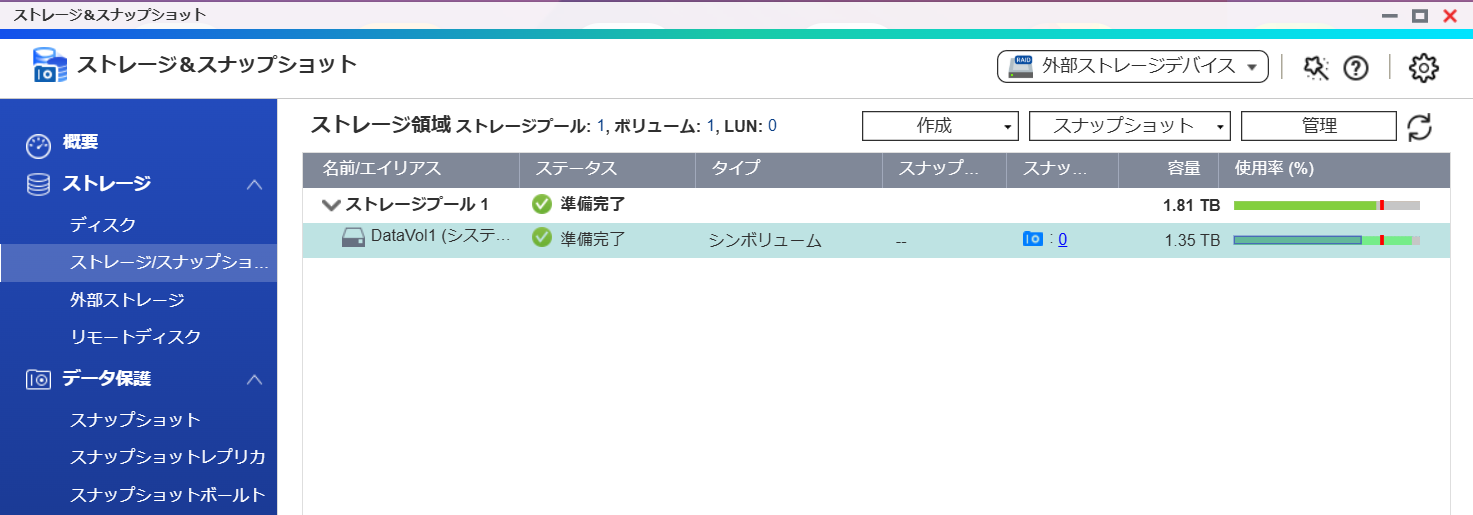
When I first bought it, I had no knowledge and just initialized it to use, but I noticed the available space was unusually low (2TB). It turned out that snapshots were taking up a lot of space.
Since I was backing up to another HDD, I honestly didn’t need snapshots, but I found out that to stop using them, I would have to initialize the NAS…
It’s quite a hassle, but I decided to go ahead with the initialization.
The steps are as follows:
Backup current files. There are two accounts, so I will do a full backup from each account to an external HDD.
Initialization
Do not use snapshots.
After initialization, restore the data to each account.
Is this the correct way to proceed?
My concerns are:
I’m worried whether I can back up all the data (especially photos) without missing anything.
When syncing photos with my iPhone, will they be backed up to Qumagie twice?
By the way, the past two years’ photos are on my iPhone, and the past ten years’ worth are stored on the NAS. I’m concerned that the two years’ worth might end up being duplicated.
I’ve had quite a painful experience with this synchronization before, so I want to make sure I don’t make any mistakes.
Sorry for the trouble, but if you have any good advice or points to be careful about, please let me know.
Thank you very much for your continued support.
We appreciate your inquiry.
After reviewing your situation, we have determined that it is not necessary to initialize your NAS.
By deleting snapshots and disabling the snapshot feature, you can resolve the storage capacity issue.
Please note that when uploading photos from smartphones, on iOS devices, due to the generation of reduced-size images or changes to the mtime (modification date), the same photo may be uploaded again. On the other hand, this phenomenon is less common on Android devices.
Therefore, we recommend deleting and disabling snapshots instead of reinitializing the NAS.
We are currently preparing a guide and FAQ that you can refer to for detailed instructions.
If you are in a hurry, our support team can also assist you with deleting and disabling snapshots.
We previously communicated through a support ticket.
As a result, I was told that it cannot be completely deleted unless it is initialized.
Therefore, I would appreciate it if you could provide instructions on how to back up before initialization and the steps for initialization (without using snapshots).
Thank you very much for your continued support.
We sincerely appreciate your detailed explanation.
We are currently preparing the relevant SOP (Standard Operating Procedure) at our company.
Once it is ready, we will provide it to you for your reference.
Additionally, in order to accurately confirm the current storage configuration within our company,
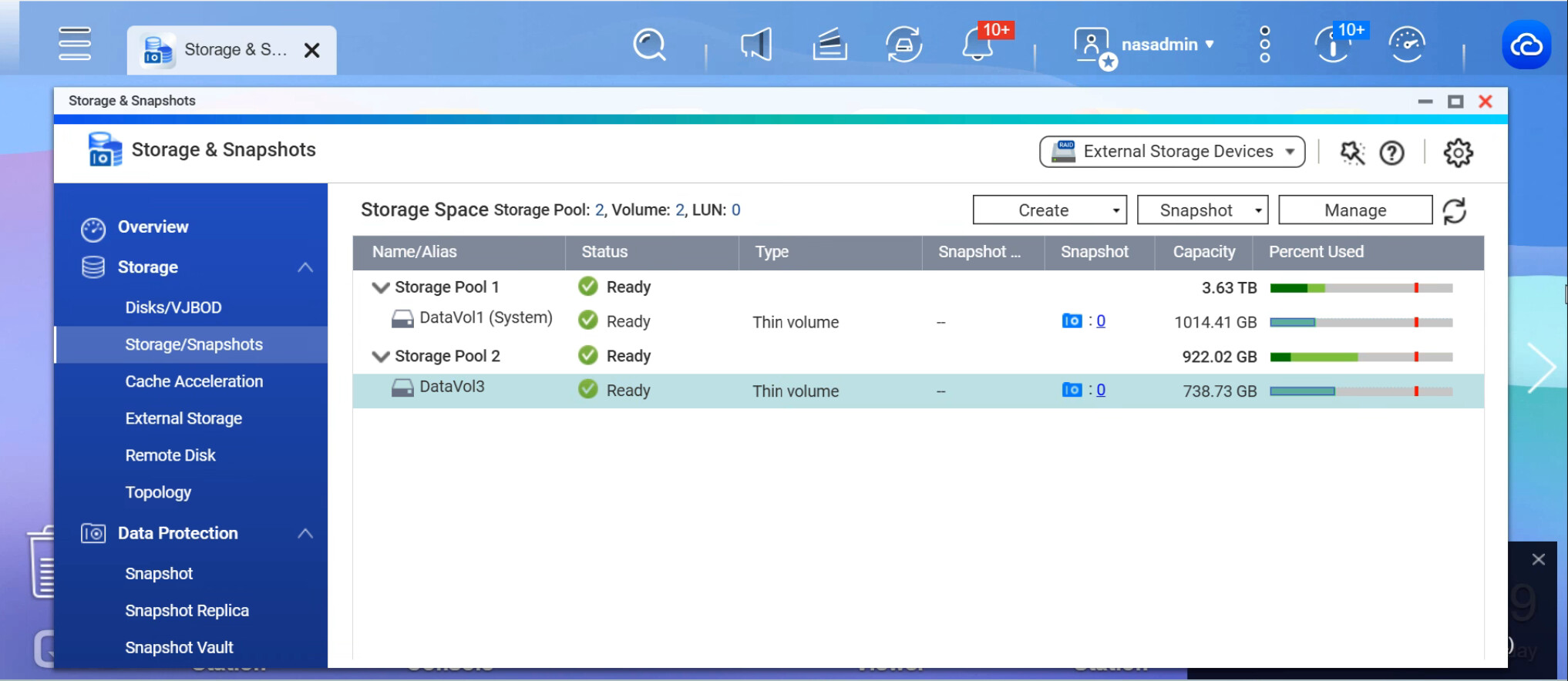
we kindly ask you to provide a screenshot of the Pool and Volume sections on the “Storage & Snapshots” screen.
The image below is an example. We would appreciate it if you could attach a similar screenshot for our reference.